 14 DAY TRIAL //
 Google has been pushing hard in the mobile space with its Android operating system for smartphones, which is now mature enough to tackle the best phones out there. The devices running Android are also getting more competitive especially with the new Motorola Droid announced today. But being just as good wasn't going to allow Google to take the iPhone's crown; what it needed was a big feature that the Apple phone lacked and it may have finally arrived today with a full blown GPS navigational system powered by Google Maps.
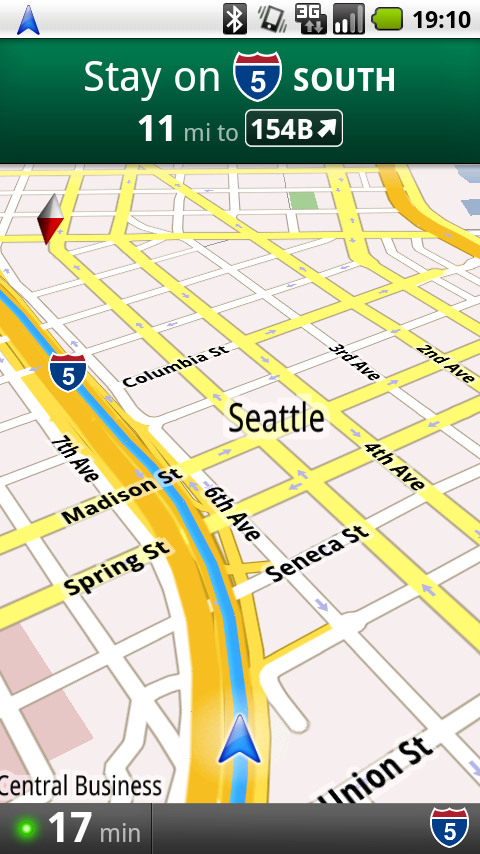
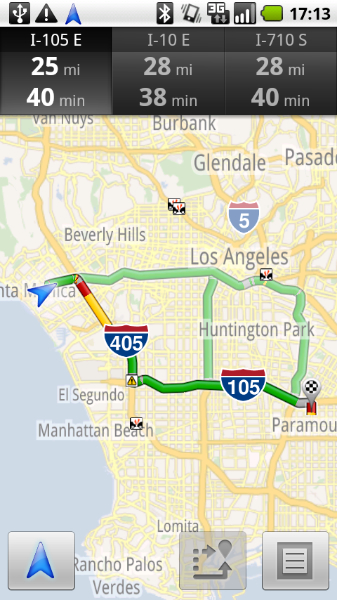
“Today we're excited to announce the next step for Google Maps for mobile: Google Maps Navigation (Beta) for Android 2.0 devices,” Keith Ito, a software engineer at Google, said. “This new feature comes with everything you'd expect to find in a GPS navigation system, like 3D views, turn-by-turn voice guidance and automatic rerouting. But unlike most navigation systems, Google Maps Navigation was built from the ground up to take advantage of your phone's Internet connection.“
Google Maps has been very popular for mobile phones and rightfully so, a mapping service is right at home on a mobile device. But the navigational service launched today, dubbed Google Maps Navigation, is taking it to the next level by taking full advantage of everything Google has to offer.
Unlike most GPS devices or applications, the Google app gets all the mapping information from Maps meaning that it is constantly updated and improved. Along with the mapping data, Google Maps Navigation also pulls business directory listings straight from Google, again leveraging one of the company's assets to offer features that most competitors couldn't.
The interface also has some unique features that its years in the search business have made possible. Navigating to a location doesn't require an exact address, instead users can search for the place using its name or any piece of information related to it and Google will figure out where they want to go. What's more, with the voice search feature, users don't have to type anything, a welcomed addition, as typing on a phone isn't exactly the funniest and easiest thing to do, especially in a car.
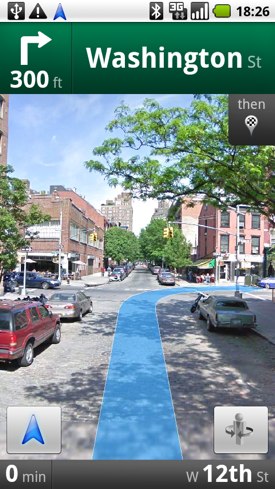
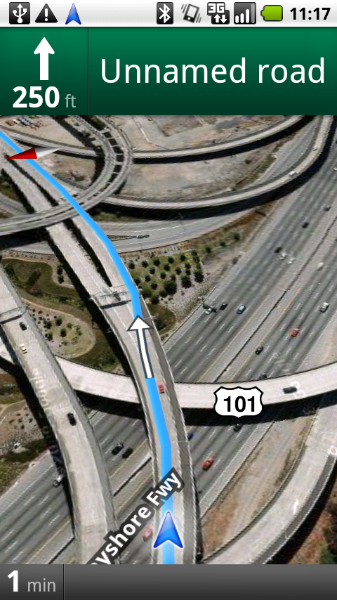
For the actual map view, the search giant also digs deep into every aspect of Google Maps to bring unique features to the app. Besides the usual graphical map and 3D views, Maps Navigation also features a Satellite view and, even more interesting, Street View images. Google Maps Navigation will be available for all Android 2.0 phones and, in true Google fashion, it will be completely free.