 14 DAY TRIAL //
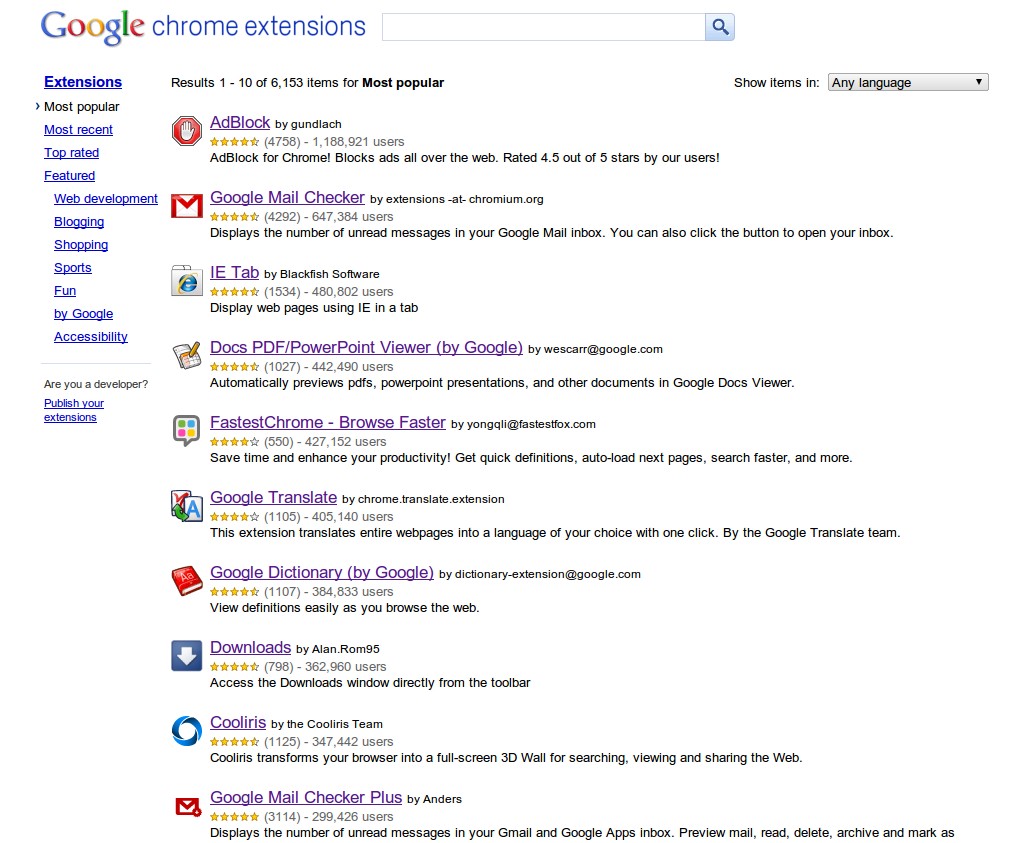
 Google is working on an app store for the web. The Chrome Web Store is very close to launch and Google wanted to make sure that developers know the differences between web apps and extensions since both will be available in the Chrome extensions gallery which will become the Web Store.
"Many of you have also asked about how extensions and apps differ, and how apps can leverage extension behavior," Michael Mahemoff, Developer Advocate at Google, wrote.
"To answer these questions and more, we’ve published a new article to help you decide between building extensions and building apps," he announced.
The help article runs down through the differences between apps and extensions and how to know which one to build.
The main difference, Google says, is in their scope. Summarizing it, web apps are designed to offer a rich experience and provide features and services specific to the app.
Extensions, on the other hand, enable developers to 'extend' the functionality of the browser and are generally designed to work for all websites or independently of the pages the user is visiting at any given time.
"There’s no 'better' approach here; apps and extensions are simply different creatures," the article explains.
"[Apps] are just how they sound: applications you can run inside your browser with a dedicated user interface and, typically, rich user interaction," it continues.
"Extensions also provide functionality, but unlike apps, there is little or no UI component. Instead, they extend the functionality of Google Chrome and the websites being viewed in it," it adds.
For the developers, apps and extensions are actually more alike than it would seem. Both types come packaged as CRX files, basically just ZIP archives containing a number of required files. The internal file structure is also very similar.
The only big difference, Google says, is the presence of the "launch" parameter in apps. This parameter tells Chrome what to do when an app is launched. Since extensions are always active, the functionality does not make sense for them.
The article makes for a must-read for anyone interested in either building applications or extensions for Chrome.