14 DAY TRIAL //
 Google has just released Google Earth 6, the latest major version of the 3D mapping software. The new release comes with plenty of updates, notable among which are 3D trees, better Street View integration and easier to spot historical imagery.
"Today we’re introducing the latest version of Google Earth, our interactive digital atlas. Now you can explore your childhood home, visit distant lands or scope out your next vacation spot with even more realistic tools," Peter Birch, Product Manager at Google, wrote.
"In Google Earth 6, we’re taking realism in the virtual globe to the next level with two new features: a truly integrated Street View experience and 3D trees. We’ve also made it even easier to browse historical imagery," he added.
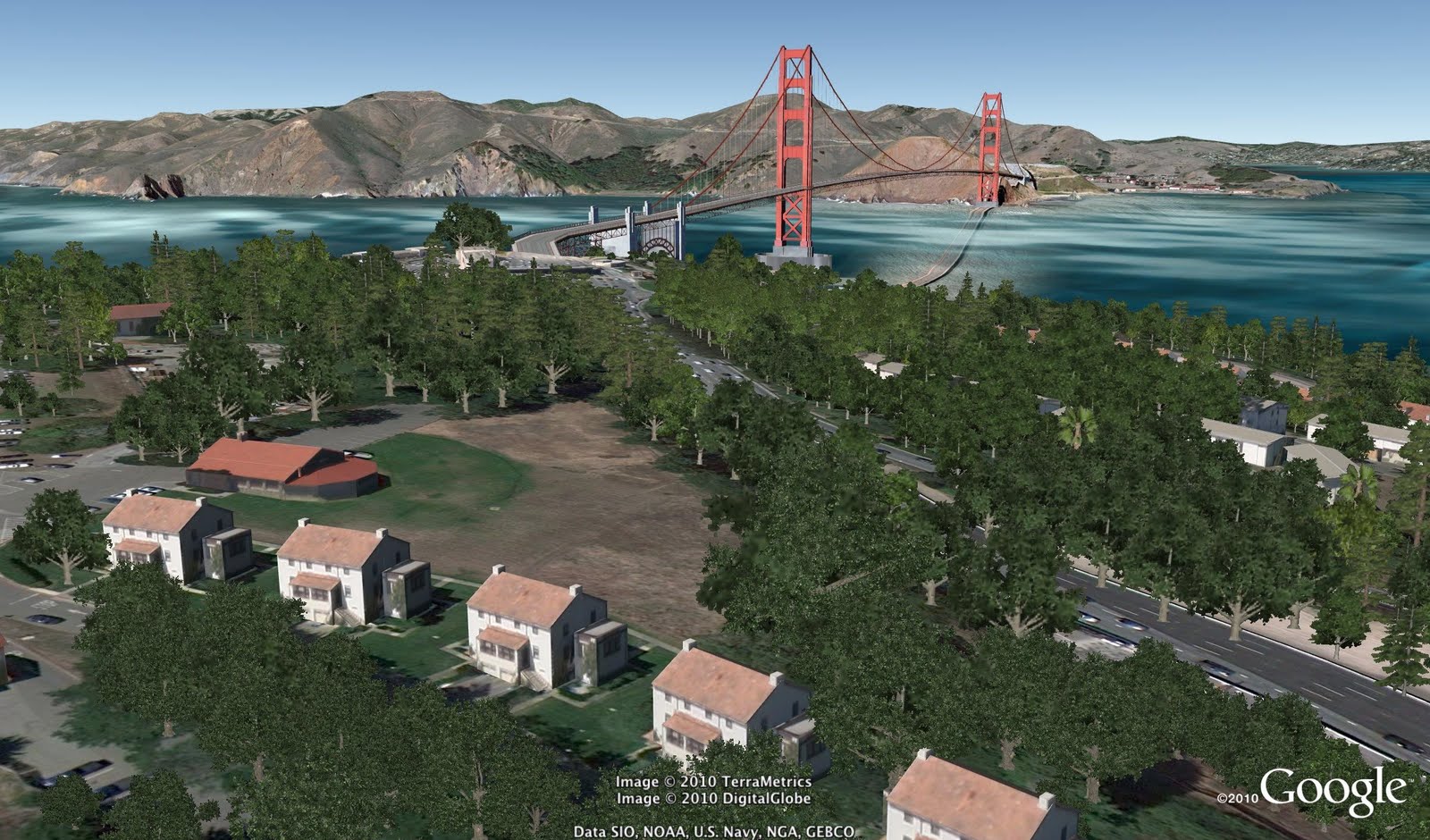
One new feature that Google is touting is 3D trees. If you though 3D buildings from around the world was quite a feat, this takes it to a whole other level.
Tens of species of trees have been modeled for Google Earth and show up in several cities around the world where the actual trees would be.
Google says it has 'planted' 80 million trees in Earth so far, in big cities such as Athens, Berlin, Chicago, New York City, San Francisco and Tokyo, and is working with several groups to add more.
Another addition in Google Earth 6 is the better integrated Street View. While Street View imagery has been available in Google Earth for the past couple of years, it is now a full part of the experience.
You can start with a global view of the Earth and then zoom in to the rooftop level. Until now, this is as far as you could go, but in Google Earth 6, providing there is Street View data for that location, zooming in closer will get you to the street level. You can then move around using your keyboard and mouse.
Finally, another big feature in Google Earth 6 is the better highlighted historical imagery. While the images have been introduced in Google Earth 5, there was no easy way to know if this type of images were available for a particular location.
Now, the date of the oldest image for any spot is highlighted and a simple interface enables you to travel back in time as well as in space with Google Earth.