 14 DAY TRIAL //
 Google Drive is now introducing preview support for 30 file types, meaning you'll be able to at least view any of these files without having to download them or open them in an external app or service.
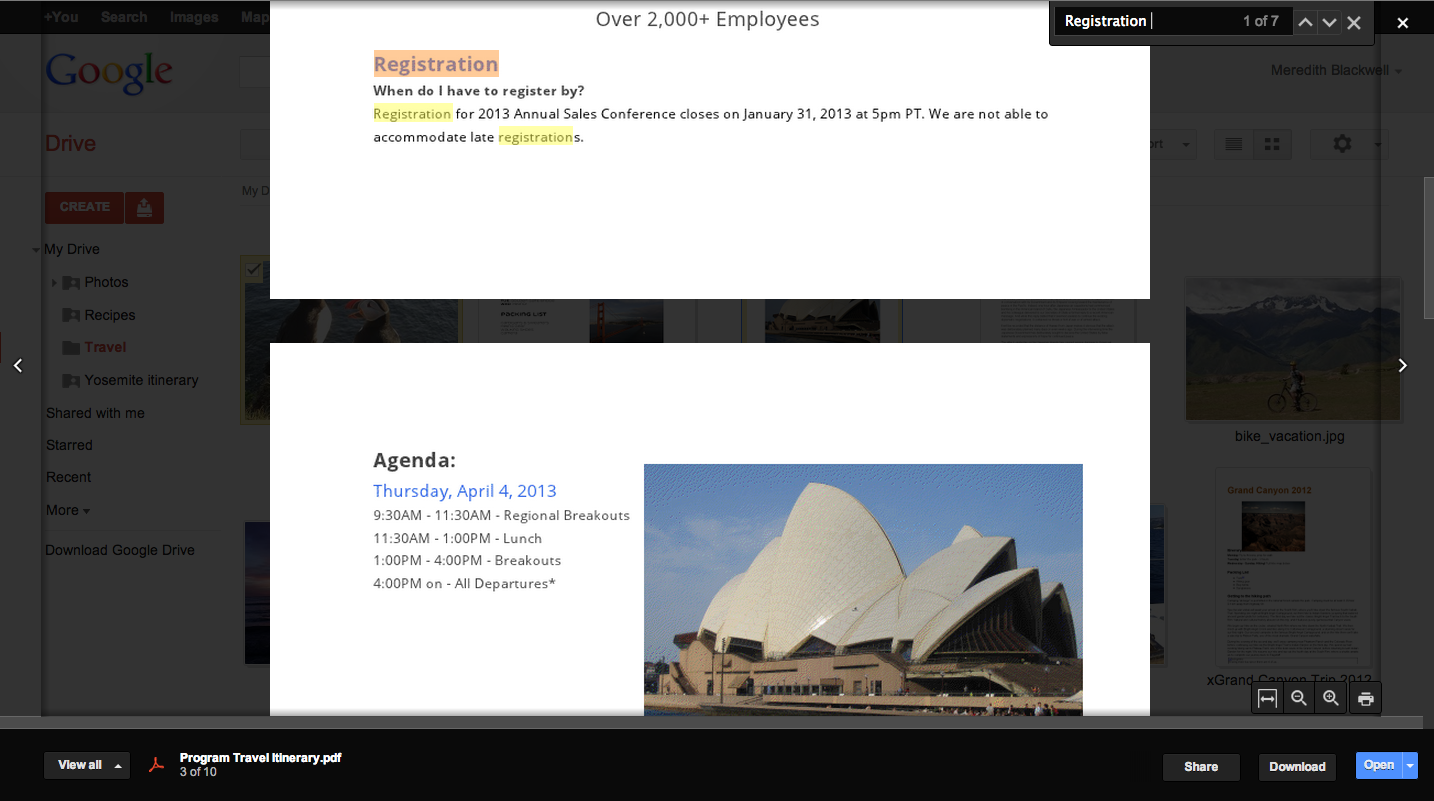
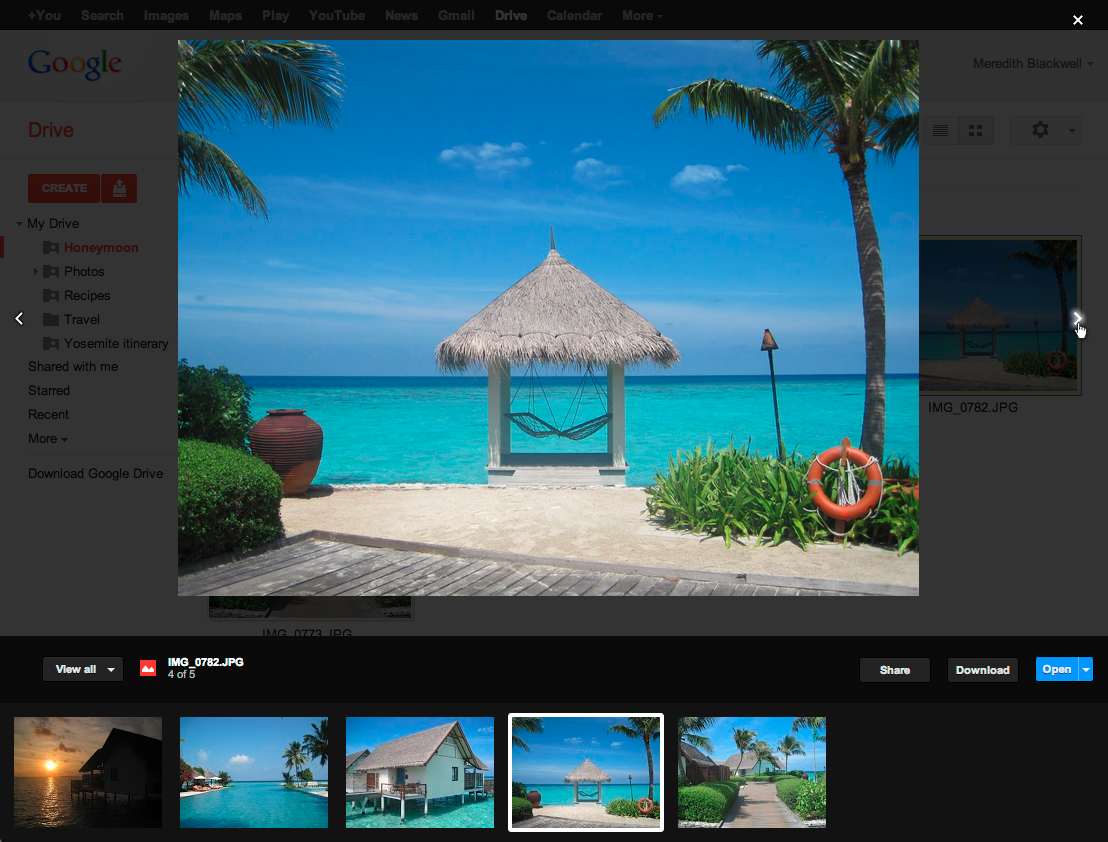
Drive has been offering preview support for plenty of document formats, images, audio and video, but the latest update adds a new lightbox preview window. Until now, file previews opened in a new window.
"You’ll see the new preview automatically if you open a photo, video, or PDF. To see a preview of a Google document, right-click on the file name and select 'preview'," Google explained.
"Once the preview window is open, you can click on the arrows on either side to flip to other files," it added.
Google may have had an early lead with Google Docs and the newer Google Drive in the area, but the likes of Dropbox and others are catching up.
In fact, Dropbox and others have been offering this type of lightbox preview window for some files for a while now.
The lightbox isn't just for photos though, this is what sets Google's implementation apart, PDF or even Word documents can be previewed this way. With these, you can even select and copy the text.
The new previewer is being rolled out over the next few days. Google Apps users with "Rapid Release" enabled will also be seeing the new lightbox preview.
In case you are wondering, here's the full list of file types you can preview in Drive at this moment:
Image files: .JPEG, .PNG, .GIF, .TIFF, .BMP; Video files: WebM, .MPEG4, .3GPP, .MOV, .AVI, .MPEGPS, .WMV, .FLV; Text files: .TXT; Markup/Code: .CSS, .HTML, .PHP, .C, .CPP, .H, .HPP, .JS; Microsoft Word: .DOC and .DOCX; Microsoft Excel: .XLS and .XLSX; Microsoft PowerPoint: .PPT and .PPTX; Adobe Portable Document Format: .PDF; Apple Pages: .PAGES; Adobe Illustrator: .AI; Adobe Photoshop: .PSD; Tagged Image File Format: .TIFF; Autodesk AutoCad: .DXF; Scalable Vector Graphics: .SVG; PostScript: .EPS, .PS; TrueType: .TTF; XML Paper Specification: .XPS; Archive file types: .ZIP and .RAR.