 14 DAY TRIAL //
 Last week, Google has announced a new upgrade to its mail service, Gmail. For those of you that have been using Google's mail service and have not yet noticed the new option, here's a quick insight. The people responsible for development at Gmail have thought of a way to improve access times for those who have poor Internet connection.
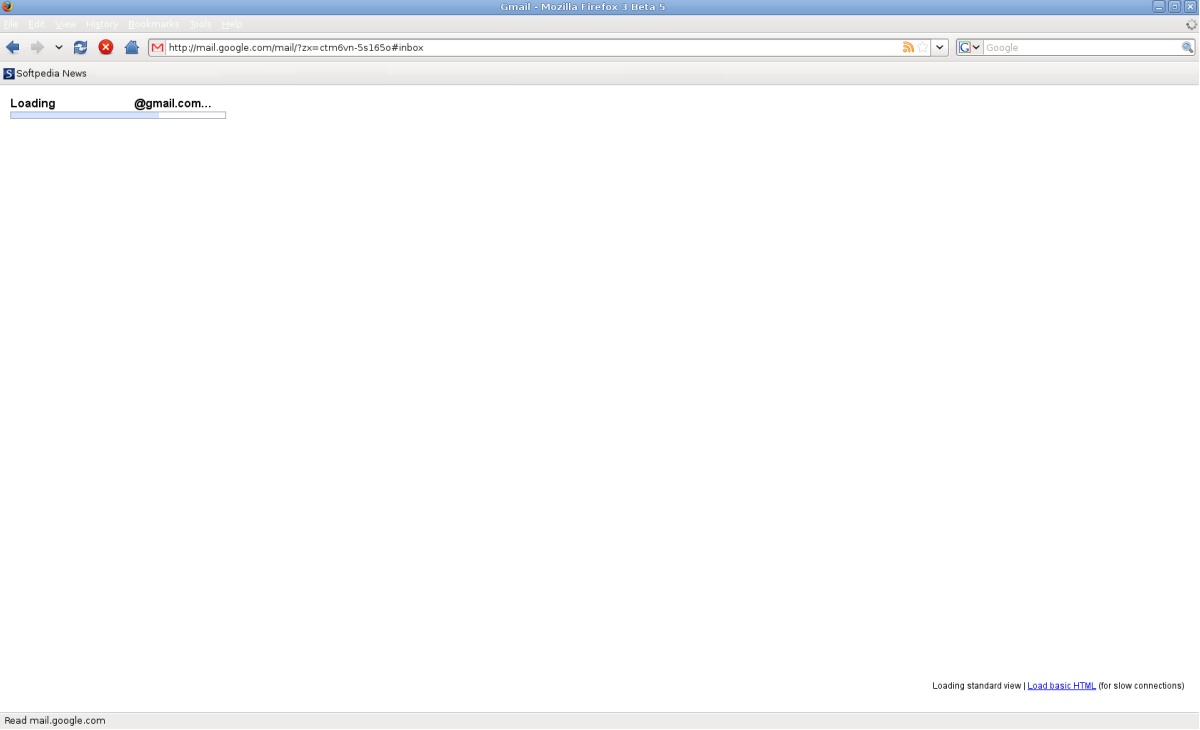
If you turn to your Gmail account and sign in, you will find a new option displayed at the bottom of your Gmail page, in the footer area. The "Load basic HTML" link will forward you to a page where the Gmail service will load faster but it will also support less features. The new feature has been integrated in Google's mail service to allow users to benefit from a simplified interface that doesn't use AJAX. This way, it will work better for most browsers and will offer its users a more straightforward Gmail experience.
Still, everything that is new must have some downsides, which translate into the mail service lacking several features. Among them, there is the lack of integration with Google Docs and Google Calendar, no more keyboard shortcuts, no integrated chat, no contact management and no clips. One of the most significant features that will not be featured in the basic HTML version is the lack of composing options. The spell checker, rich formatting, address auto-complete, custom From address will not be available with this Gmail version.
You will also not deal with ads, featured on your own mail page. Overall, the cleaner version of the Gmail looks rather nice and offers the user all the basic functions of a mail service. But if basic is not what you are into and you decide to stick to the regular version of Google's mail service, you can always switch back to it from the top or lower links.
According to the official Gmail Blog, the people responsible for Gmail have thought of several ways by which they can allow users with a slow Internet connection a better Gmail experience. And they did so by taking into account every areas, from the initial moment when the "Sign In" button is pressed.