
Softpedia
 

NEWS CATEGORIES:


NEWS ARCHIVE >>
SOFTPEDIA REVIEWS >>
MEET THE EDITORS >>
Home > News > Linux > Linux Distributions

December 8th, 2011, 21:41 GMT · By

Get a Taste of Google Chrome OS With Chromium OS

SHARE:

Adjust text size:


Chromebook
Enlarge picture
Softpedia is proud to introduce today a new open source operating system called Chromium OS Lime, based on the popular Google Chrome OS.

What is Chromium OS Lime? It's a lightweight, open source and lightning-fast operating system for your notebook, netbook, or even desktop.

With out-of-the-box support for HTML5, Flash and Java, containing the familiar environment of Google Chromium/Chrome, the entire web is at your fingertips in a few seconds with Chromium OS Lime.

Chromium OS Lime offers a mix between bleeding edge features of the Chromium OS Vanilla build but with the extra hardware support provided in the Chromium OS Flow build.

Chromium OS Lime is the latest build of the Chromium Operating System built by Hexxeh, and it supposed to work out-of-the-box with many modern and old hardware components, such as:

· Broadcom Wi-Fi - BCM43XX;
· Ralink Wi-Fi - RT24XX, RT28XX, RT30XX;
· Realtek Wi-Fi - R8187SE, R8712U, RTL73, RTL8180, RTL8187, RTL8192XX;
· nVidia GPUs - 6 series and newer;
· ATi/AMD GPUs - HD2900 and newer.
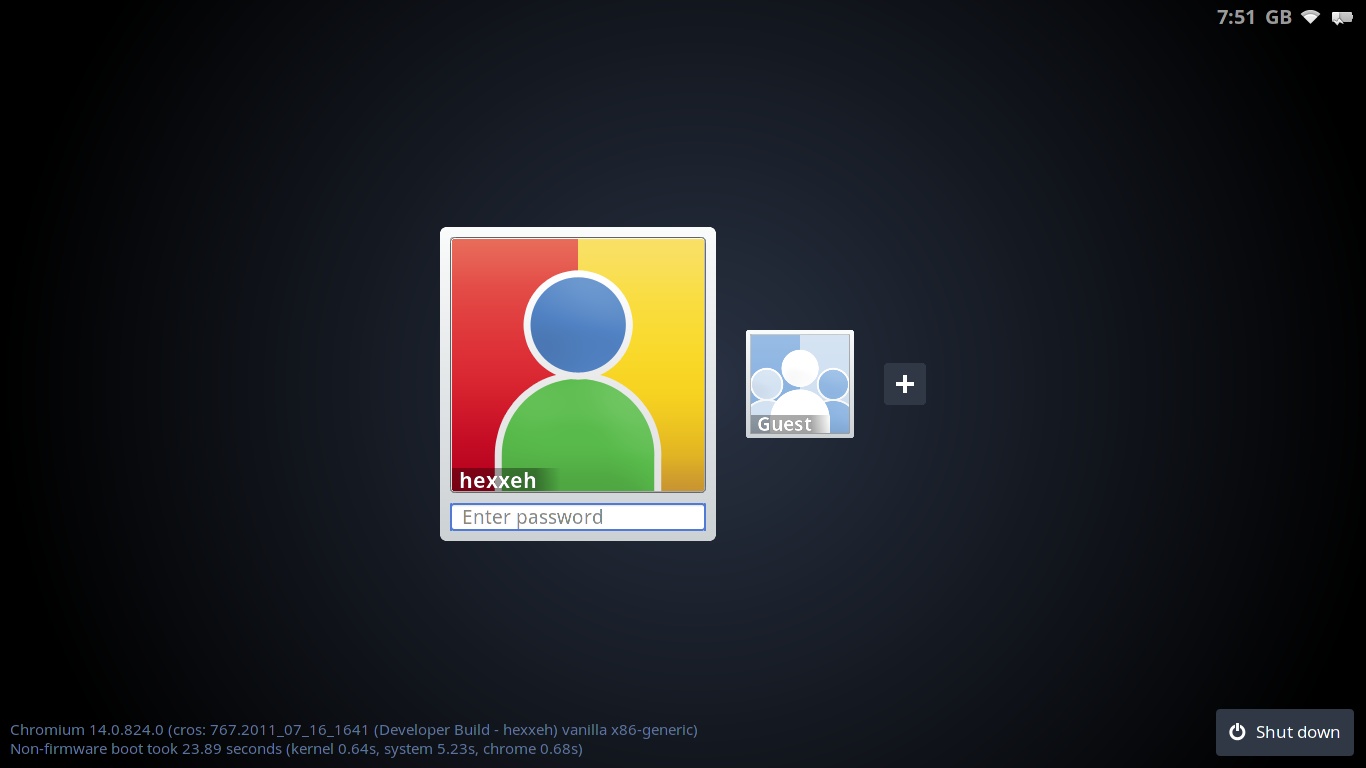
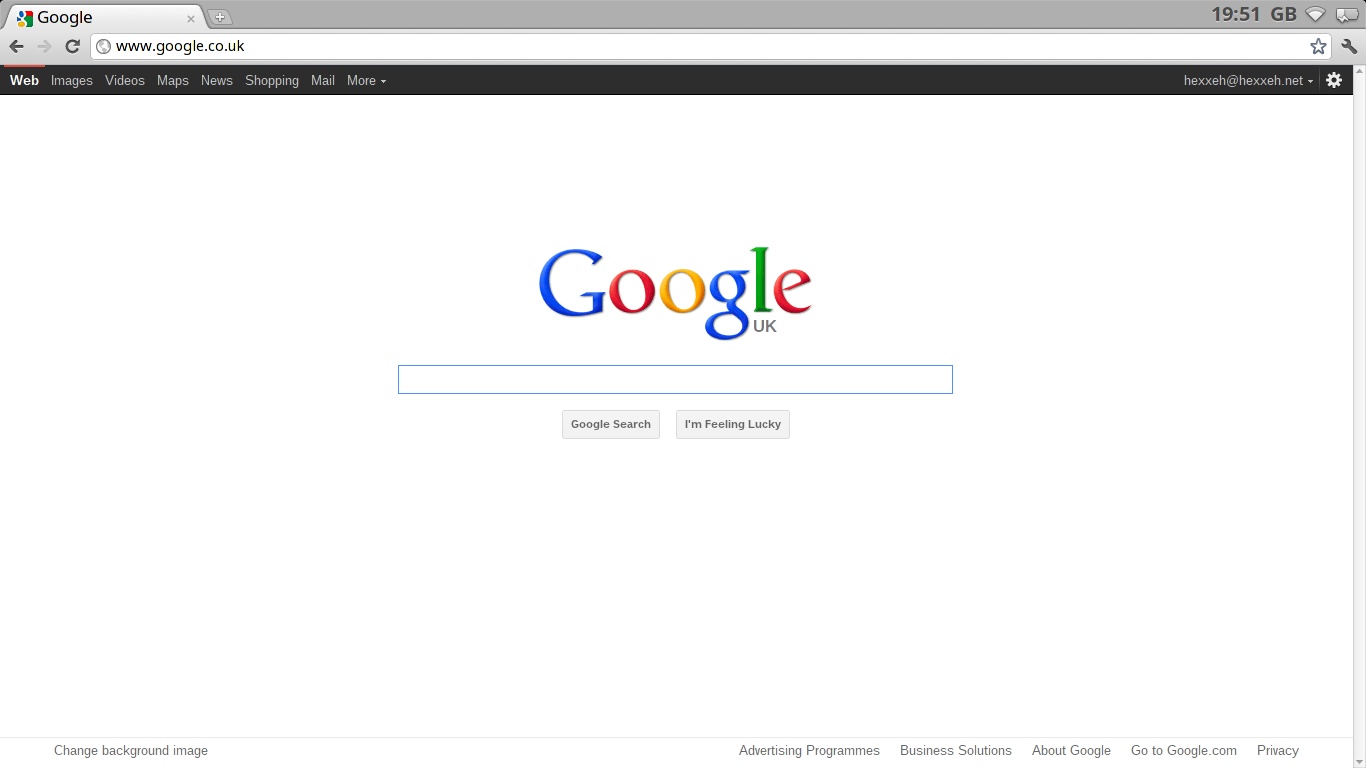
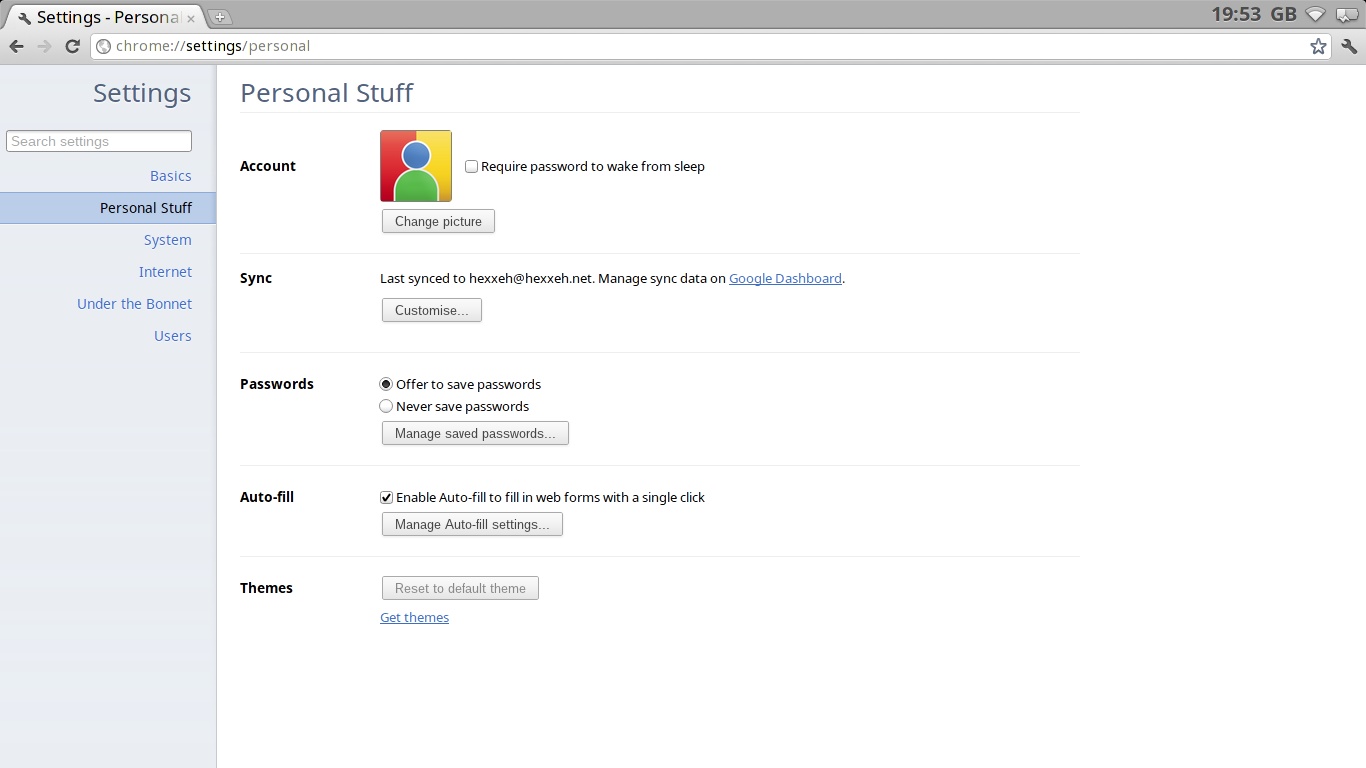
Review image

Review image

Review image

How to install Chromium OS Lime on your USB drive:

It's pretty simple. Just download the ChromiumOS Lime zip archive from here, and extract the image on your desktop. Next, you need to install a simple tool called Ubuntu ImageWriter (click the link below if you're running Ubuntu) or Windows Image Writer (if you're on Windows):

Click here to install Ubuntu USB Image Writer

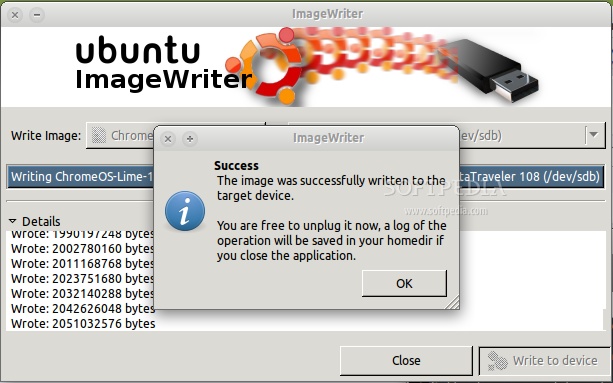
Once the application is installed, just fire it up and burn the Chromium OS Lime IMG image to your blank USB flash drive (must be 4GB or more).
Review image

Once the installation is done you can boot from the newly created Chromium OS USB stick!

About Chromium OS

Chromium OS is an open-source project that aims to provide a fast, simple, and more secure computing experience for people who spend most of their time on the web.

Download Chromium OS Lime 1408.0 right now from Softpedia.

Download Chromium OS Vanilla 1414.0 right now from Softpedia.

TELL US WHAT YOU THINK:

13,440 hits · 17 comments · Link to this article · Print article · Send to friend · Subscribe to news

MUST-READ RELATED ARTICLES:


KDE SC 4.8 Beta 2 Is Available for Testing

KDE SC 4.7.4 Is Now Available for Download

Debian 5.0 Reaches End-of-Life on February 2012

New Linux Kernel Vulnerability Affects Ubuntu 11.10 OMAP4

Ubuntu Privacy Remix 10.04r2 Is Based on Ubuntu 10.04.3 LTS

READER COMMENTS:


Comment #1 by: mike on 08 Dec 2011, 22:28 UTC reply to this comment

links do not work


Comment #2 by: 300z on 08 Dec 2011, 23:19 UTC reply to this comment

Download link for lime is broken, takes me to the Chromium website and there's no link to 1408 (Lime) there. :(

Comment #2.1 by: Marius Nestor on 09 Dec 2011, 08:20 GMT

That's because there's a new version available :) Please download again, the links work now!

Comment #2.2 by: 300z on 09 Dec 2011, 12:17 GMT

It worked now. Thank you. :)


Comment #3 by: Nicozz on 09 Dec 2011, 12:43 UTC reply to this comment

It refuse to download...the link is broken

Comment #3.1 by: west on 09 Dec 2011, 16:23 GMT

Link is working. It was timing out earlier.

Comment #3.2 by: egrpr on 09 Dec 2011, 18:52 GMT

http://chromeos.hexxeh.net/lime.php


Comment #4 by: bormasina on 09 Dec 2011, 16:09 UTC reply to this comment

Links are broken, they are not fixed, fix them please, or do not advertize them!!!!


Comment #5 by: bormasina on 09 Dec 2011, 16:11 UTC reply to this comment

Broken links!!!!!!!!


Comment #6 by: roszyk on 09 Dec 2011, 19:31 UTC reply to this comment

download link at hexxeh timed out. i'll try later


Comment #7 by: McStud on 09 Dec 2011, 23:59 UTC reply to this comment

Just how critical is it regarding extraction to desktop? I extracted the file in my home folder and burned the image to a usb, then rebooted. It booted fine, but there was no logon screen, just a prompt that I had to enter guest session to access network then exit and try signing in again. There were no pictures symbolizing any type of account guest or owner. Furthermore, there was not an area to type in username and password. Everything worked fine as guest, but was totally unable to login to my Google account!


Comment #8 by: thor on 10 Dec 2011, 13:39 UTC reply to this comment

ChoriumOS Vanilla and Lime are NOT official releases. They are done by hexxeh on his/her own time. Neither link is working, vanilla or lime. The original download links on hexxeh homepage are down, too. I tried both versions about 2 days ago, while the links where still working. Vanilla won't run at all on my MSI ultraportable, and lime was pretty lame, displaying a rather eratic behaviour, getting stuck before reaching desktop phase. I guess it's not very friendly with on-board video cards. I hope you get more of luck than me.

Comment #8.1 by: Marius Nestor on 10 Dec 2011, 19:56 GMT

The download links are working again. They were down because US did some power maintenance today for a couple of hours or so and many servers were down, something that's happening in all countries around Christmas holidays :)


Comment #9 by: thor on 11 Dec 2011, 13:36 UTC reply to this comment

A torrent would be so much better than an ftp download. I wonder why hexxeh doesn't do that...


Comment #10 by: themovingfinger on 11 Dec 2011, 19:41 UTC reply to this comment

It just locked my machine at boot up then I had trouble formatting the stick


Comment #11 by: GreekGeek on 13 Dec 2011, 01:28 UTC reply to this comment

Google is nothing but a profitable corporation...i bet they will give it a price after a few months. They using open source to make money, so simple.

Comment #11.1 by: Jason1979 on 22 Dec 2011, 10:04 GMT

Of course they're out to make money, that's what companies do. Without money they wouldn't be able pay their employees to work on projects like ChromiumOS. Open source software is free as in freedom not necessarily free as in no cost. There is nothing in the GPL or BSD licences that say you can't sell the software. The GPL just says the source must remain open.

Copyright © 2001-2012 Softpedia. Contact/Tip us at

WindowsGamesDriversMacLinuxScriptsMobileHandheldNews

SUBMIT PROGRAM   |   ADVERTISE   |   GET HELP   |   SEND US FEEDBACK   |   RSS FEEDS   |   UPDATE YOUR SOFTWARE   |   ROMANIAN FORUM