 14 DAY TRIAL //
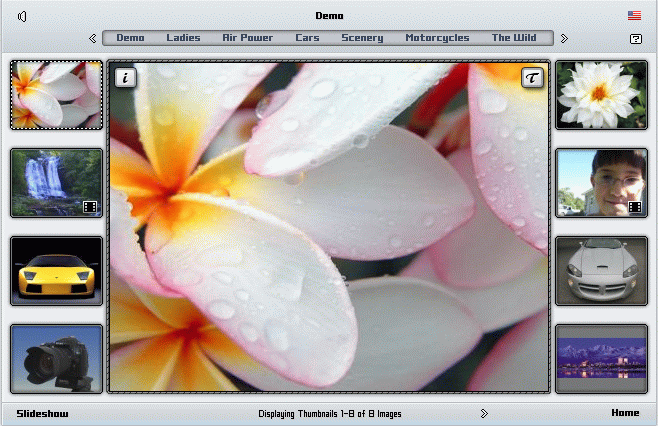
 Images represent a form of web content widely used in any website, complementary to text content or standalone. If you want to create an image album for your website, where you will have an image database organized by categories, there are many free or commercial scripts to choose from.
This type of web applications are commonly called image galleries, image albums or photo albums and only performing a web search you will notice that they are made in various programming languages and have different functionalities and features. The most used are JavaScript, PHP, ASP and Flash galleries as standalone scripts or modules integrated in content management systems. They could be composed of a single file or multiple files.
For example, there are many PHP image galleries made only from one file which is located in an image directory on your web server. Regarding the basic functionality of an image gallery, the image presentation, there are static photo albums and slideshows. When you select an image gallery script, it should present a minimum number of features that will assure an optimal functionality.
In the first place the user and administration interface design should be very simple and intuitive. The script must be able to automatically generate thumbnails from original images and permit you to write a simple description to every image. The number of images posted in each category should be unlimited, as well as a number of categories and image files upload tools should also be provided inside the script.
As far as website integration is concerned, the image gallery should easily be implemented in your website design, without major script code modification. In order to preserve bandwith, the script should be lightweight (small file size) and the image thumbnails should be automatically optimized. Usually, image album scripts provide to users many features, but you must select the script which best fits your needs in terms of script customization, multilanguage support, design unicity and speed of execution, depending on the gallery size and the nature of the images.