14 DAY TRIAL //
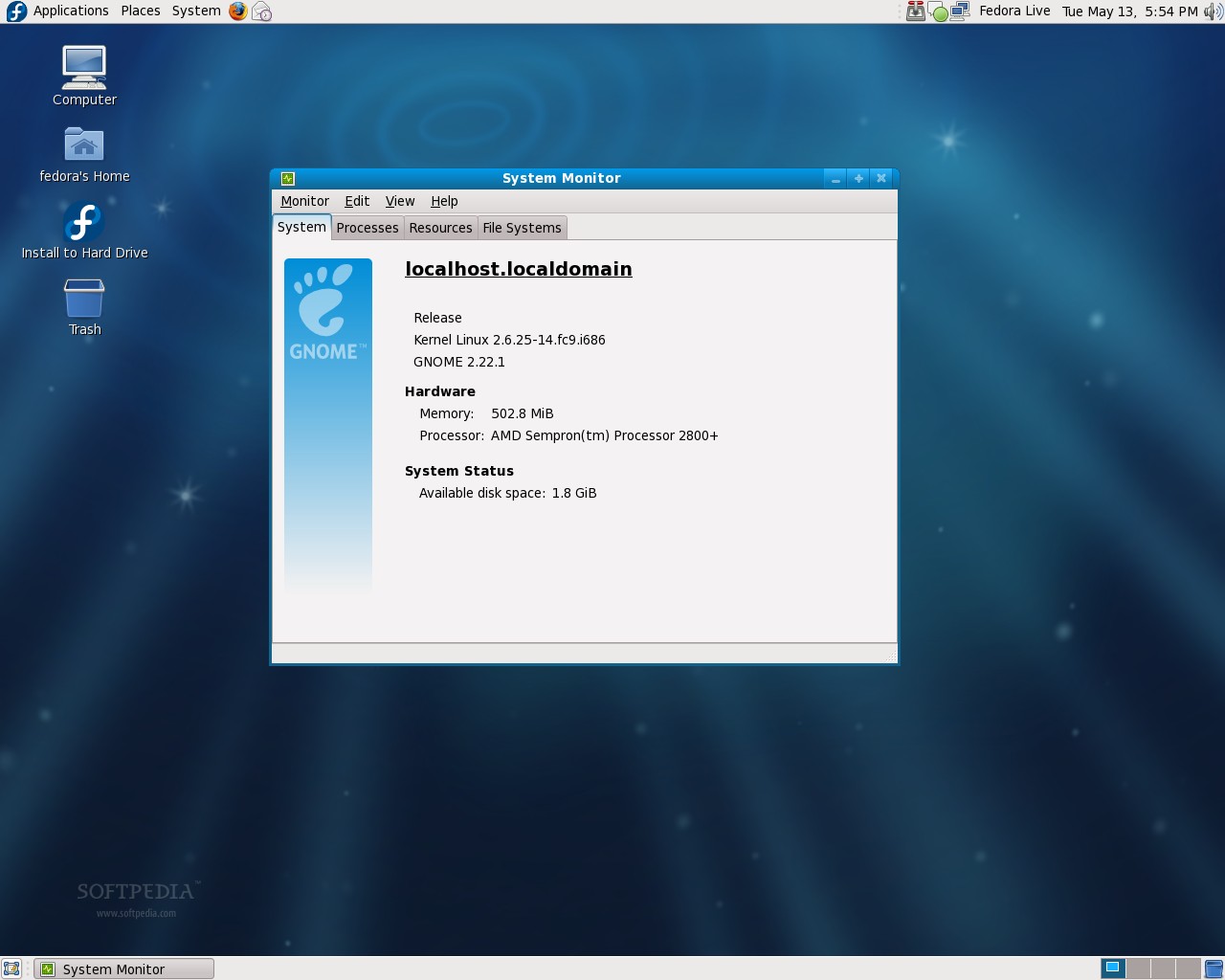
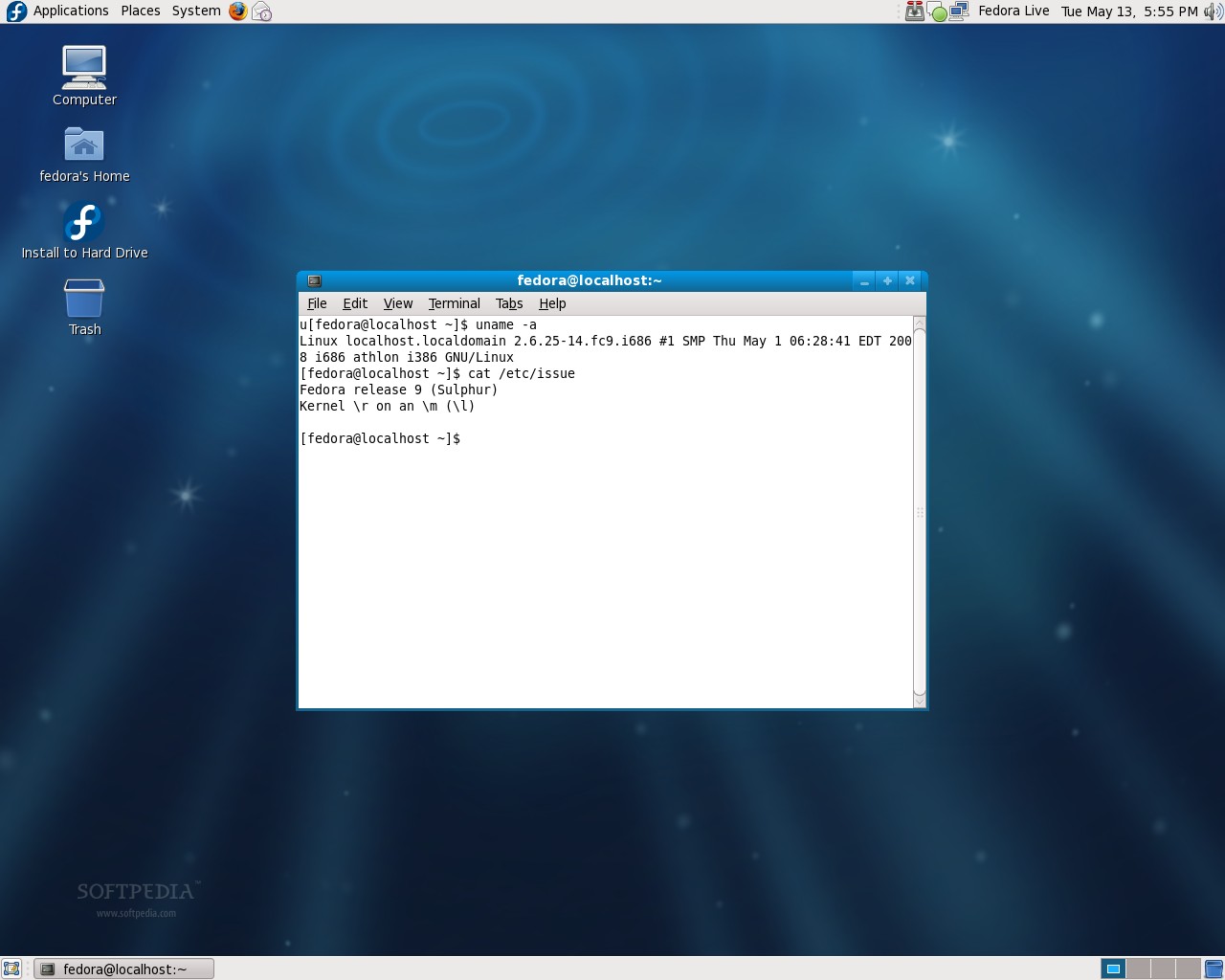
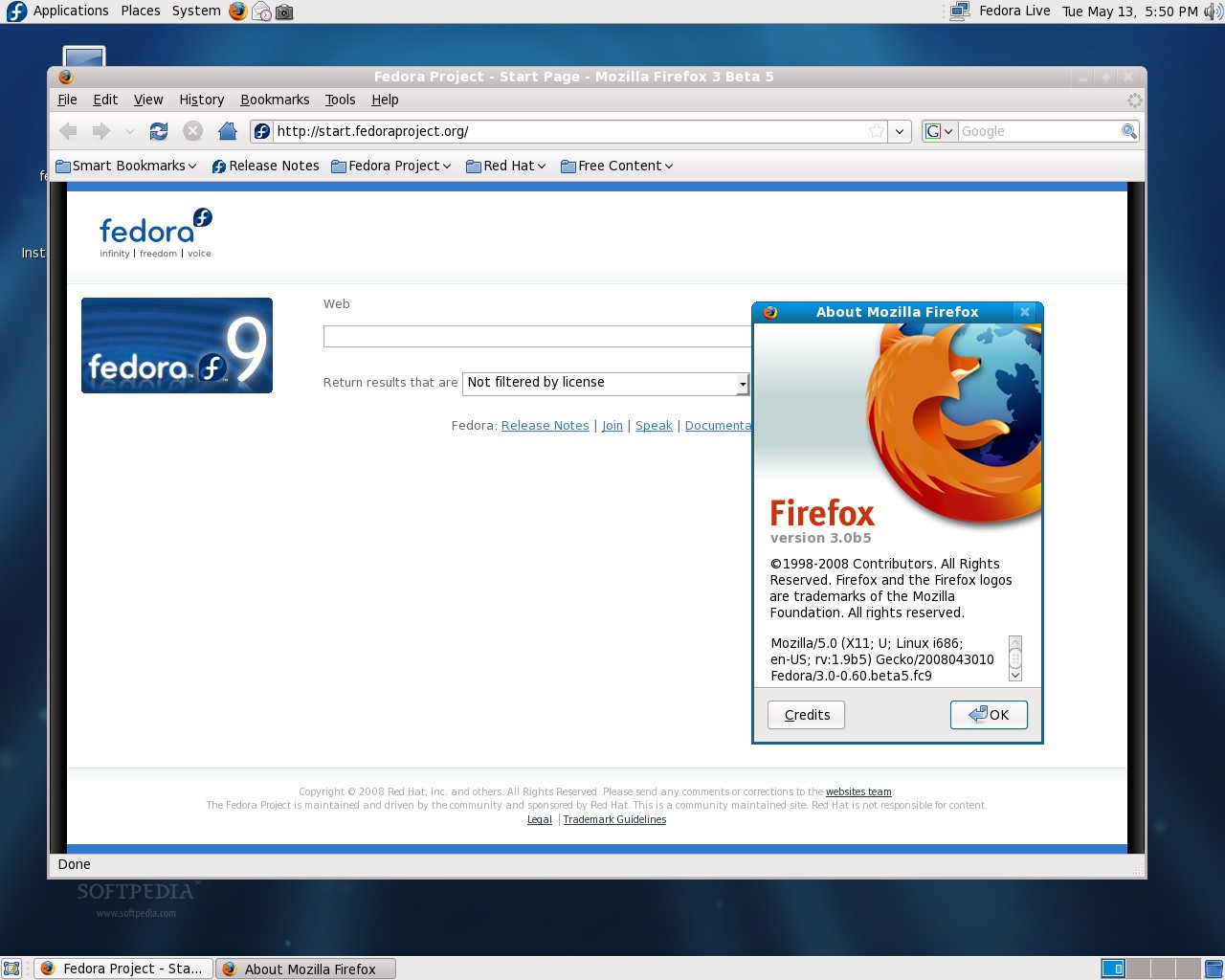
 Believe it or not, Fedora 9 (dubbed Sulphur) is here! It was OFFICIALLY released (as expected) today May 13th, 2008. With hard drive encryption support implemented in the graphical installer (a feature that is missing from the popular Ubuntu distribution), latest Linux kernel 2.6.25, GNOME 2.22.1, GIMP 2.4.5 and Firefox 3 Beta 5, we guess the final release will really rock your world and it is our pleasure, here at Softpedia Labs, to introduce you to the latest features of Fedora 9.
Powered by the latest and greatest Linux kernel, version 2.6.25, Fedora 9 Sulphur brings you ext4 support, a filesystem that's more scalable and performs much better than ext3. Although it is considered to work better than ext3, it is still under development and not enabled by default, with some features that are not fully completed. Moreover, Fedora 9 doesn't bring you a fully ext4-compatible version of e2fsprogs, although this utility can create filesystems mountable by ext4.
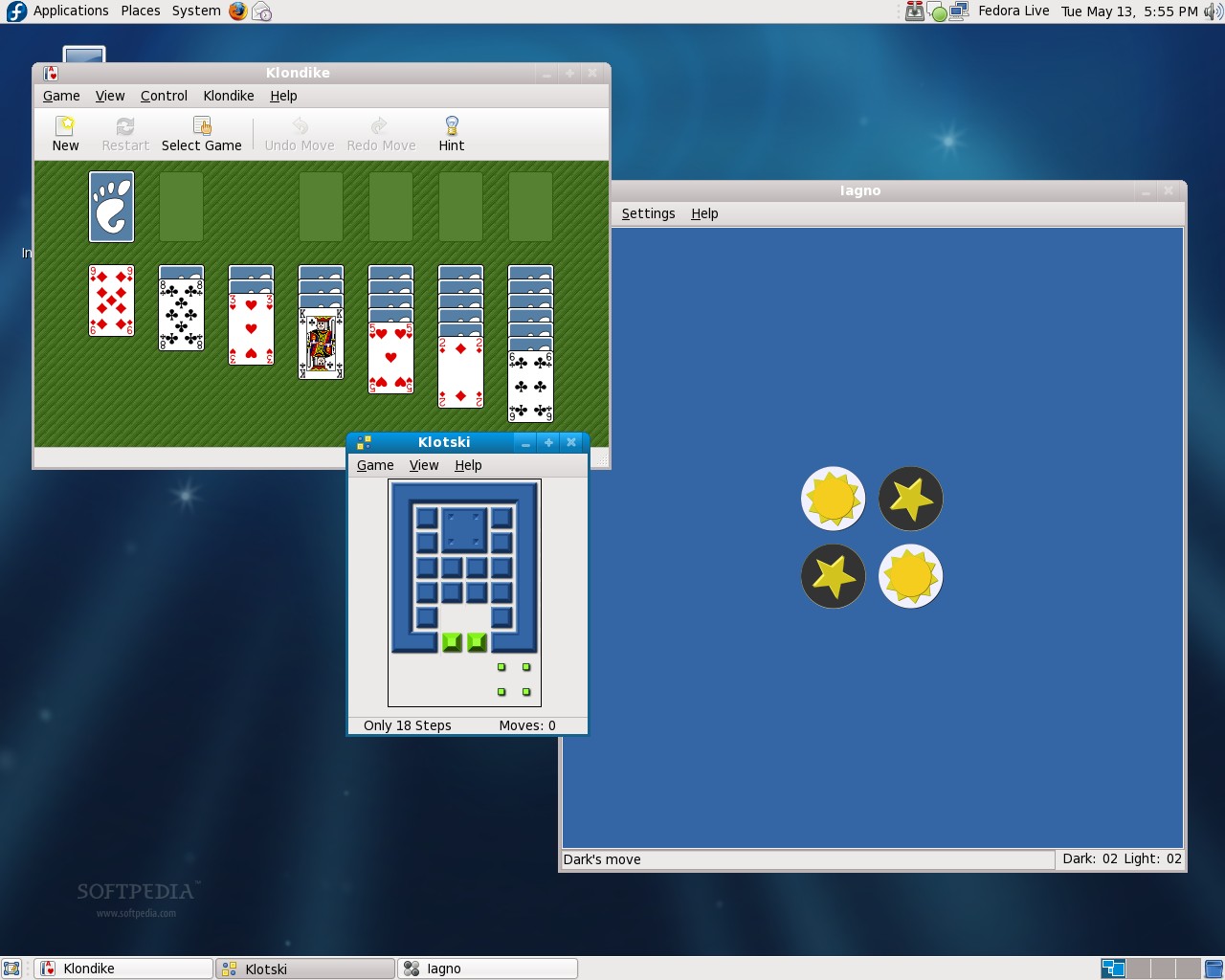
Fedora 9 sports the latest stable release of the popular desktop environment, GNOME 2.22.1, which features the brand new Cheese webcam photo and video making utility, Google Calendar support, PolicyKit integration, better network filesystem support and much more. If you are a KDE fan, you will get KDE 4.0.3, so you can install one or both desktop environments.
The init was finally replaced with Upstart, an event-based init daemon that handles the initiation, stopping and restarting of tasks and supervises when the system is in use.
Anaconda, the Fedora installer, can now resize ext2, ext3, and NTFS partitions. It can also create encrypted filesystems directly from the installer (with a single mouse click).
The Rescue Mode is much better now, thanks to FirstAidKit, a utility that makes system rescuing a much easier task for end-users.
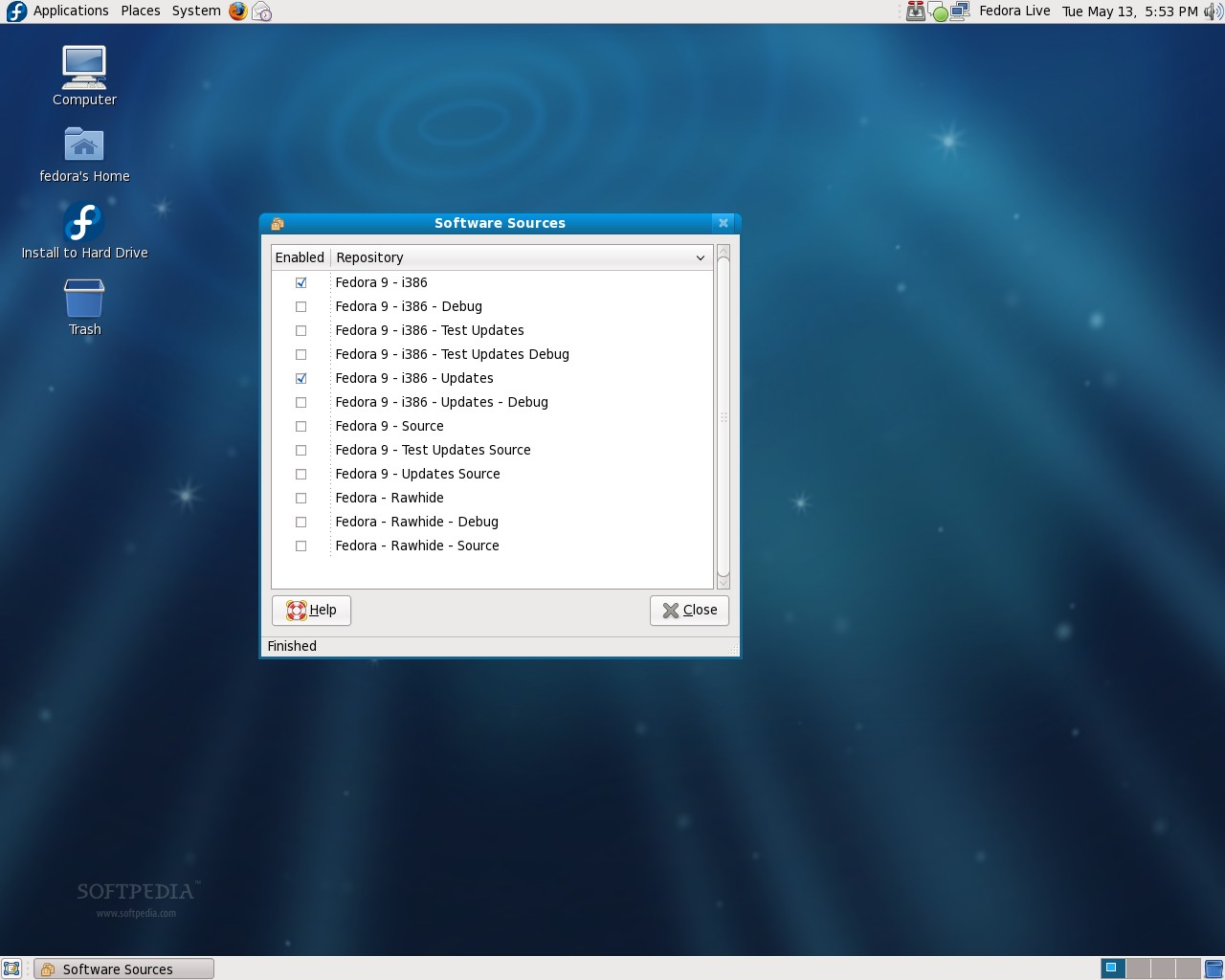
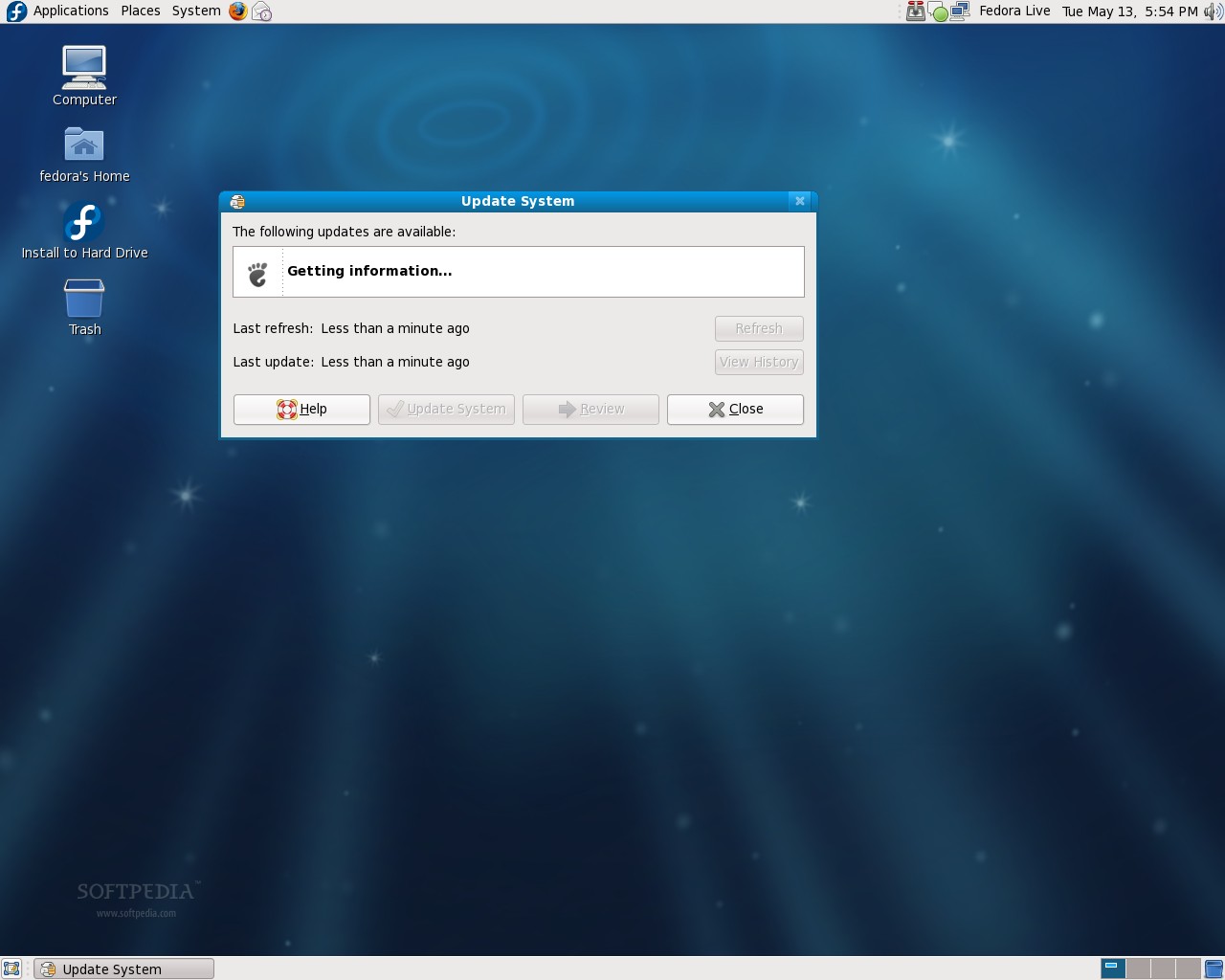
The boot process is very fast now and you're greeted by a nice and clean, blue wallpaper. If you're not satisfied with that, you can select another one from the nice set of backgrounds provided by Fedora. Pirut was replaced by PackageKit, as the main package manager that's equipped with a framework, which allows you to install every type of packages. PackageKit also replaces Pup, the graphical updater. It does an awesome job, with its clean and easy to use interface.
OpenJDK 6 is installed by default, replacing IcedTea 7, which was based on OpenJDK 1.7.
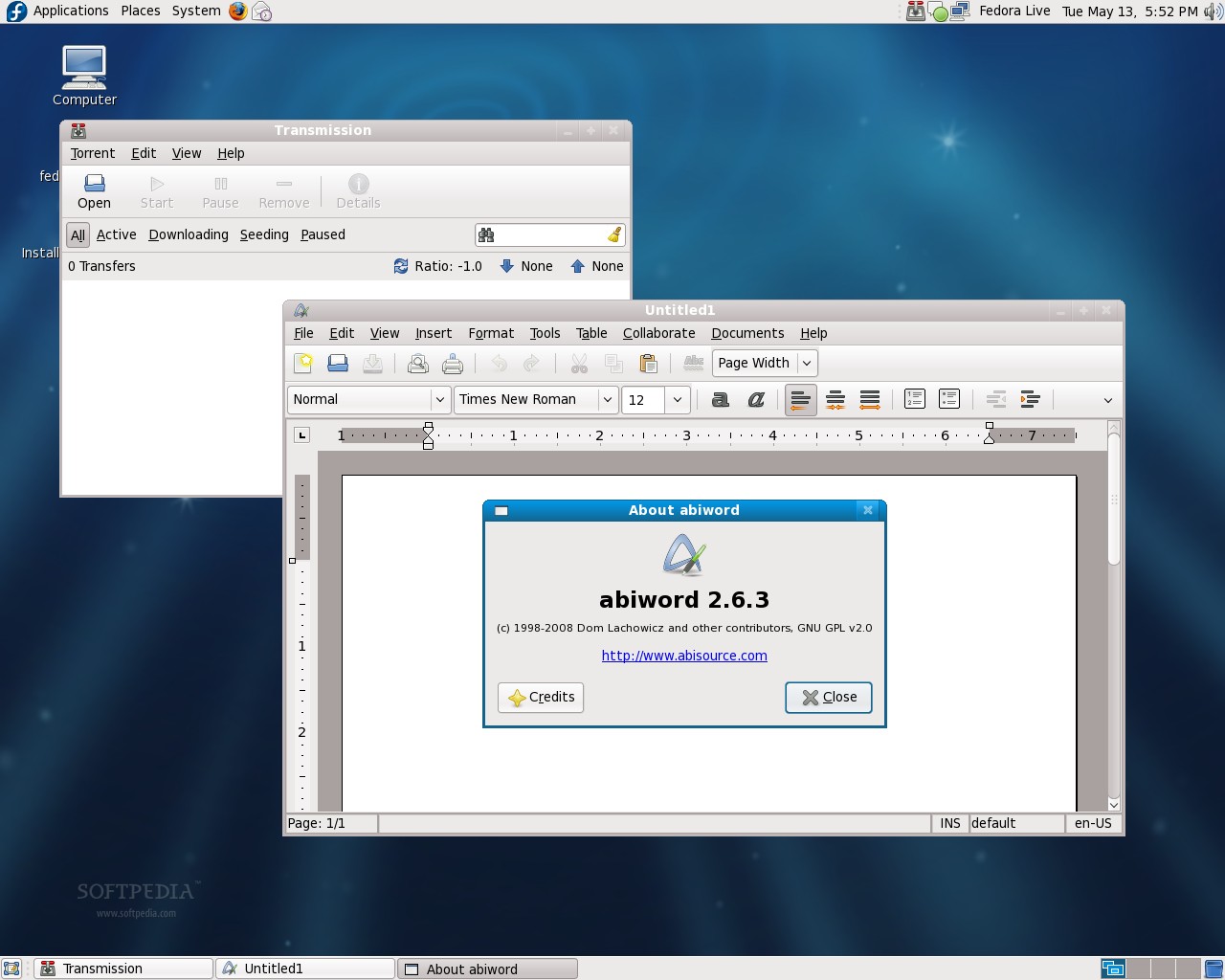
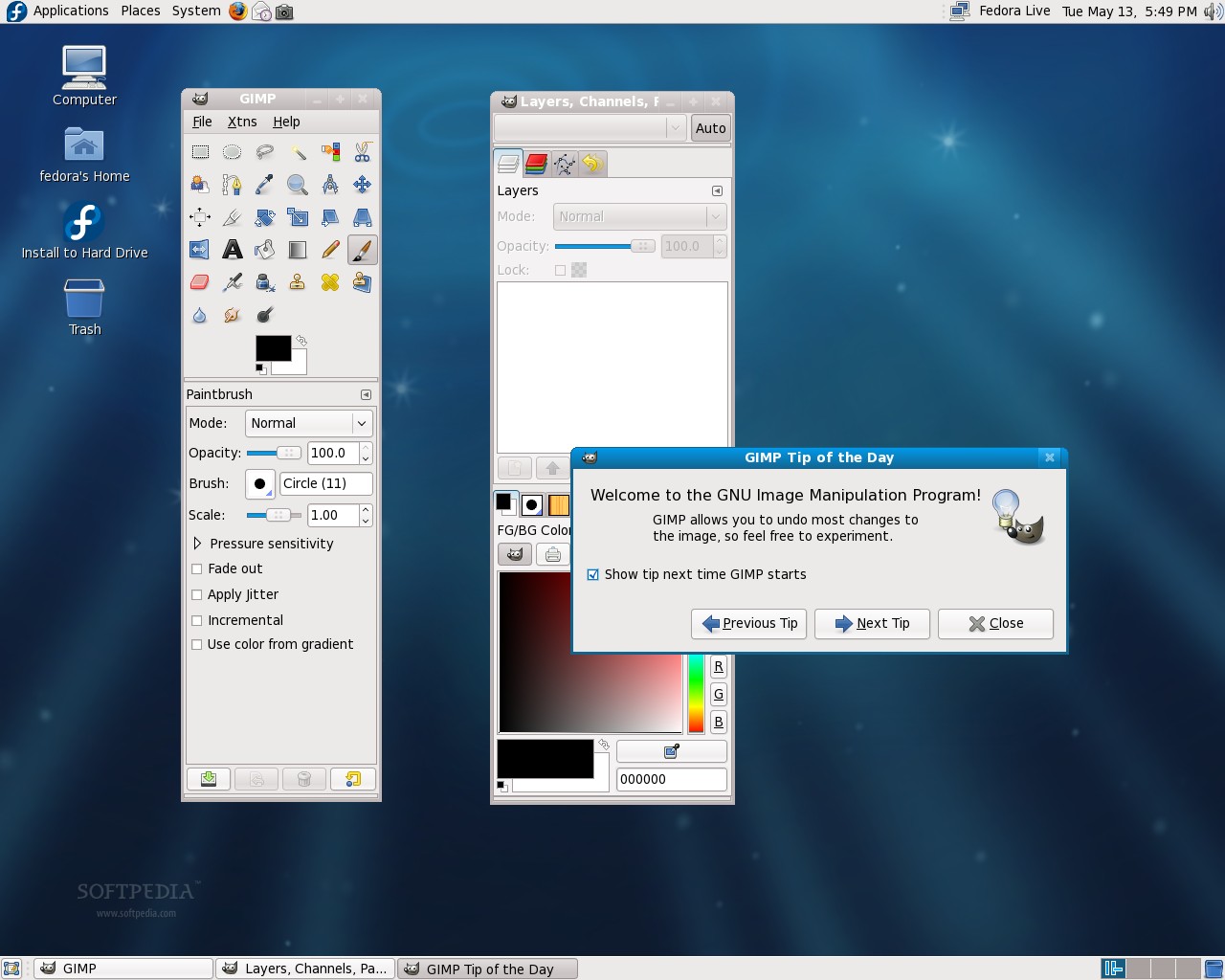
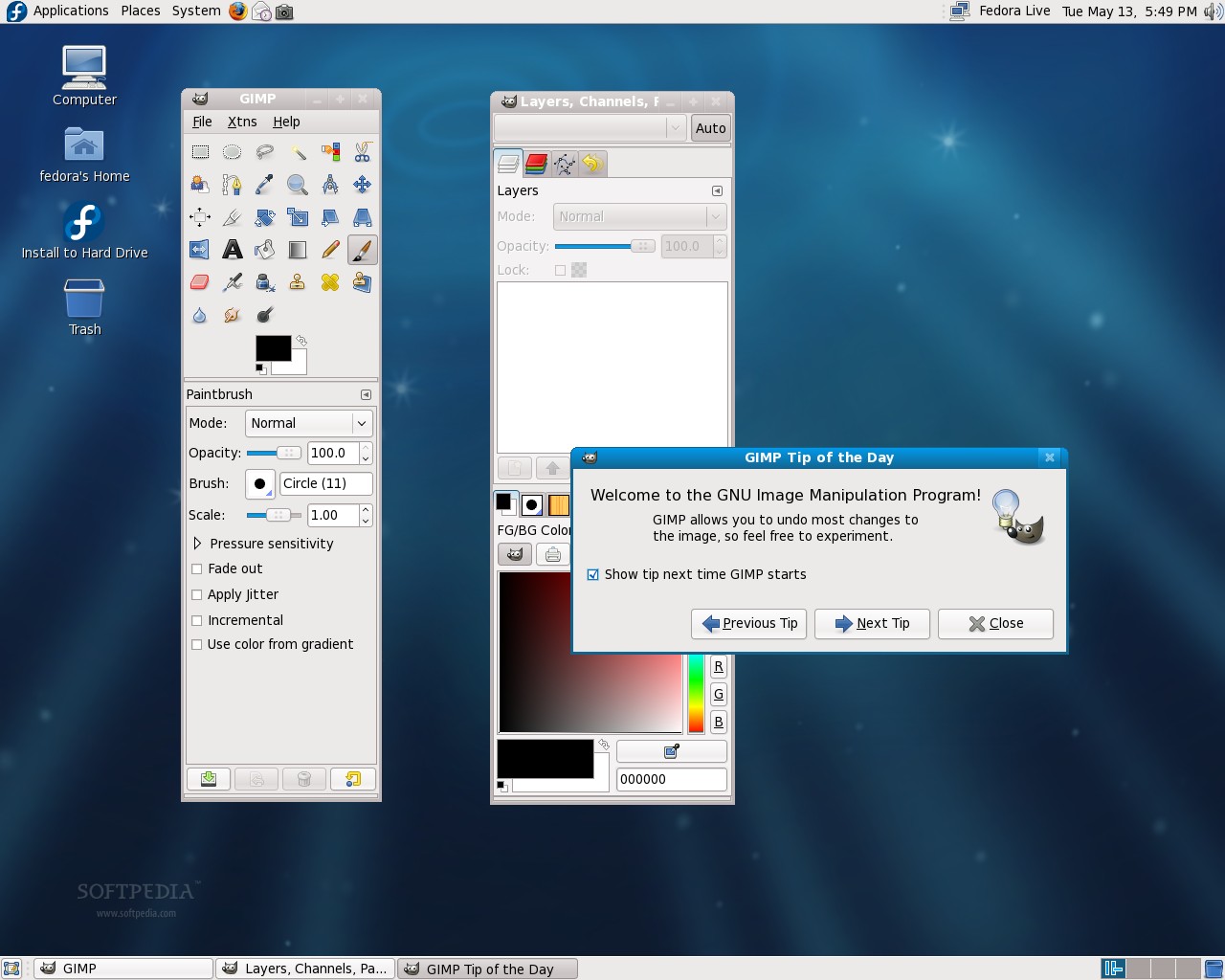
OpenOffice.org 2.4.0 is included in Fedora 9 Sulphur and will really make your office tasks much easier, thanks to its new features and improvements, like control password-storing, better localization, improved chart tools and much more. Also, users who need a great and freely available image editor can benefit from the latest GIMP 2.4.5!
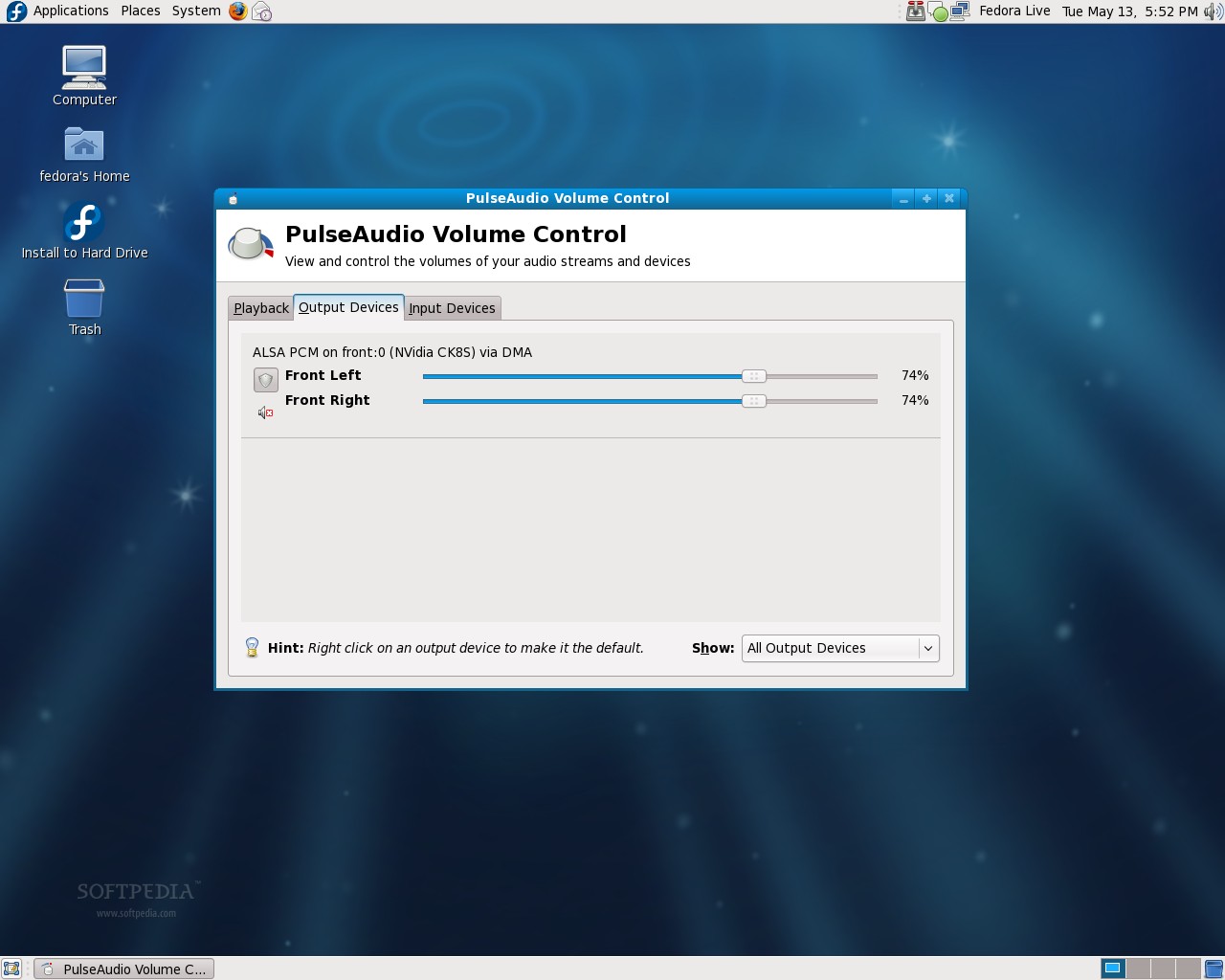
Fedora brings you the latest version of Perl, 5.10.0, with improvements in the memory consumption area and some other changes. The unmaintained TeX was replaced by TeXLive, which provides a complete TeX system with all the major TeX-related applications, fonts, macro packages, etc.
This said, we, here at Softpedia Labs, truly enjoyed the short look we took at this edition of the Fedora Linux distribution, it really impressed us with its new features and you should definitely give it a try. For installation instructions, please follow our step-by-step tutorial.
Download Fedora 9 and enjoy a very nice Linux distribution, right now from Softpedia.