
Softpedia
 

NEWS CATEGORIES:


NEWS ARCHIVE >>
SOFTPEDIA REVIEWS >>
MEET THE EDITORS >>
Home > News > Linux > First-Look

June 23rd, 2010, 12:06 GMT · By

First Look: VLC 1.1.0 on Ubuntu 10.04

SHARE:

Adjust text size:


VLC logo
Enlarge picture
Dear readers, it is our pleasure to announce the best release of the extremely popular (not to mention free) VLC Media Player software. Dubbed "The Luggage," VLC (VideoLAN Client) reached version 1.1.0 on June 22nd, bringing features that will put other similar applications on the back seat.

Among some of the new features introduced by the VLC 1.1.0 player we can mention:


· GPU decoding using VAAPI for H.264, MPEG-2 and VC-1;
· DSP decoding using OpenMax IL;
· Improved seeking for High-Definition (HD) MKV files;
· Support for Blu-Ray PGS subtitles;
· Support for HD-DVB subtitles;
· Support for VP8, MPEG-4 lossless and Indeo5 video codecs;
· Encoding and decoding of the WebM format;
· Support for Atrac1, FLAC 6.1/7.1, Vorbis 6.1/7.1, MPRG-4 ALS audio codecs;
· DVD-Audio files support;
· Optimized for SSE3/SSE4 and ARM Neon;
· Improved streaming performance;
· New x11, xv and glx modules;
· ADPCM support for FLV files;
· and many more!

For your pleasure, we've tested the new VLC 1.1.0 on the Ubuntu 10.04 LTS (Lucid Lynx) operating system. All we had to do was open the Software Sources application from System -> Administration, go to the "Other Software" and add the following Launchpad PPA repository for VLC 1.1.0:

deb http://ppa.launchpad.net/c-korn/vlc/ubuntu lucid main
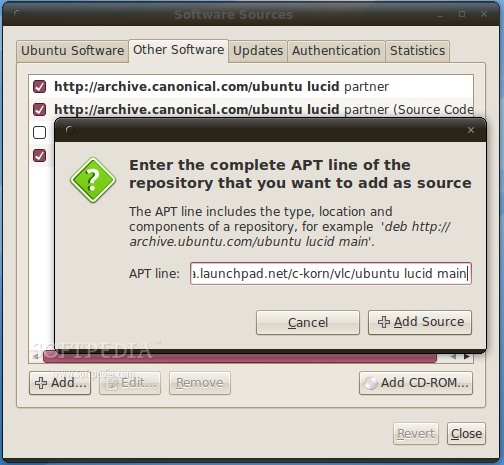
Review image


It is also available for the upcoming Ubuntu 10.10 (Maverick Meerkat) operating system, from the following PPA:

deb http://ppa.launchpad.net/c-korn/vlc/ubuntu maverick main

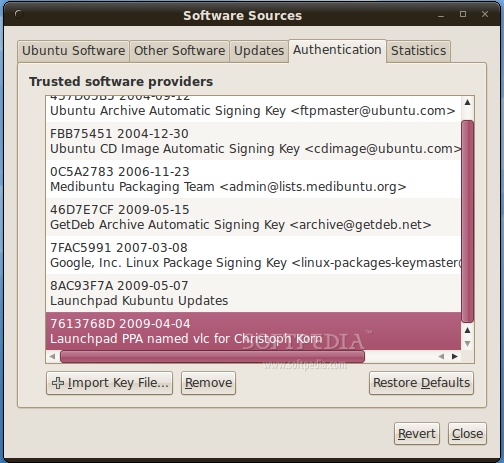
Whichever you choose, don't forget to add this key (right click -> Save As) in the "Authentication" tab and you're all set.
Review image


You can now install VLC 1.1.0 with Synaptic or just update your machine if you already use an old version of the VideoLAN Client.
Review image
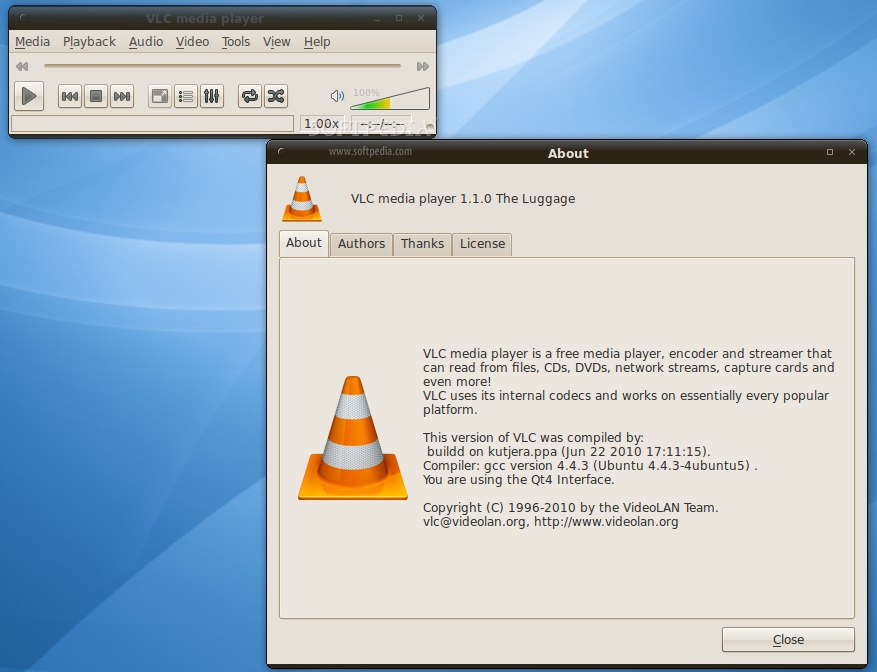
VLC 1.1.0 on Ubuntu 10.04 LTS (Lucid Lynx)


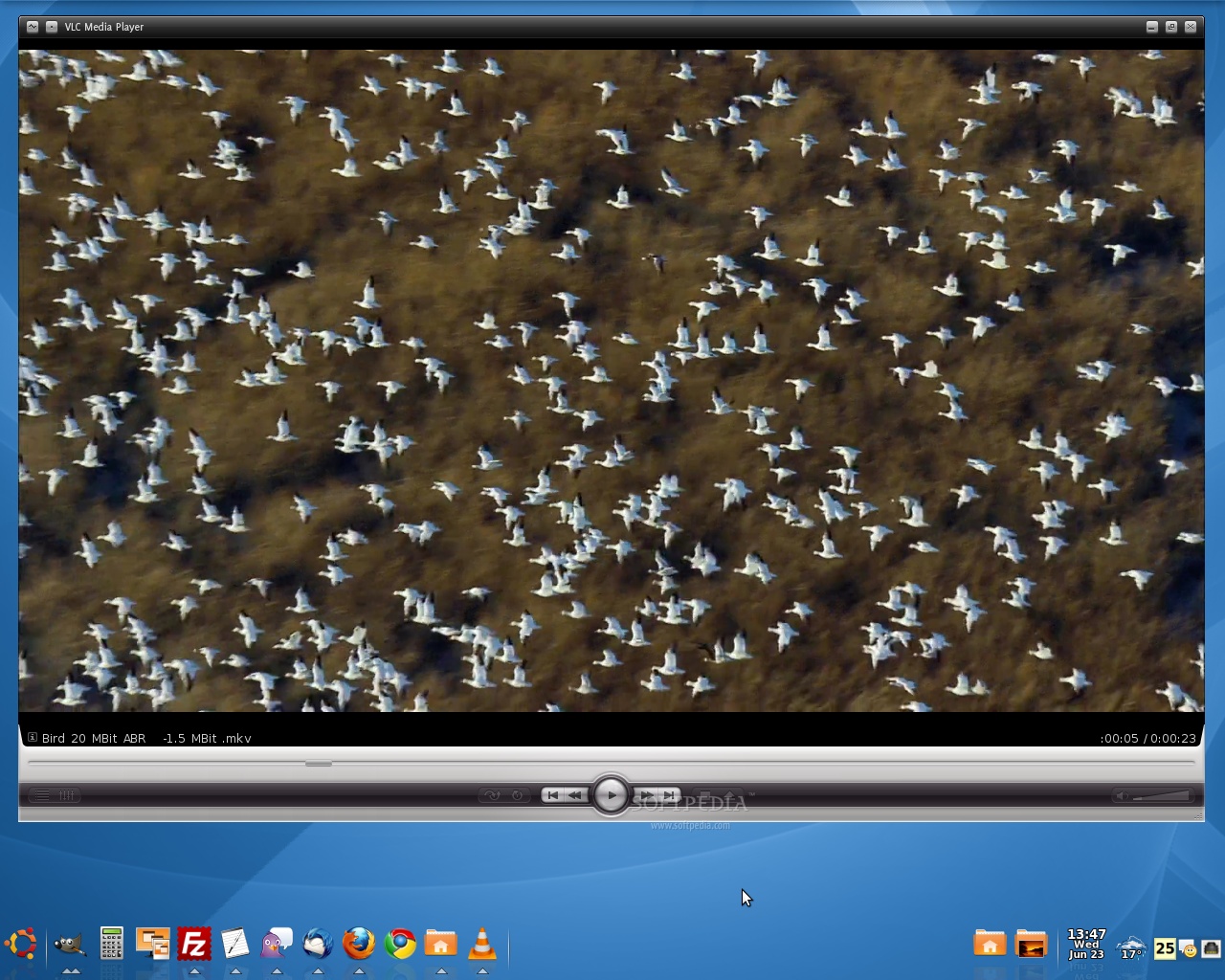
VLC 1.1.0 is now lighter, faster, especially with High-Definition (HD) files. It can now be personalized with add-ons and scripts, has improved support for cover art and metadata and an integrated playlist (for the Qt4 interface) with multiple views. We've tested VLC with many video and audio files and we could not find any issues. It played all the files flawlessly. Oh, and the best part is that you don't need any codec pack to play your favorite streams!
Review image
VLC 1.1.0 on Ubuntu 10.04 LTS (Lucid Lynx) with a custom skin, playing an 1080p video file


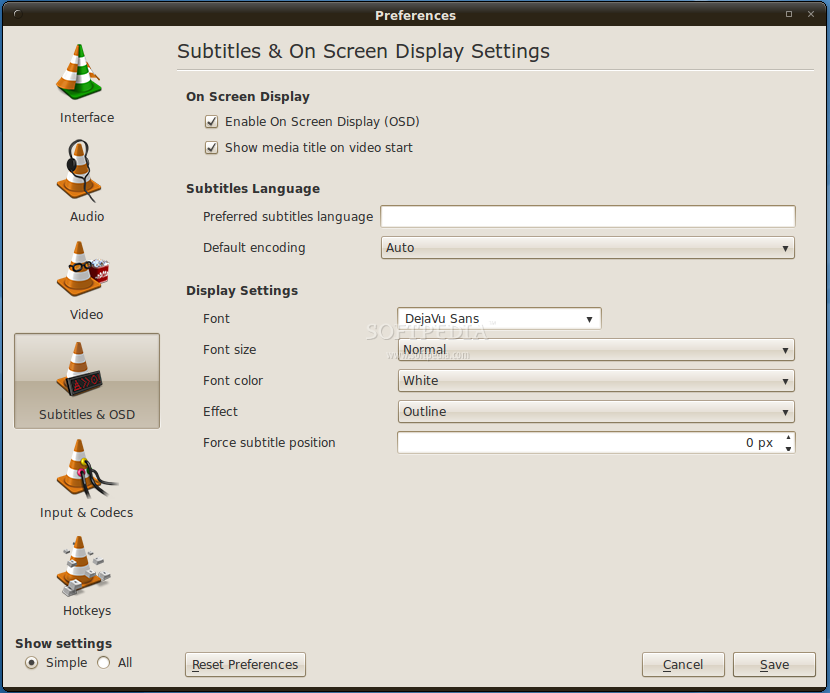
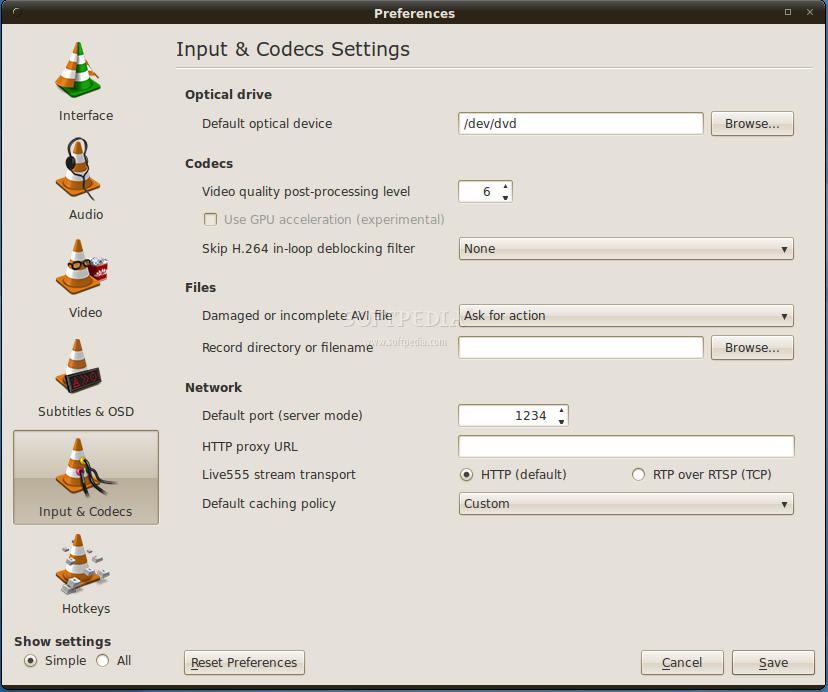
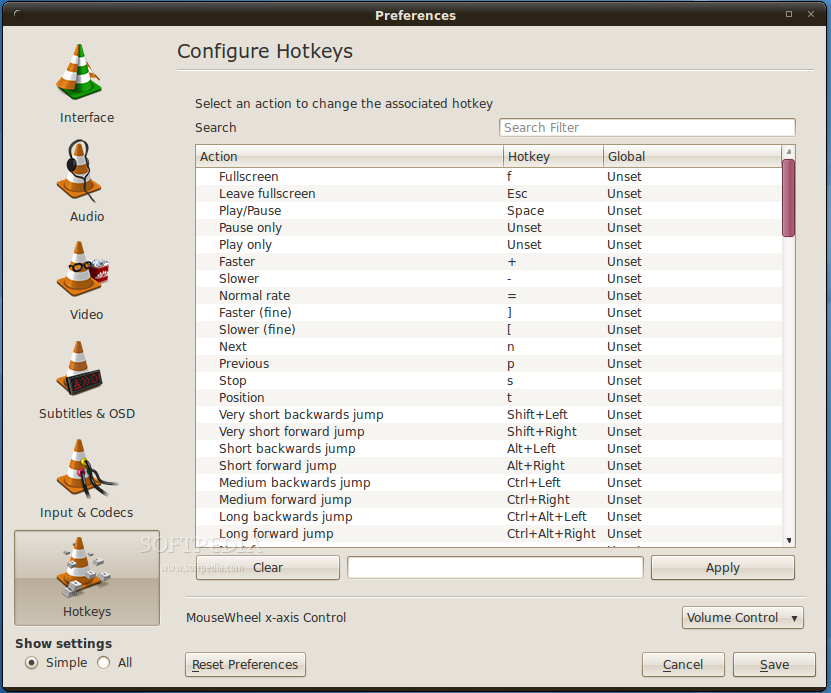
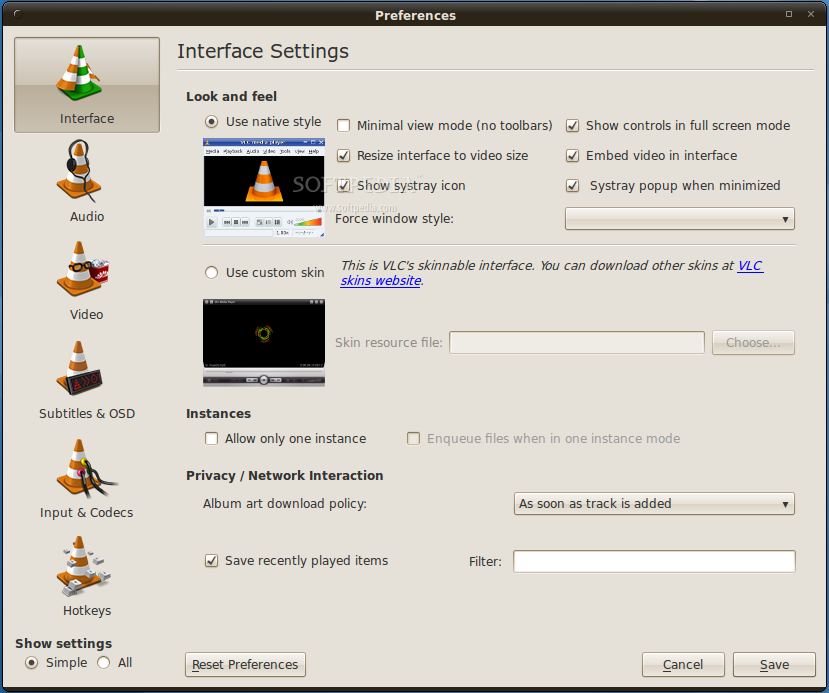
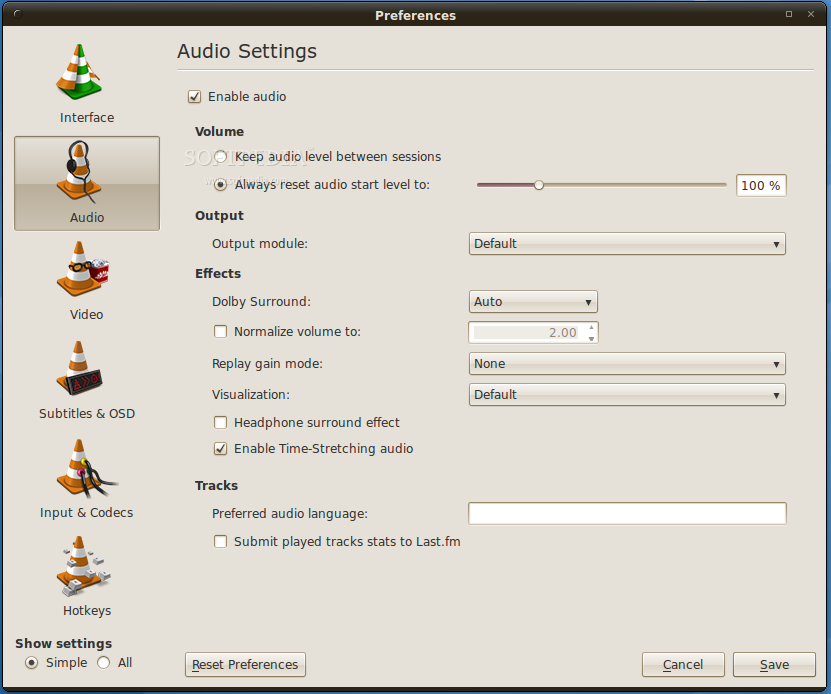
Below you can see some screenshots from VLC's preferences dialogs!

VLC 1.1.0
Enlarge picture
VLC 1.1.0
Enlarge picture
VLC 1.1.0
Enlarge picture

VLC 1.1.0
Enlarge picture
VLC 1.1.0
Enlarge picture
VLC 1.1.0
Enlarge picture


About VLC

VideoLAN Client, or VLC for short, is one of the best multimedia playback applications available for Linux, Windows and Mac OS X platforms. VLC is independent of the system's codecs and it is able to play most of today's video and audio formats, such as MKV, Blu-Ray, DivX, XviD, AVI, MPG, MPEG-2, DVD-Video, online streaming, FLV, MP3, OGG, FLAC, MPEG-4, and many more! VLC can also be used as an audio/video streaming server in multicast and unicast, with support for IPv4 and IPv6.

Download VLC 1.1.0 for Ubuntu and other Linux systems right now from Softpedia.

Special thanks to Christoph Korn for setting up the Ubuntu PPA for VLC 1.1.0.

Follow me on Twitter @MariusNestor
TELL US WHAT YOU THINK:

26,870 hits · 13 comments · Link to this article · Print article · Send to friend · Subscribe to news

MUST-READ RELATED ARTICLES:


How to Use GoogleCL in Linux

Superb Mini Server 1.5.2 Is Now Available for Download

Softpedia Linux Weekly, Issue 102

Google Releases Linux Tools for Its Services

SystemRescueCd 1.5.6 Features Linux Kernel 2.6.34

READER COMMENTS:


Comment #1 by: Marius on 23 Jun 2010, 14:08 UTC reply to this comment

Greattttttttttttttttt!!!!!!!!!!!!!!11


Comment #2 by: Brandon on 23 Jun 2010, 15:21 UTC reply to this comment

This is great, although in lucid it dosen't come with GPU acceleration there are many improvements that make vlc 1.1.0 the best multimedia player.


Comment #3 by: sami on 23 Jun 2010, 21:52 UTC reply to this comment

greet and the best is kmplayer


Comment #4 by: Marius on 24 Jun 2010, 07:22 UTC reply to this comment

yea but i still prefer Mplayer and SMPlayer they are the best on win and lin beter than vlc


Comment #5 by: Pawel on 24 Jun 2010, 13:55 UTC reply to this comment

Nearly everybody's raving about this program, so they must be very lucky, because I can never get it to work properly. I've installed the newest version, but when I try to drag files over it, it produces an error, saying no such file found - the full path to the file is displayed with a question mark added at the end (which it treats as part of the file name, no wonder it can't find it!). I've been using it for 10 minutes and it's already stopped responding twice. Is it just me? Everything else is working fine, the system is after a fresh install a few weeks ago, so I don't think it's my "fault". At the moment it's working, but the menus aren't responding. The equalizer also doesn't work quite as it should, not to mention there are no presets to be loaded, one can't even save a preset!

Comment #5.1 by: Marius Nestor on 24 Jun 2010, 14:55 GMT

VLC works fine here... no crash or freeze. The equalizer also works as it should.... and the presets are there (17 of them)!

You are right, you can't save any preset... as there is no option implemented for that.

Comment #5.2 by: Pawel on 25 Jun 2010, 11:16 GMT

When I wrote about the problems, I was using the skinned version of VLC. Now that I've switched it back to classic style, everything seems to be working fine! Yes, there are a lot of equalizer presets, and I can drag and drop files. So the issues must have been related to the skinned mode - I've had them with several skins. So either the whole skinned mode isn't quite working as it should, or there are issues with individual skins. Anyway, I'm glad it works fine in the classic mode at least. Thanks for the response, Marius!


Comment #6 by: Sameera on 24 Jun 2010, 14:57 UTC reply to this comment

If you are talking about windows based Korian media player. you are correct! But In multi platform VLC wins! Me too love KMP! But In Ubuntu(Linux) World I


Comment #7 by: jmanners on 13 Aug 2010, 11:14 UTC reply to this comment

So much for Mr Korn and his repository. He has withdrawn it, following a flood of complaints about his repo replacing core system libraries with his own broken versions.

Could you please do everyone a favour and stop promoting this idiot. Thanks

Comment #7.1 by: Mikey D on 06 Sep 2010, 03:24 GMT

Agreed at least on the repository. It has been removed and now I cannot get it. Never had a problem with the previous versions, but I am not a noob either. I would appreciate the repo being brought back or another way to get it.


Comment #8 by: Mikey D on 06 Sep 2010, 03:22 UTC reply to this comment

The links you add to your repository on Ubuntu 10.04 do not function, they fail to query. Also a search of the actual http ref shows no vlc links. Please let me know if I am doing something wrong. I have added repositories for many years and this is the only one that has failed

Comment #8.1 by: LuckyE on 30 Nov 2010, 12:48 GMT

Same error for me, was using this repository quite a while. VLC seems to be offline here...


Comment #9 by: miguel on 09 Apr 2011, 02:00 UTC reply to this comment

ok i'm new here on ubuntu i'm trying ton install this progran but i can't

Copyright © 2001-2012 Softpedia. Contact/Tip us at

WindowsGamesDriversMacLinuxScriptsMobileHandheldNews

SUBMIT PROGRAM   |   ADVERTISE   |   GET HELP   |   SEND US FEEDBACK   |   RSS FEEDS   |   UPDATE YOUR SOFTWARE   |   ROMANIAN FORUM