 14 DAY TRIAL //
 With the spring settling in more and more everyday and flowers blooming all over the place, we thought it would be appropriate to take a first look at the Persian flower distribution that goes by the name of Parsix 2.0r0.
Released just a few days ago, Parsix 2.0r0 is codenamed Boss Skua and was built on top of Debian using the 2.6.26.8 Linux kernel. Coming in a regular-sized ISO, the Live CD booted quite fast on our test machine, which had the following configuration:
· AMD K8 nForce 250Gb Motherboard · AMD Sempron 2800+ Processor · Nvdia GeForce FX5500 Video Card · 512 MB RAM · LG CD-RW/DVD-ROM Drive · 17" BENQ T720 Monitor
The Live environment was responsive and functional; nothing special really so I started the install on hard drive process, which is a customized wizard that allows users to save a modified setup configuration for later use (cool!). Though the partitioner (GParted) had support for the EXT4 filesystem, I was quite disappointed to see that Parsix was only able to install on EXT3, ReiserFS or JFS partitions, so my previously formatted EXT4 one was reformatted to EXT3 before the installation started. But given the fact that EXT4 is still a new technology, it's somehow understandable that the developers chose to postpone the support for it. The installation didn't take too long, and in less than 10 minutes I was ready to reboot into the newly installed operating system.
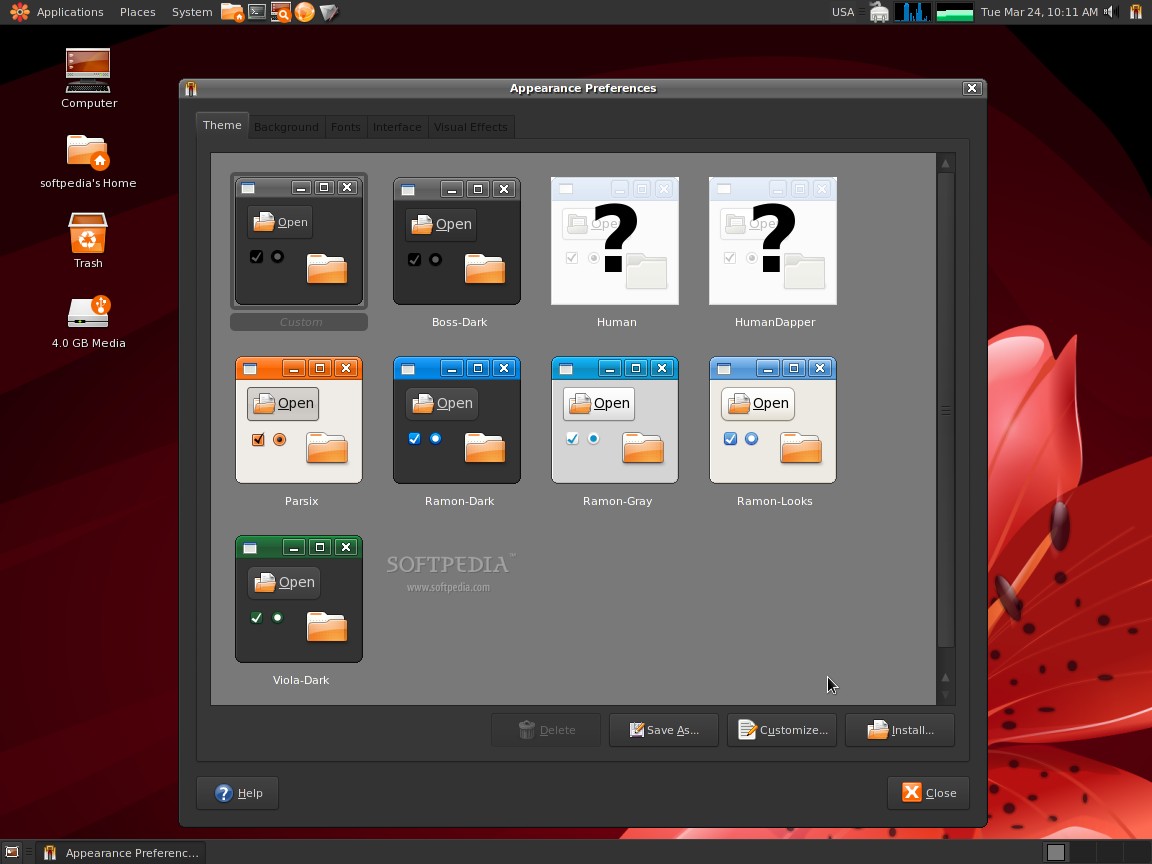
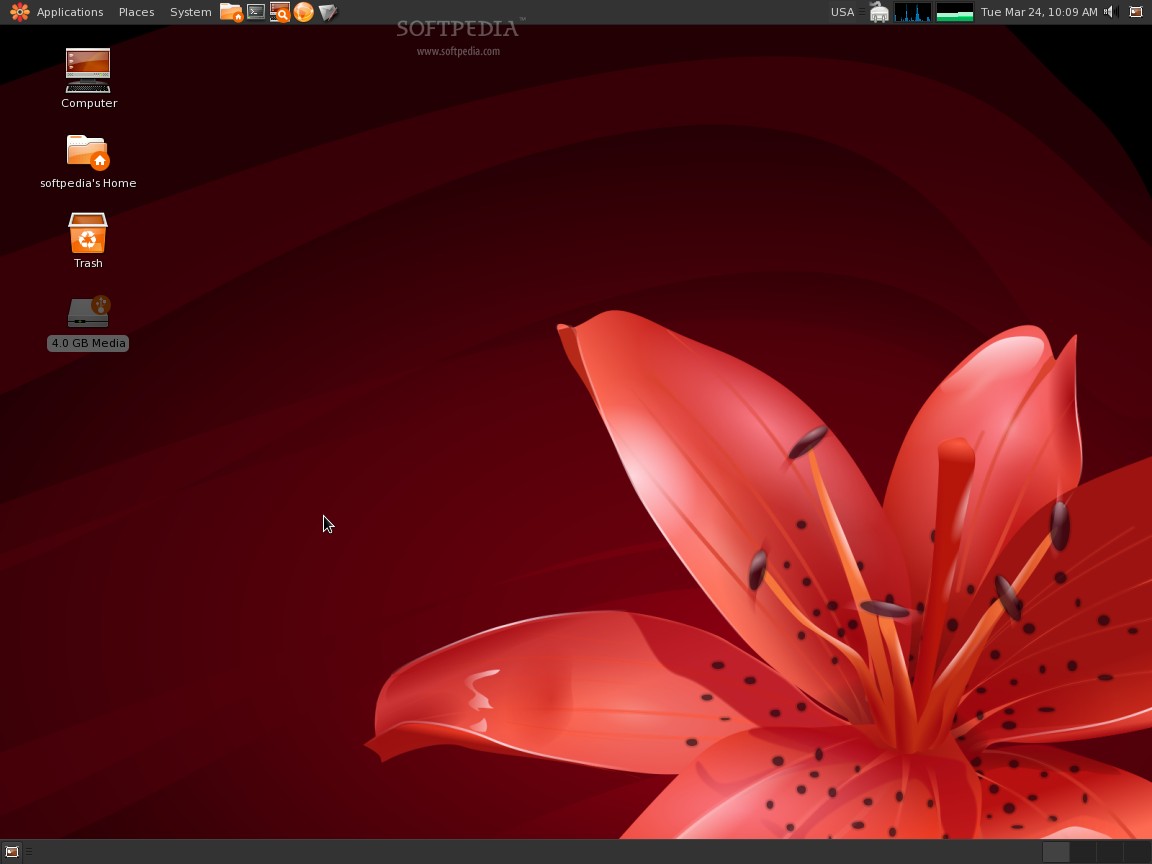
The next minor disappointment is the fact that there is no Boot splash; instead, a "verbose mode" (text output) will be displayed. And while I enjoy watching exactly what's happening during boot-up, some might find that boring and want something more... personal. The beautiful red flower that appears on the desktop and in the login screen, combined with a dark red loading bar, would have certainly appealed to users. The theme itself looks very nice, is easy on the eyes and having those dark shades of gray that perfectly contrast with the red wallpaper makes it a great choice. There are, of course, some other color variations to choose from, so you won't grow tired of the same palette.
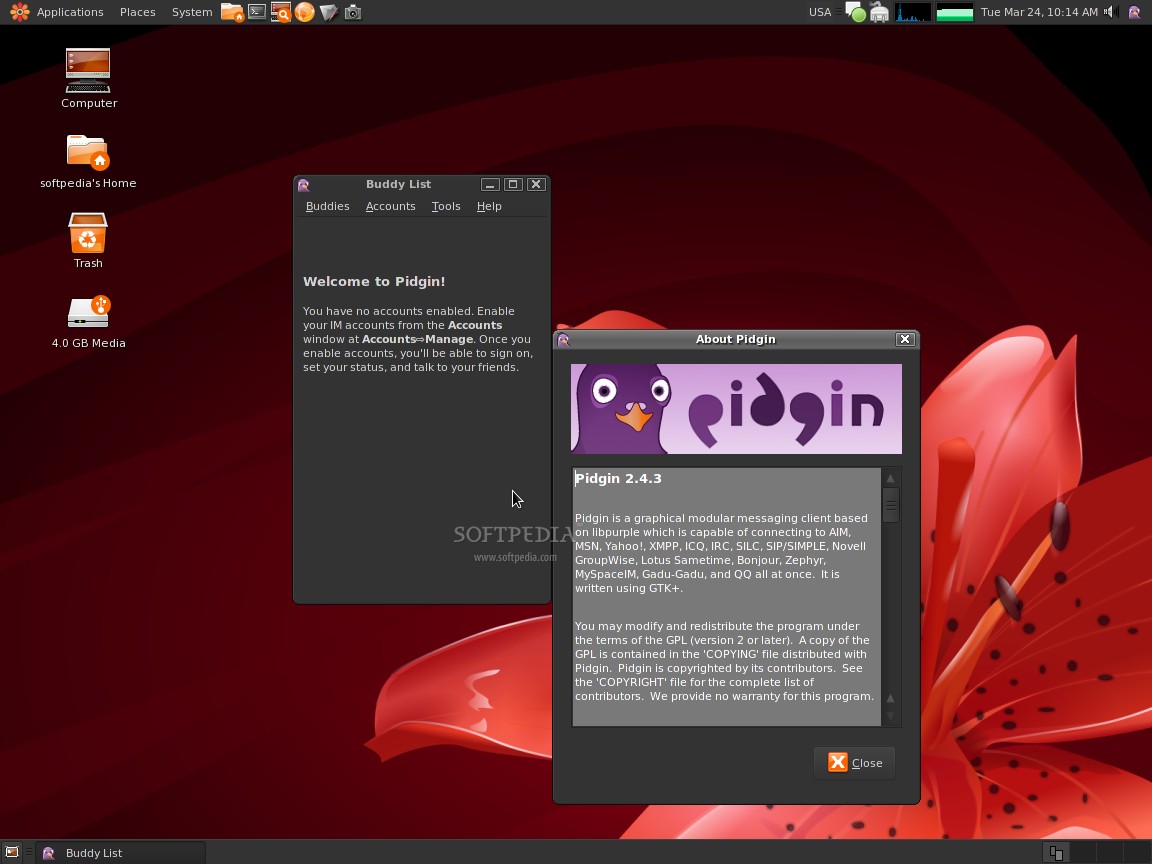
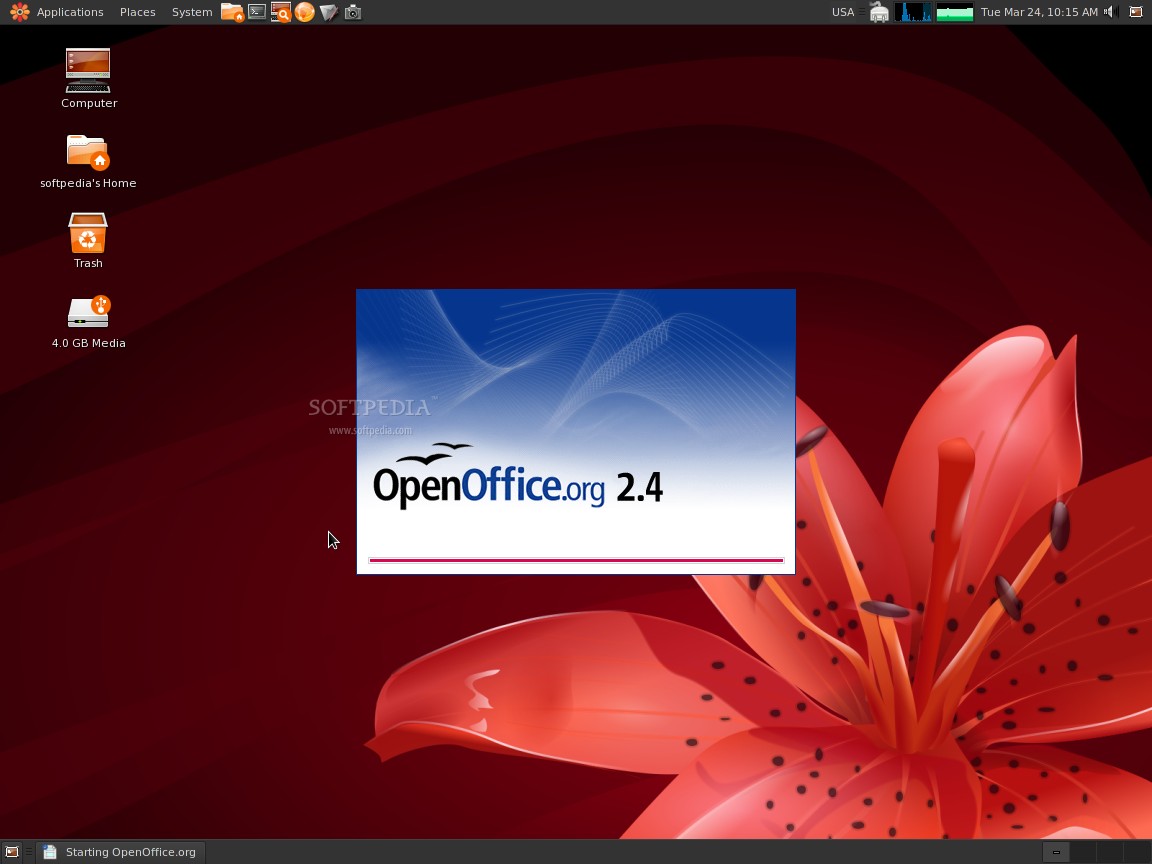
Being a Debian-based Linux distribution and using the GNOME desktop environment, most users will easily find their way through the menus and applications. Too bad the developers didn't have time to upgrade to the latest GNOME version, 2.26.0. Unfortunately, many of the installed applications are also outdated: OpenOffice is still at 2.4, Pidgin, currently at 2.5.5 is at version 2.4.3 in Parsix, VLC 0.8.6 instead of 0.9.8, and others. Well, at least IceWeasel 3.0.7 is current.
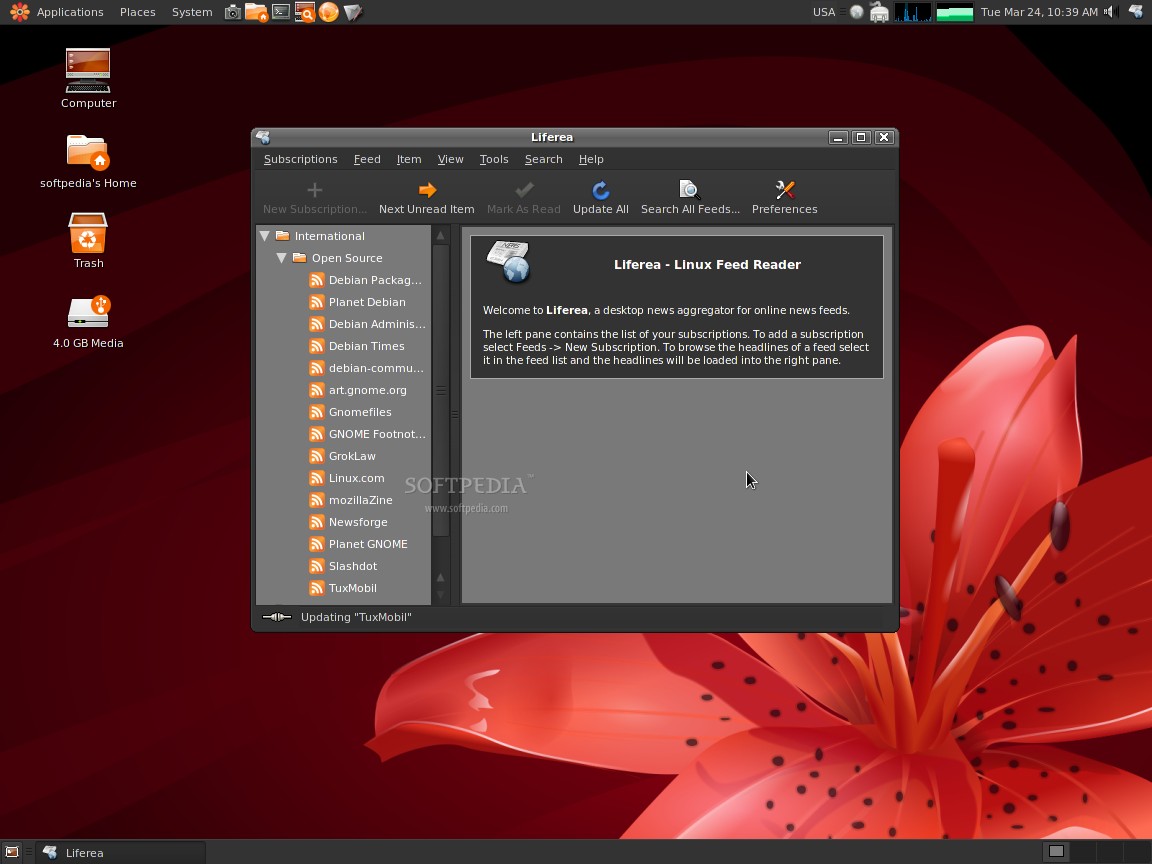
Though not quite up-to-date, there are many useful applications installed, including Bluetooth File Sharing, xFarDic, Balsa email client, Liferea Feed Reader, XChat IRC client, Grisbi Accounting, Compiz Fusion and Emerald Theme Manager. These last two are great additions for sure, but installing the video drivers to enjoy them will most likely chase away Linux newbies. Step-by-step instructions are provided on the Parsix website but you will still need to have at least some basic Linux knowledge. Installing other programs is very easy through the powerful Synaptic Package Manager.
As far as available codecs and plugins are concerned, MP3s were played just fine, while basic flash content displayed properly with the installed Gnash 0.8.4 Flash plugin. Unfortunately, when it came to playing online videos (YouTube, Metacafe etc.) it couldn't handle the job and I had to install Adobe's Flash Player plugin. These days, when most online content is Flash-based, having native support for it "out of the box" is almost imperative.
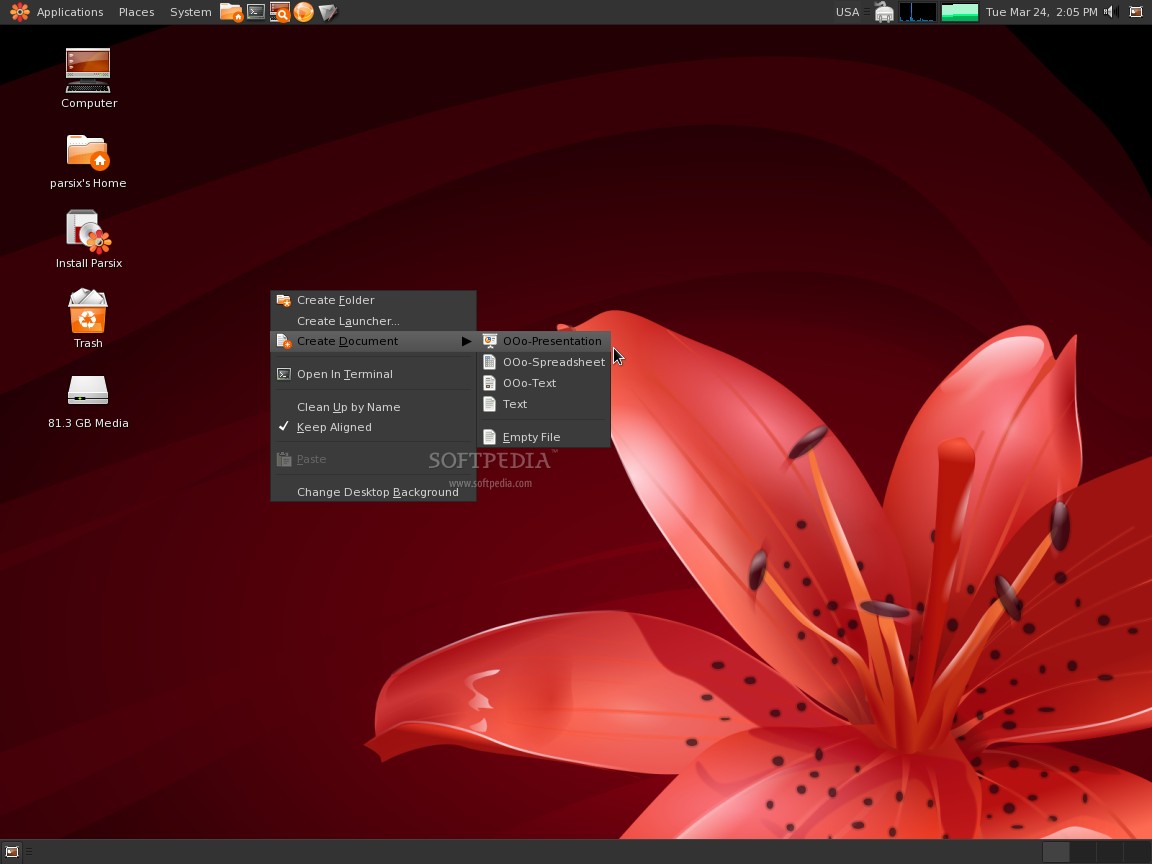
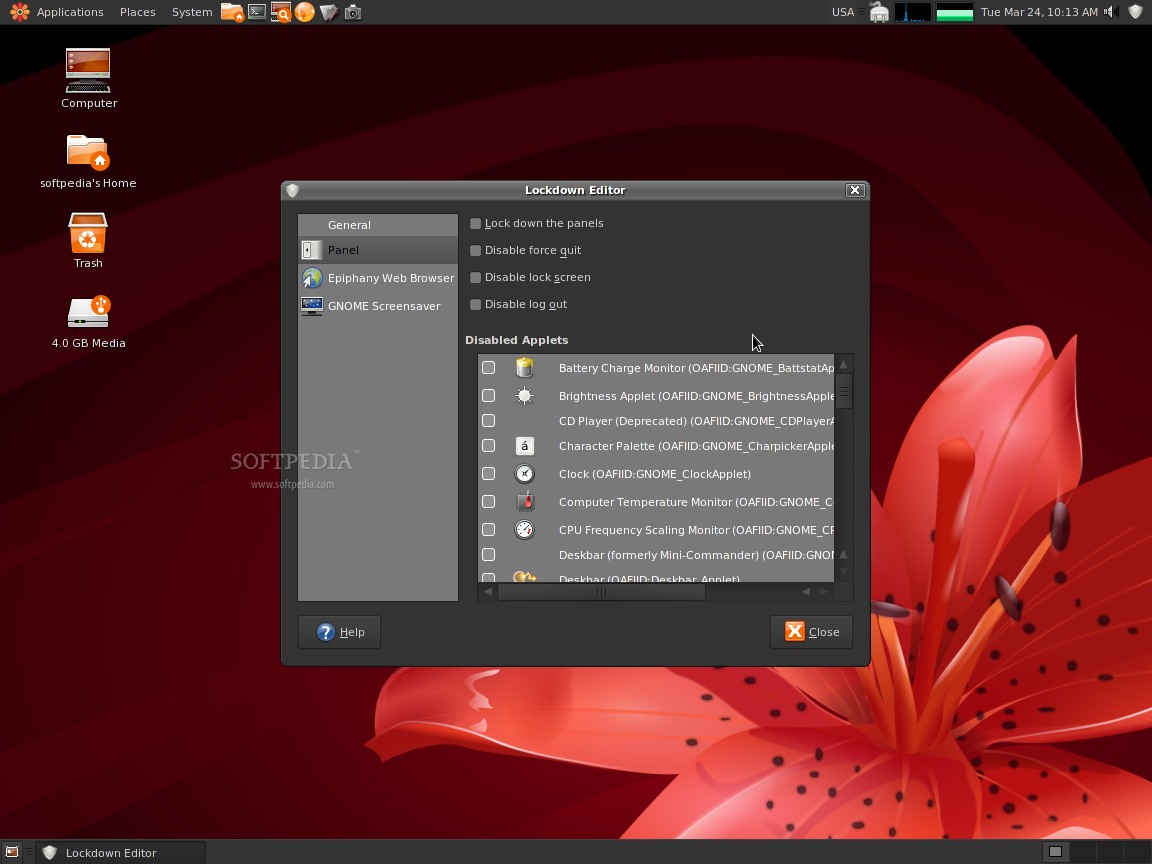
Another fine addition to the desktop is the extra templates installed for the "Create Document" option. Thus, when you right click on the desktop and choose Create Document, you will have the possibility to create not just the basic "empty file," but also OpenOffice presentations, spreadsheets or documents. Parsix also has a few tools of its own that can be found in the Applications --> Parsix menu. These are "Config Dialup Internet," "Network Configuration," "Parsix Documentation" and "Printer Manager." While I don't know how many of you will access the first one, the second will be helpful: Parsix doesn't automatically configure your network connection, so, through this entry, a quick wizard will ask you a few questions and offer to autostart the newly created connection at startup. The "Printer Manager" is nothing but a shortcut to CUPS settings page and "Parsix Documentation" is pretty self-explanatory. Quite a useful feature comes in the form of "Lockdown editor," which allows you to block access to certain areas of the operating system. It can remove the logout options, write-protect your Hard Drive, lock elements to the panels and many more. If you have kids around and you want to let them play around at your computer without worrying, this is a great tool. Another advertised feature is support for Blackberry mobile devices, and though I didn't have the means to test it, this component could prove to be very useful for Blackberry owners.
I have mixed impressions about Parsix 2.0r0. It looks really good (I would use the default theme everyday), it's fast, easy to install, very, very light on resources and has many useful utilities, but the outdated default software packages and hard-to-install graphics drivers will keep it from becoming a really popular distribution. If you want to try something new, definitely take Parsix into consideration the next time you go distro-shopping.
Download Parsix 2.0r0 right now from Softpedia.