 14 DAY TRIAL //
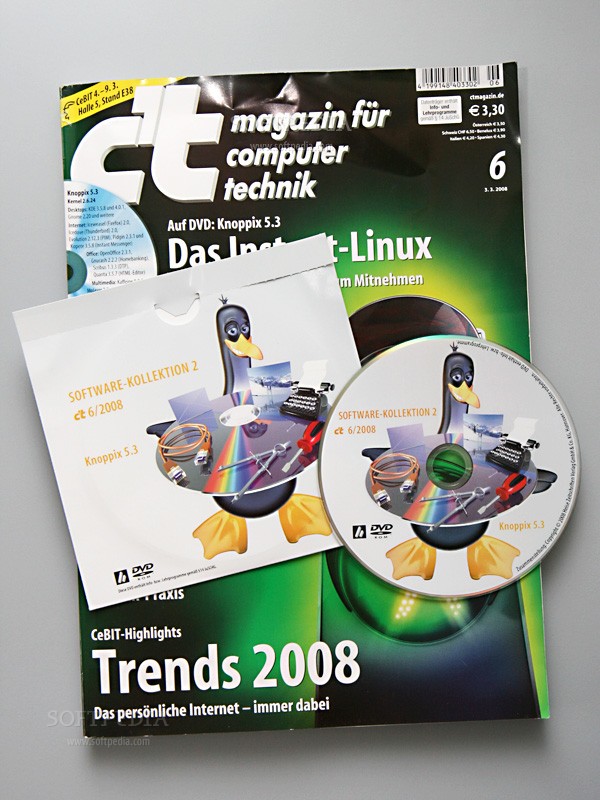
 Knoppix 5.3, after pausing for a year, was presented at CeBIT, in Hannover, Germany. Our colleagues were there, and got the DVD live-edition that's available with the German c't magazine during the event. The Open Source Audio-Desktop ADRIANE ? which is a part of the live distro ? was presented by Adriane and Klaus Knopper at CeBIT.
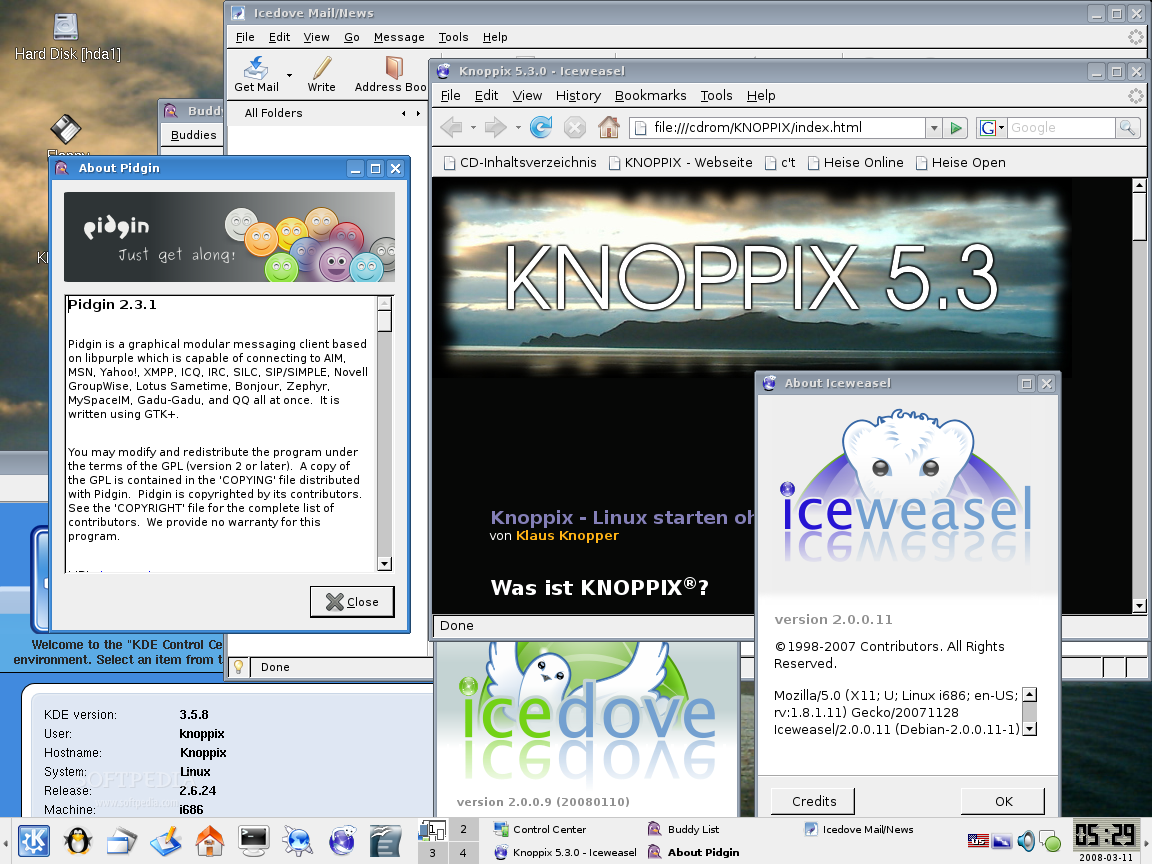
The Live DVD we had was predominantly in German, but it can be changed in English by typing at the boot screen knoppix lang=us followed by your favorite desktop environment, or hit Enter for the default one: KDE 3.5.8. However, the KDE 3.5 desktop doesn't change to English, you will have to go in the KDE Control Center -> Regional and Accessibility -> Country/Region and Language, select US-English, hit Apply and then log out. The system will automatically re-login and voila!
Under the Hood of Knoppix 5.3
Let's take a close look under the hood of KNOPPIX 5.3! First of all, it is powered by new technologies such as:
? Linux Kernel 2.6.24 ? X.org 7.3
It includes the following desktop environments:
? KDE 3.5.8 ? KDE 4.0.1 ? GNOME 2.20 ? Xfce 3.8 ? Xfce 4.4.2
The user has the possibility to choose one of the above desktop environments at the boot prompt. All you have to do is type knoppix desktop=name_of_desktop (replace name_of_desktop with gnome, xfce, KDE or kde4, depending on your preferences). To have an English version of the desktop environments, you will have to combine the lang parameter with the desktop one (e.g. knoppix lang=us desktop=kde4).
Some interesting applications that can be found in this edition of KNOPPIX are:
Internet tools:
? Iceweasel (Firefox) 2.0 ? Icedove (Thunderbird) 2.0 ? Pidgin (multi-protocol instant messenger) 2.3.1 ? Kopete (multi-protocol instant messenger) 3.5.8 ? Evolution (email client) 2.12.3
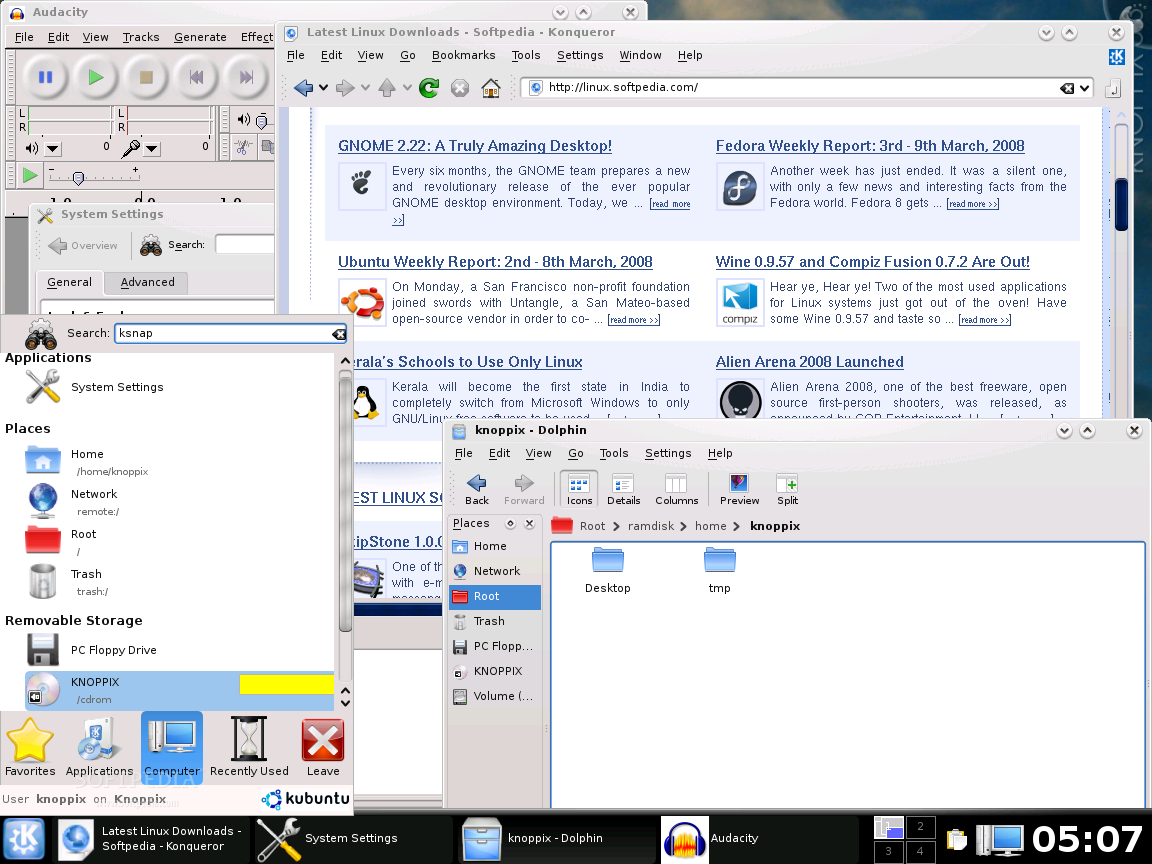
? OpenOffice.org (Office Suite) 2.3.1 ? Gnucash (homebanking) 2.2.2 ? Scribus (DTP software) 1.3.3 ? Quanta (HTML editor) 3.5.7
Multimedia applications:
? Audacity (audio editor) 1.3.4 ? Kino (video editor) 1.1.1 ? Kaffeine (video player) 0.8.5 ? MPlayer (video player) 1.0 ? VDR (video disc recorder) 1.4.7 ? GIMP (image editor) 2.4.3 ? InkScape (vector drawing software) 0.45
Programming tools:
? Eclipse IDE 3.2.2 ? Mono (.NET implementation) 1.2.6 ...and many programming languages such as: Perl, Python, Ruby, Java, C++, etc.
ADRIANE is an acronym for Audio Desktop Reference Implementation and Networking Environment, an implementation of an easy-to-use desktop system, very useful for blind people, who have a few or no computer skills. It has a dialog-based menu, supported by speech output, with an optional USB or bluetooth Braille device, which provides access to programs and functions like speech-aided web surfing through the elinks web browser, note book, pocket calculator, email with mutt and much more. From the 5.3 version of Knoppix, ADRIANE will be a part of the Live distribution.
What is KNOPPIX?
Knoppix is a bootable Live CD or DVD, made up from the most popular and useful free and open source applications, backed up by an automatic hardware detection and support for many video cards, SCSI and USB devices and a lot of peripherals. Thanks to the high compression it uses, the CD can have up to 2 GB of software installed on it, and the DVD can have over 8 GB on the 'Maxi' edition.
Download KNOPPIX 5.3 right now from Softpedia.