Search Perform an advanced search query SOFTPEDIA
 
SOFTPEDIA
Updated one minute ago
HomeSubmit a program for being reviewedAdvertise on our websiteGet help on surfing our websitesSend us your feedbackGet information about our XML/RSS backend and how to use itBrowse the news archiveVisit our discussion forumVizitati forumul in limba romana


KLIP
  1. HOME
  2. SCIENCE
  3. TECHNOLOGY
  4. WEBMASTER
  5. SECURITY
  6. MICROSOFT
  7. LINUX
  8. APPLE
  9. GAMES
  10. TELECOMS
  11. REVIEWS
  12. LIFE & STYLE
  13. EDITORIALS
  14. INTERVIEWS
  15. RSS
Welcome!
Hello, Guest

Login if you have a Softpedia.com account.

Otherwise, register for one.

LINUX

First Look: Geubuntu 7.10

- When a GNOME reaches Enlightenment

By: Marius Nestor, Linux Editor

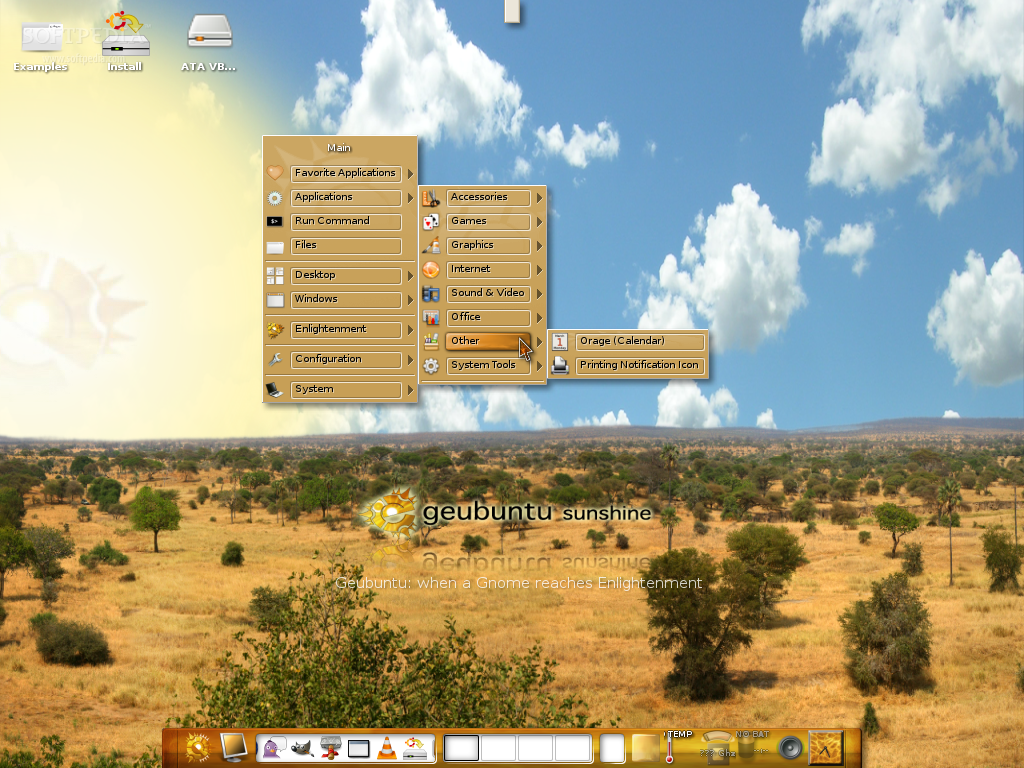
Being named Luna Nuova, Geubuntu 7.10 was released last night and it's based on Gutsy Gibbon a.k.a. Ubuntu 7.10. The developers say that Geubuntu 7.10 has so many improvements that you would not even recognize it anymore, if you've tried the previous version before. The improvements are from forum users who help a lot making Geubuntu stronger and beautiful.

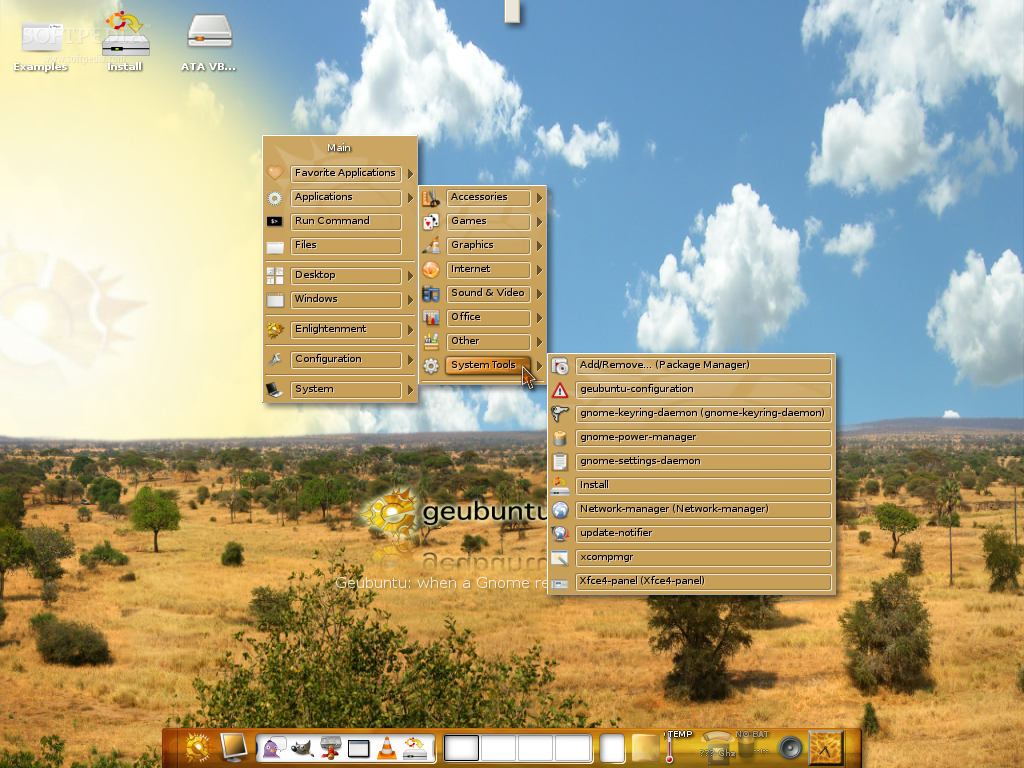
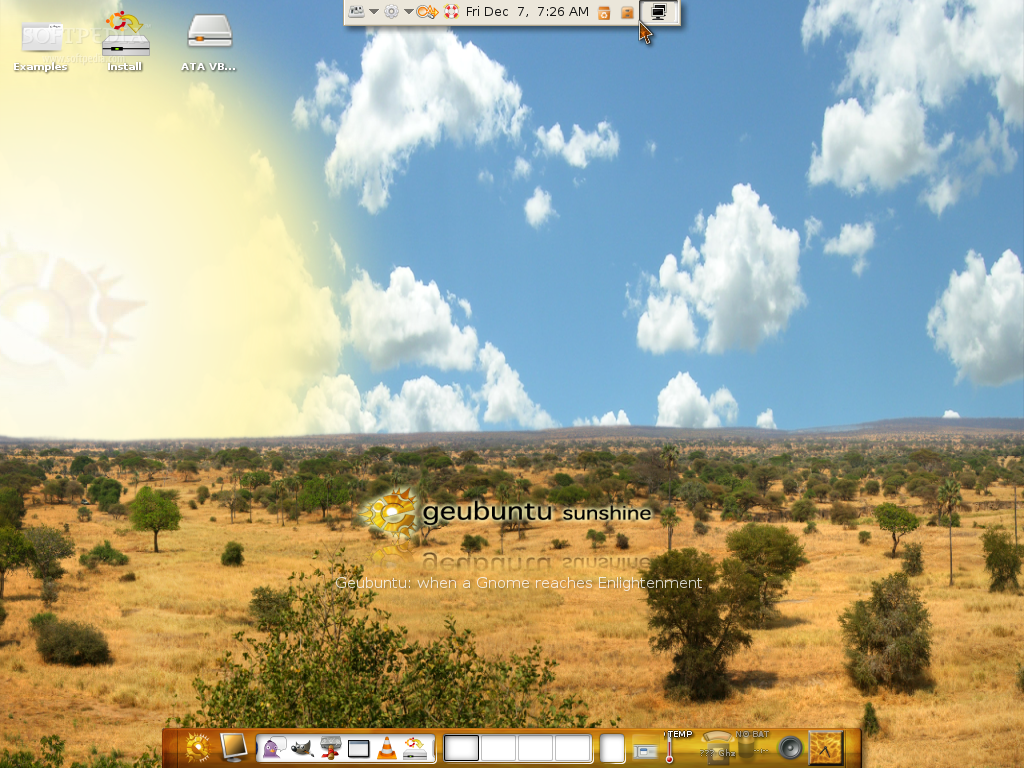
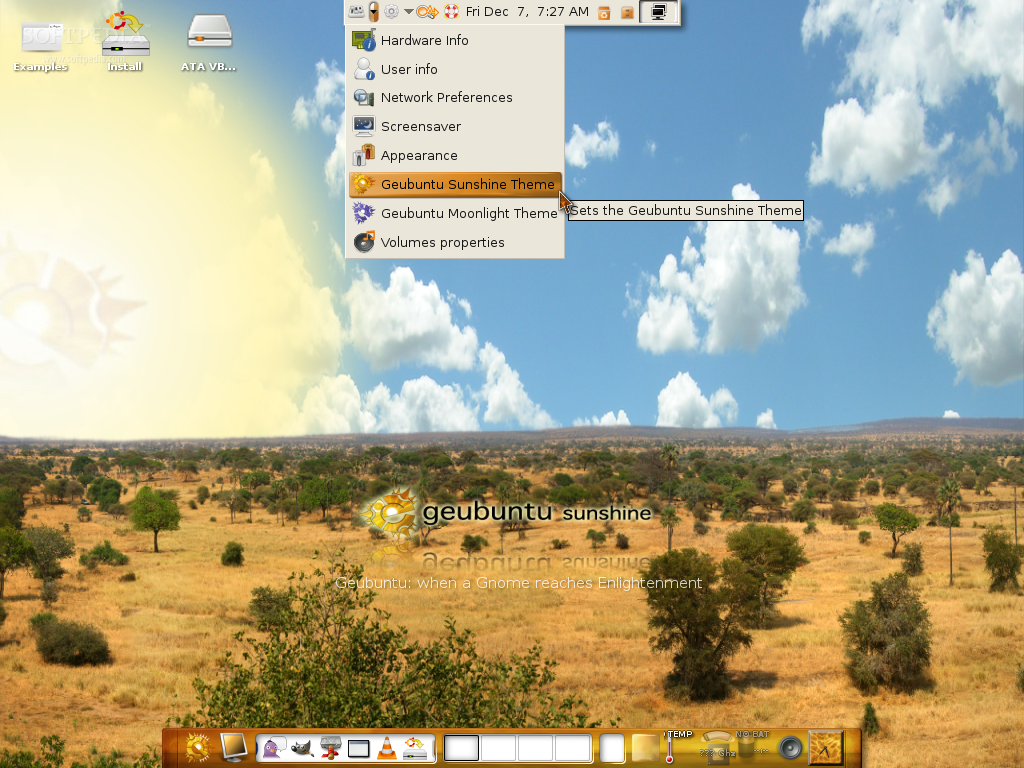
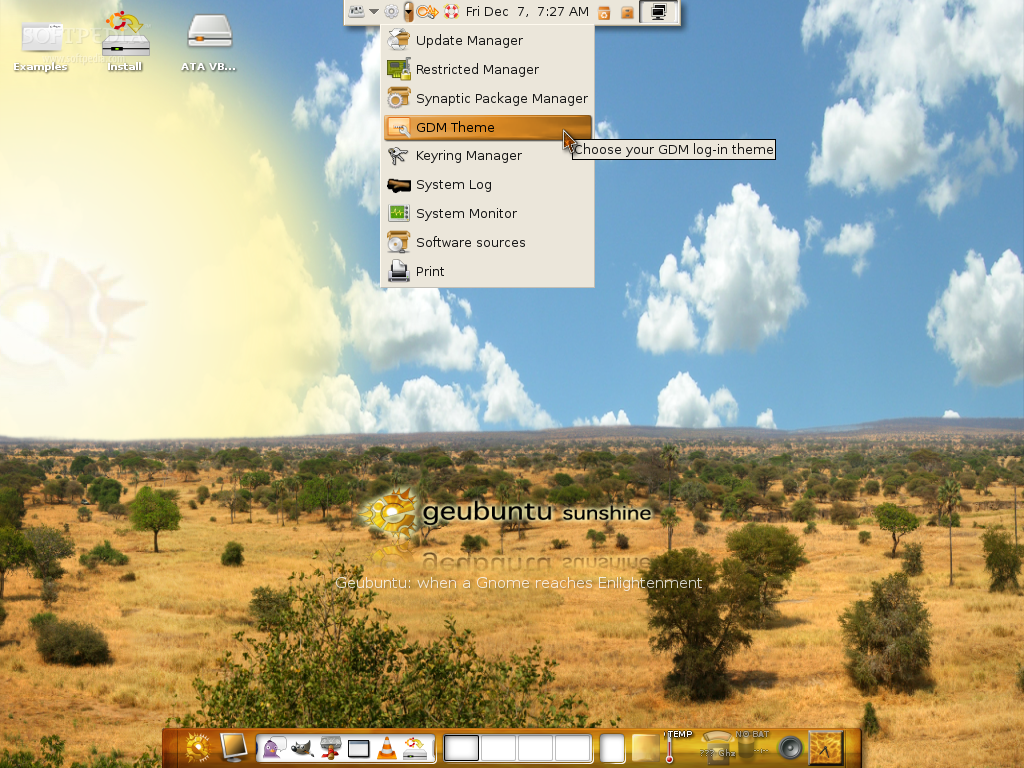
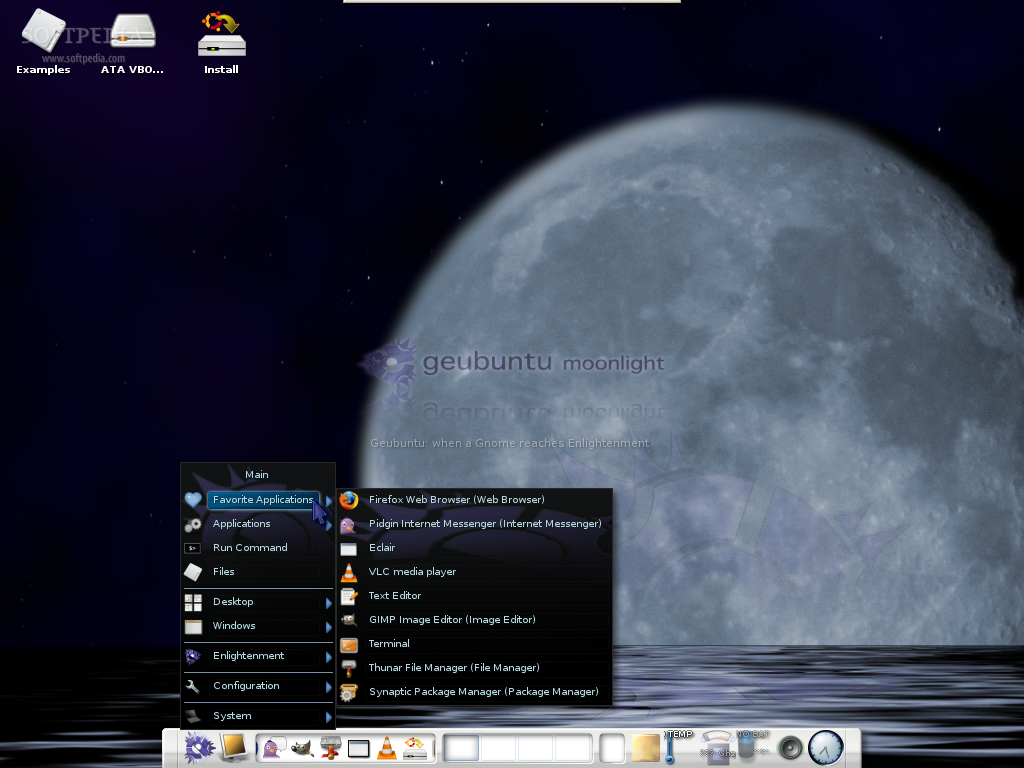
The Live CD allows you to instantly switch from Sunshine to Moonlight edition, with a single click. This got rid of the "two iso files" problem! Geubuntu is much faster now, because it uses the Thunar file manager instead of Nautilus, and the XFCE4 panel instead of Gnome Panel.

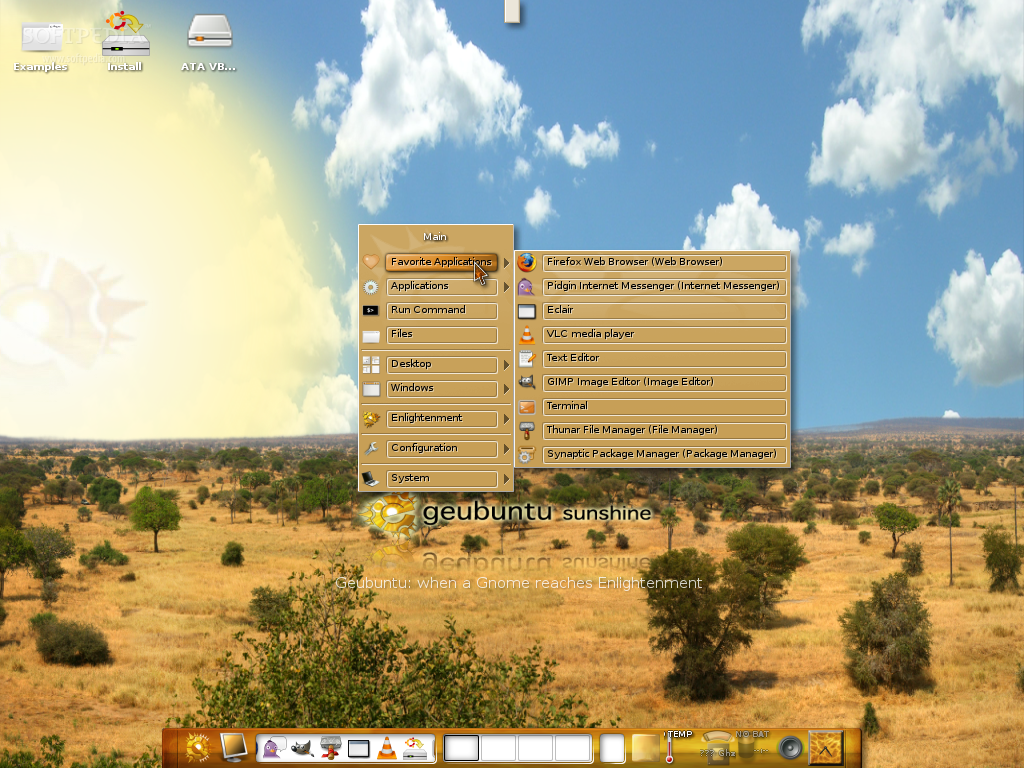
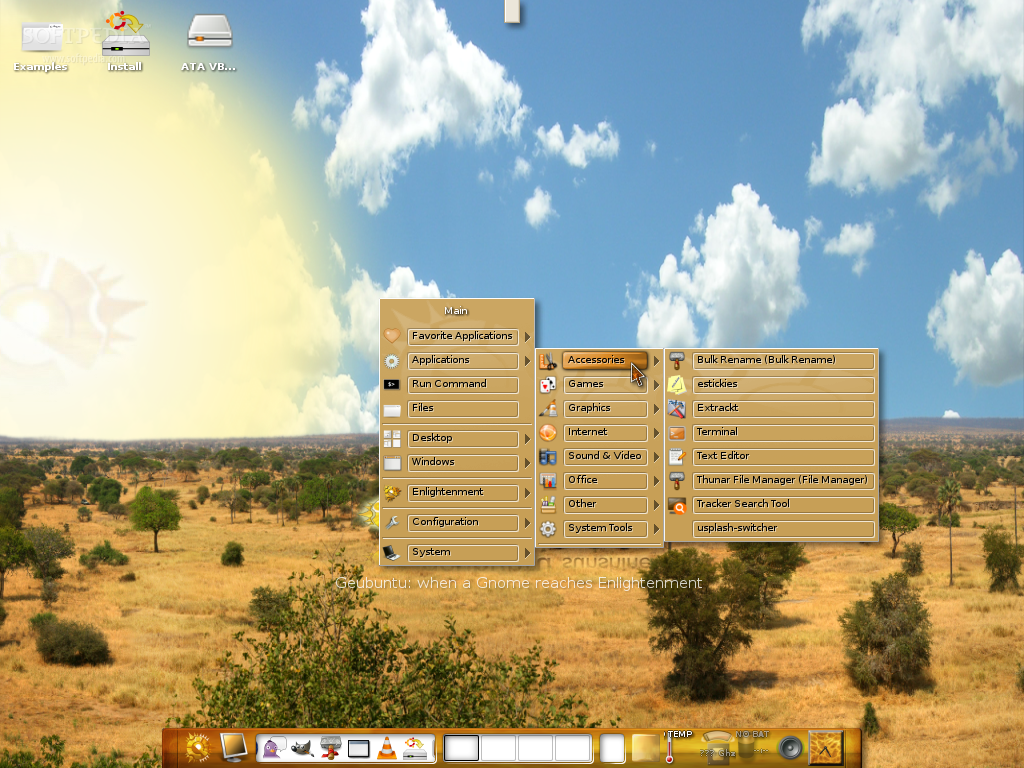
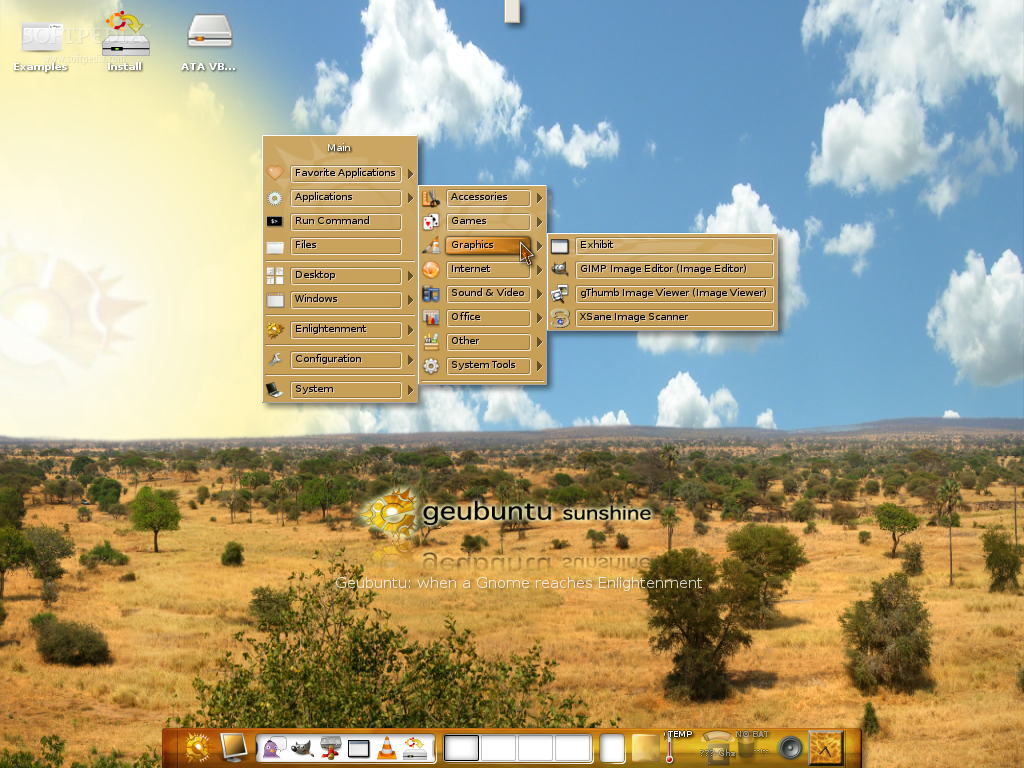
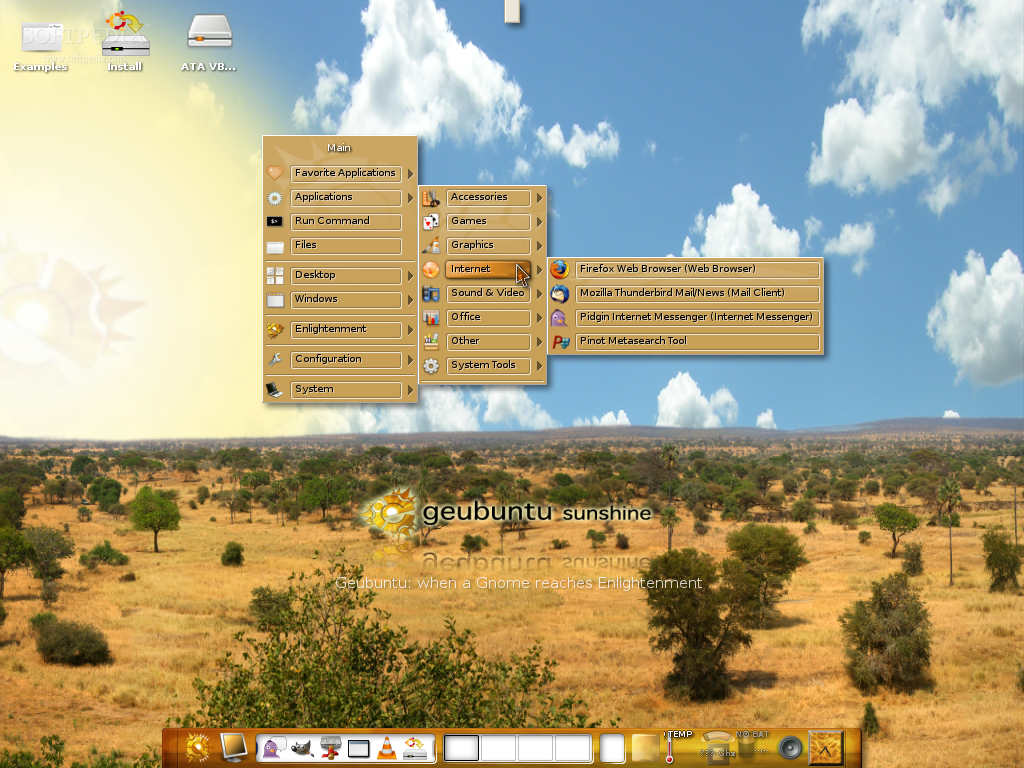
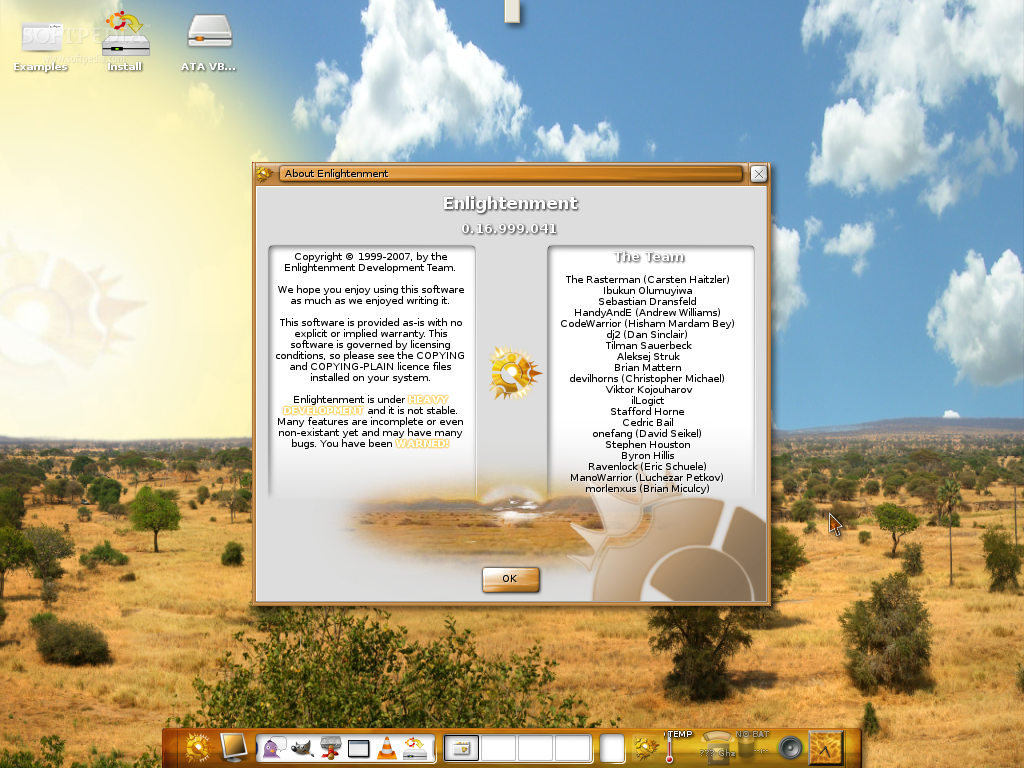
Geubuntu 7.10 comes with version 0.16.999.041 of the Enlightenment desktop and includes the following applications:

· Mozilla Firefox (web browser)
· Mozilla Thunderbird (e-mail client)
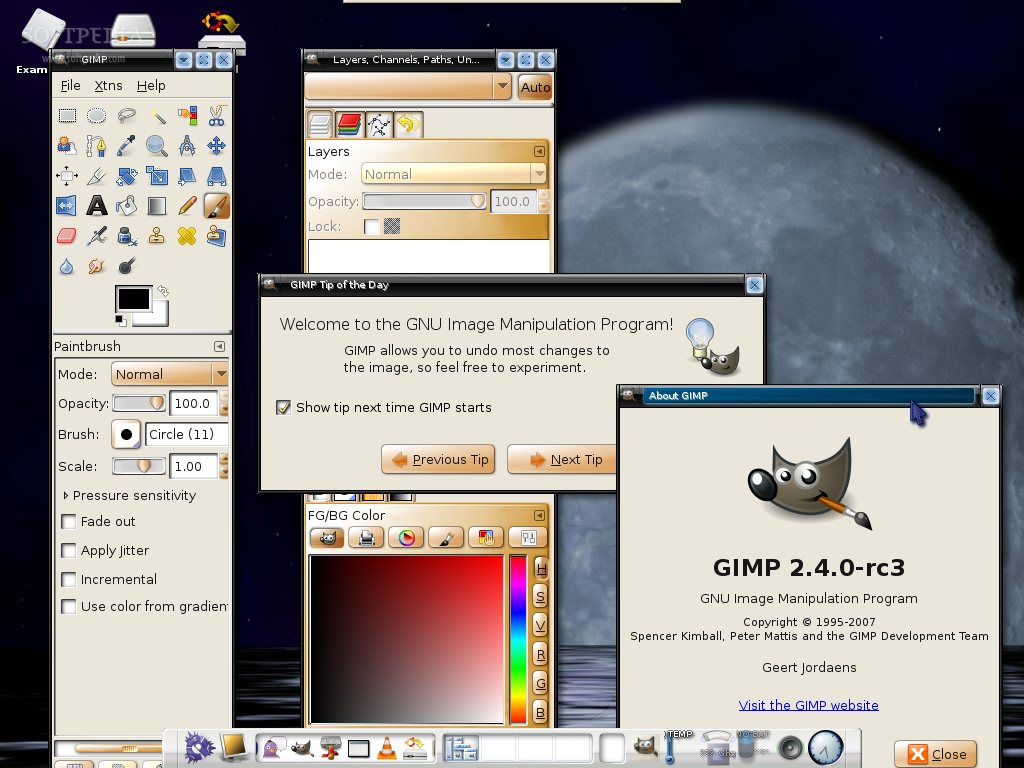
· The GIMP (image editor)
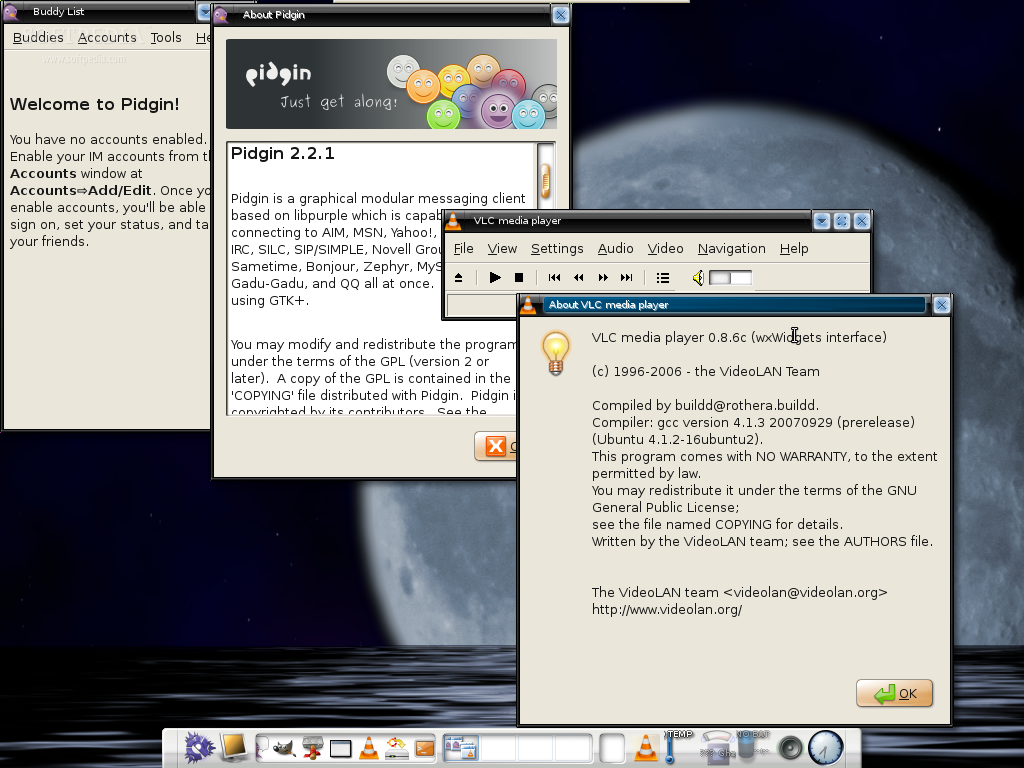
· Pidgin (instant messenger)
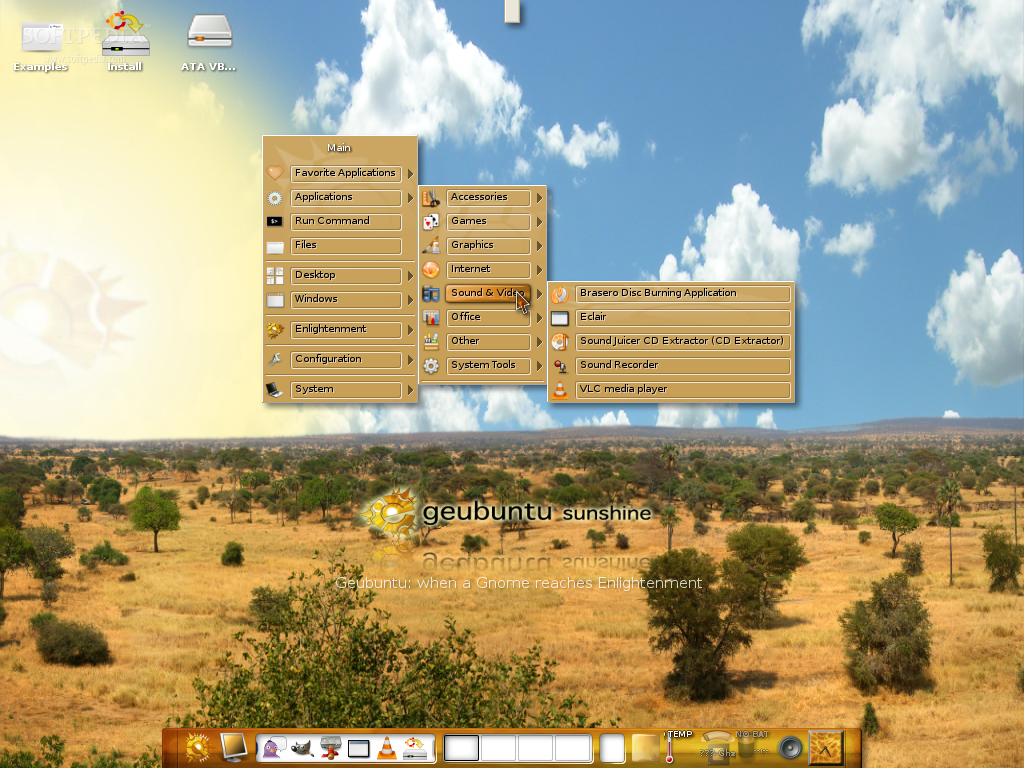
· VLC (media player)
· Thunar (file manager)
· Synaptic (package manager)
· estickies (desktop notes)
· Extrackt (file archiver)
· Gedit (text editor)
· Tracker (desktop search tool)
· Usplash Switcher
· Bulk Rename tool
· gThumb (image viewer)
· XSane (image scanner)
· Pinot (metasearch tool)
· Brasero (CD/DVD burning application)
· Sound Juicer (Audio-CD extractor)
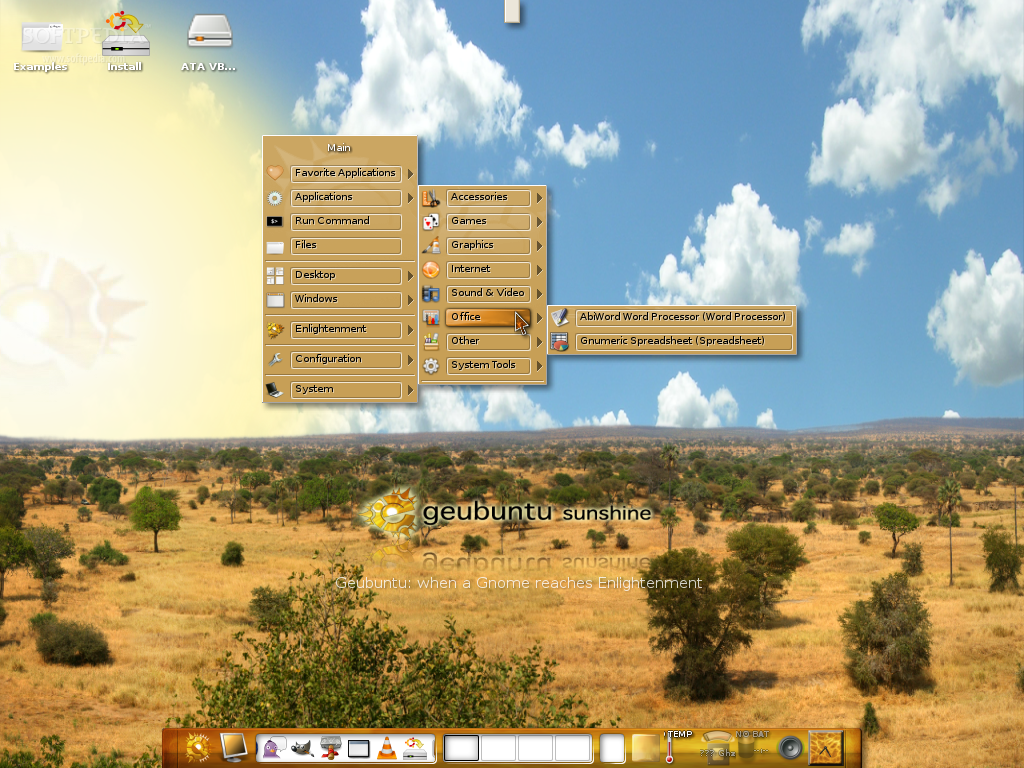
· AbiWord (word processor)
· Gnumeric Spreadsheet (spreadsheet application)
· Orange (desktop calendar)
· Network Manager
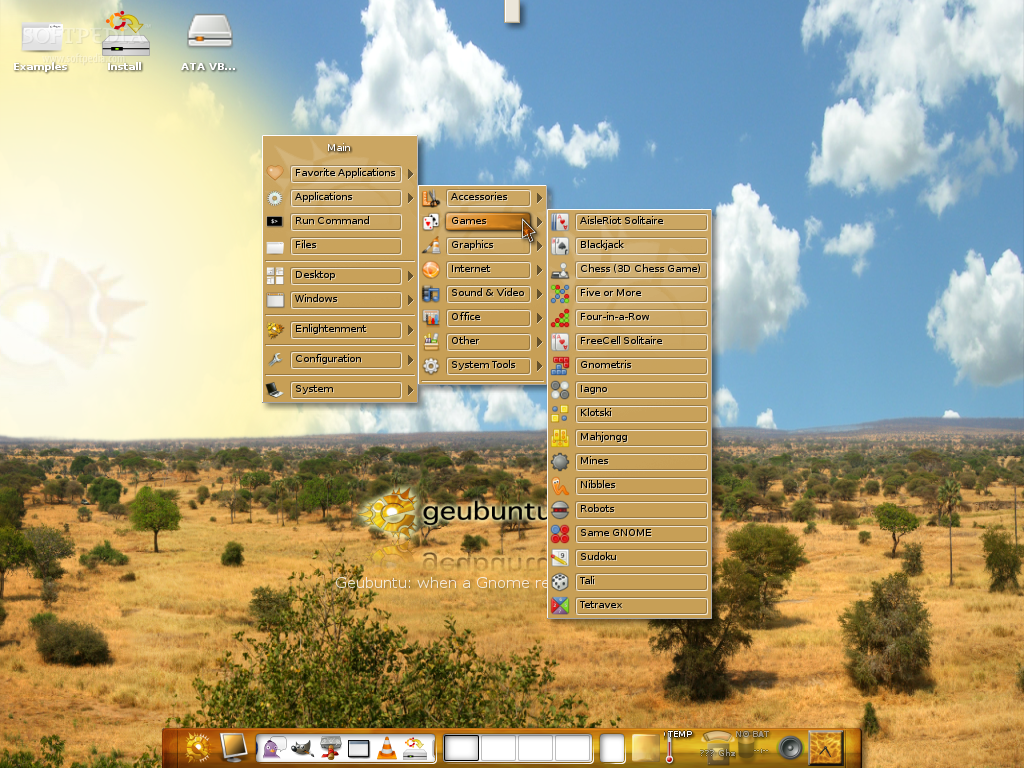
...and a lot of games such as: Blackjack, 3D Chess, Mahjongg, Mines, Nibbles, Sudoku and more.

If you are a user of Prima Luna (Geubuntu 7.04), you can upgrade to this version, from packages. All you have to do is to edit your sources.list file and change the feisty entries to gutsy. However, you will need to have the previous Geubuntu Prima Luna deb packages installed in order to upgrade to Geubuntu 7.10.

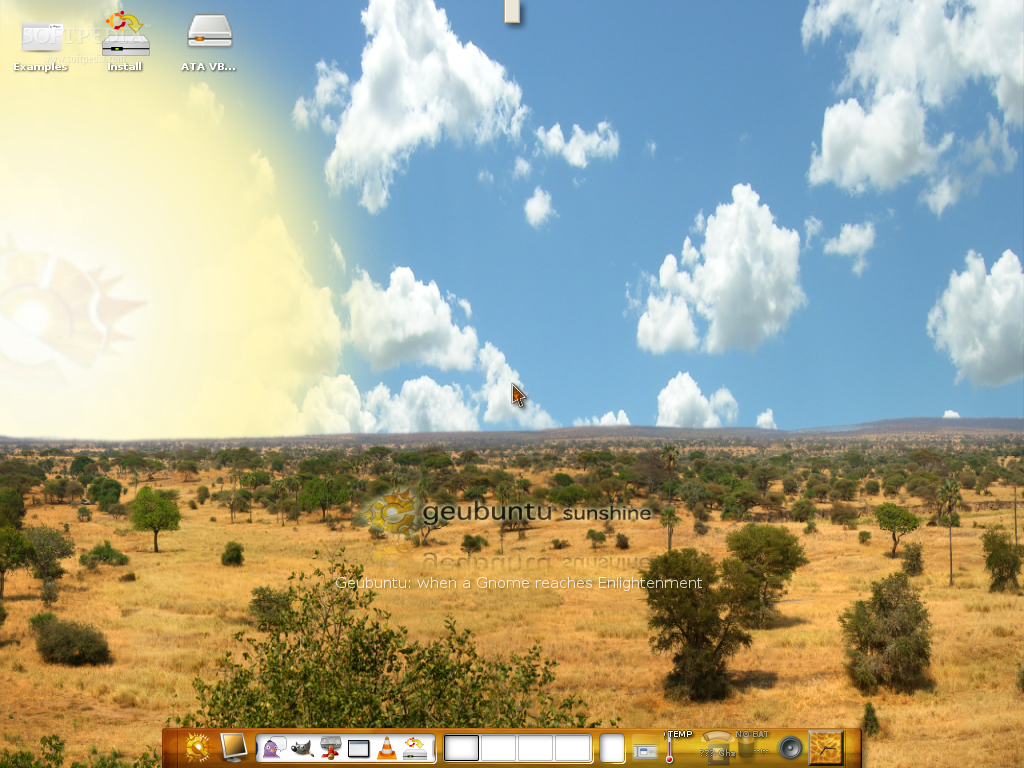
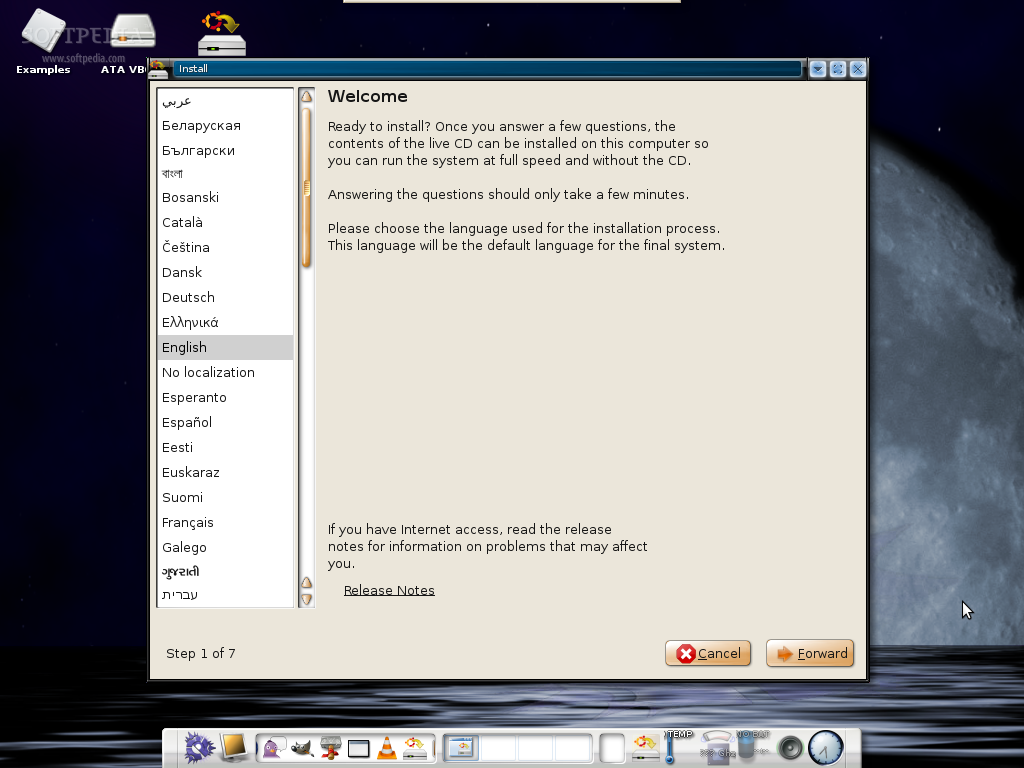
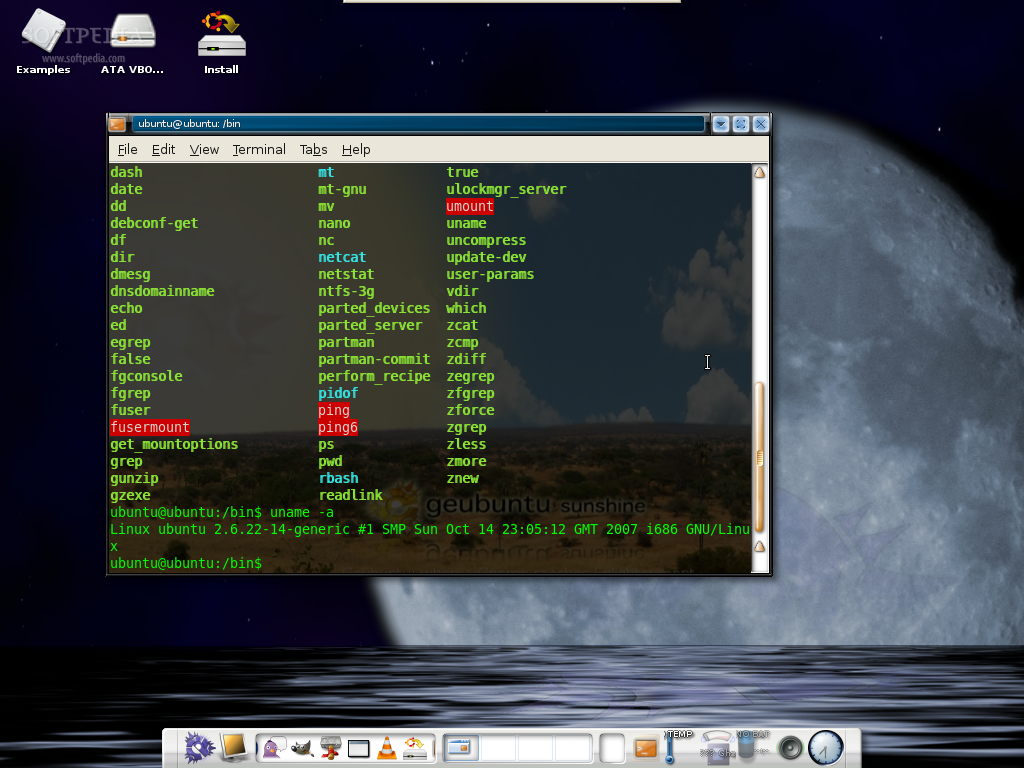
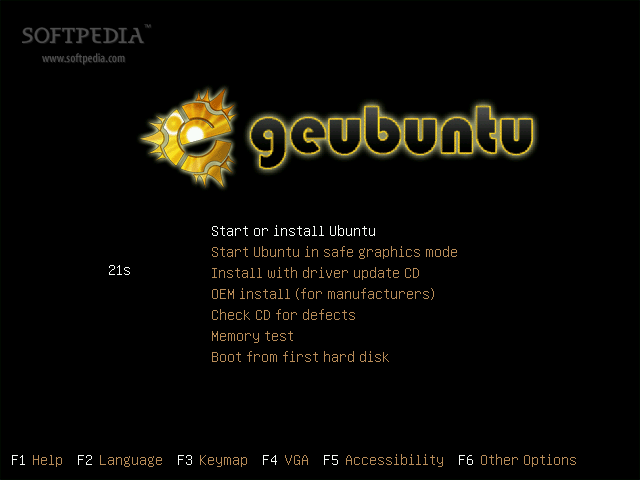
Here's the first screenshot tour of Geubuntu 7.10:
Review imageReview imageReview imageReview image

Review imageReview imageReview imageReview image

Review imageReview imageReview imageReview image

Review imageReview imageReview imageReview image

Review imageReview imageReview imageReview image

Download Geubuntu right now from Softpedia.

MORE RELATED ARTICLES: Zenwalk Live 4.8 Available Now CentOS 5 i386 Live CD Is Now Available Ark Linux & Ark Linux Live 2007.1 Released Dyne:bolic Version 2.5.2 is Out! GoblinX Mini 2.5 Released The Werewolf Packed with Games 64 Studio 2.0 Stable Release Shift Linux 0.5 Was Launched KateOS 3.6 Has Been Released RoFreeSBIE 1.3 Available Now
 
Comments | Link here | Subscribe
Print | Send to friend
Today's News | Yesterday's News

Search:


7th December 2007, 08:11 GMT | Copyright (c) 2007 Softpedia | Contact:
Read by 4,198 user(s) | Rating: | 8 vote(s) so far | Cast your vote:
First Look: Geubuntu 7.10 - USER OPINIONS

Comment #1 by soth on 2007-12-07, 06:52 GMT reply to this comment 
It looks great, and works good. I see that enlightment will be soon standard graphical server in Linuxes.

Comment #2 by yukesh on 2007-12-08, 18:25 GMT reply to this comment 
Amazing piece of software, this. Probably has some issues with Nvidia graphic card (it gave funny messages on my computer with Nvidia card). However, it has wonderful desktop and quite pleasing artwork. 2008 will be the tipping year for Linux. Way to go, penguin!

Comment #3 by Edmundo Soto on 2007-12-10, 16:15 GMT reply to this comment 
He descargado Geubuntu, luego he quemado la respectiva imagen ISO. Todo bien. Finalmente he arrancado el Live CD pero finalmente me ha solicitado un Usuario (username) y su Password y no puedo seguir la ultima etapa para probarlo.

¿ Que debo hacer en este caso?

Gracias por su respuesta.


go to top


SHARE YOUR OPINION ABOUT First Look: Geubuntu 7.10

Since you are not logged on, your comments will have to be approved before being displayed.
Click here to login, or register.
Your Name:
Your Email:
Type in the result:
Your Opinion:


DO YOU WANT TO CONTACT US?  

If you have some comments or you want to send us some information you can send us an email directly to .
You can use the form below for the same purpose.
Your full name: (at least 3 characters)
Your email address: (at least 5 characters)
Message subject: (at least 5 characters)
Message text:
(at least 10 characters)
Type in the result:


© 2001 - 2008 Softpedia. All rights reserved.
Softpedia™ and Softpedia™ logo are registered trademarks of SoftNews NET SRL.
Copyright Information | Privacy Policy | Terms of Use | Contact Softpedia | Update your software | Archive