14 DAY TRIAL //
 Almost a year ago, a team from Mozilla started working on a pure JavaScript PDF renderer. The idea was to be able to view PDF files found online in the browser without relying on a third-party plugin. It started out as an extension, but now comes built into Firefox in the nightly builds.
The need for a "native" PDF viewer in Firefox, or in any other browser is obvious, even though they're not particularly web friendly, there are plenty of PDF files on the web.
To be able to view them, you either have to have a plugin, like Foxit Reader or Adobe Reader, installed, meaning a hit on performance, a possible instability source not to mention a possible security concern.
Or you have to download the PDF file and open it in a native app, which means several steps and unnecessary hassle.
A built-in PDF viewer that doesn't use up resources it doesn't have to and benefits from all the security features of the browser, is an obvious choice. The problem is, it's not that easy to build a PDF viewer and it's even harder to write it completely in JavaScript and HTML5, like Mozilla did.
Chrome also comes with a built-in PDF viewer, but it's essentially a Pepper plugin running inside Chrome. It's built by the Chrome team and it's based on the Pepper API so it comes with a solid sandbox, but it's still a plugin.
pdf.js may be an add-on, but since it's built entirely with web technologies, so it will run like any web app. In fact, since it's open source anyone can take the code and build it into their website or use in other apps, even other browsers.
pdf.js now comes bundled with Firefox 14, but it's been available as an add-on for a while now, which means you can install it on Firefox 11 and above.
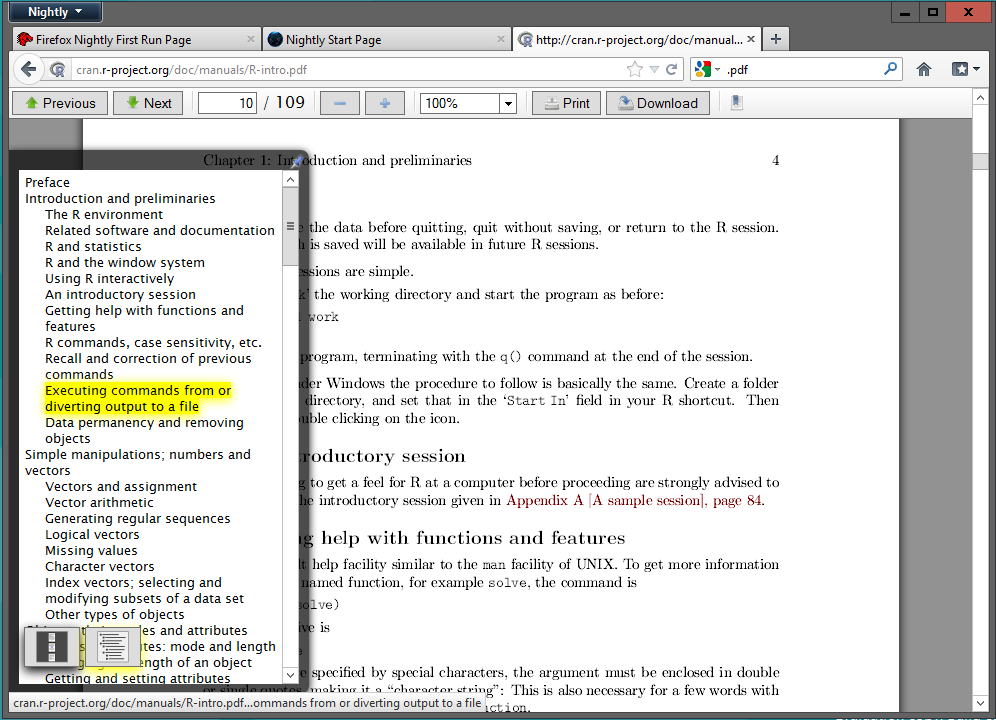
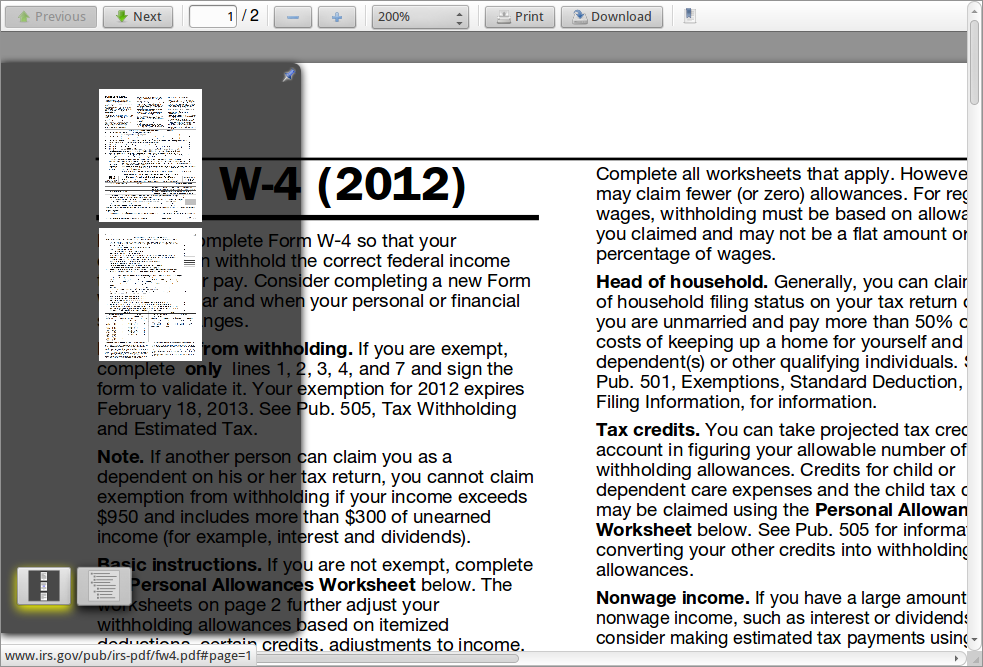
Still, it's far from ready. It seems feature complete, all the navigational buttons are there, there's a page thumbnail or a chapter view on the left, and so on. Anti-aliasing doesn't work on all configurations, but that may not have to do with the add-on and more with the platform.