
Softpedia
 

NEWS CATEGORIES:


NEWS ARCHIVE >>
SOFTPEDIA REVIEWS >>
MEET THE EDITORS >>
TRENDING TODAY
Home > News > Editor Blogs > Linux

November 8th, 2011, 14:30 GMT · By

BLOG

Fedora 16 Screenshot Tour

SHARE:

Adjust text size:


Fedora 16 (Verne) Enlarge picture - Fedora 16 (Verne)
Fedora 16, dubbed Verne, has been released earlier today, as expected by all its fans on November 8th, bringing lots of cool stuff and new artwork.

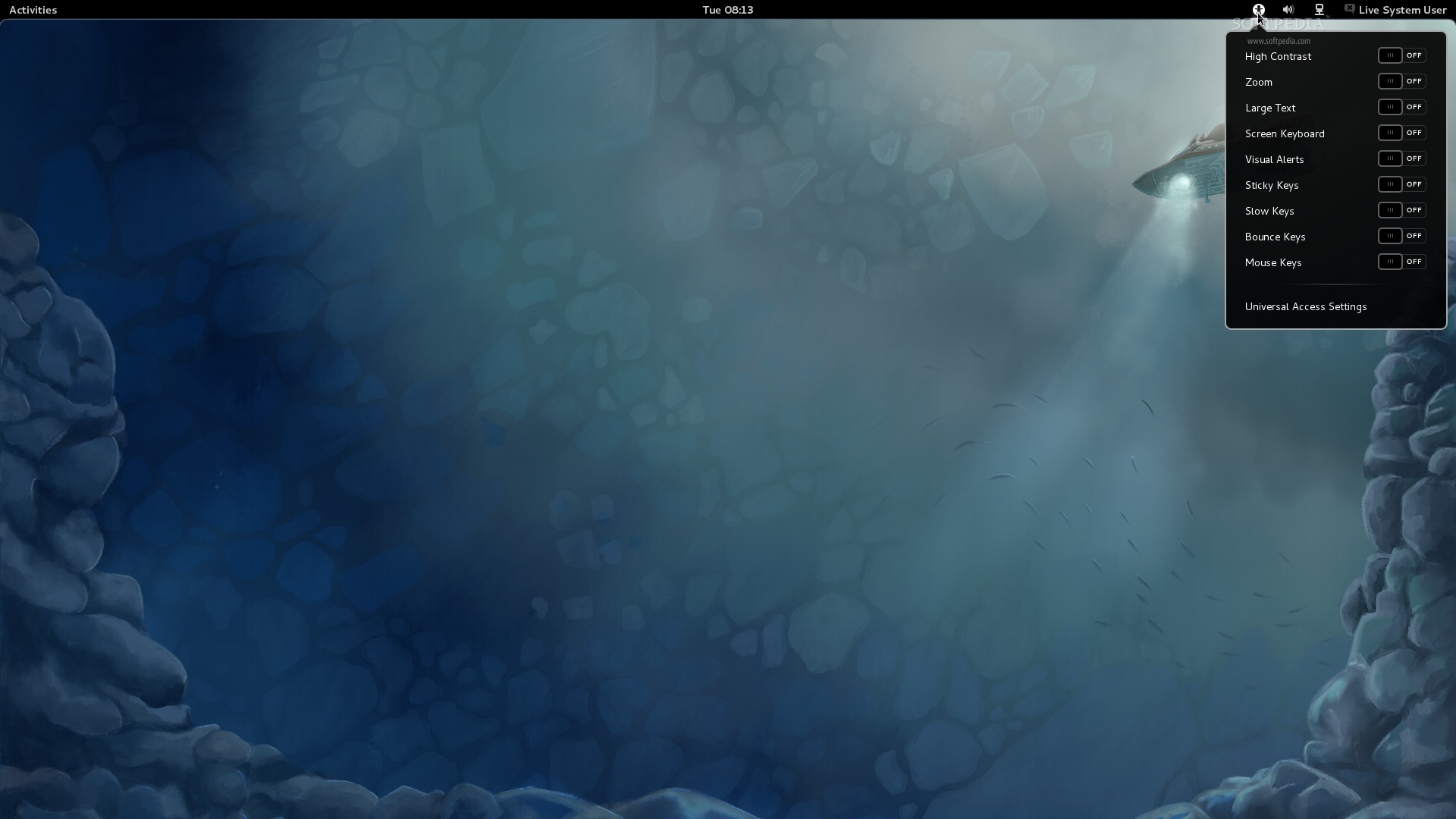
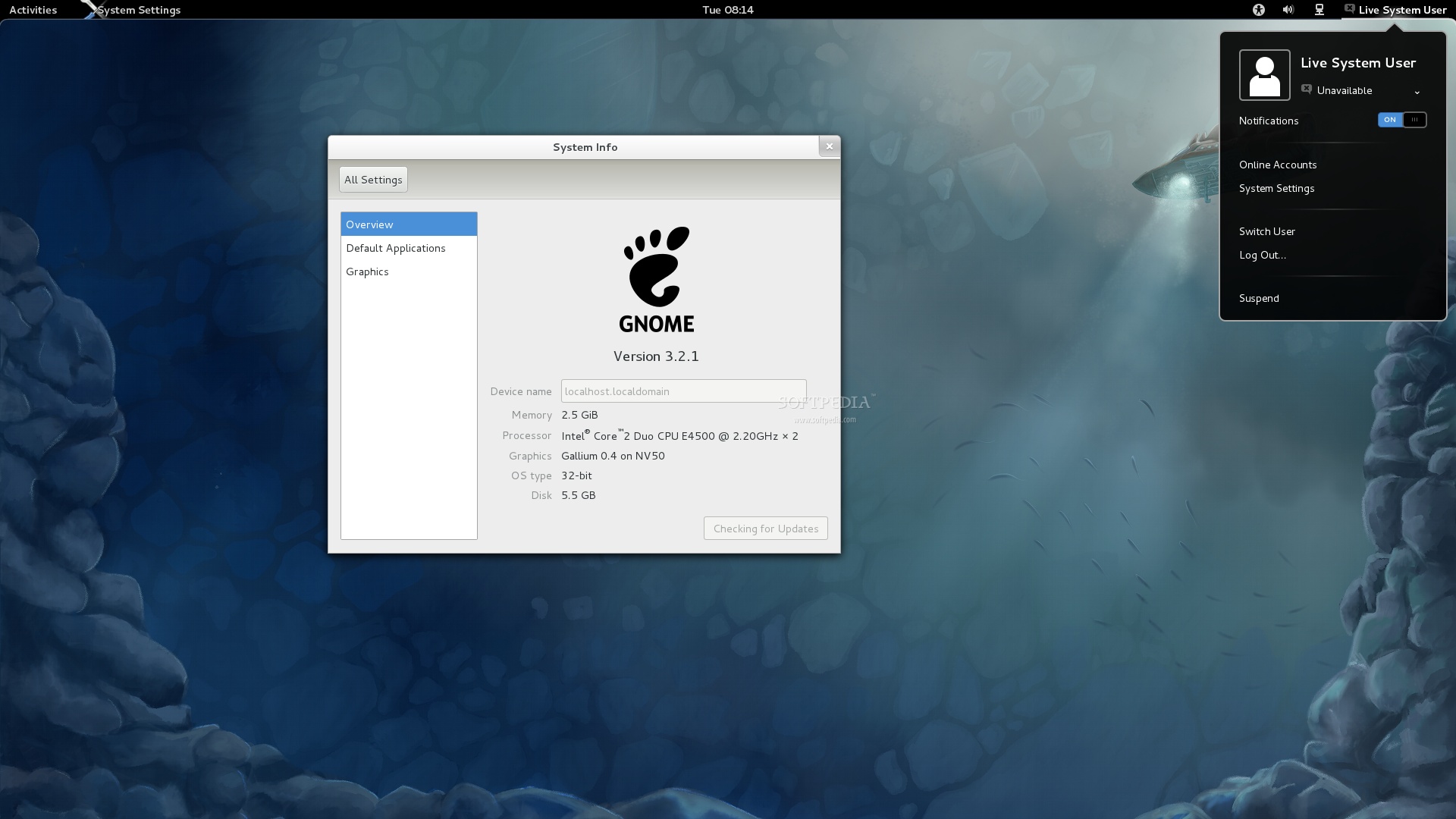
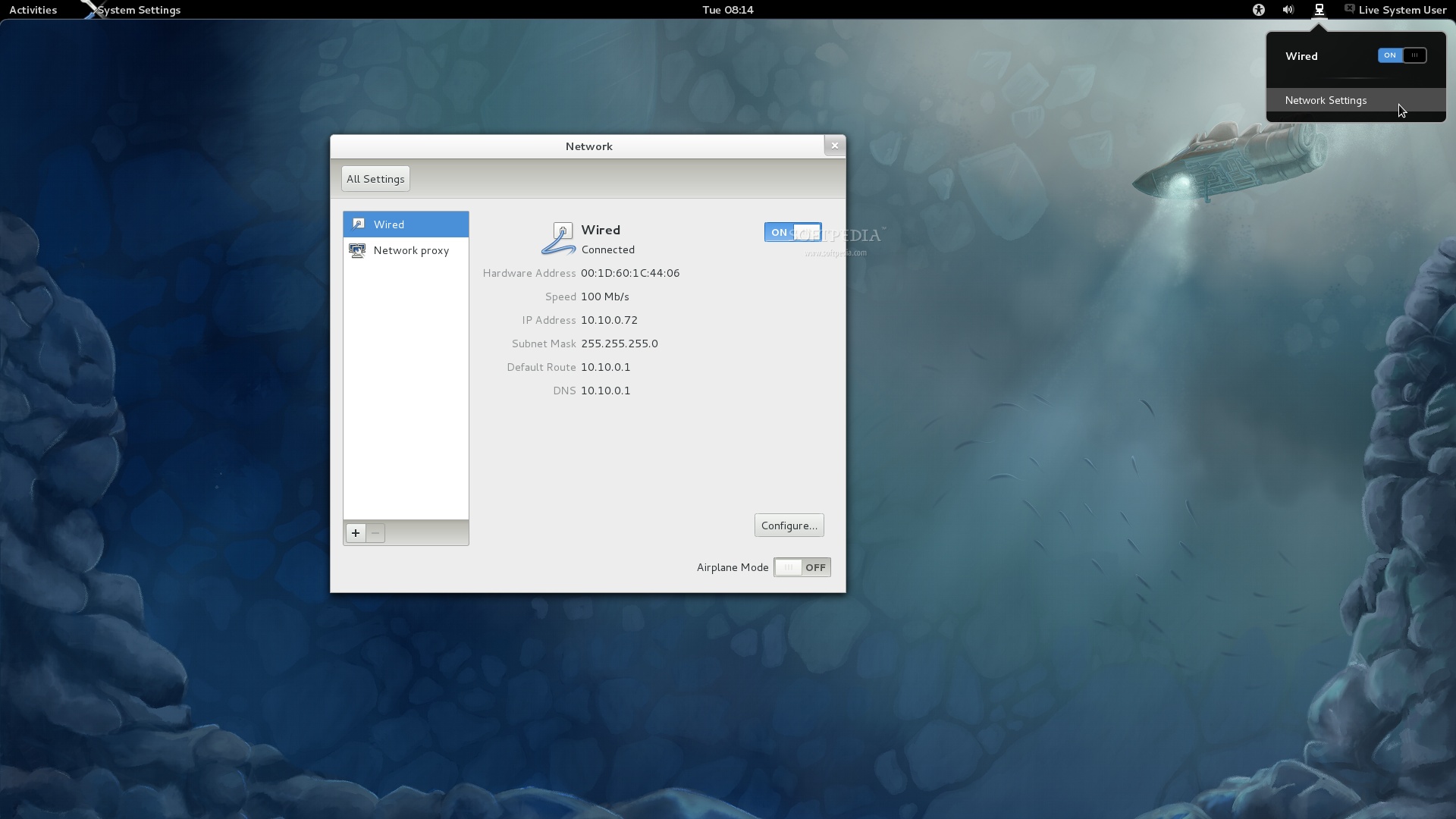
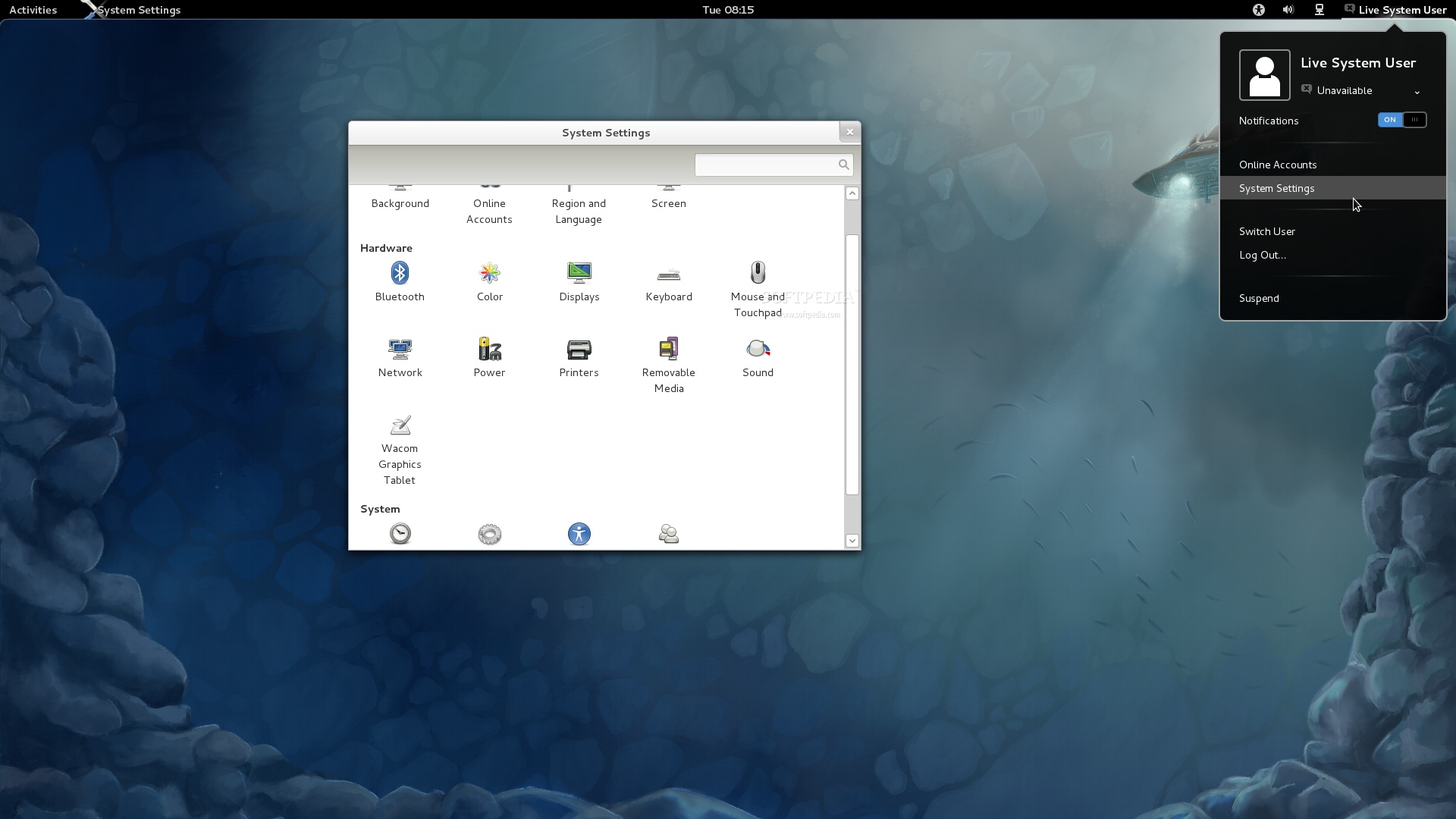
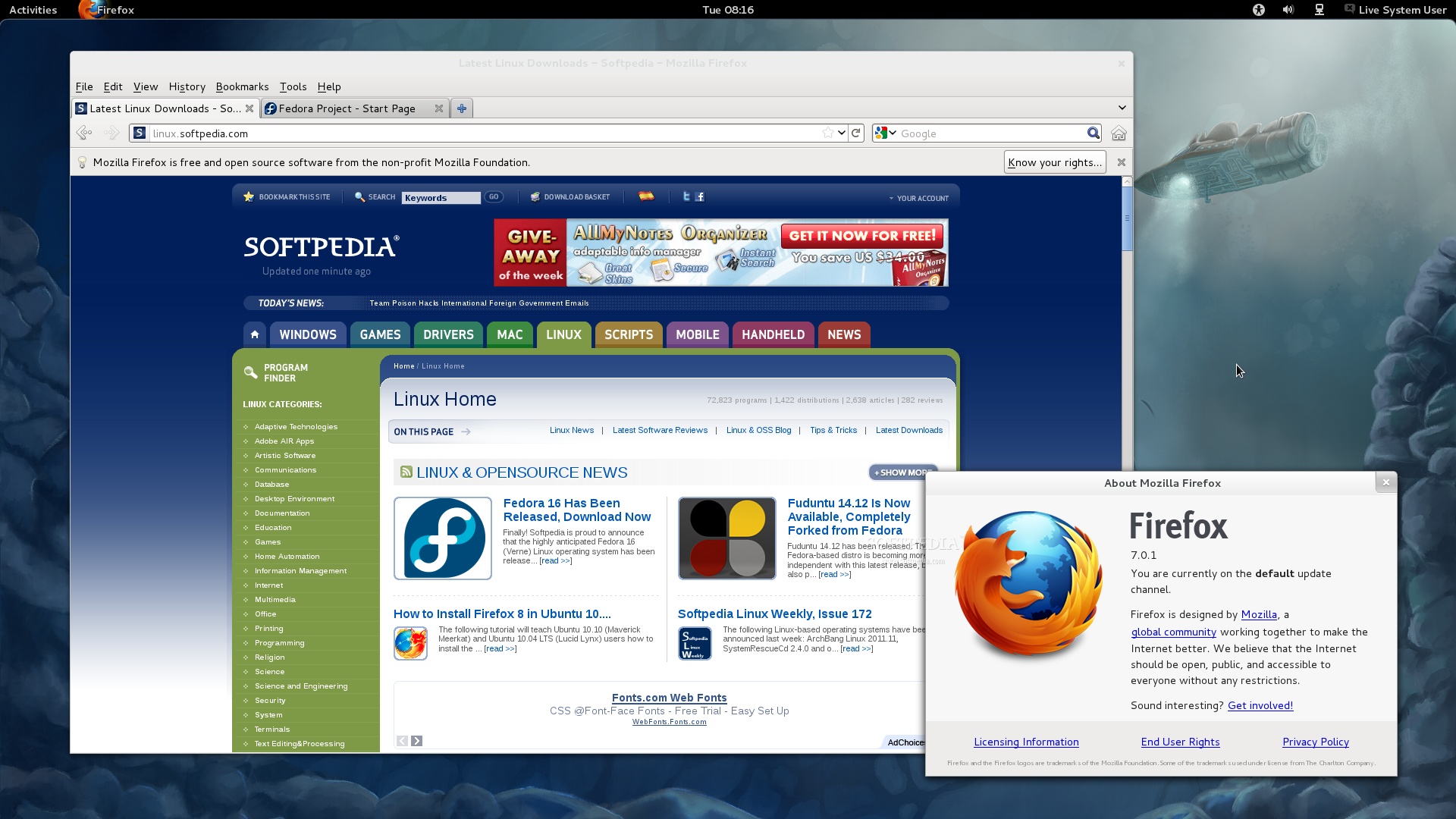
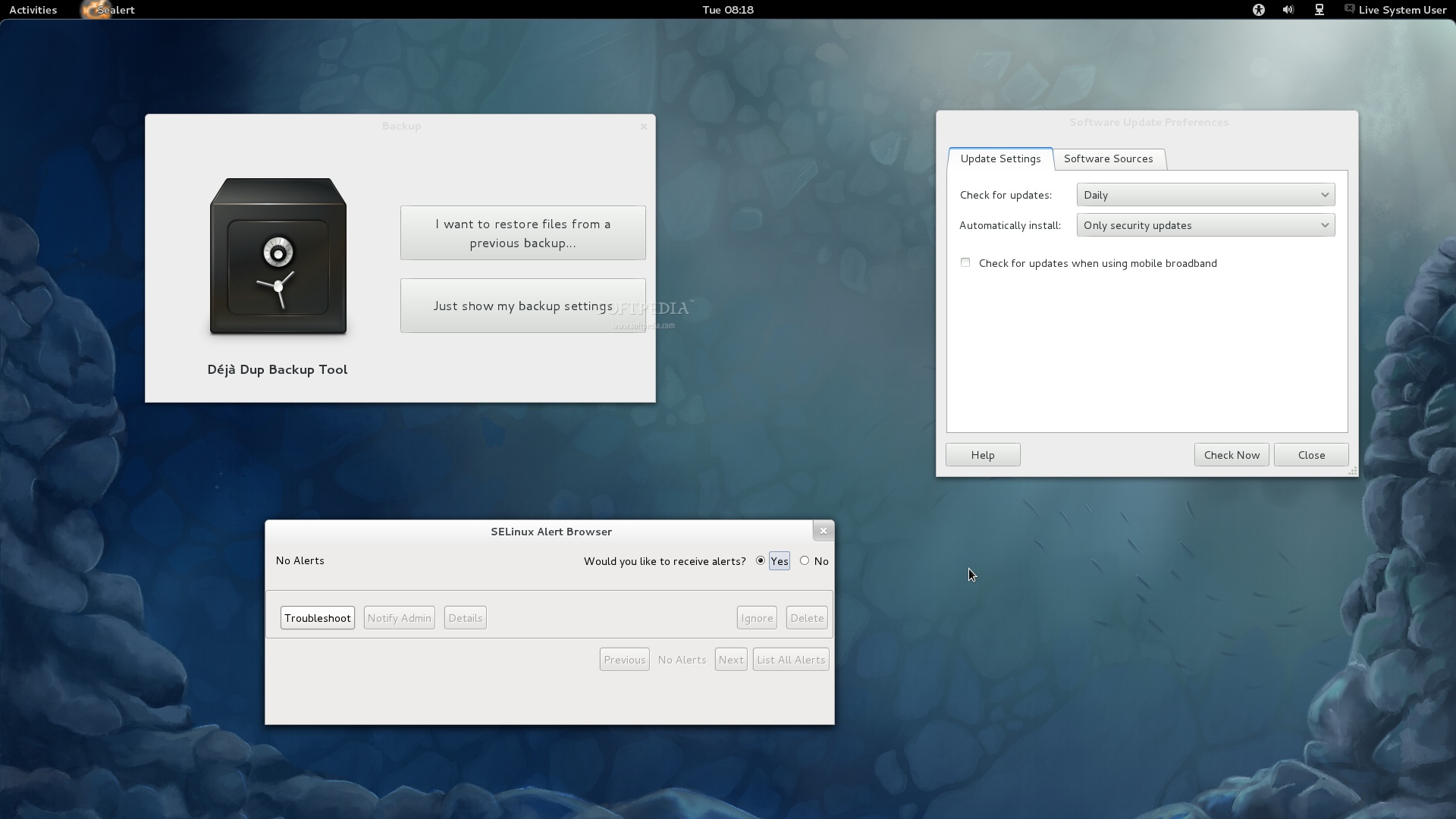
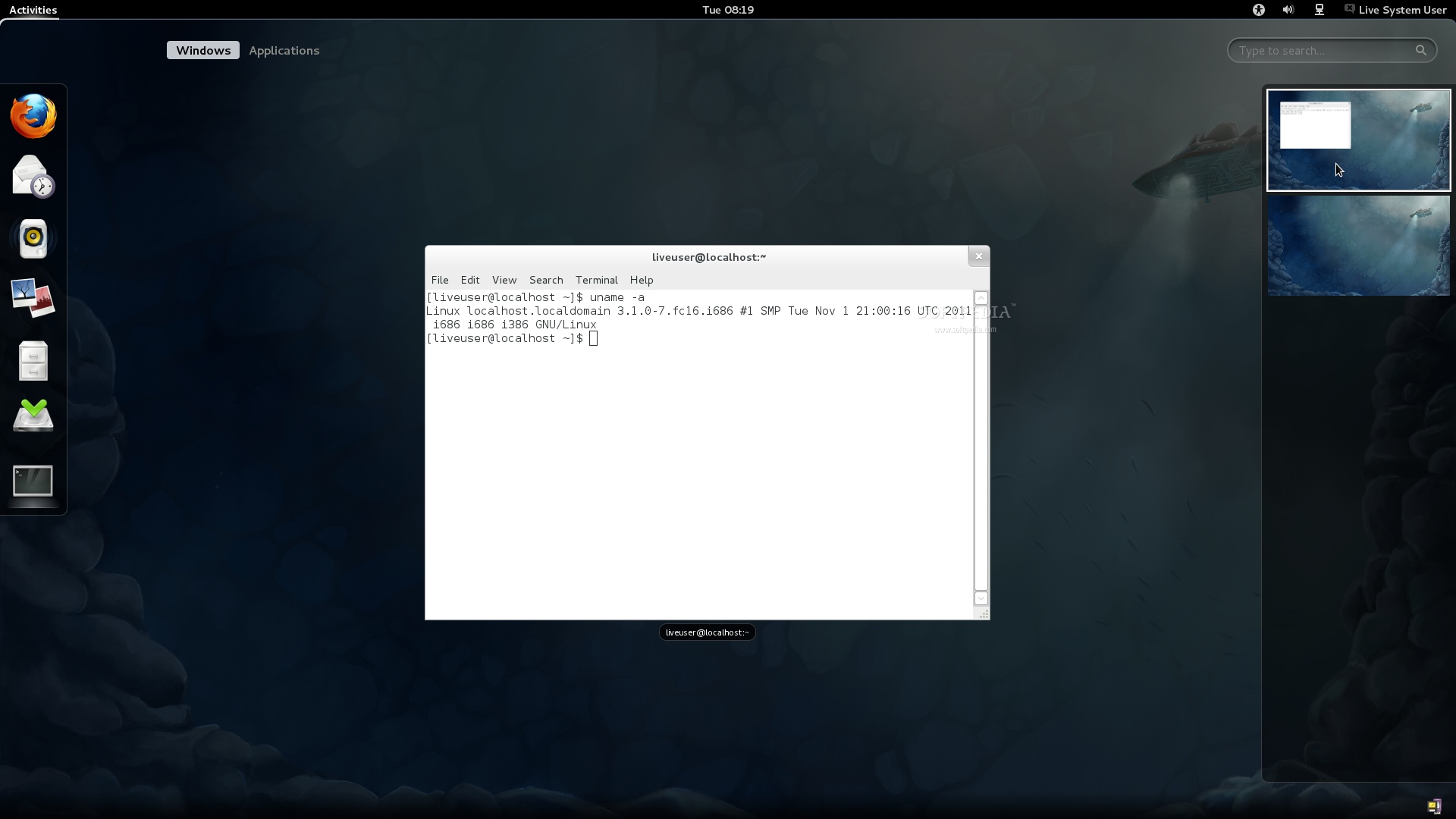
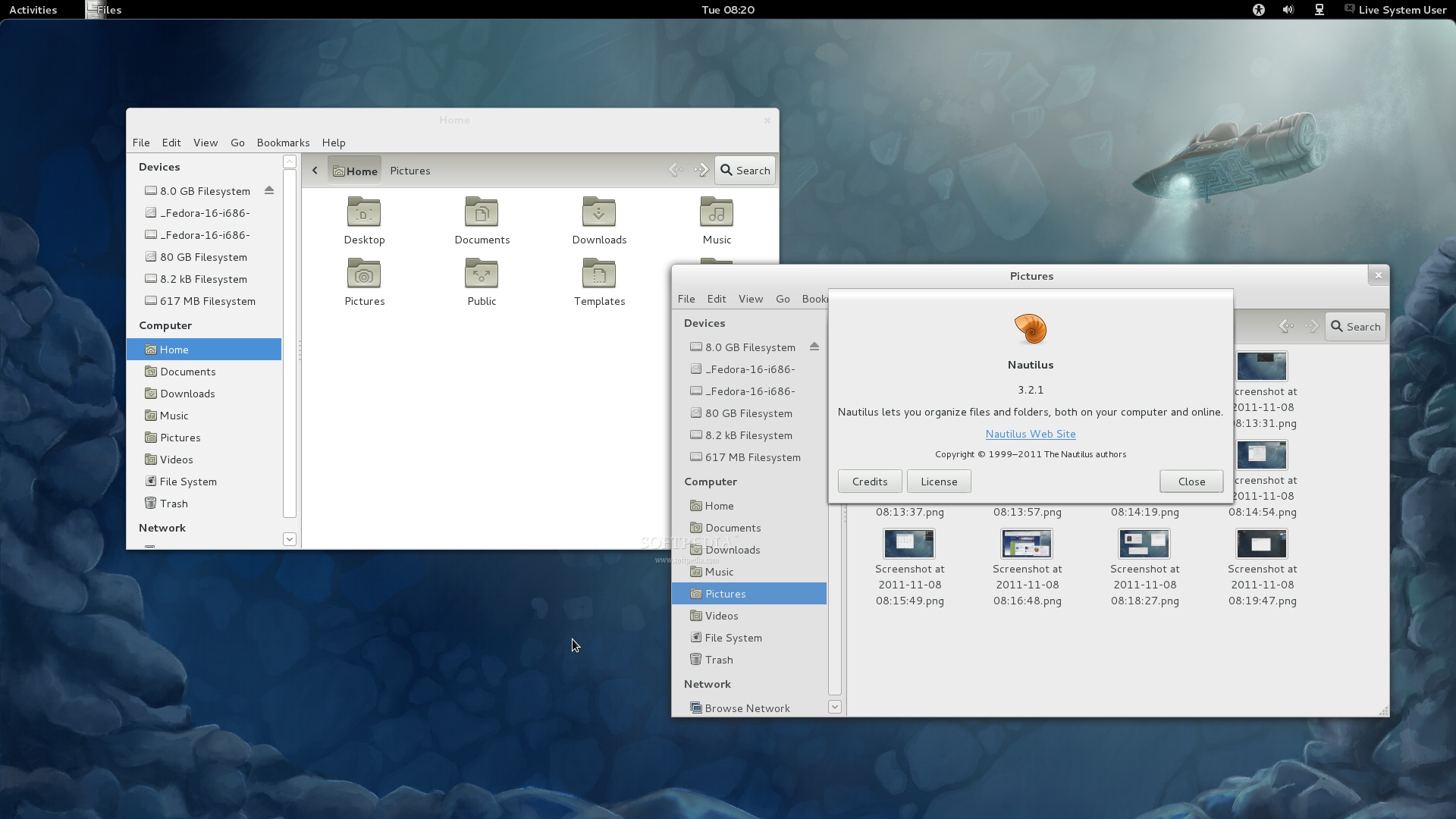
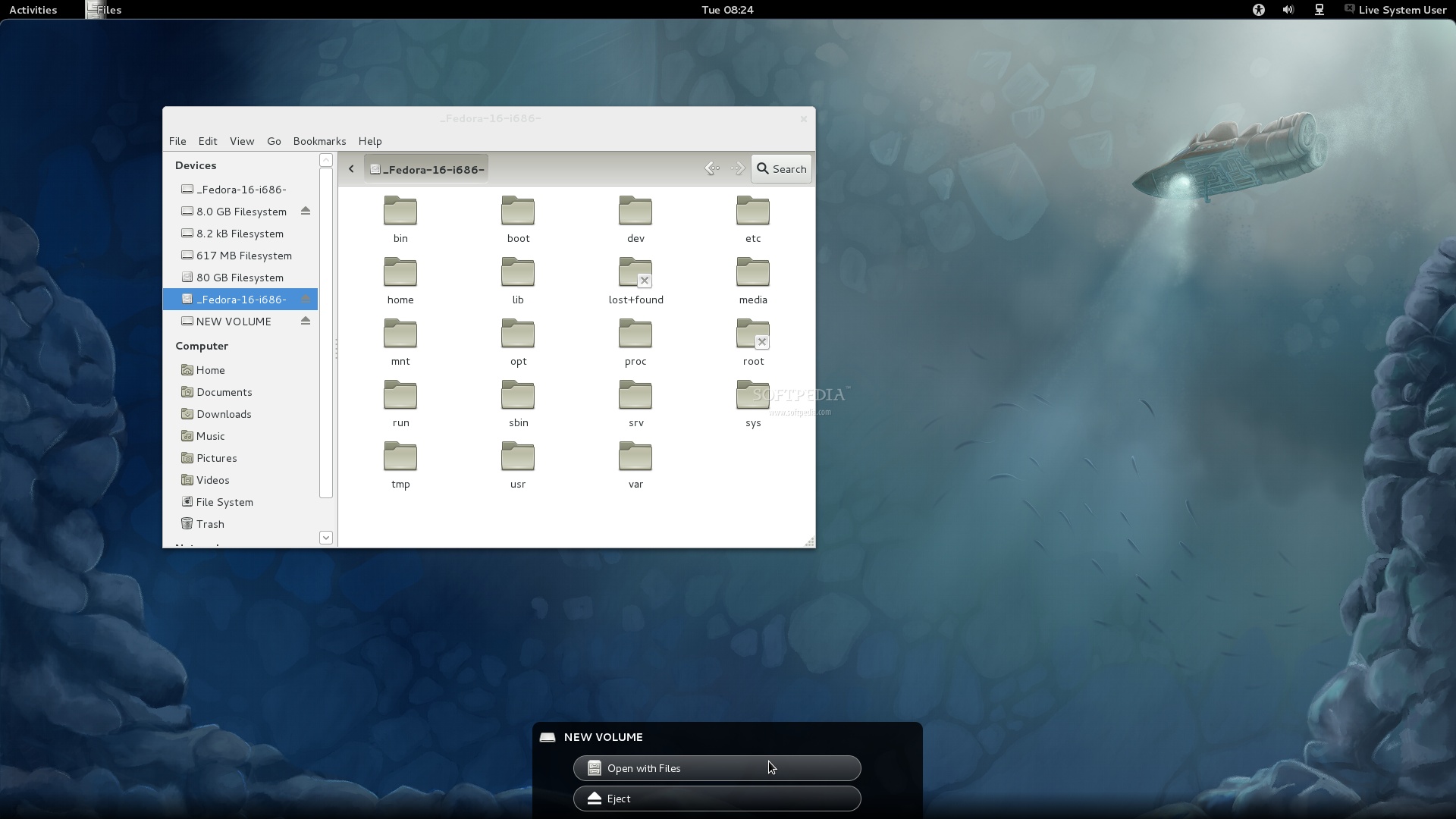
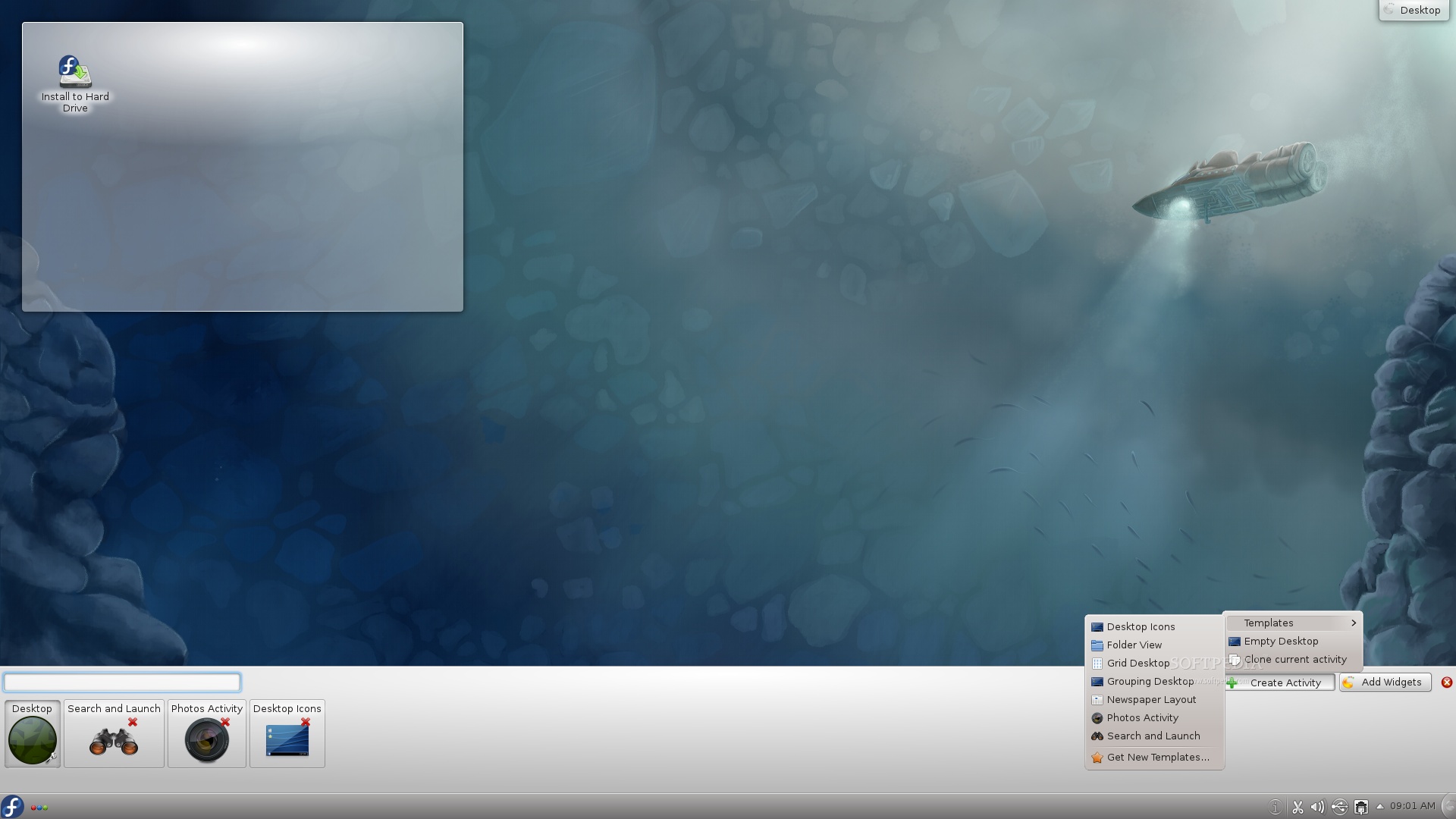
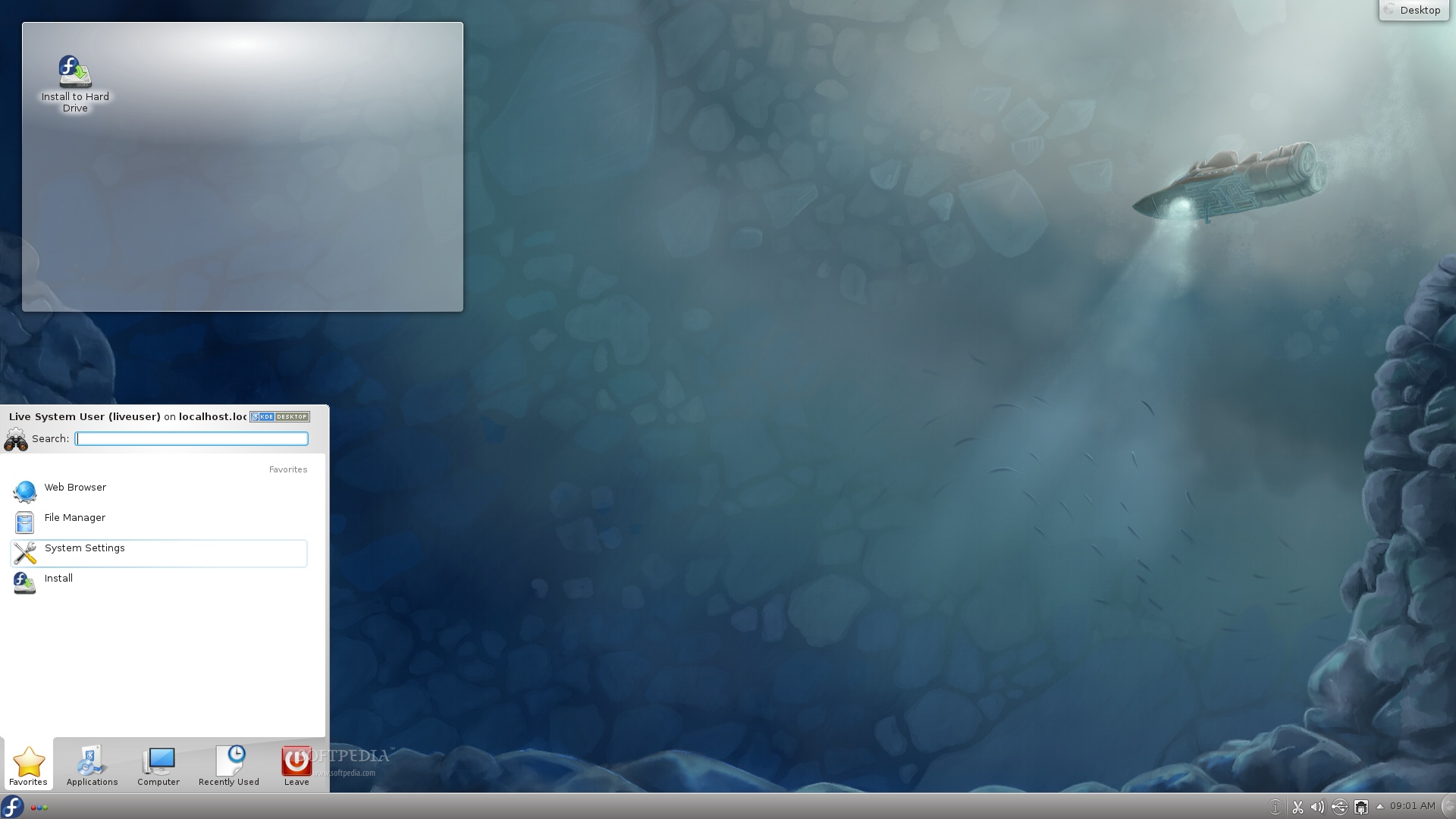
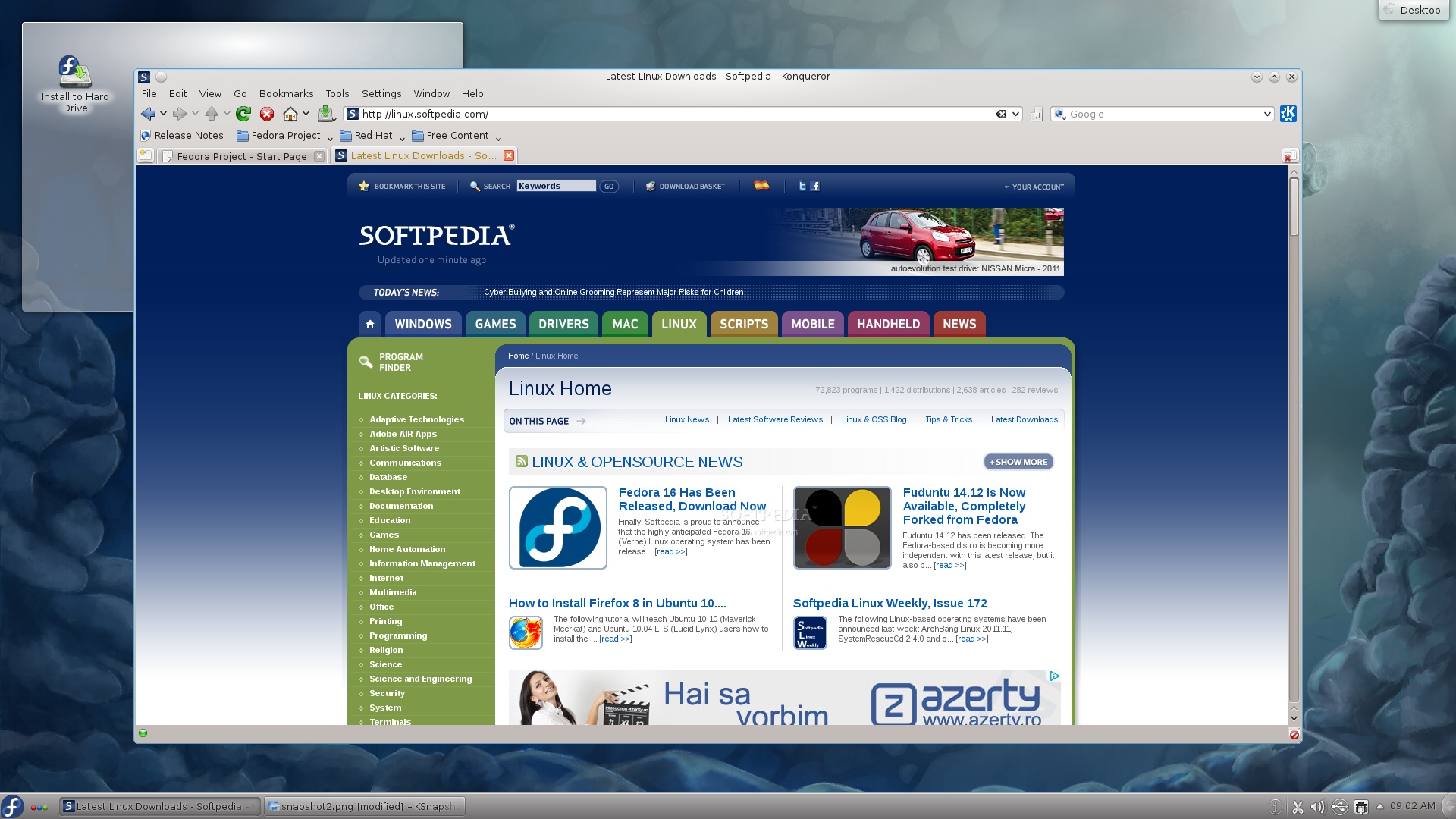
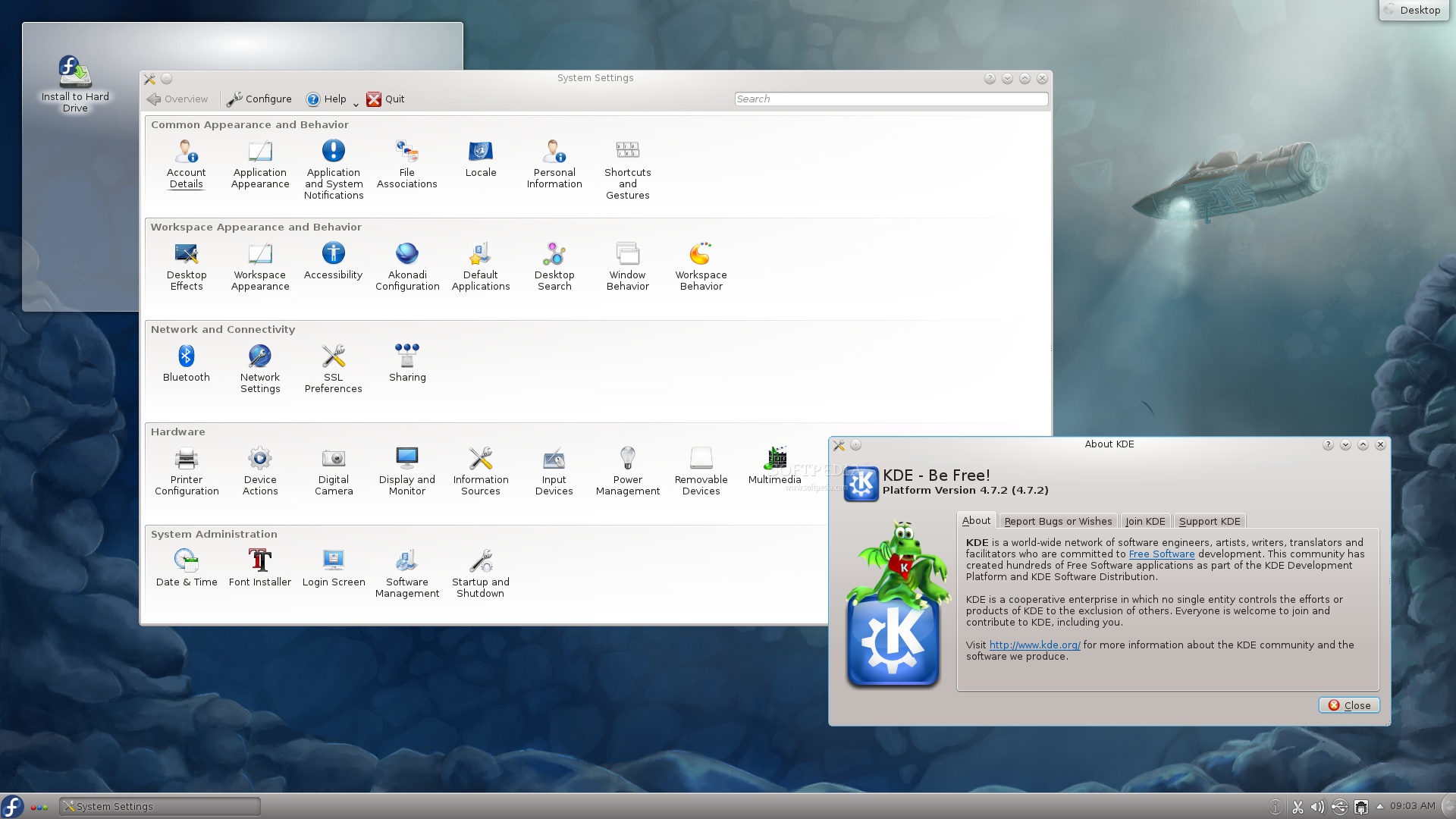
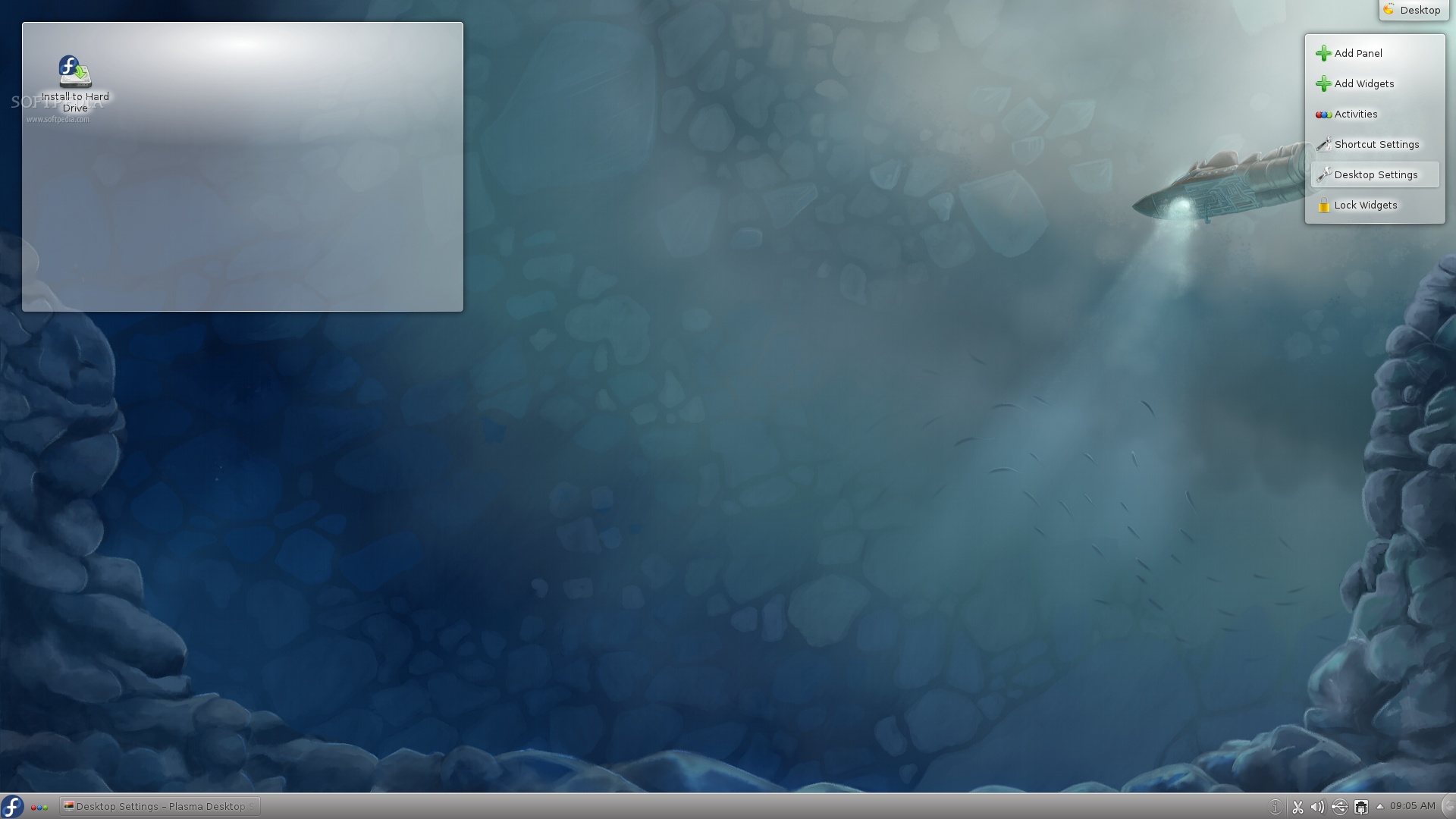
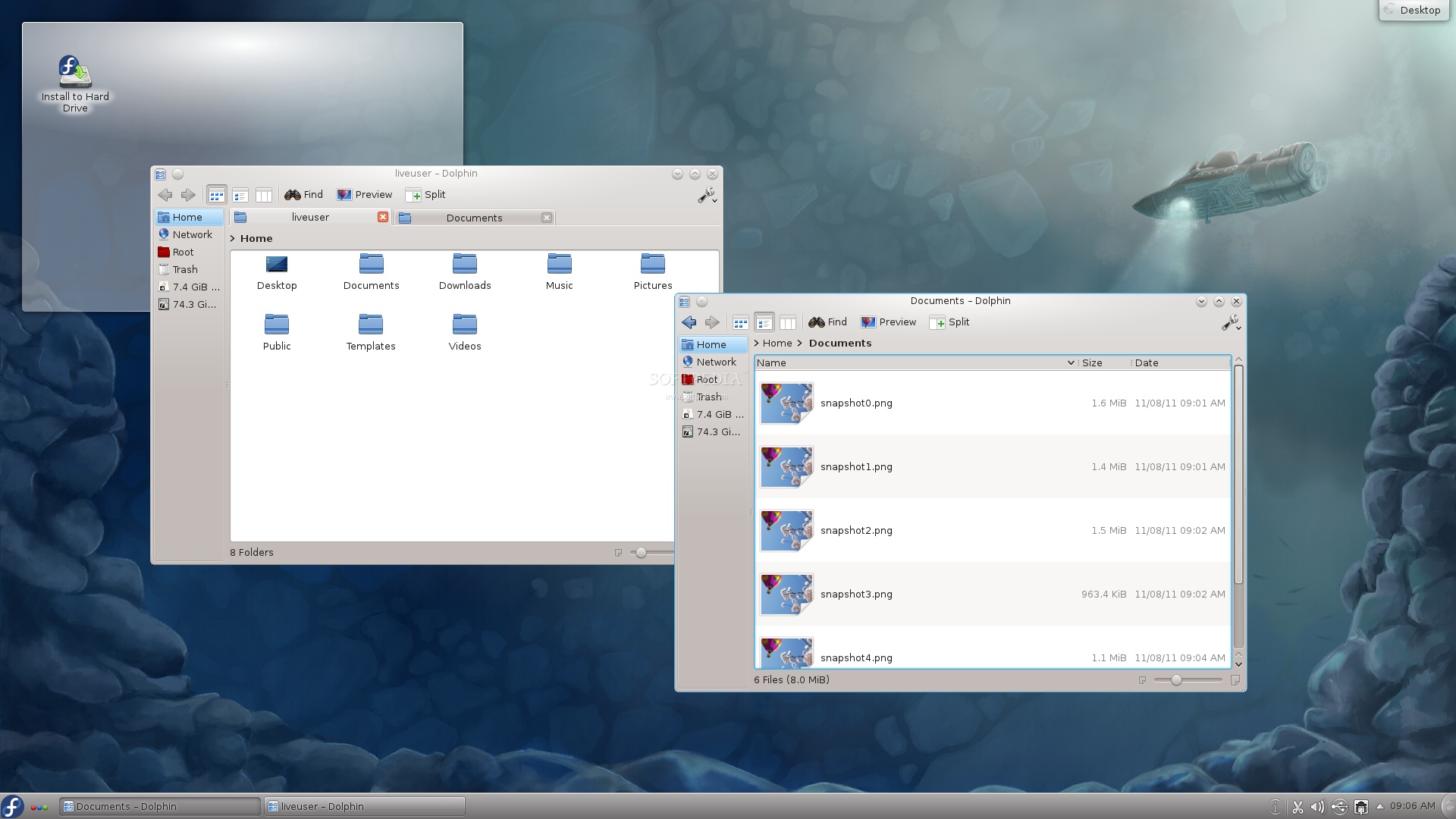
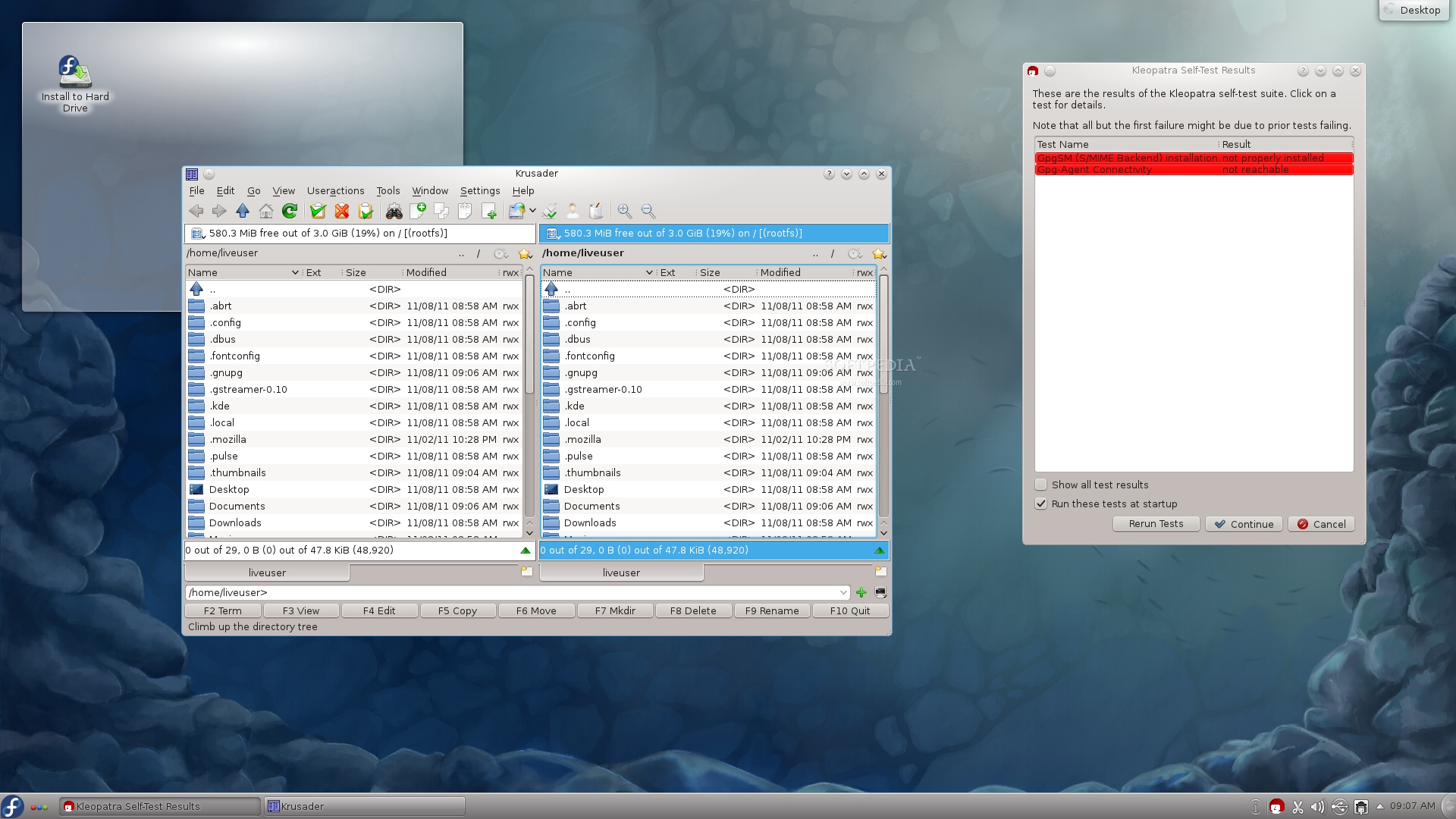
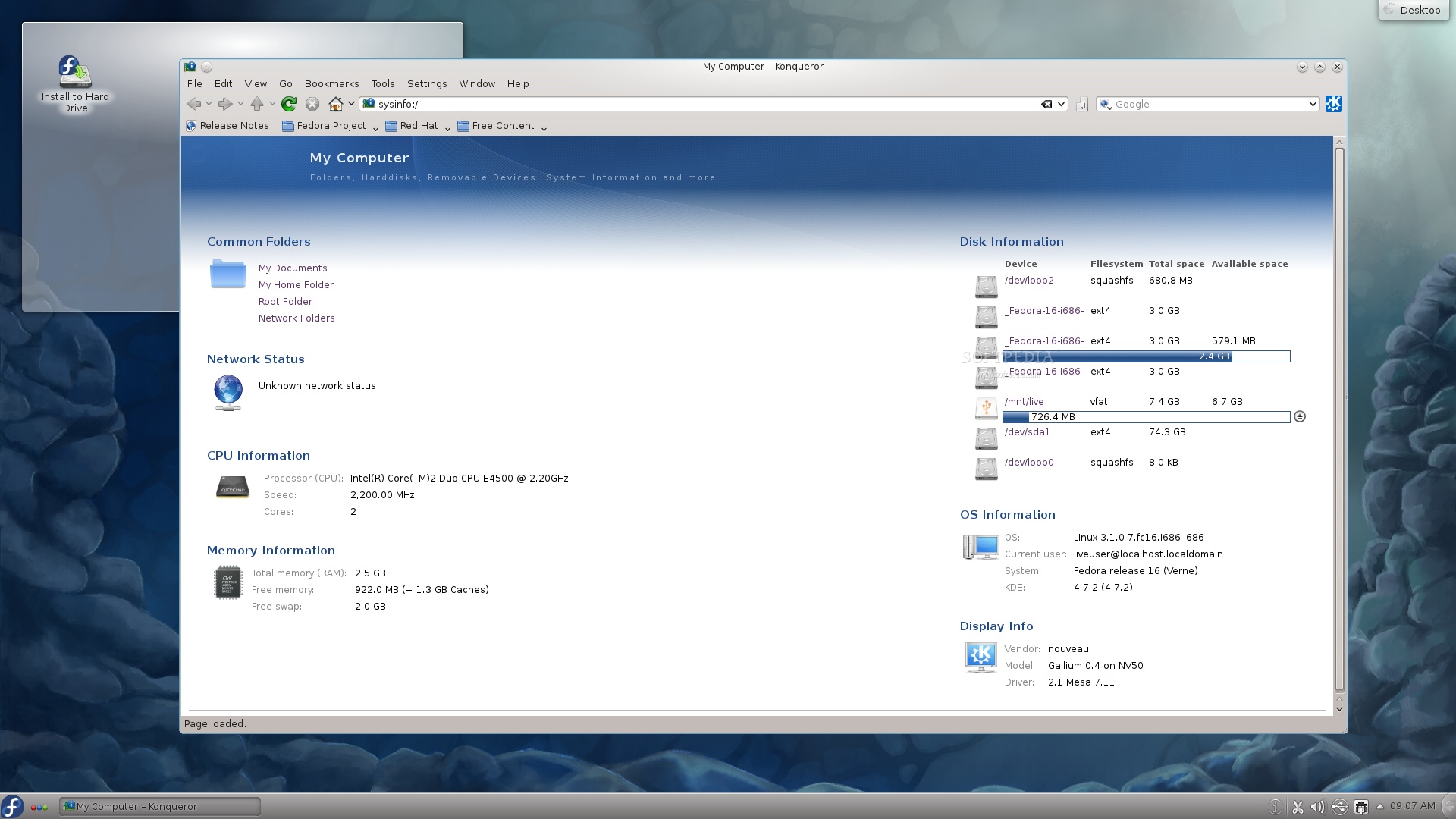
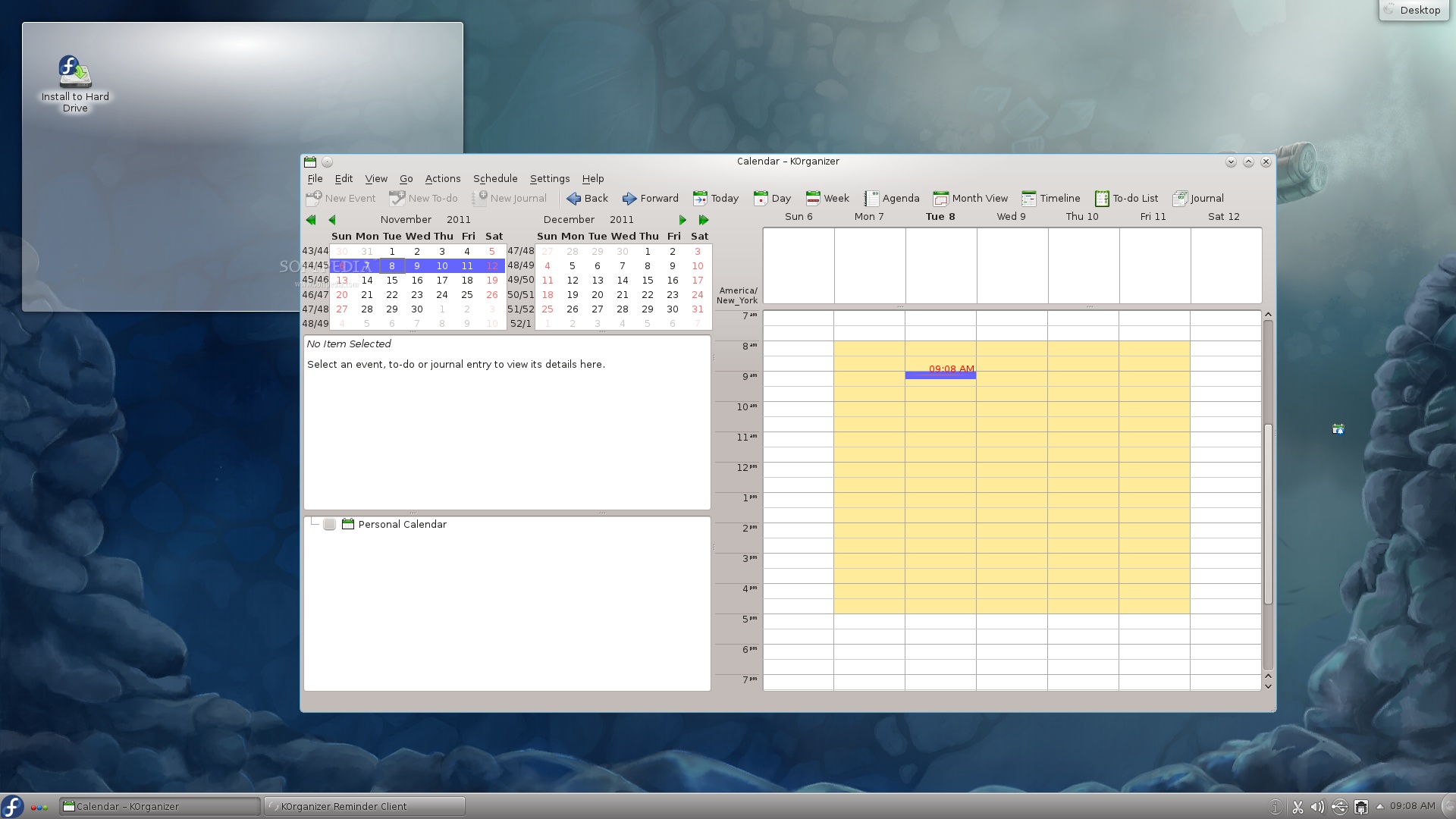
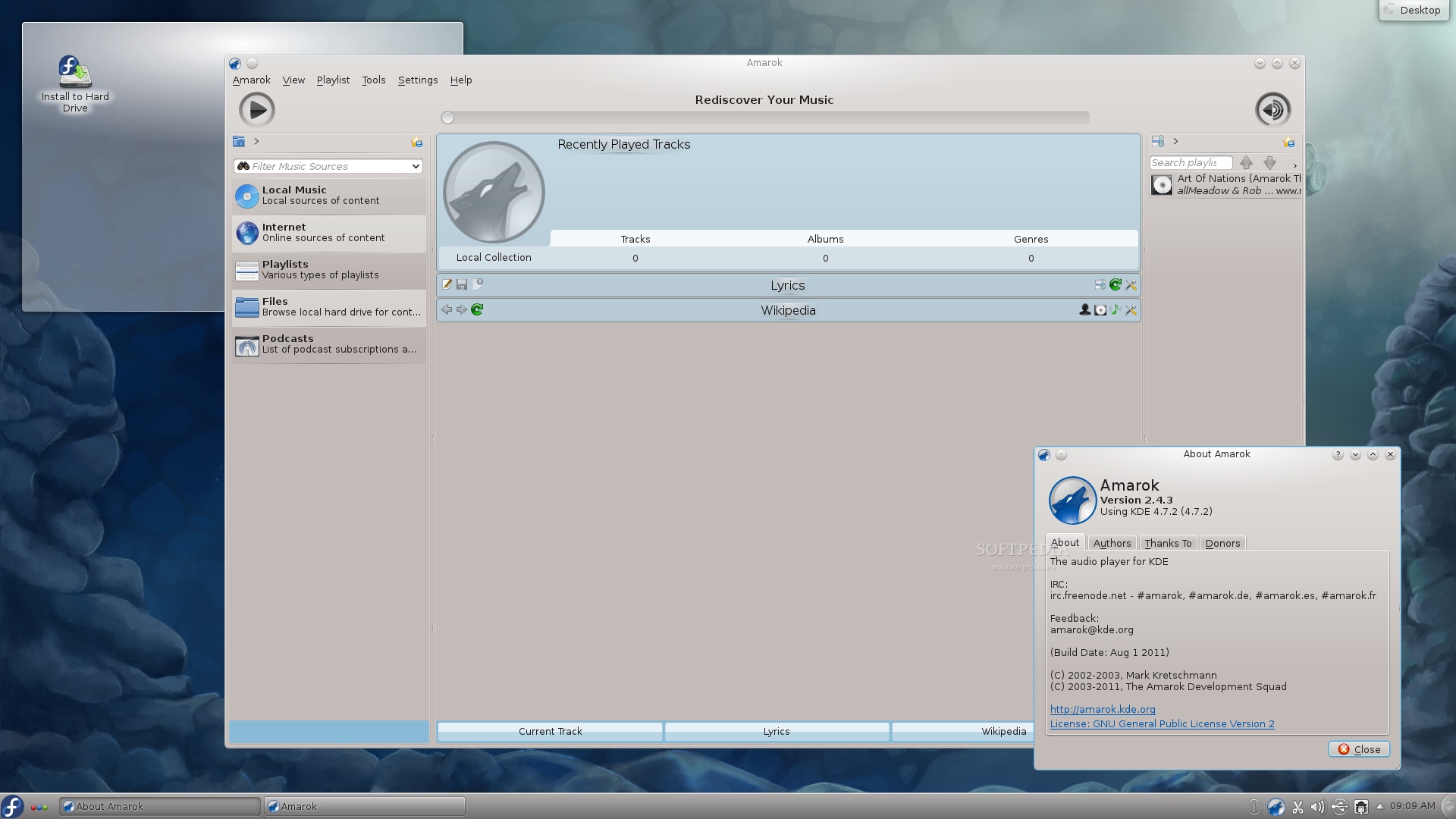
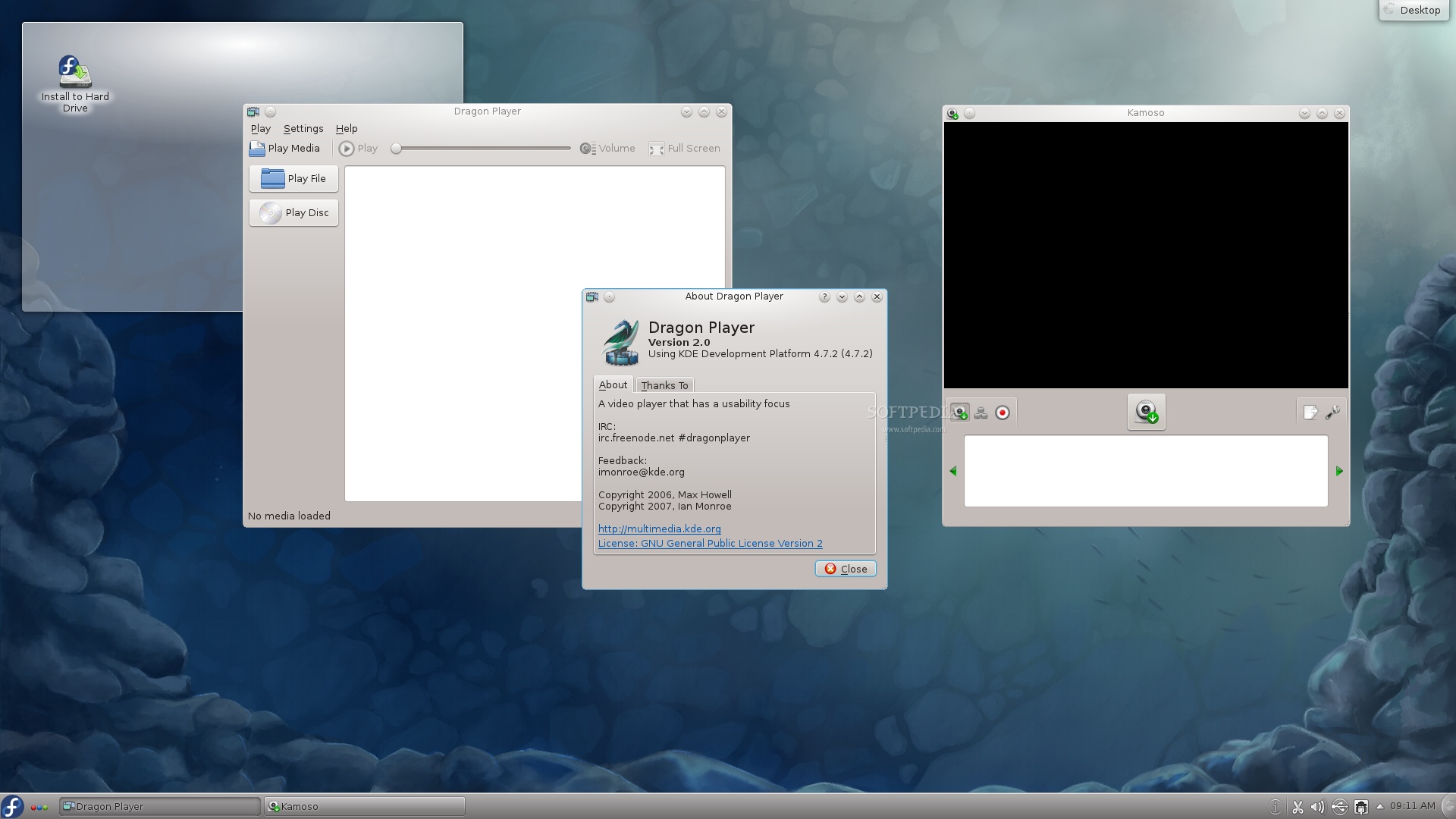
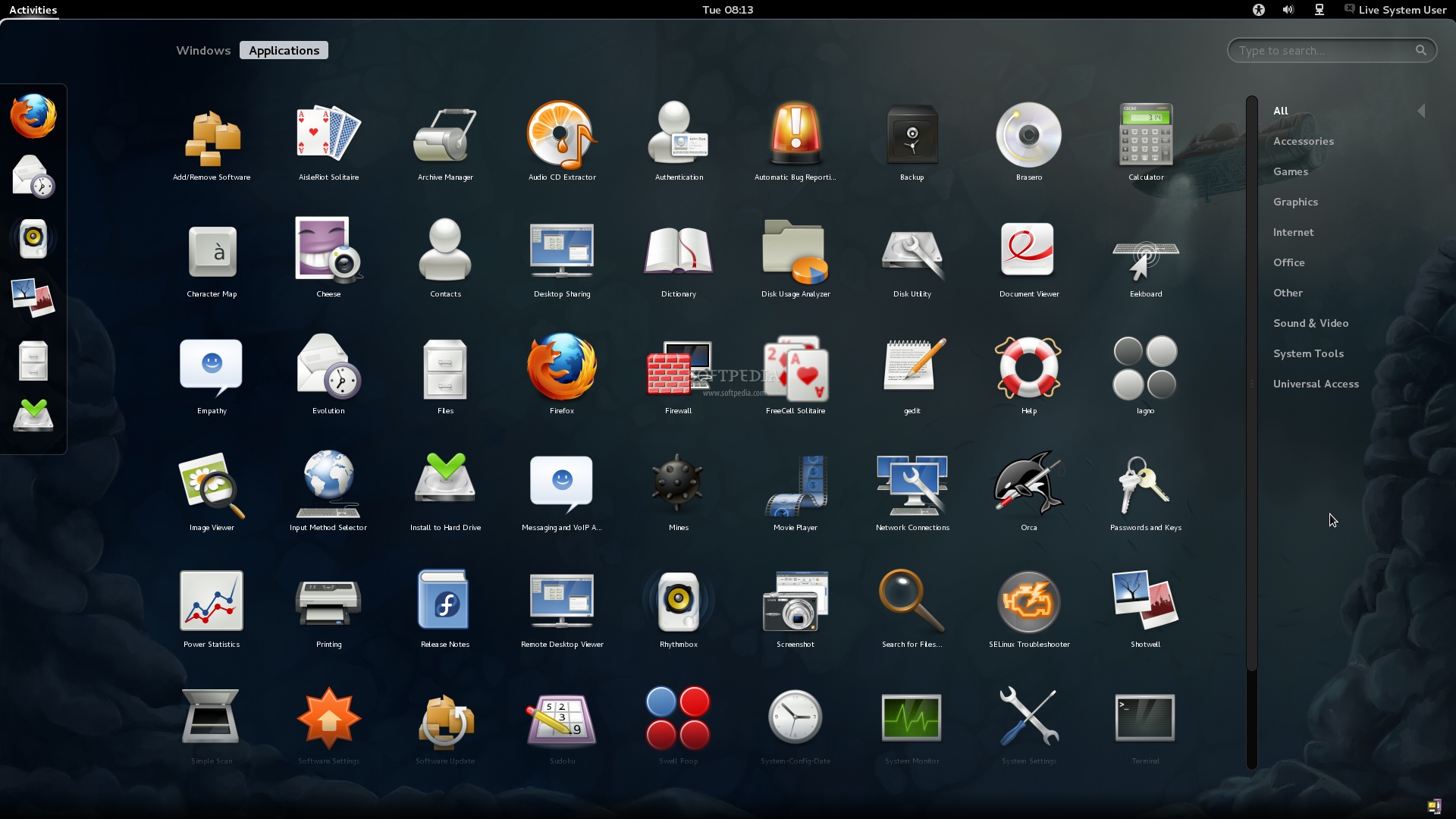
Therefore, we thought it will be a very good idea to take both KDE and GNOME Live CDs for a spin and make a few screenshots, which can be viewed at the end of the article.

As mentioned in our previous article, Fedora 16 comes packed with lots of bleeding-edge Linux technologies like GNOME 3.2, KDE Plasma Workspace 4.7 or Linux kernel 3.1.

Fedora 16 (Verne) is available for both 32-bit and 64-bit architectures, distributed as an Installable DVD and Live CDs with GNOME and KDE.

Among other features brought by the new Fedora 16 operating system, we can mention GRUB2, new artwork (including a revamped boot splash screen), SELinux improvements, 1000 System accounts, GNOME Input integration, USB Network Redirection, and more.

Download Fedora 16 Install DVD right now from Softpedia.

Download Fedora 16 GNOME Live CD right now from Softpedia.

Download Fedora 16 KDE Live CD right now from Softpedia.
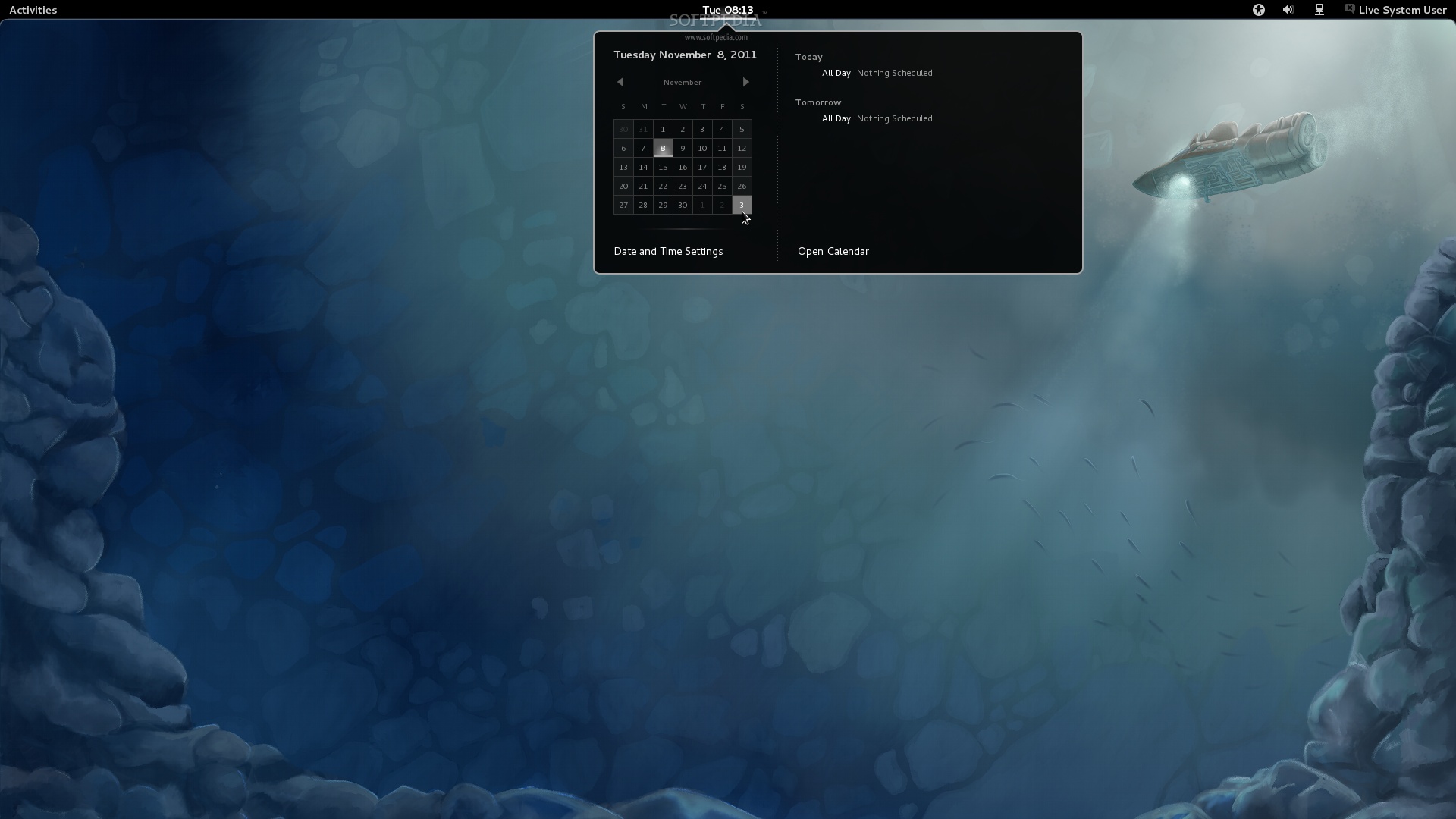
FEDORA 16 (VERNE) - GNOME AND KDE LIVE CDS - PHOTO GALLERY:

TELL US WHAT YOU THINK:

18,553 hits · 4 comments · Link to this article · Print article · Send to friend · Subscribe to news

MUST-READ RELATED ARTICLES:


Fedora 16 Has Been Released, Download Now

GNOME Shell No Longer Requires 3D Acceleration

How to Install Firefox 8 in Ubuntu 10.04 and 10.10

Linux Mint Is The New Ubuntu

Ubuntu 12.04 LTS 64-bit Recommended by Canonical

READER COMMENTS:


Comment #1 by: FormerFedoraJunkie on 09 Nov 2011, 14:21 UTC reply to this comment

Looks pretty boring.

Comment #1.1 by: ExUbuntu on 27 Nov 2011, 22:41 GMT

I like boring. The desktops of people doing actual work on PCs are exactly that. An editor, many browser windows, a debugger, a few ssh sessions ...


Comment #2 by: Abqal on 09 Nov 2011, 18:04 UTC reply to this comment

but is so slow :s


Comment #3 by: Looking for a Ubuntu replacement on 27 Nov 2011, 22:38 UTC reply to this comment

What is missing are screen shots of an actual work desktops. Most of these photo galleries focus on multimedia and other supposedly flashy applications. Reality is a bit different. I would have a gmail window, a few browser and file manager instances, a text editor, a debugger, a couple of terminal windows and would be cutting and pasting among them. With Gnome 2 I would also have 3-4 workspaces with grouping the applications. Multi window, multi-processing is the reason users go for Linux. Can Gnome 3 do this comfortably? Ubuntu's Unity, for instance, can't.

Copyright © 2001-2013 Softpedia. Contact/Tip us at

WindowsGamesDriversMacLinuxScriptsMobileHandheldNews

SUBMIT PROGRAM   |   ADVERTISE   |   GET HELP   |   SEND US FEEDBACK   |   RSS FEEDS   |   UPDATE YOUR SOFTWARE   |   ROMANIAN FORUM