NEWS CATEGORIES:


NEWS ARCHIVE >>
SOFTPEDIA REVIEWS >>
MEET THE EDITORS >>
Home > News > Linux > Linux Distributions

Linux Distributions


Fedora 11 Is Here

Codename Leonidas

By Daniel Pop-Silaghi, Linux Editor

9th of June 2009, 14:14 GMT

Adjust text size:


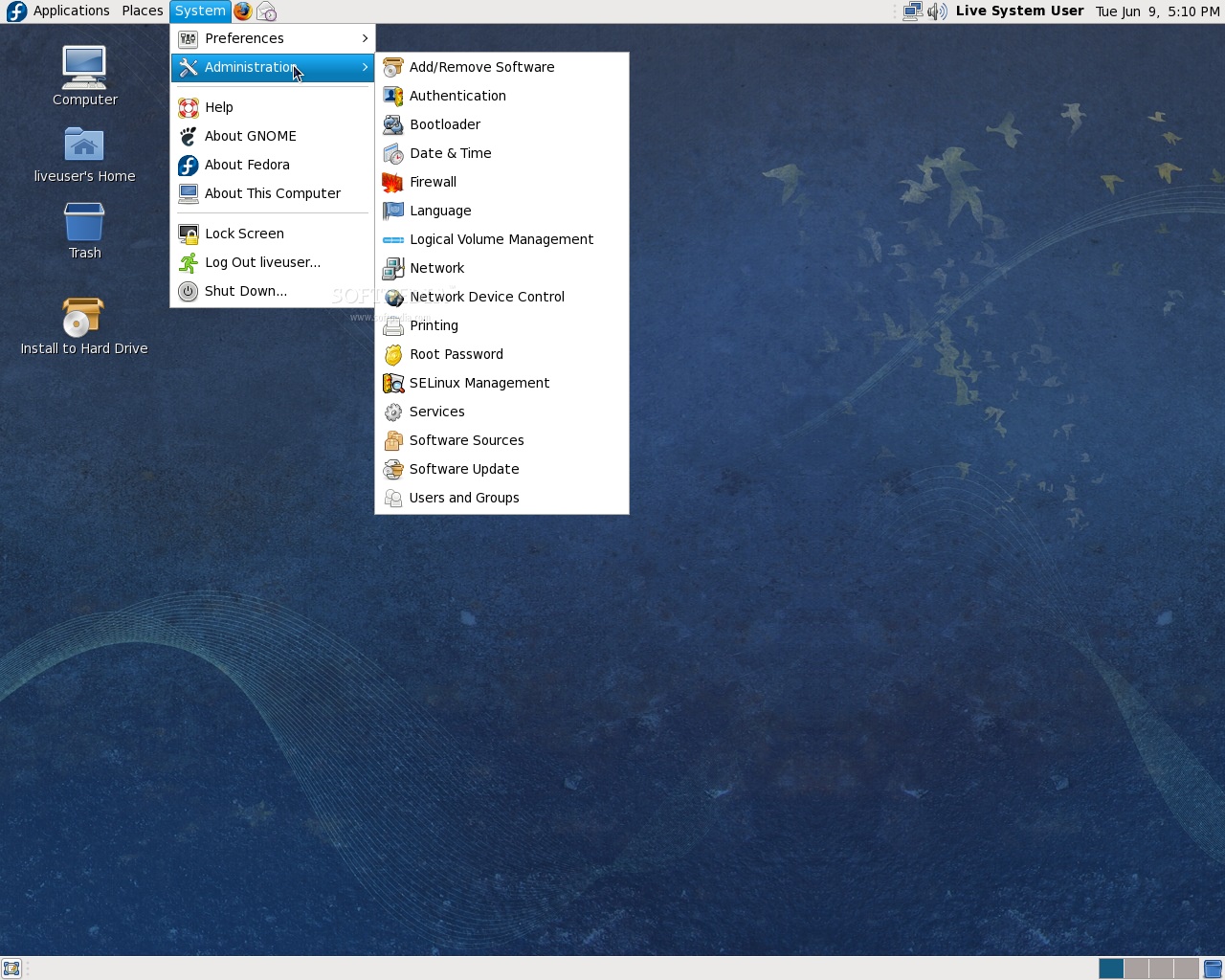
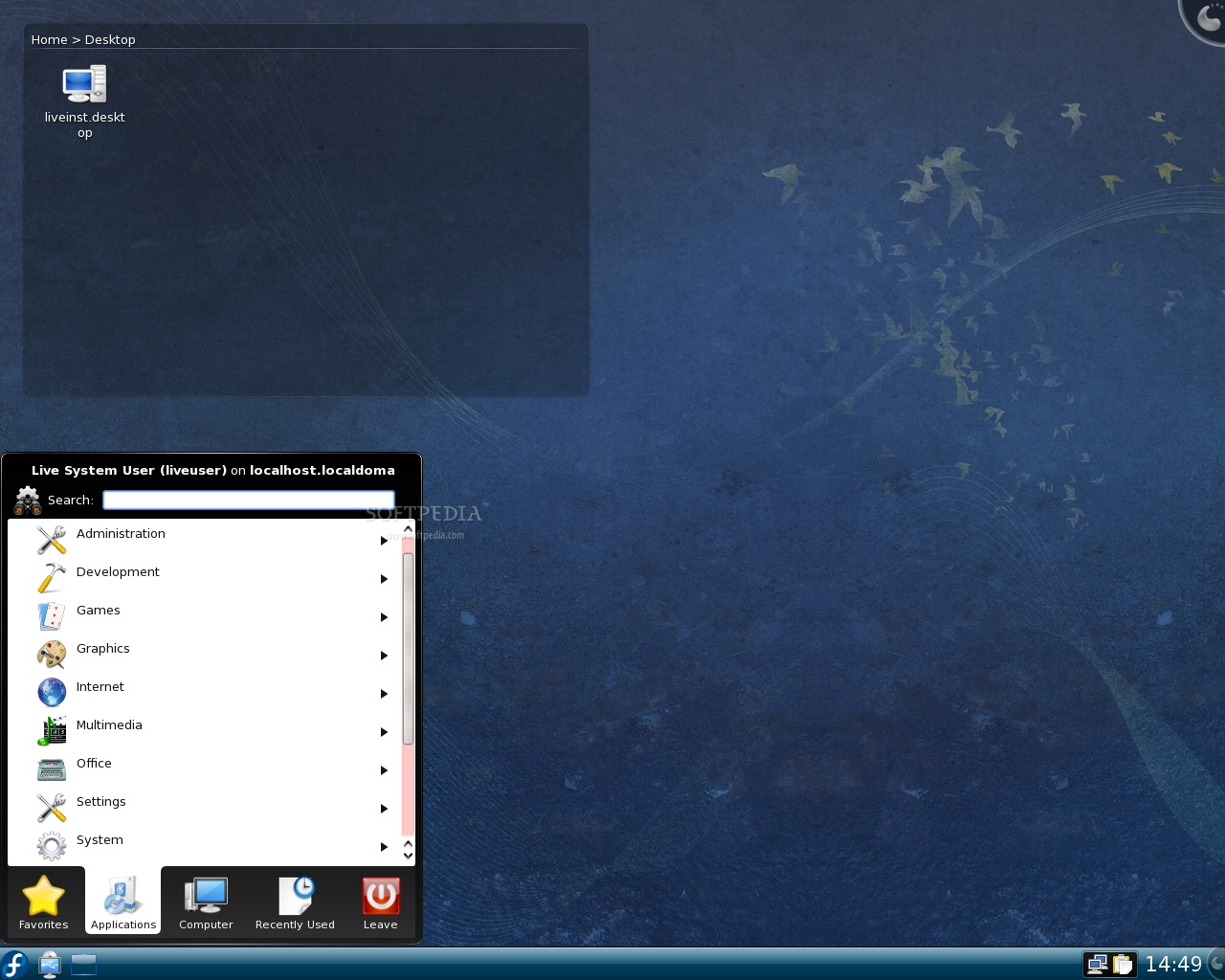
Fedora 11 Desktop
Enlarge picture
After a two-week delay, the Fedora Project team finally announced, two minutes ago, the release of Fedora 11, also known as Leonidas. The multitude of new features and improvements in this new version made the waiting time seem even longer, especially for dedicated fans. Well, at least the buzz from Ubuntu and Mandriva is slowly fading away, so Linux users can concentrate better on Fedora 11.

Coming on a single Live CD, Leonidas can be downloaded either with the GNOME desktop environment or the KDE one. Moreover, spins are available for the Xfce lightweight alternative and other specific purposes such as education or lab work.

Here are the main features in Fedora 11:

· 20-second boot time - from the moment you turn on the computer to the login screen; shutdown times were also reduced;
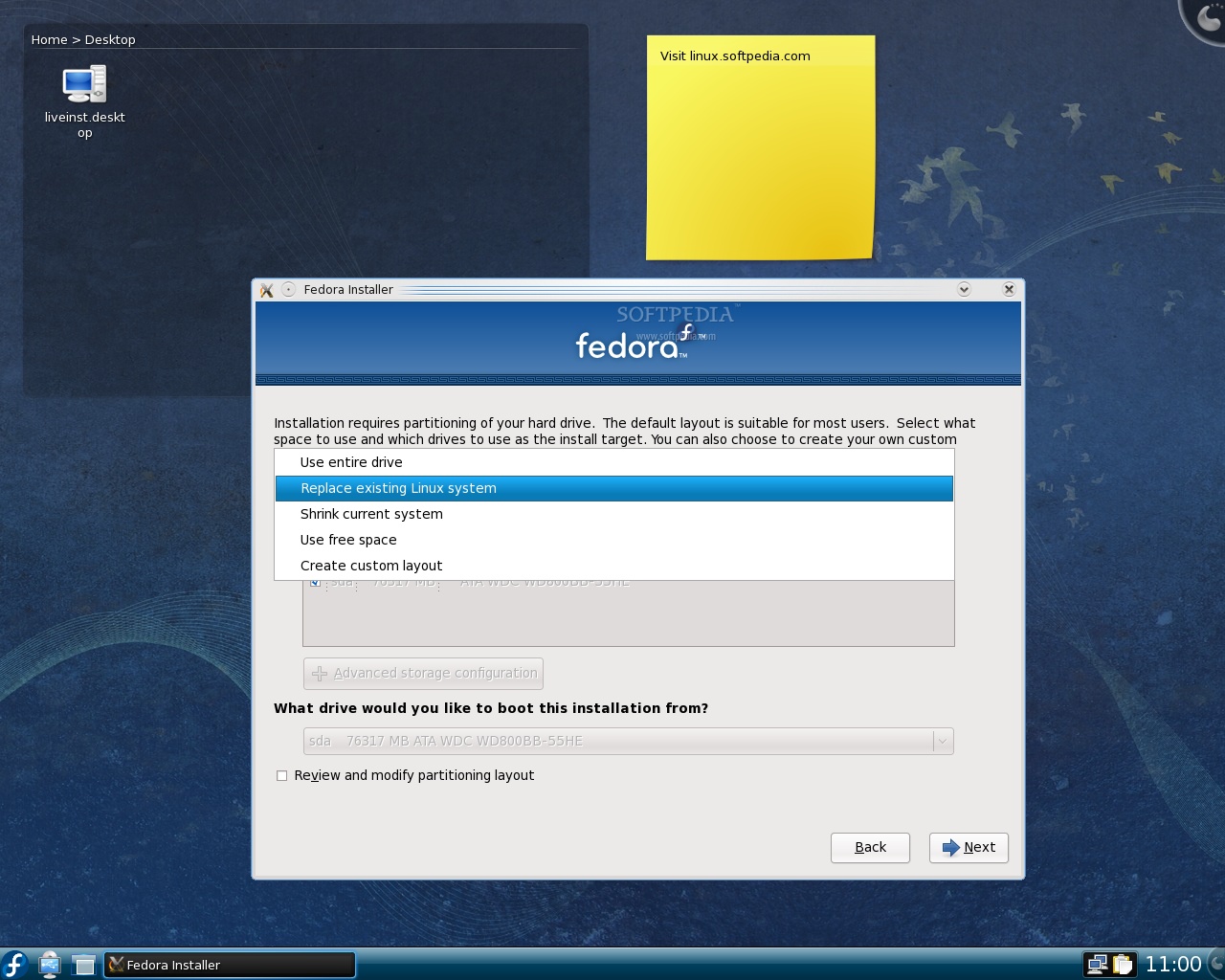
· Default EXT4 install - the Fedora team took quite a bold step as the installation now defaults to this powerful new filesystem; experimental Btrfs support is also available;
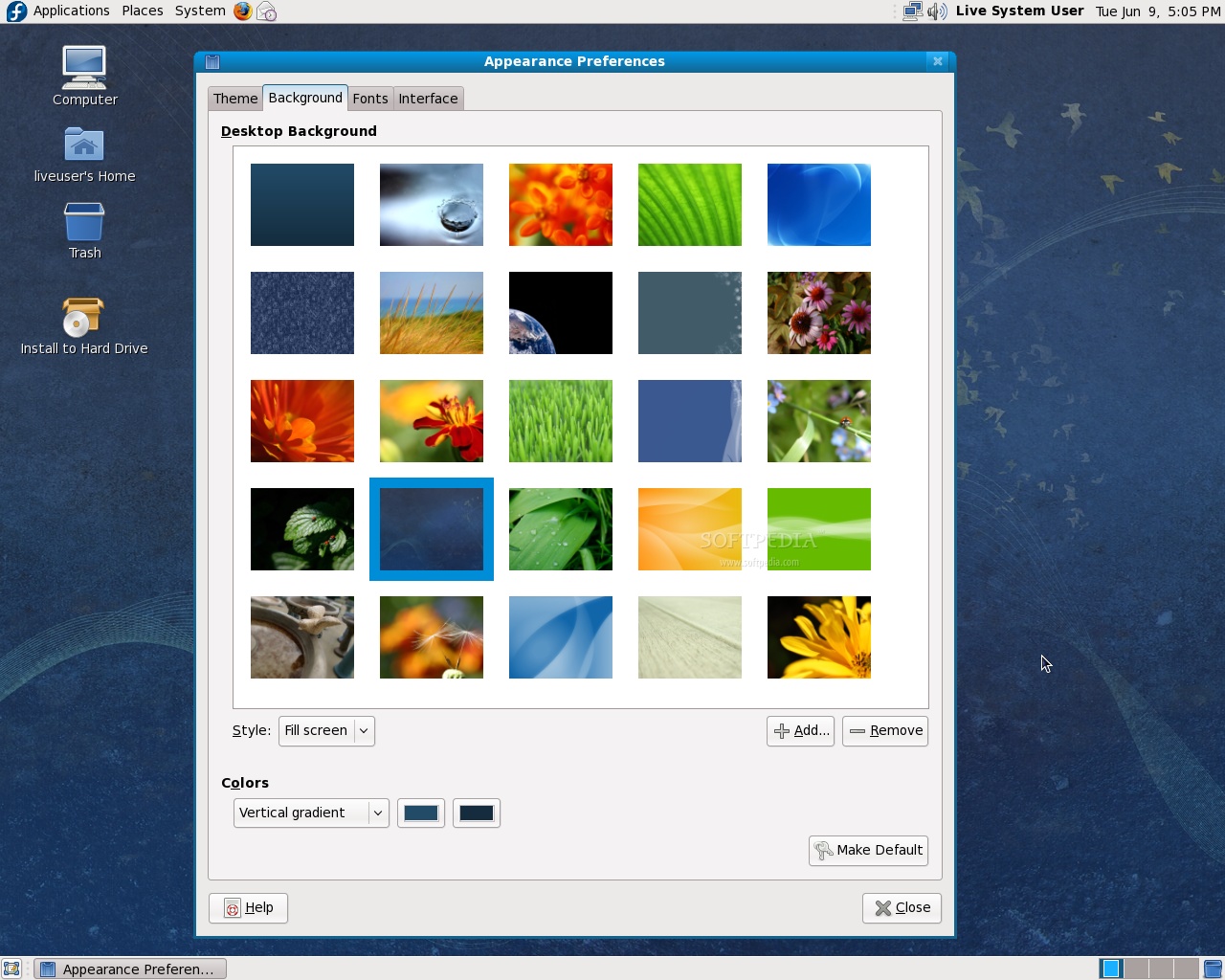
· New artwork - beautifully designed from boot to the desktop: birds, wavy ribbons and dark blues are part of the new theme;
· Plymouth - offers beautiful, next generation graphical boot animation;
· KDE 4.2.2 - the latest and greatest K Desktop Environment with all its eye-candy included
· GNOME 2.26.1 - though there are no major changes, users will notice Brasero as the default CD/DVD burning tool, some minor interface tweaks, improved filesharing, better Microsoft Outlook support in Evolution and more;

Review imageReview image

· Xfce 4.6 - many new features make the lightweight desktop environment much more efficient and production-ready;
· Automatic Fonts & Mime Installer - enables third-party programs to automatically install required fonts, codecs or clipart;
· Fingerprint reading - devices that provide this feature are supported in Fedora 11 out of the box and configuring them can be easily done through the Authentication Configuration utility;
· ABRT - the Automatic Bug Reporting Tool is a very easy way to report bugs;
· Nouveau - the open source Nvidia driver is now enabled by default;
· Presto - updating the system will be much quicker as this yum plugin brings support for deltarpms, ensuring that only changed components are downloaded, not the whole packages;
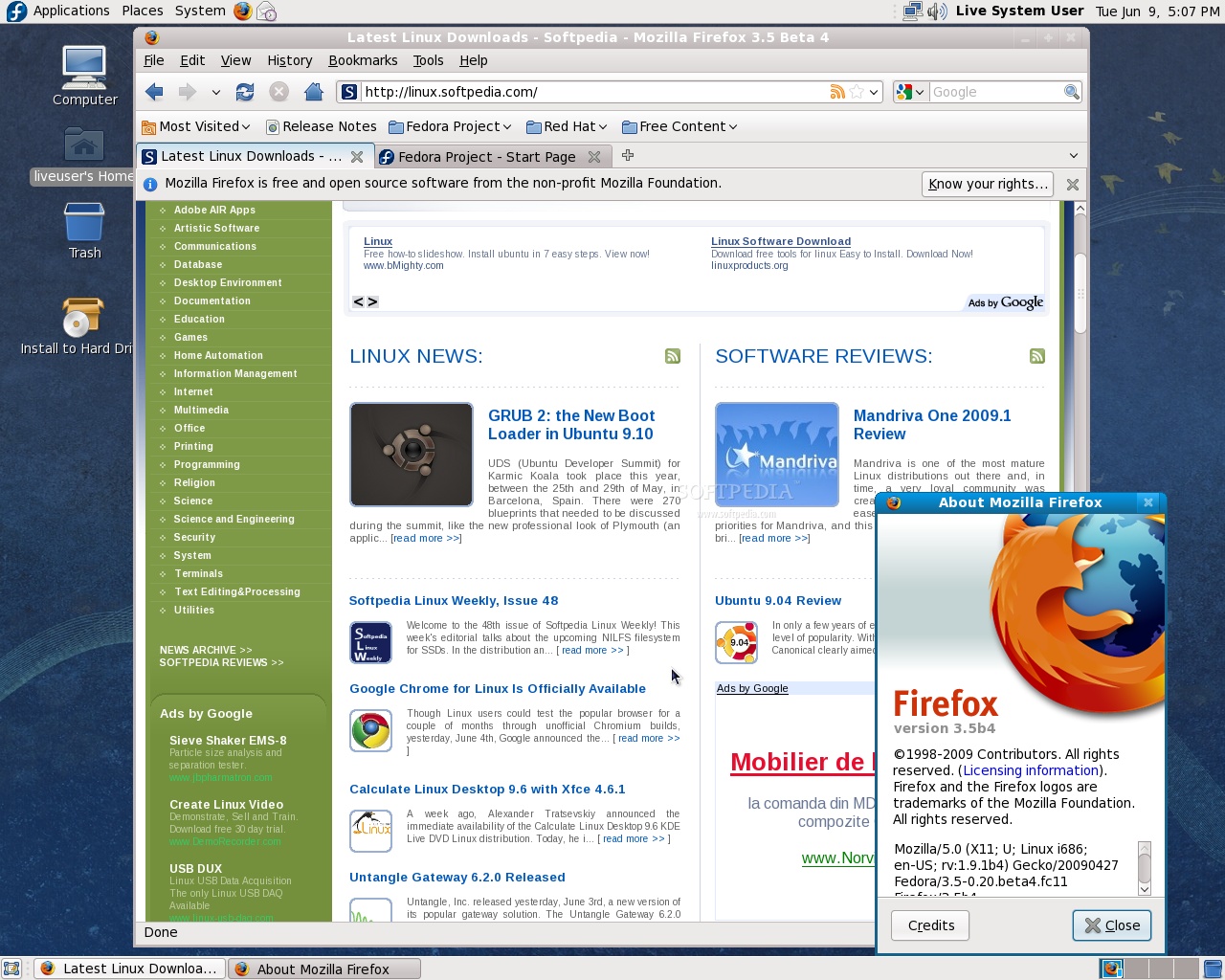
· Mozilla Firefox 3.5 Beta - a plethora of enhancements to the most popular open-source browser makes this a great choice;

Review imageReview image

· Thunderbird 3 Beta - a great email client with improved performance and better IMAP support;
· Xserver 1.6 - bringing improved performance and stability;
· MiniGW - Windows cross-compiling has never been easier;
· TigerVNC - now the default VNC client;
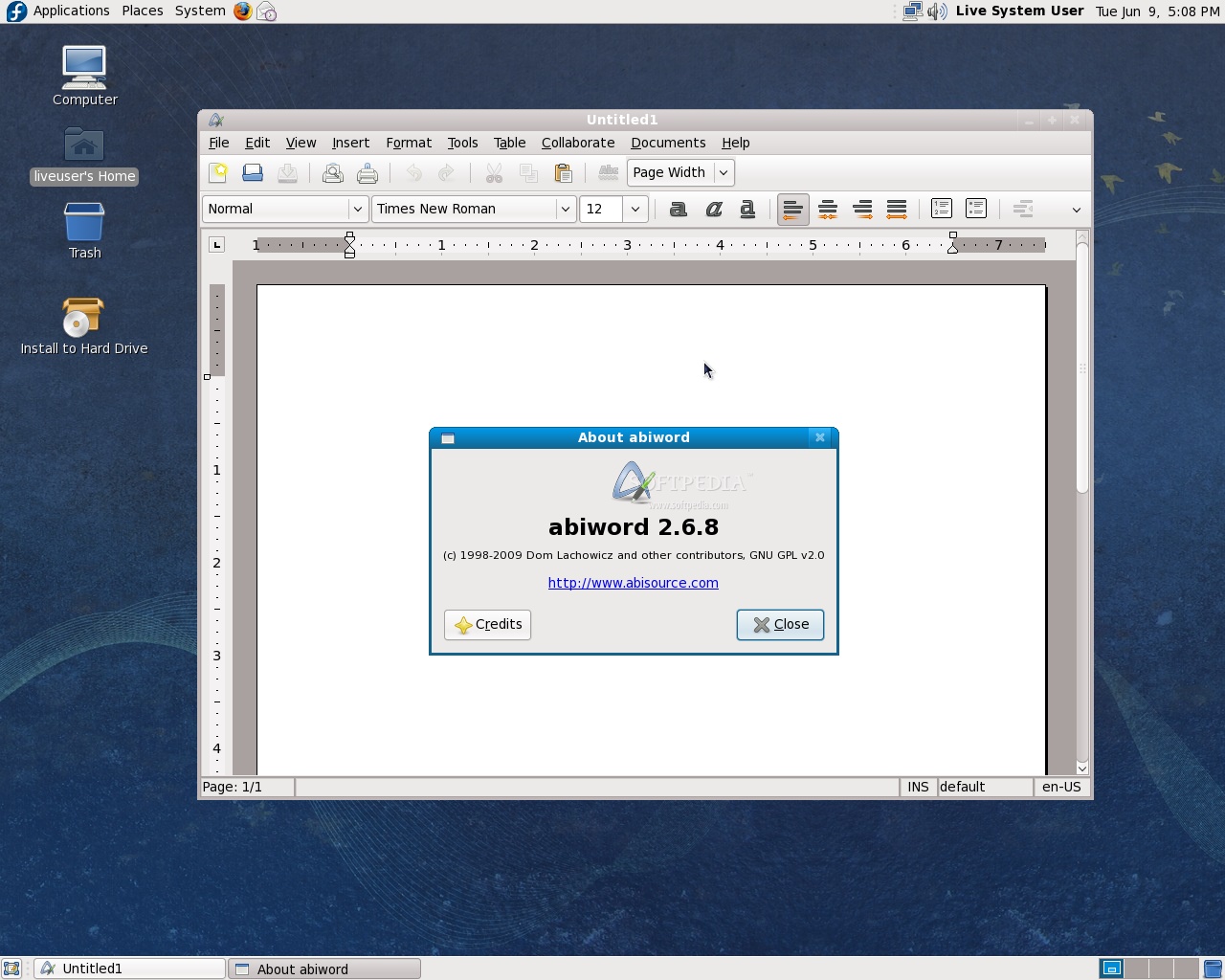
· GCC 4.4, NetBeans 6.5, Python 2.6 and Git 1.6.2 are sure to increase development productivity;
· OpenChange - out-of-the-box Microsoft Exchange access;
· Improved Volume Control, now more user-friendly with per-application control and better handling of multiple speaker sets;
· DeviceKit system service, providing better ways to monitor disks through the Palimpsest utility.

Review imageReview image

Download Fedora 11 right now from Softpedia.

TAGS:

Fedora 11 | Leonidas | Linux distribution | operating system | open source
Read by 8,974 user(s) | Add comment | Link to this article TWEET THIS


Article rating:
Very Good (4.6/5) 26 vote(s)    

Subscribe to news | Print article | Send to friend

© Copyright 2001-2010 Softpedia
Contact:


SEARCH THE NEWS ARCHIVE :


Today's News
| Yesterday's News | News Archive


MORE RELATED ARTICLES:


GRUB 2: the New Boot Loader in Ubuntu 9.10

Softpedia Linux Weekly, Issue 48

Google Chrome for Linux Is Officially Available

Calculate Linux Desktop 9.6 with Xfce 4.6.1

Untangle Gateway 6.2.0 Released

Amarok 2.1 Brings a Plethora of Cool Features

The First Beta of Opera 10 for Linux Shines

KDE 4.2.4 Improves Okular and KMail

User opinions:


Comment #1 by: Bob K. on 09 Jun 2009, 19:14 GMT reply to this comment

Looks like previous Fedora's not much different in UI except wallpaper that doesn't go well with theme. Very bland and not to modern look. A lot of beta apps!. Stability would be a big concern for me knowing that beta apps were included in the default install !. Not to impressed with this release at all!.


Comment #2 by: Luke on 10 Jun 2009, 01:53 GMT reply to this comment

I switched to fedora 10 because of driver issues with ubuntu, and this release seems to work better than the last in that aspect, kudos to the developers, community!


Comment #3 by: Reggie on 10 Jun 2009, 10:28 GMT reply to this comment

does anyone know how to set up the folders e.g the home folder so that it shows things like back, home etc.. its just a blank folder with the folders in, but with no buttons etc..
and when you click on a folder it opens a small window all the time.

Comment #3.1 by: Daniel Pop-Silaghi on 10 Jun 2009, 12:18 GMT

Hi! Open any folder, go to Edit --> Preferences, click on the second tab (Behavior) and check the box next to "Always open in browser windows". That's it. Enjoy!


Comment #4 by: Carl on 10 Jun 2009, 18:11 GMT reply to this comment

I was eagerly waiting for this release... But I'm a bit disappointed... Some add-ons do not work with FireFox 3.5 beta. Opera doesn't work like it's supposed to, while it works fine in Ubuntu. And I have some minor problems with internet connection. It's not a good idea to add BETA applications to the final release, IMHO.


Comment #5 by: StephenP on 16 Jun 2009, 21:44 GMT reply to this comment

I preupgraded from fc10 to fc11 on three machines. The two that had nvidia cards had the most problems. One had a problem with the default pulse audio erroneously set for the onboard SBLive card in addition to the video problem as well as ntp daemon being a regressive version in FC11. Much of this was resolved by uninstalling fc10 drivers that preupgrade had not switched over to the fc11 versions and then installing the latter. I would have thought that these problems would have been resolved before the final release. Once working – fc11 rocks! However, the default background Leonidas theme just makes me cringe. Really tacky – and looks worse with the kde login screen which was very cool in fc10. Looks like a bad faux finish job from the early 80s! And what the heck is that ghostly gremlin character in the lower right of the background? What does that have to do with the theme? What were they thinking?

Share your opinion:

Your Name:
Your Email Address:
(will not be used for commercial purposes)
Solve this to prove you're not a bot: =
Your review/opinion:


Windows tabGames tabDrivers tabMac tabLinux tabScripts tabMobile tabHandheld tabGadgets tabNews tab

SUBMIT PROGRAM   |   ADVERTISE   |   GET HELP   |   SEND US FEEDBACK   |   RSS FEEDS   |   ENTER NEWS SITE   |   ENGLISH BOARD   |   ROMANIAN FORUM