
NEWS CATEGORIES:


NEWS ARCHIVE >>
SOFTPEDIA REVIEWS >>
MEET THE EDITORS >>
Home > News > Linux > First-Look

First-Look


First Look: Elive E17 Compiz

Style and eye-candy for your Linux machine

By Daniel Pop-Silaghi, Linux Editor

14th of February 2009, 00:31 GMT

Adjust text size:


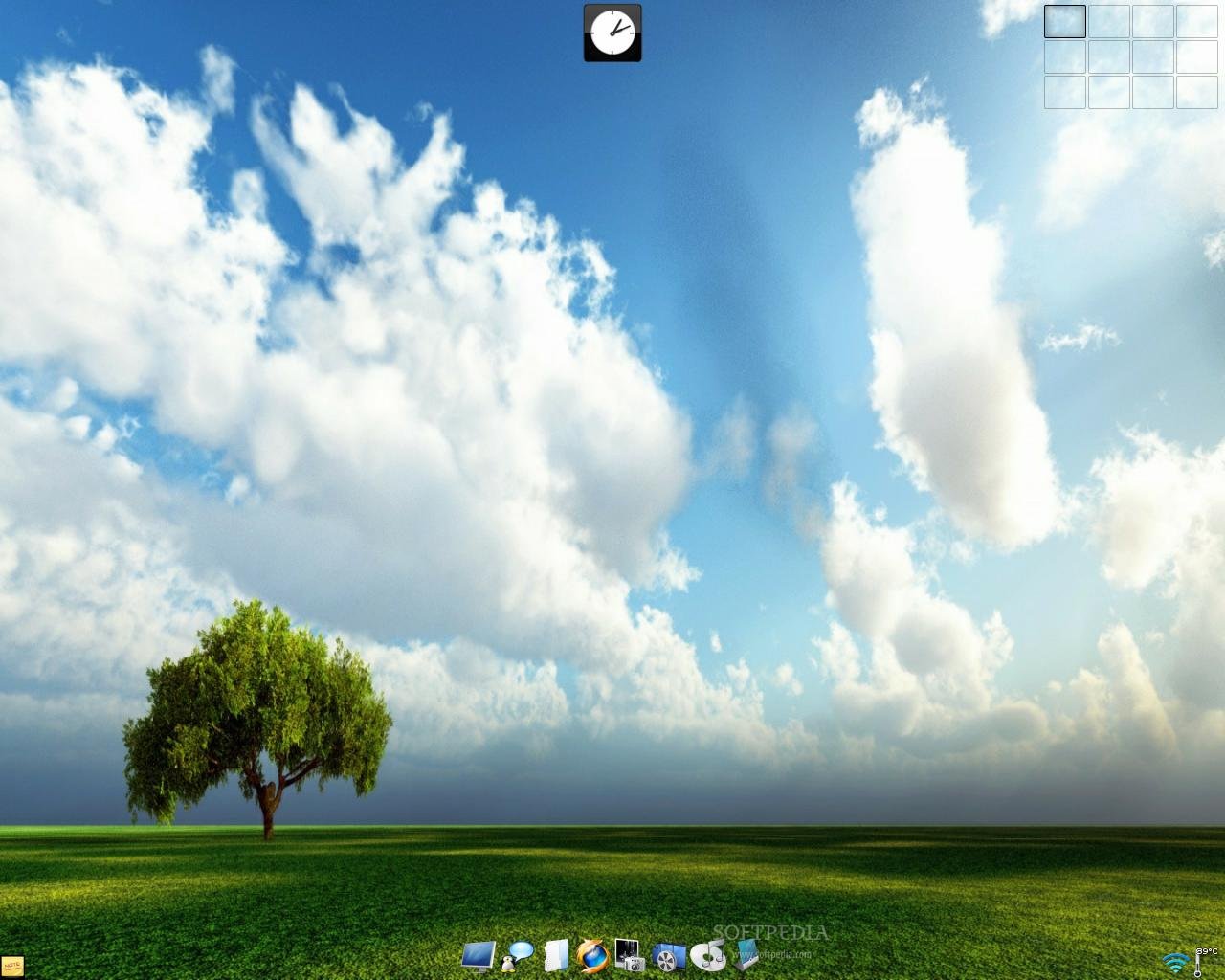
Elive Compiz Desktop
Enlarge picture
If you've read the latest Softpedia Linux Weekly you probably remember the video clip of the week showing a lot of awesome desktop effects. Wait, don't leave just yet. I know you're sick of all those
Compiz Fusion praising videos that are everywhere on the Internet but this time it's a little different. We're talking about a distribution and its desktop environment that didn't cross ways with Compiz. Until now. Yep, there is a special Elive E17 bundled with all the good 3D stuff. Knowing Elive's reputation of being one of the most beautiful and stylish distributions out there, what can really go wrong if you combine two of Linux's most valuable eye-candy providers?

After watching that video, we decided to put it to the test on one of our machines to see if all that buzz around it was really worth it. For more fun, the test PC was sort of a prehistoric one with 512 MB of RAM and an Nvidia GeForce FX 5200 (yeah...). Well, it wasn't just for fun, but it was also a very good way to evaluate Elive's performance under such extreme conditions.

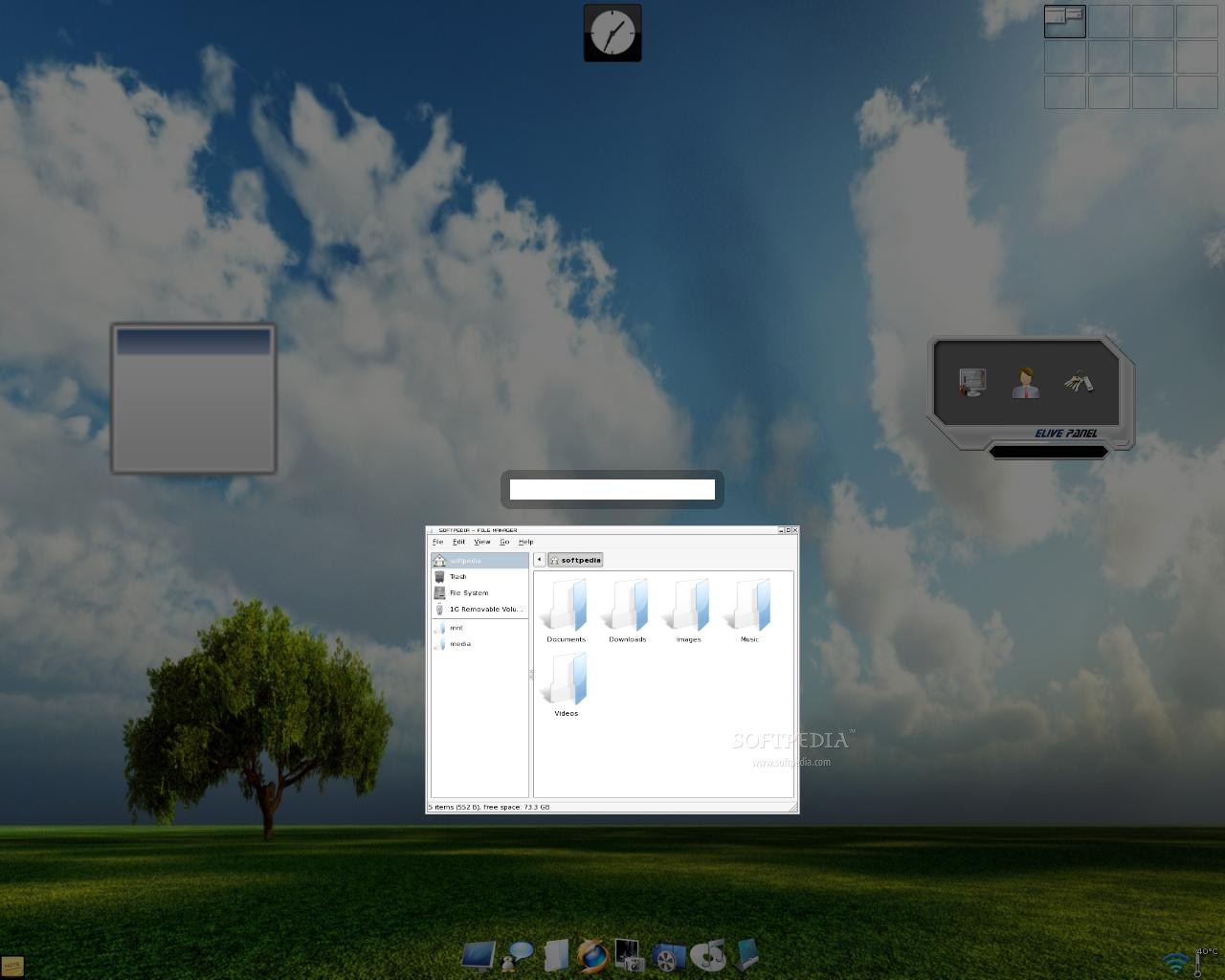
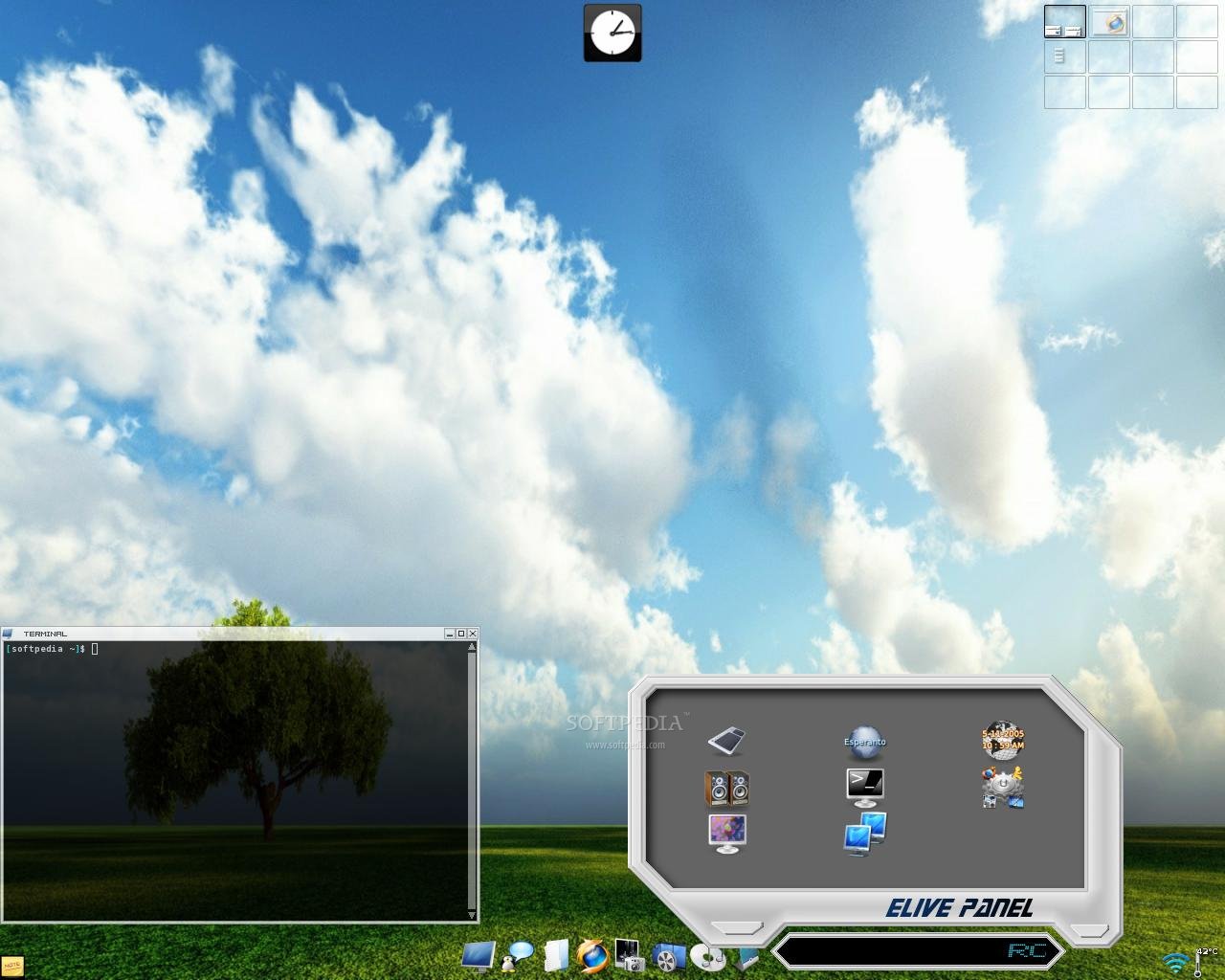
Popped the Live CD in, chose to use the "nvidia-old drivers" at bootup and the desktop was up and running in a reasonable amount of time. If you didn't use the Enlightenment desktop manager before, you'll need some time to get the hang of it. All the menus are hidden under both mouse clicks (left and right) on the desktop. There is also a dock-like bar present on the bottom of the screen. An open window switcher is smartly placed in the top left corner of the screen. What's not so smart is the fact that you'll only see the icons of all your open apps (no text tooltip on mouse-over either) and if you have, let's say, three instances of Firefox you will be absolutely clueless about which is which until you actually restore them.

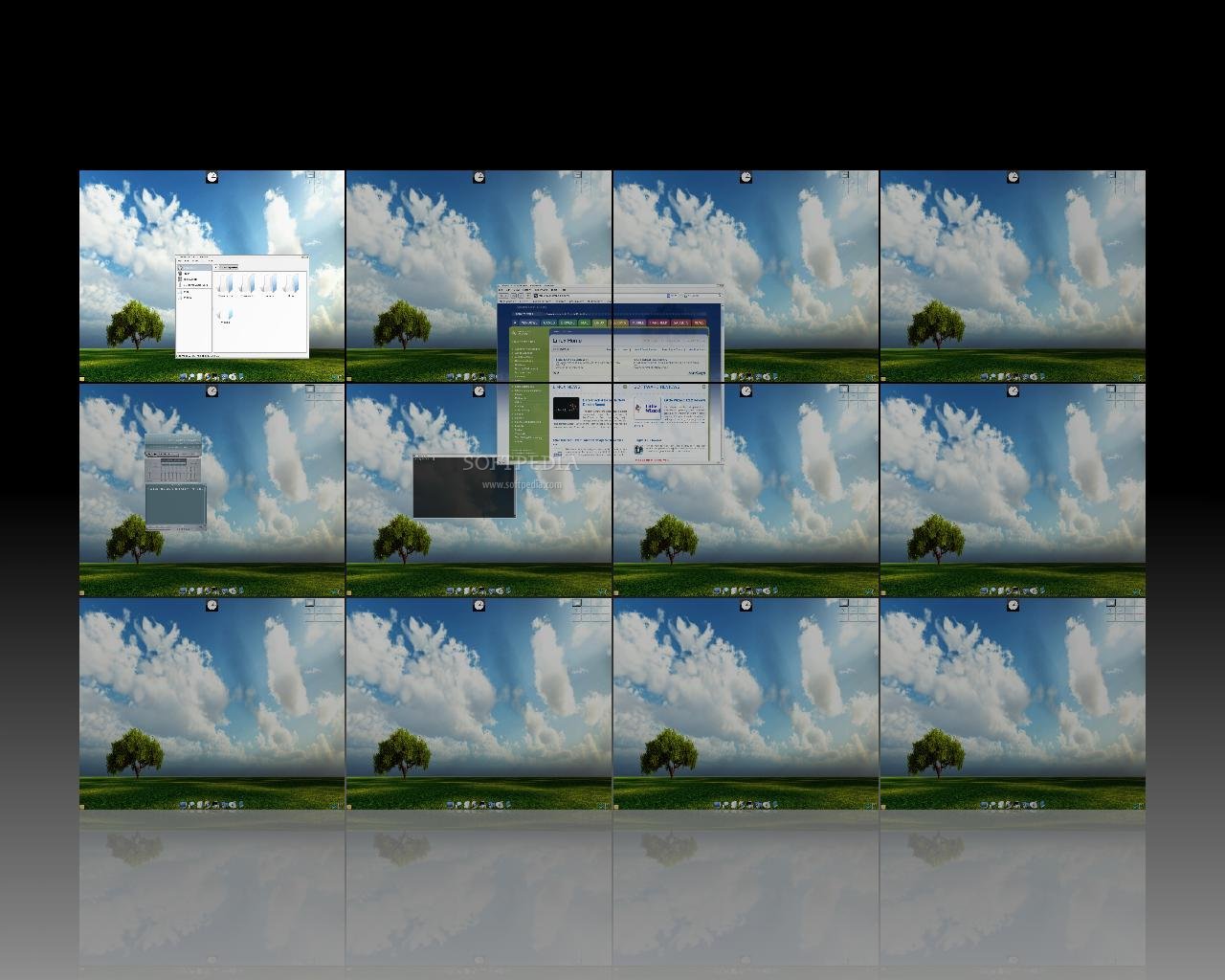
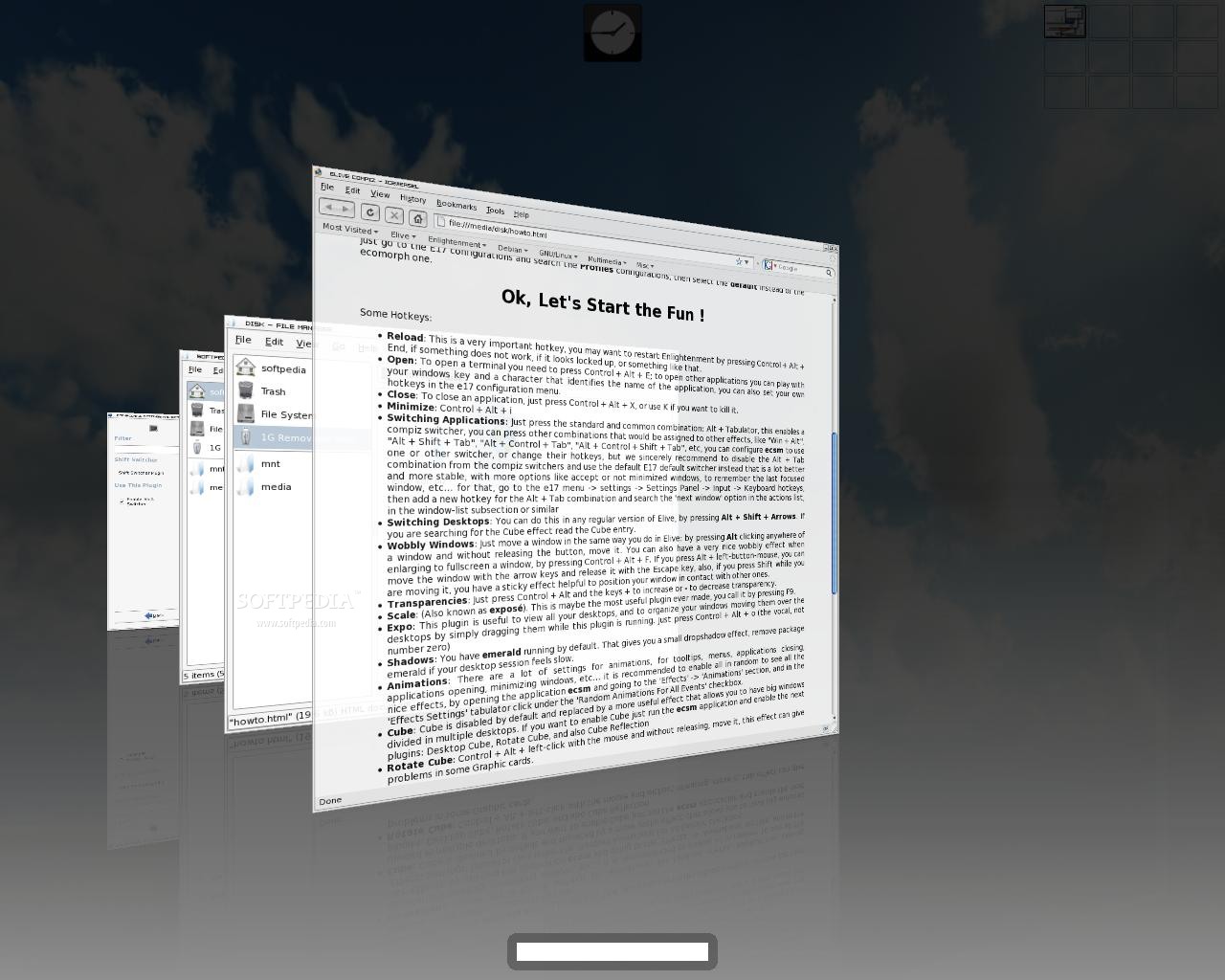
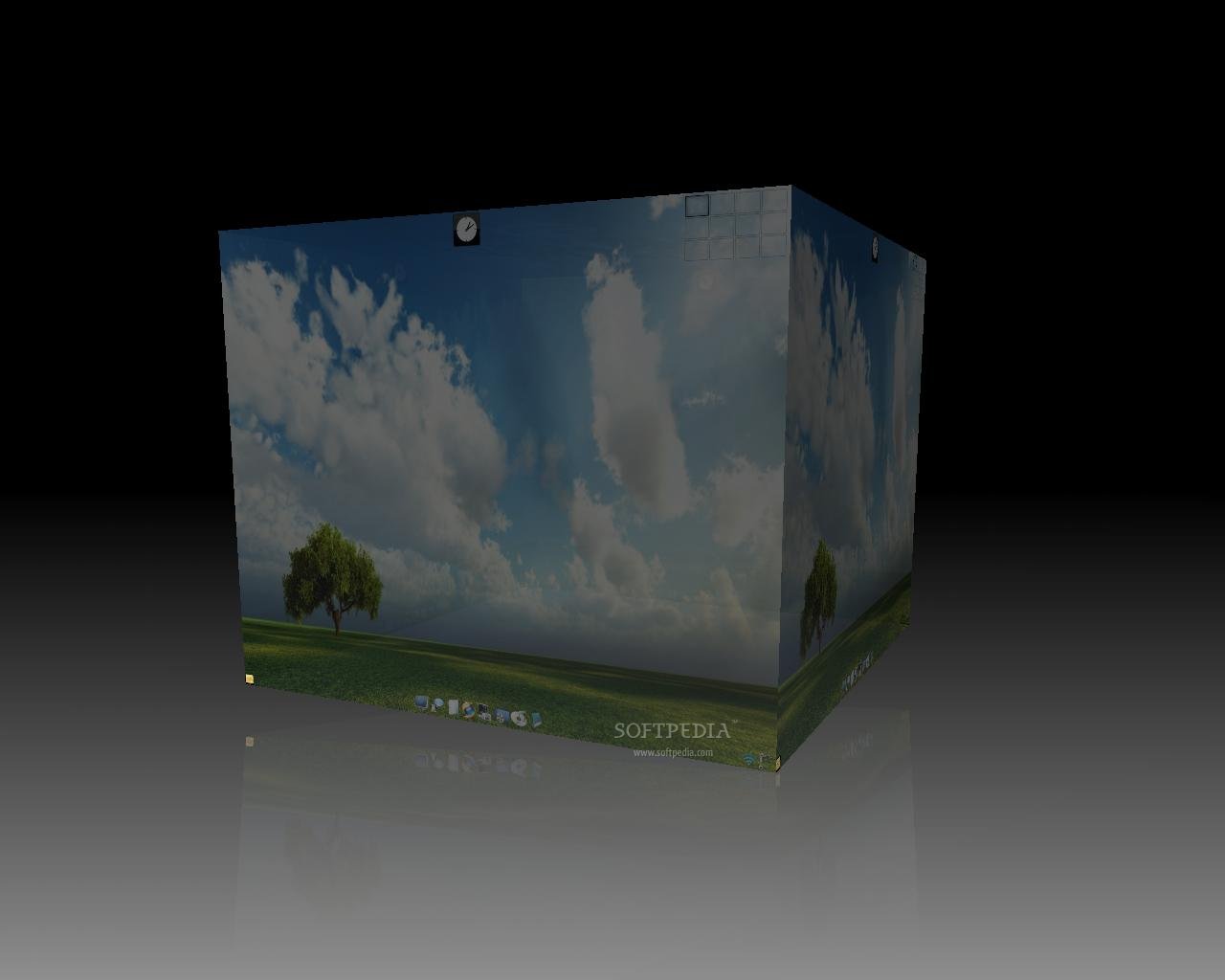
Elive Compiz Cube
Enlarge picture
Elive Terminal and Panel
Enlarge picture
Elive Compiz Workspaces
Enlarge picture
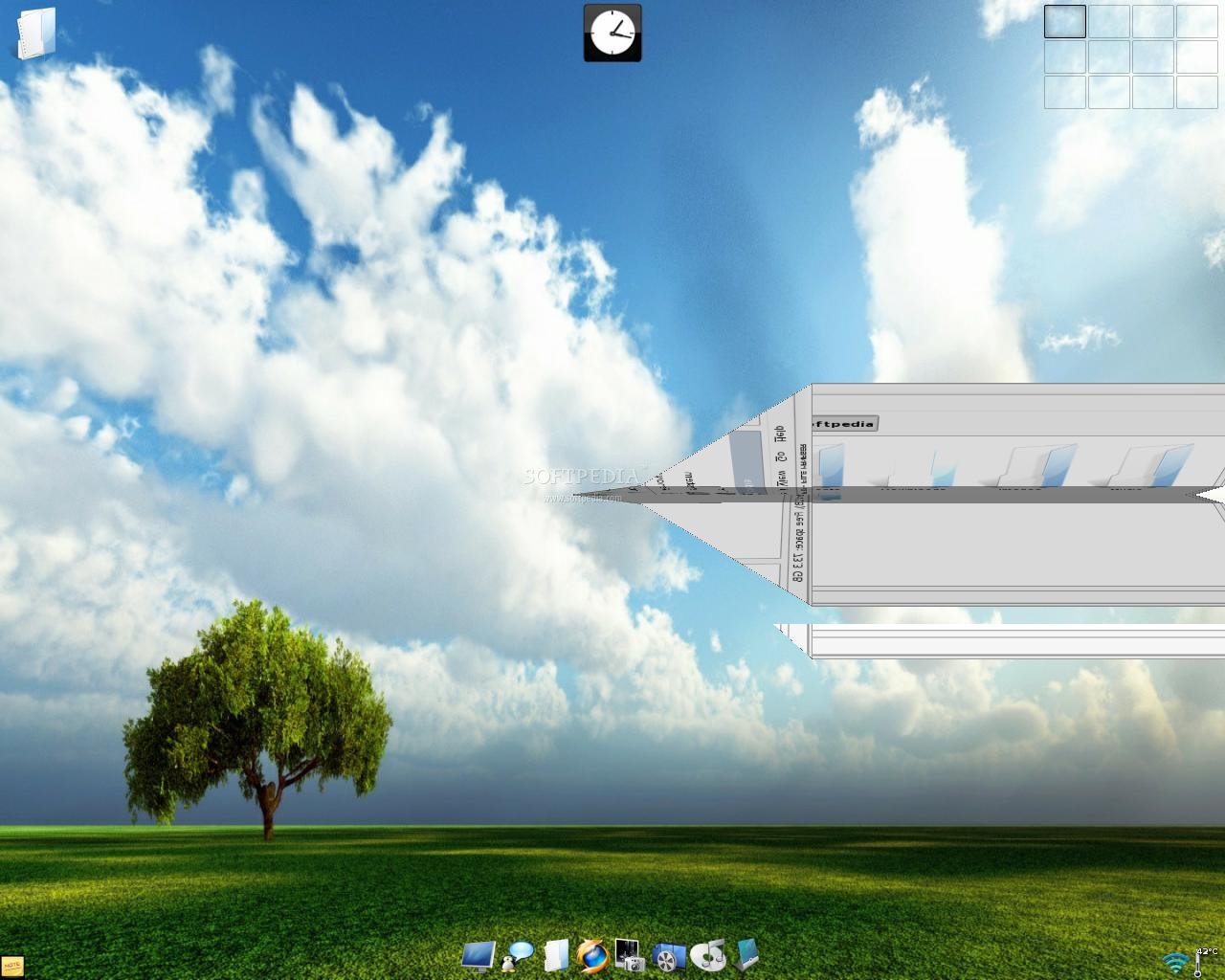
Elive Compiz Minimize
Enlarge picture
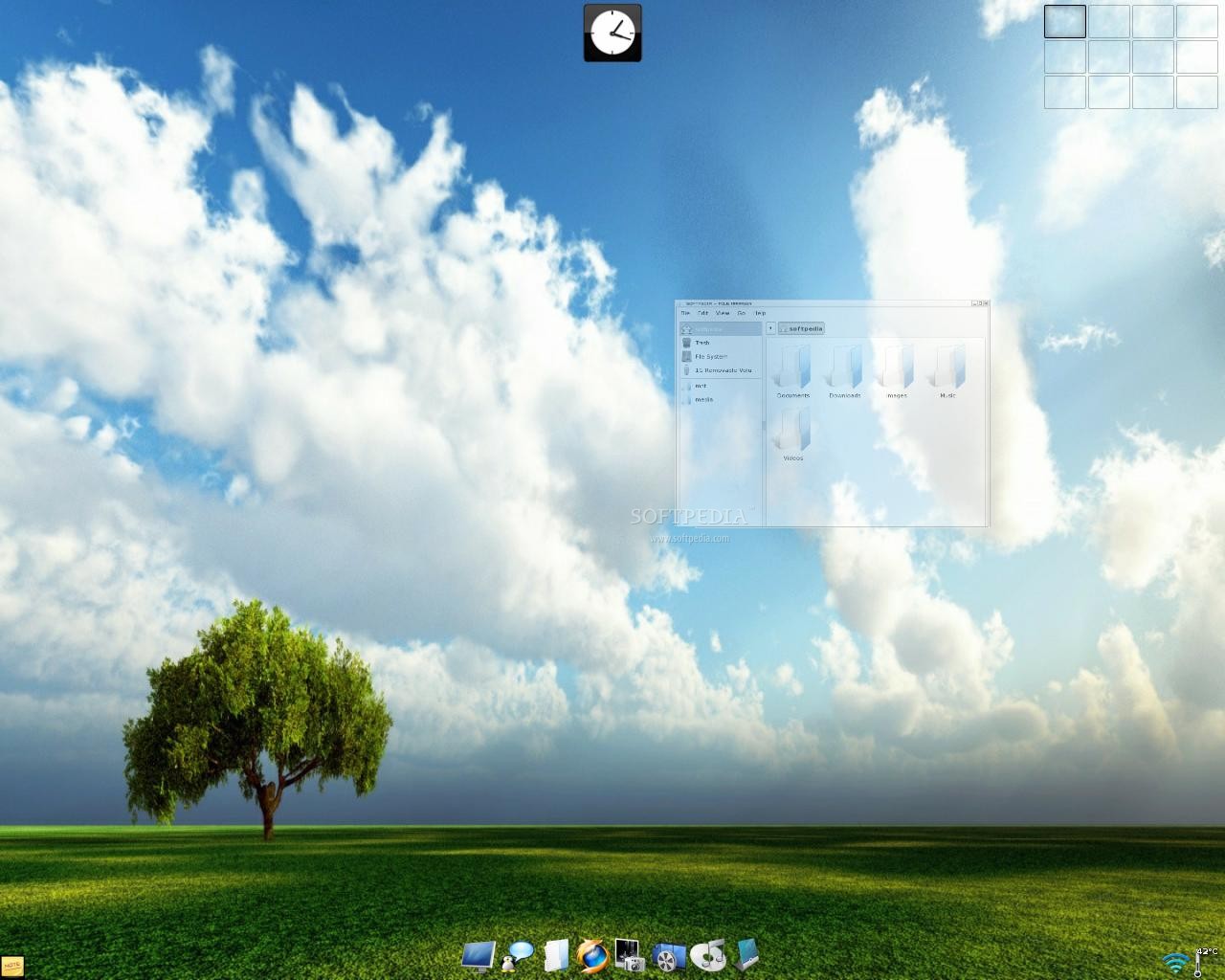
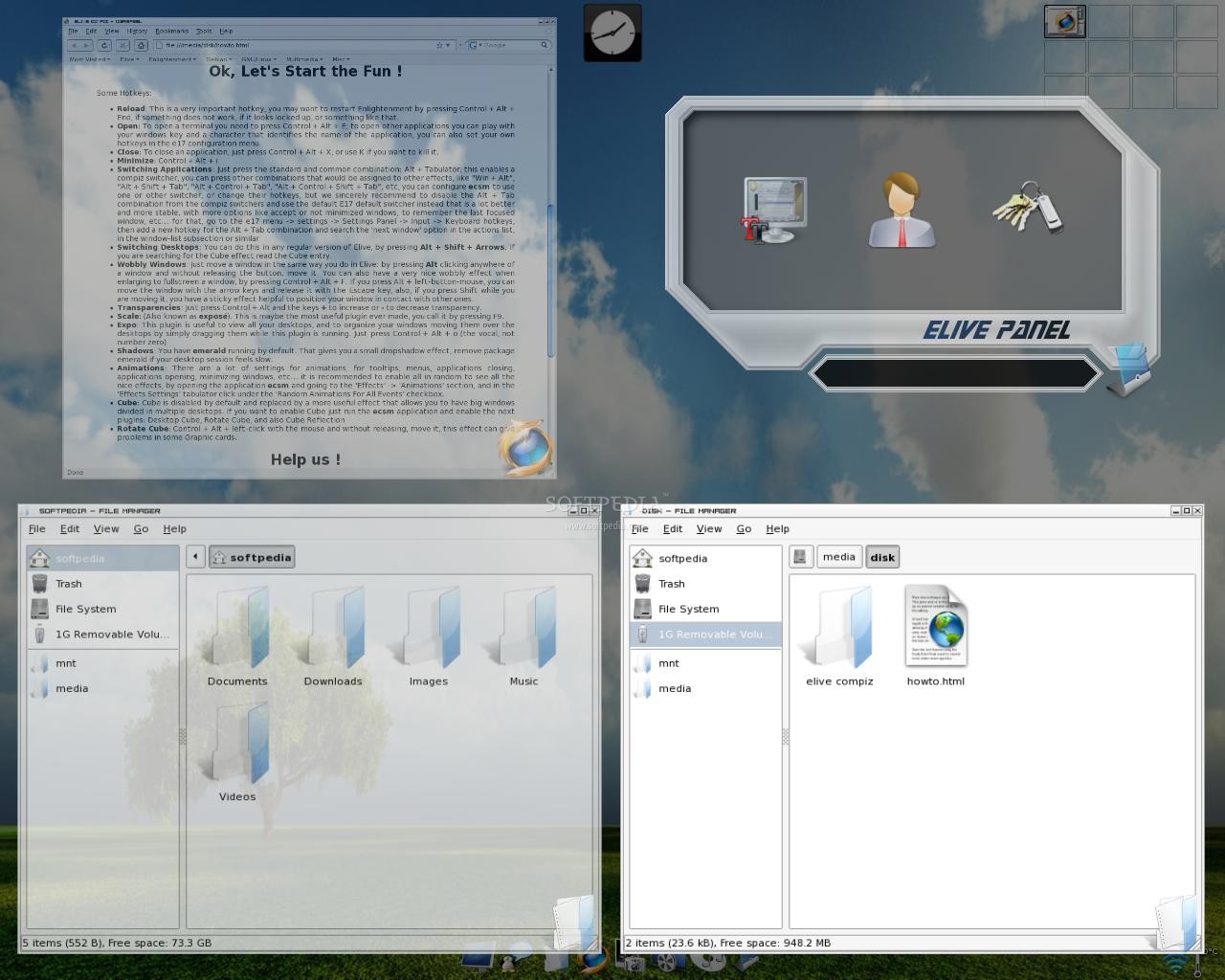
Elive Compiz Transparency
Enlarge picture


Eh, but what does that matter when you have the pretty ALT+Tab switcher right at your fingertips? Another annoyance I stumbled upon when trying out the advertised features was in the form of a non-working transparency-decrease keyboard shortcut. This led to a completely transparent window and I had to blindly look for the close button. Fortunately, it didn't change the default values for new windows so it didn't do much damage.

Leaving all bugs aside (it is an unstable release after all), the effects are really cool, especially on top of the artful desktop environment. Right from the login screen you know you're in for a classy trip to Linux. Everything feels professional and... expensive, yet not intrusive. All the text on screen is gorgeously shaped and really small. Hell, any smaller than that and you'd need to do some squinting. But it's perfect the way it is, allowing a much larger screen estate than any other distribution.

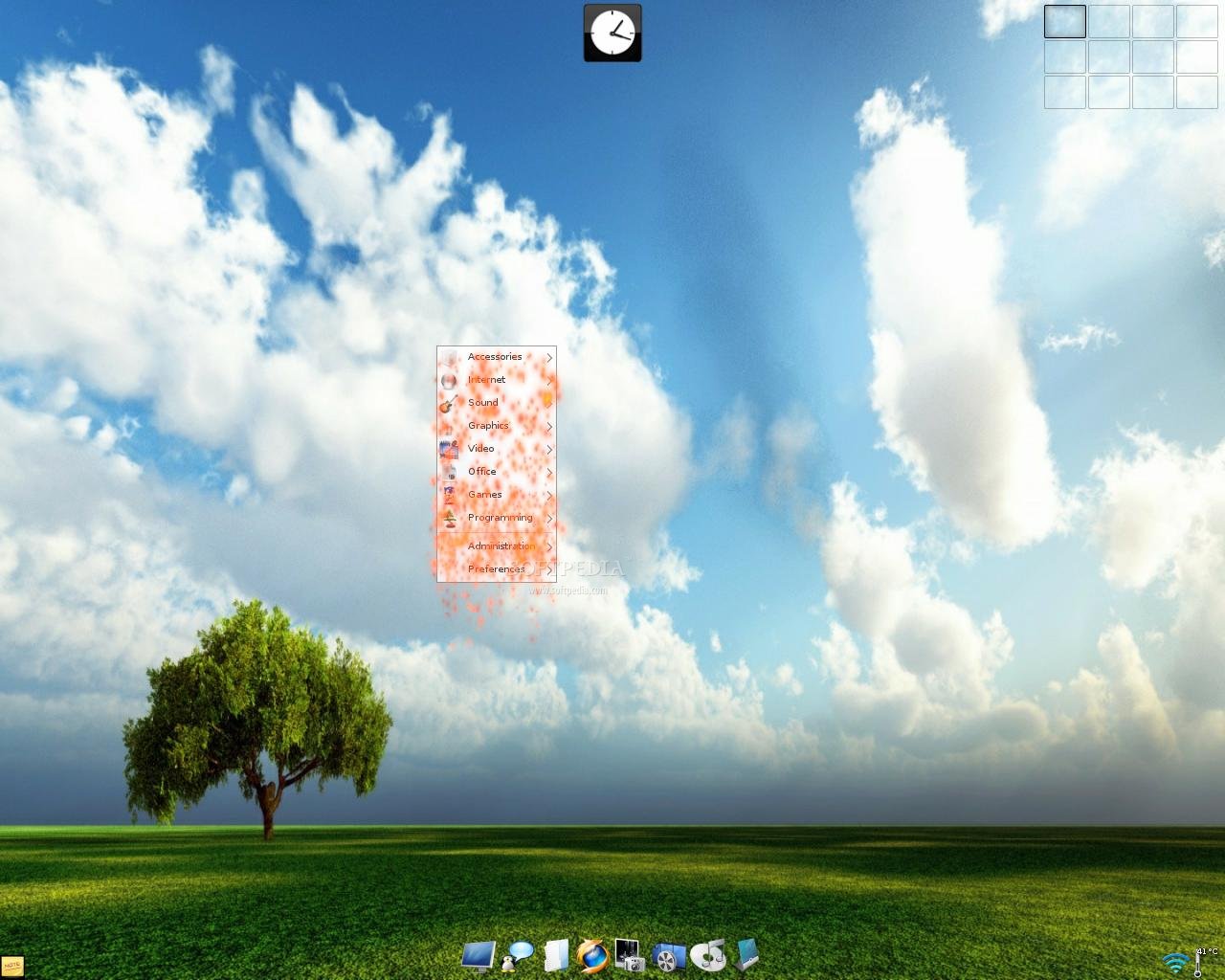
I have to say, I wasn't very impressed with previous Elive releases, since the interface elements felt sort of... crowded. But now I love it. Minimized, all the windows will fold to a paper plane and fly away, the drop-down menus will have random effects applied to them (like fire, fade, zoom, swirl) so you won't get bored right away.

Elive Compiz Fire
Enlarge picture
Elive Compiz Full Screen Transparency
Enlarge picture
Elive Compiz Switcher
Enlarge picture
Elive Compiz Scale
Enlarge picture
Elive Compiz Flip
Enlarge picture


All in all, being more of a "concept" distribution, it looks and behaves quite nice. You will eventually grow tired of all the 3D movement on the screen and want to shut it all down. The developers thought about this and included the CompizConfig Settings Manager panel where you can tinker with every effect.

I think Elive E17 Compiz is not only one of those Linux distributions you use to convert your less than tech-savvy friends to Linux, but also a cure for sore eyes. No doubt, it will cheer you up to see the light themeing on top of that peaceful wallpaper sky. By the time it will reach a stable version, I'm sure most of the bugs will be fixed and Elive E17 Compiz could become an efficient and productive distro that you may use on a daily basis. It is already the most beautiful one, that's for sure.

Download Elive E17 Compiz 1.9.22-4 right now from Softpedia. Remember that this is an unstable release and it should NOT be installed on production machines. It is intended to be used for testing purposes only.
TAGS:

Elive | Compiz | 3D effects | Linux | enlightenment
Read by 44,615 user(s) | Add comment | Link to this article TWEET THIS


Article rating:
Very Good (4.5/5) 23 vote(s)    

Subscribe to news | Print article | Send to friend

© Copyright 2001-2010 Softpedia
Contact:


SEARCH THE NEWS ARCHIVE :


Today's News
| Yesterday's News | News Archive


MORE RELATED ARTICLES:


Mandriva 2009.1 Beta Boots Faster

New Nvidia Video Drivers for Linux Bring OpenGL 3.0 Support

BackTrack 4 Beta Is Now Debian Based

After One Year, Avant Window Navigator Reaches 0.3.2

Avidemux 2.4.4 Brings Improved Support for H.264

SystemRescueCd 1.1.5 Has EXT4 Support

Softpedia Linux Weekly, Issue 32

GNOME 2.26 Beta Is Out

User opinions:


Comment #1 by: alex on 17 Feb 2009, 15:17 GMT reply to this comment

If people want that dock bar then they will probably just get a mac.

Comment #1.1 by: Chris on 17 Feb 2009, 20:32 GMT

So, $1000 for a dock? Nope. Ubuntu + Avant Window Navigator= Free
I wanted a dock... I got it.


Comment #2 by: pops on 17 Feb 2009, 19:25 GMT reply to this comment

Why would anyone buy a Mac just to have a dock?


Comment #3 by: Agust on 18 Feb 2009, 12:02 GMT reply to this comment

A very successful Elive + Compiz, unless something is more stable as it says in this article.
Logically with 2048 MB of RAM and Nvidia Gforce 7300LE , Elive , flies.
Daniel , thank you very much for this wonderful article and also thank Thanatermesis for the great work you are doing with Elive.
Greetings:
Agust


Comment #4 by: The Phoenix on 19 Feb 2009, 05:47 GMT reply to this comment

*sigh*

As someone who went through all the sorrows and joys of downloading/compiling/installing E17 more than three years ago, when it was still in ***EARLY*** development (as in, CVS only and little to no documentation)... one of the most exciting things about it was that it was that it was supposed to support compositing from the ground up. And it did. The APIs and the capabilities are still there, largely untapped by the developers for some time now... and here we are praising E17 for its integration with software that it wasn't originally supposed to need. Talk about disappointment.


Comment #5 by: cb88 on 19 Feb 2009, 06:05 GMT reply to this comment

512mb ram and a geforce 5200 is hardly *extreme* conditions actually that is *ideal* hardware

my box only has a geforce2 400 mx and runs compiz just fine as well and as far as that goes elive only needs around 96mb to boot (i have found 64mb doesn't quite cut if for the livecd)


Comment #6 by: blakely on 25 Feb 2009, 03:07 GMT reply to this comment

downloaded to see what all the fuss was about ... runs quite well on an old box 1ghz cpu 1gb ram intel 830m graphics effects just blew me away id realy love to see this on a fast machine ... omg i can only imagine


Comment #7 by: Philippe on 19 Mar 2009, 19:56 GMT reply to this comment

Works well with Athlon 1800+ A Go RAM and Geforce MX400.
E17 is still missing a bit of stability but is improving.
Elive is pleasant to use and aesthetically coherent. But I prefer lighter window managers such Openbox for a daily use. Elive is my OS for sundays.


Comment #8 by: darkantwan on 30 Sep 2009, 19:53 GMT reply to this comment

First of all, who would buy a mac full stop!! Second of all, this is a beautiful distro, runs well on my desktop: 2048mb ram and phenom x3 8650, hd4670 ati gfx using proprietary driver. Also on my laptop: Acer 6935g: 4gb ddr3 ram, centrino t6400 dual core cpu, 1gb dedicated 8600m gt gfx 1366x768 res.

Easy on the eyes, and a whole lotta fun, never gets boring!!

Share your opinion:

Your Name:
Your Email Address:
(will not be used for commercial purposes)
Solve this to prove you're not a bot: =
Your review/opinion:


Windows tabGames tabDrivers tabMac tabLinux tabScripts tabMobile tabHandheld tabGadgets tabNews tab

SUBMIT PROGRAM   |   ADVERTISE   |   GET HELP   |   SEND US FEEDBACK   |   RSS FEEDS   |   ENTER NEWS SITE   |   ENGLISH BOARD   |   ROMANIAN FORUM