 14 DAY TRIAL //
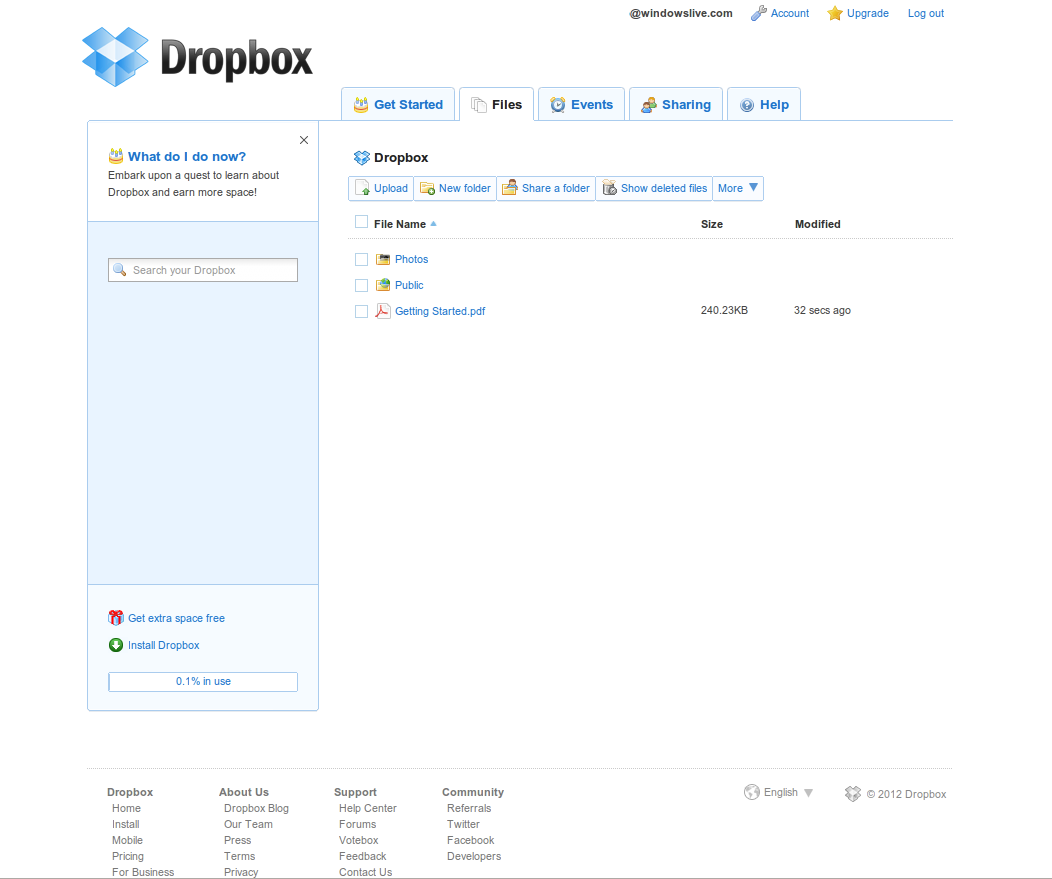
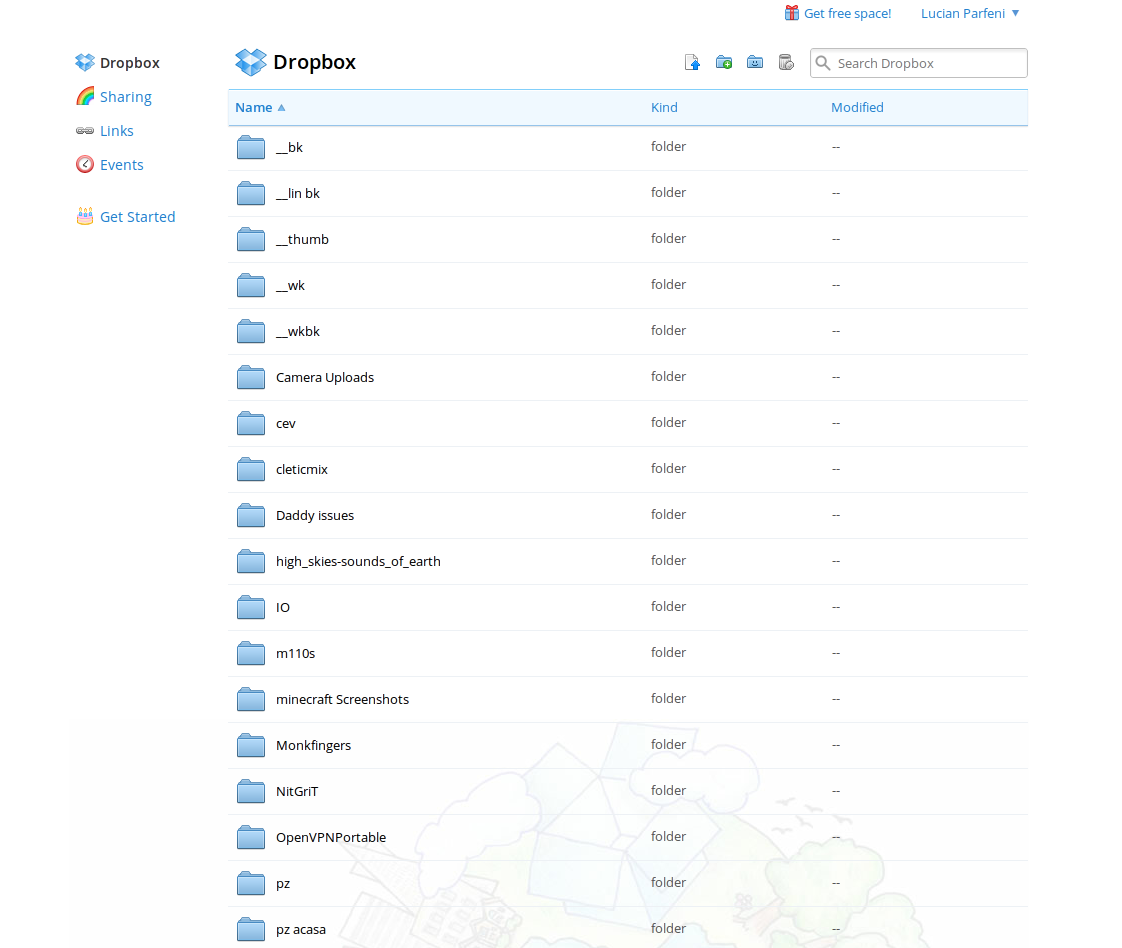
 Along with the new photo-centric Android app, Dropbox has also revealed a redesigned website. The new site feels a lot more like an app, aims for a minimalistic look and emphasizes photos, unsurprisingly given the new features in the Android app and the upcoming desktop apps.
For now, Dropbox isn't ready to roll out the new website for everyone and is testing it with users that make use of the automated photo upload feature.
"Once your photos have been automatically uploaded to Dropbox, you’ll be able to check them out using a sneak peek of our new website. The new dropbox.com makes it way more fun and easy to flip through your pictures, where they’ll be as big and beautiful as your screen allows," Dropbox explained.
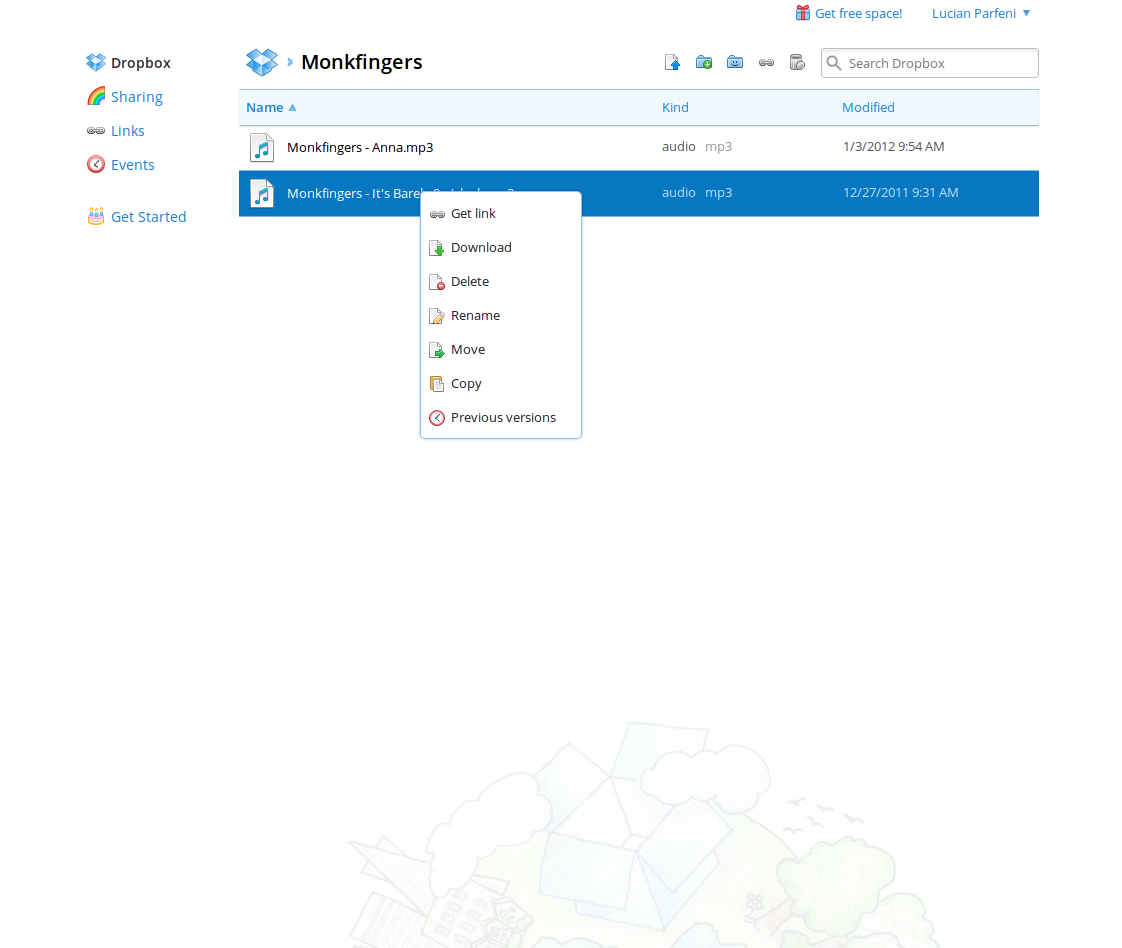
Users will notice a greatly improved web interface. Files and folders take the center stage, but the manager feels more like a native one than a web page. It's easy to browse folders, copy files and so on.
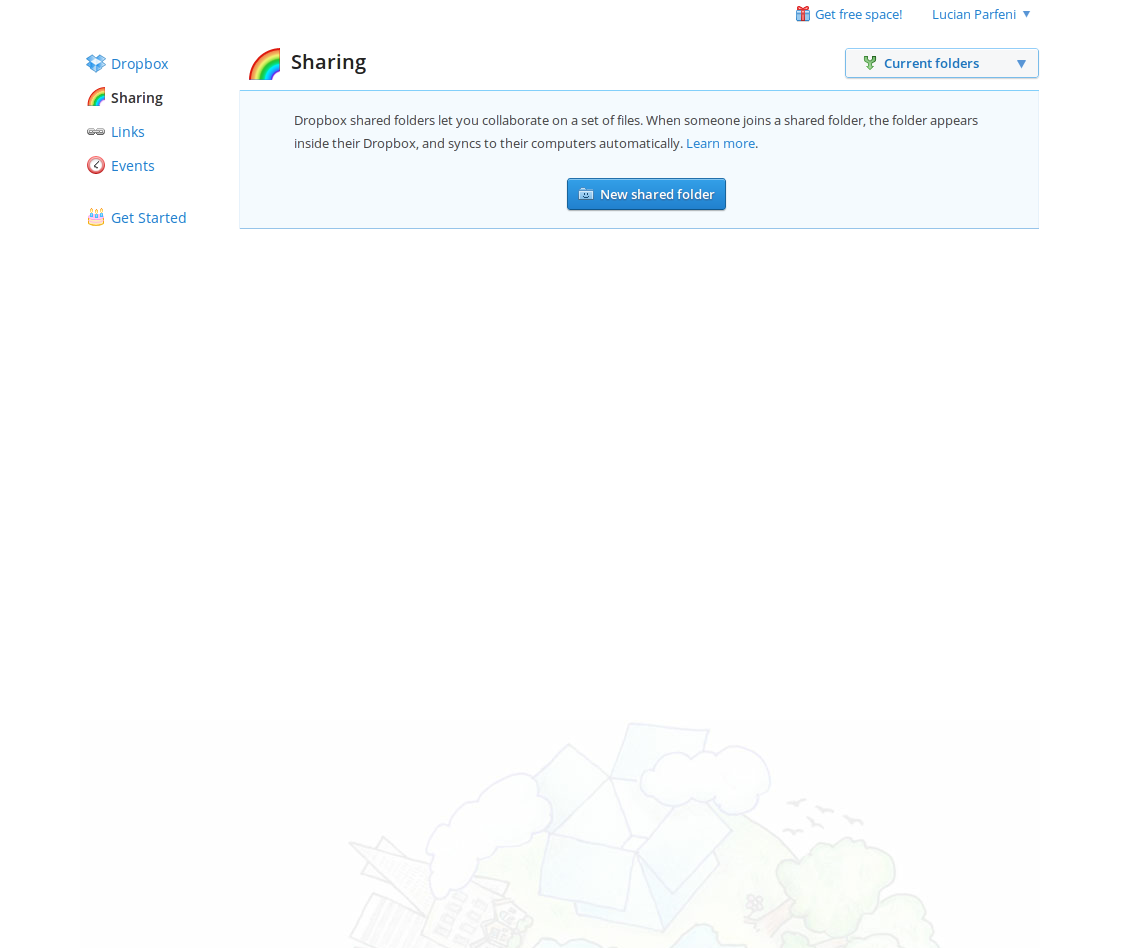
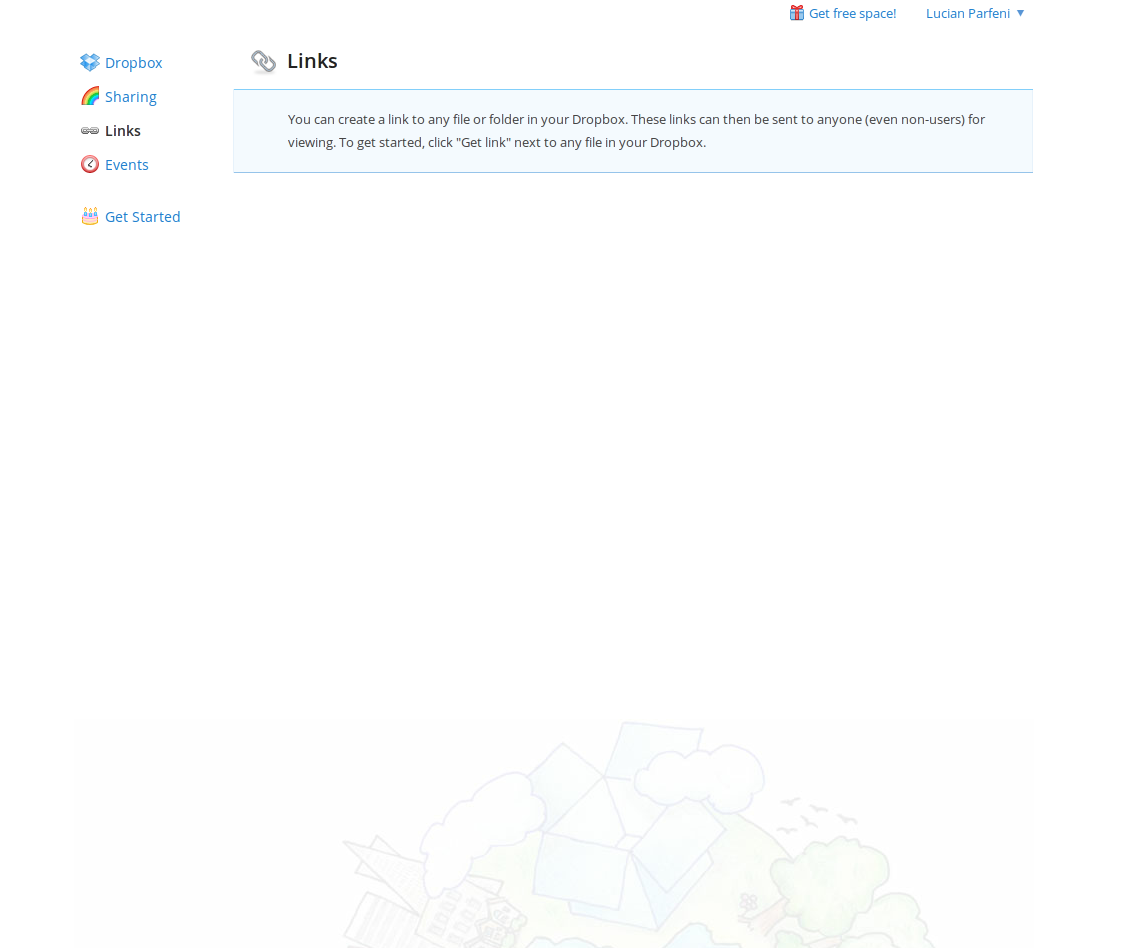
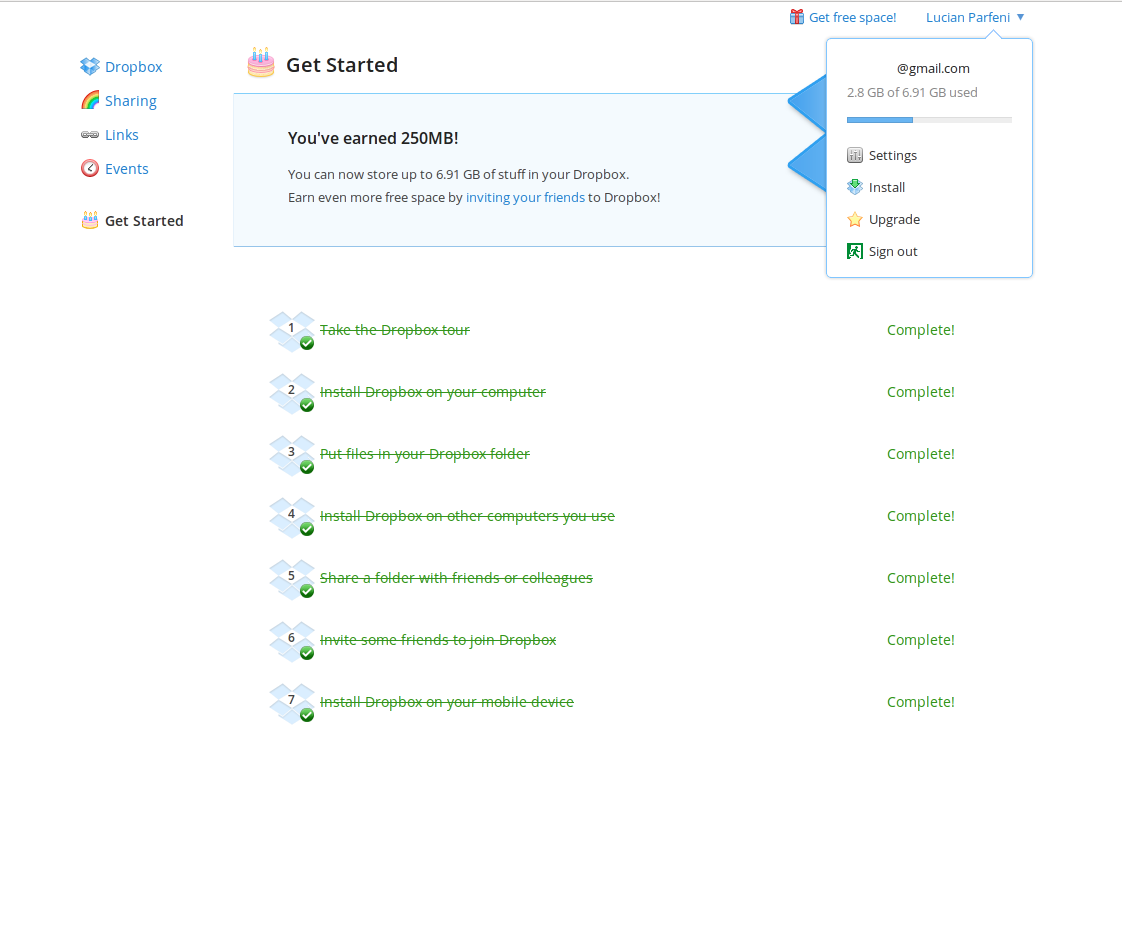
Despite the minimalistic look, the site actually feels very snazzy, a modern web app. The main activities besides managing files are listed in the left sidebar, things like Sharing, Links and Events.
Each section has been streamlined, the Sharing page lists your shared folders and enables you to create new ones. The same goes for the Links page, any file or folder you've shared via a link is listed and you have the ability to remove any or all of them with a single click, making them inaccessible to others.
While both Google and Microsoft are getting ready to challenge Dropbox, none offers a web interface nearly as useful, not to mention as beautiful, and probably won't for a while. The website is often neglected by file sync, cloud storage services, but the new Dropbox not only makes using the web interface less of a chore, it may even become something you like to do.