 14 DAY TRIAL //
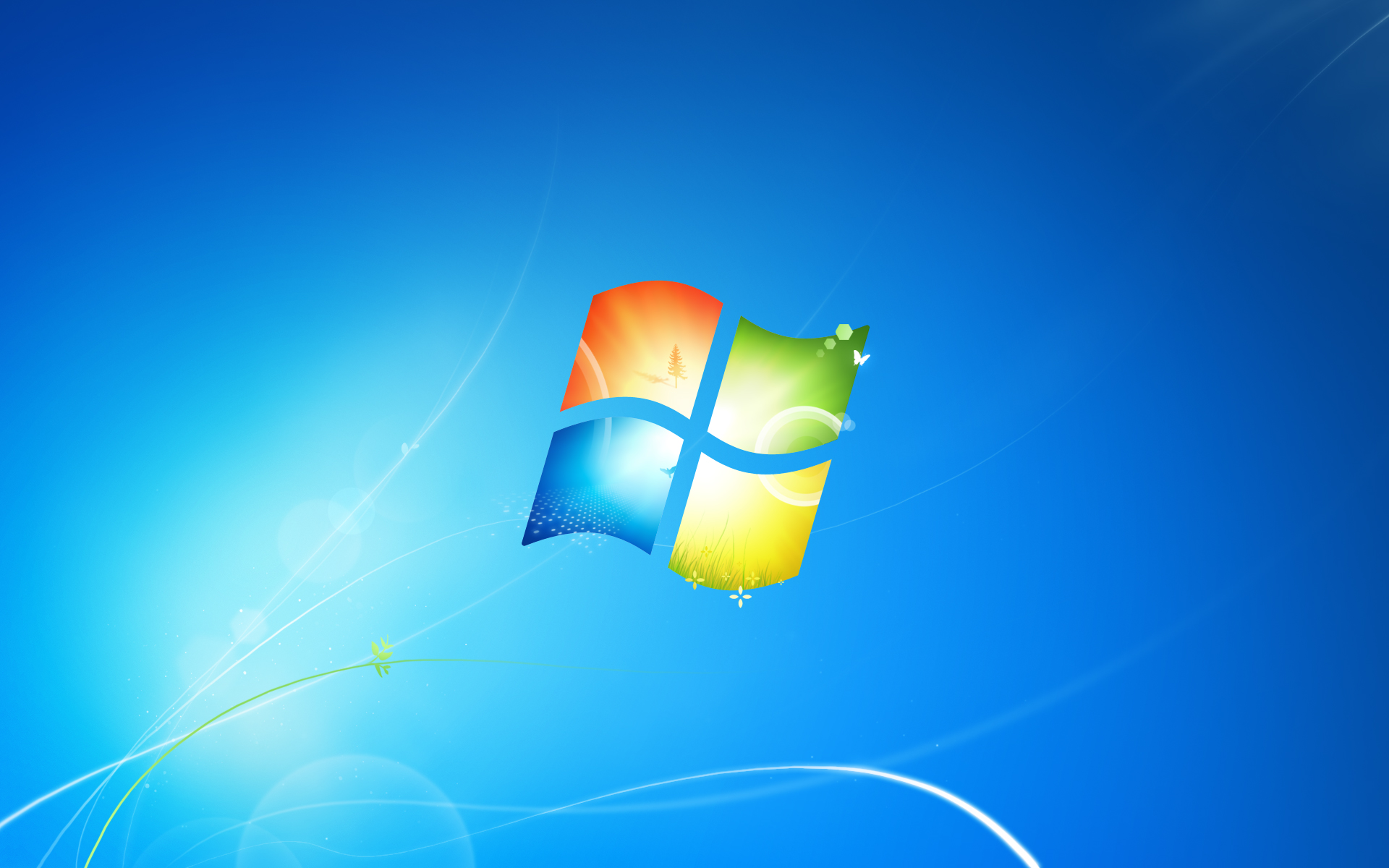
 The latest leaked development milestone of Windows 7, namely Build 7232, comes with a little surprise, a new wallpaper. As far as I can tell, after browsing the backgrounds that shipped with Build 7232, the new wallpaper, featuring an artistic interpretation of the Windows logo, is the only new addition to the platform. You will be able to access the full image at a resolution of 1920x1200 via the thumbnail on the left. Just make sure to right-click and select Save Picture in order to add the new Windows 7 Build 7232 wallpaper to your collection of background images.
Of course, you could, in fact, just dig into the operating system and get the image out yourselves. If all you're interested in is the new rendering with the Windows logo, then accessing it is rather simple. All you need is a copy of Windows 7, Build 7100 will do magnificently for the job.
One key detail about the leaked Windows 7 Build 7232 is the fact that it is packaged as a VHD (virtual hard disk) image. In this context, you won’t be able to run it in Virtual PC 2007 or Windows 7's Windows Virtual PC. The reason is rather simple, neither of the two client-based virtualization solutions from Microsoft supports 64-bit platforms, and the Windows 7 Build 7232 VHD is x64. If you're really committed to running the operating system release as a host OS inside a virtual machine, then you will need Hyper-V or Virtual Server 2005 R2, as you won't get the job done with Virtual PC 2007 or Windows Virtual PC.
But, if you are just looking for a way to navigate the contents of Windows 7 Build 7232, then there's an easier way. All you have to do is make use of the native VHD support that comes with Windows 7. Right-click My Computer and select Manage. Next, under Storage, click on Disk Management. In the right-hand side pane, expand the More Actions option, and choose Attach VHD. Just point Windows 7 to the VHD of Windows 7 Build 7232 that you have saved locally, and the operating system will be made available as a new partition. Open up Windows 7 Build 7232, then navigate to Windows, Web, Wallpaper and then Windows. Here, you will find a file dubbed “img0,” namely the new background you were looking for.