
Softpedia
 

NEWS CATEGORIES:


NEWS ARCHIVE >>
SOFTPEDIA REVIEWS >>
MEET THE EDITORS >>
TRENDING TODAY
Home > News > Microsoft > Software Blog

November 23rd, 2012, 02:01 GMT · By Bogdan Popa

BLOG

Download the Painted Skies Theme for Windows

SHARE:

Adjust text size:


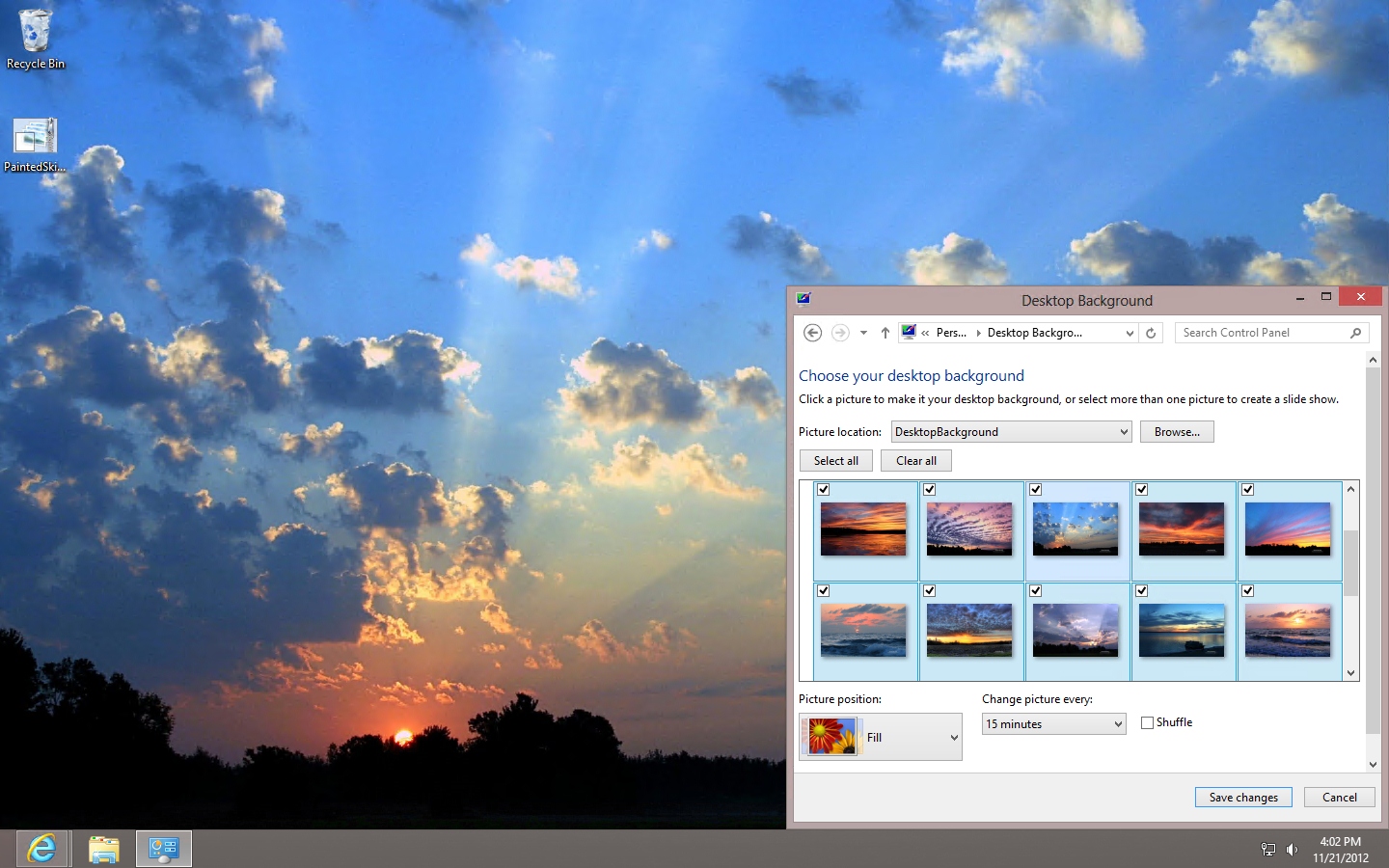
The theme can be download for free from Softpedia Enlarge picture - The theme can be download for free from Softpedia
Desktop customization is quite a simple task these days, since Microsoft is releasing new themes on a daily basis, so here’s another package that could really appeal to many Windows users out there.

The theme is called “Painted Skies” and brings a total of 17 skies wallpapers on your desktop.

“Through the lens of photographer Brook Burling the sky appears as nature’s canvas, painted with moments of power and serenity,” Microsoft said on the official page of the theme.

The good news is that it’s compatible with both Windows 7 and Windows and works smoothly on 32- and 64-bit versions.

It doesn’t require any special computer skills and downloading and installing the package should be enough for anyone who wants to change the desktop wallpaper in a second.

Download the Painted Skies theme for Windows 7 and Windows 8 from Softpedia

TELL US WHAT YOU THINK:

2,269 hits · 1 comment · Link to this article · Print article · Send to friend · Subscribe to news

MUST-READ RELATED ARTICLES:


Microsoft to Release Special Edition Windows 8 Anime PC

The Complete List of Microsoft’s Black Friday and Cyber Monday Deals

Customize Your Desktop with Ice Walls Using This Free Windows Theme

Snowmen Wallpapers on Your Desktop with This Free Windows Theme

Get Your PC Ready for Winter with the Windows Ice Castles Theme

READER COMMENTS:


Comment #1 by: zeke7 on 20 Jan 2013, 22:57 UTC reply to this comment

Beware of the unseen change this particular themepack makes to your screensaver settings (in Windows 7 at least). It will change the screensaver to "Blank" and set it to kick in at 5 minutes. Resulting in your computer's display suddenly going blank every 5 minutes of non-input activity.

You can verify this before loading this themepack by going to Control Panel\All Control Panel Items\Personalization: scroll to the bottom and check that your screensaver is set to "None." Then load this themepack, and return to the screensaver menu: it's suddenly set to go Blank after 5 minutes.

Very upsetting and seemingly unnecessary -- no other themepack I've tried makes this hidden system change. And very hard to track down the source of the sudden blanking behavior. If you google forum posts on such a problem, you'll encounter a myriad of suggested solutions involving everything from disabling your display adaptor to tearing open your computer and re-seating every plug and card, to replacing your 'failing' power supply!

Fortunately I found the correct solution after some serious searching (after wading through the many similar posts where people are experiencing the blanking problem but at sporadic times, and where they report simultaneous freezing/lockup problems).

I don't see where one can comment on individual themepacks on MS' download page, so am posting this here to hopefully save others the same confounded frustration and wild goose chases I experienced. If the creator of this themepack is reading, seriously dude, change that default setting in it!

Copyright © 2001-2013 Softpedia. Contact/Tip us at

WindowsGamesDriversMacLinuxScriptsMobileHandheldNews

SUBMIT PROGRAM   |   ADVERTISE   |   GET HELP   |   SEND US FEEDBACK   |   RSS FEEDS   |   UPDATE YOUR SOFTWARE   |   ROMANIAN FORUM