 14 DAY TRIAL //
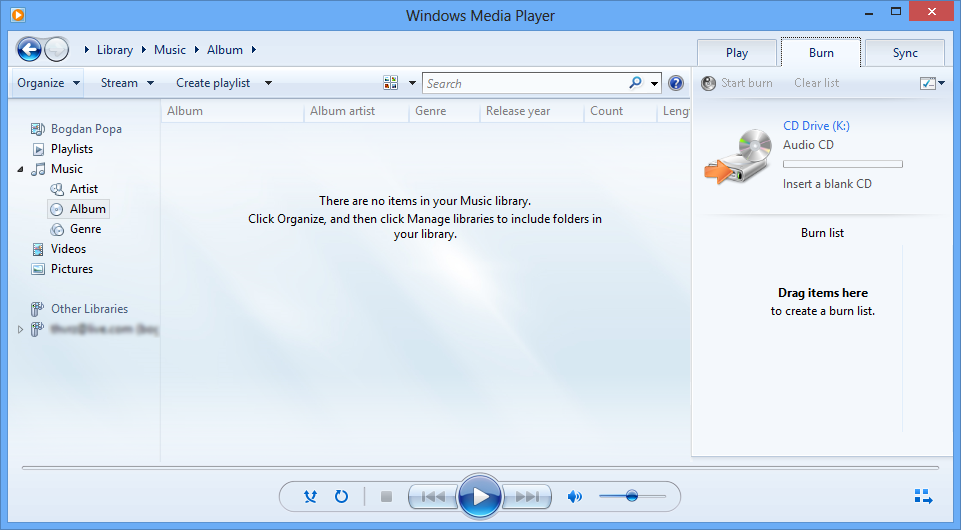
 If you’re an early adopter of Windows 8, you probably know that some versions of Microsoft’s new operating system do not include the well-known Windows Media Player.
The reason is pretty simple and it doesn’t concern Microsoft at all: some countries require the Redmond-based technology giant to ship Windows without such a piece of software.
Of course, the solution is pretty simple and you can easily install another media player, but Sandeep Joshi, Microsoft MVP, discussed the subject in a blog post.
Basically, users can always download a standalone version of Windows Media Player in case their Windows 8 copy does not include one and it can all be done via the official Microsoft website.
“After setting up your machine with the latest Windows 8 OS, as a user you would assume Windows Media Player to be installed by default. Don't be surprised if you find it otherwise. There is no Media Player installed by default with Windows 8,” Joshi said.
“The reasoning Microsoft provides for this behavior is that some countries require them to ship Windows without Media Player. There could have been a better way to handle this with localization.”
The so-called Media Feature Pack for N and KN versions of Windows 8 comes with separate builds for x64 and x86 flavors of the operating system and requires nothing more than basic computer knowledge to successfully complete the installation.
Of course, the Media Feature Pack for N and KN versions of Windows 8 can also be downloaded from Softpedia, in both x64 and x86 versions, by clicking on this link.