NEWS CATEGORIES:


NEWS ARCHIVE >>
SOFTPEDIA REVIEWS >>
MEET THE EDITORS >>
Home > News > Microsoft > Windows Live

Windows Live


Download Windows Live Messenger 9.0 (2009) Beta Refresh

Wave 3 moves forward

By Marius Oiaga, Technology News Editor

December 16th, 2008, 08:18 GMT

Adjust text size:


Windows Live Messenger 9.0 (2009)
Enlarge picture
The Windows Live Messenger for Facebook update delivered at the end of the past week was just a preview of the evolution of the desktop instant messaging client. As of December 15, 2008, Windows Live Messenger 9.0 (2009) is one step closer to RTW, with Microsoft making available for download a new release of the IM client. However, according to the software giant, the new Windows Live Messenger bits are nothing but a refresh of the already existing Beta packaged under the Windows Live Essentials brand umbrella, and not the gold Build.

An integral part of the Windows Live Wave 3, the Windows Live messenger 9.0 (2009) Beta refresh is a clear indication of the fact that Microsoft is closing in on wrapping up the instant messaging client. In fact, the company confirmed that it needed to simply soften some rough corners of the IM client before it was ready to remove the Beta label from Windows Live Messenger 9.0 (2009). So far, the company failed to disclose the planned deadline for the RTW (release to web) of the next iteration of Windows Live Messenger.

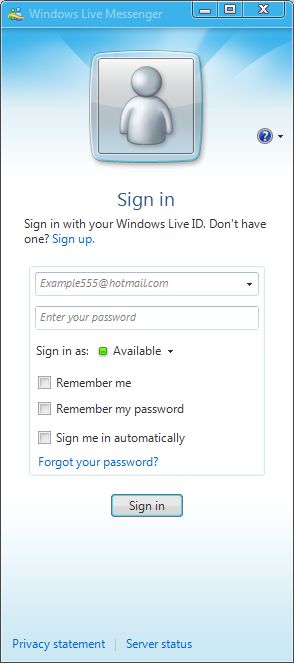
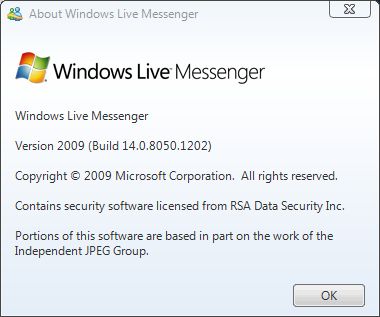
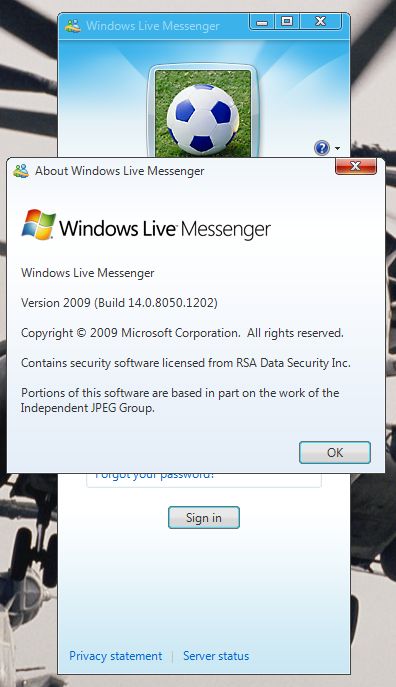
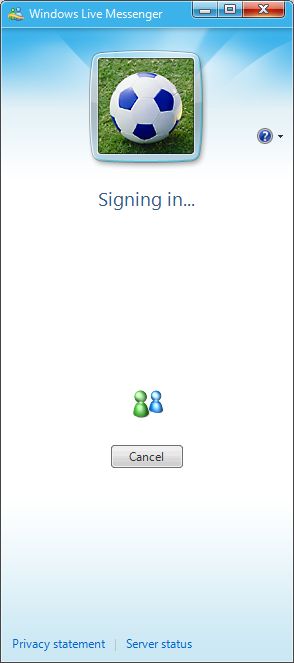
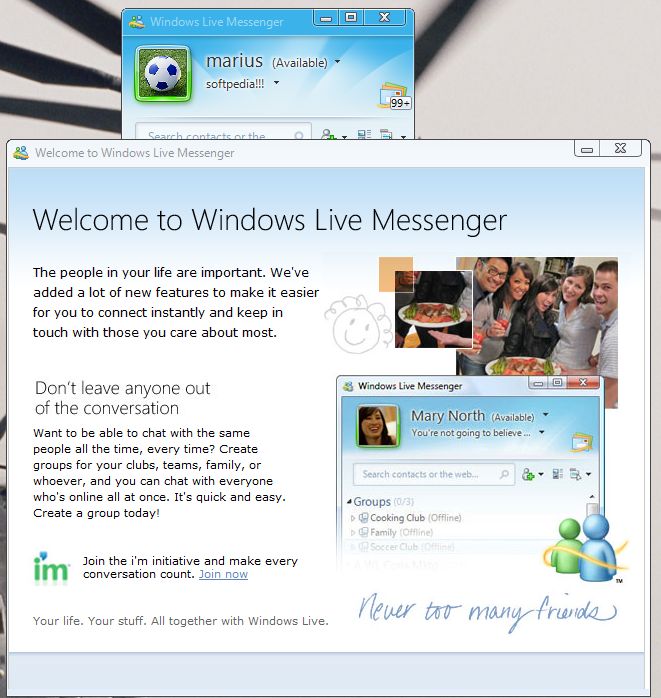
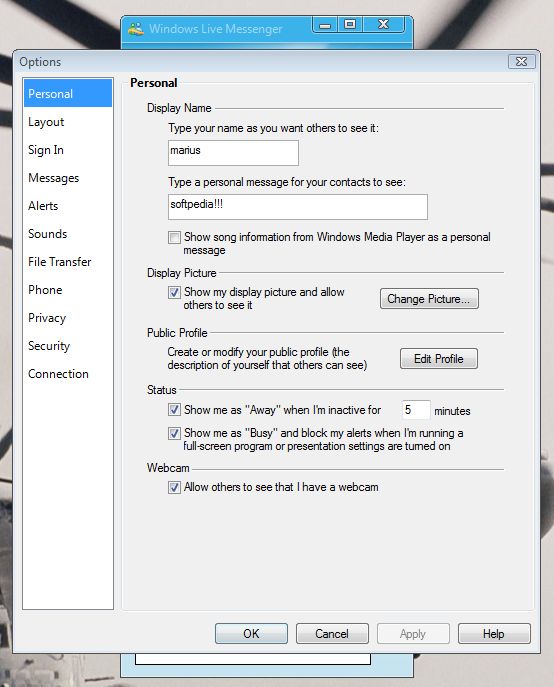
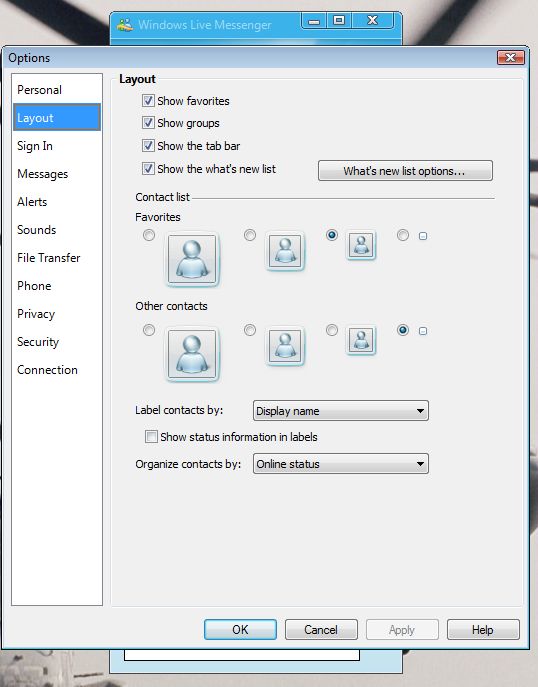
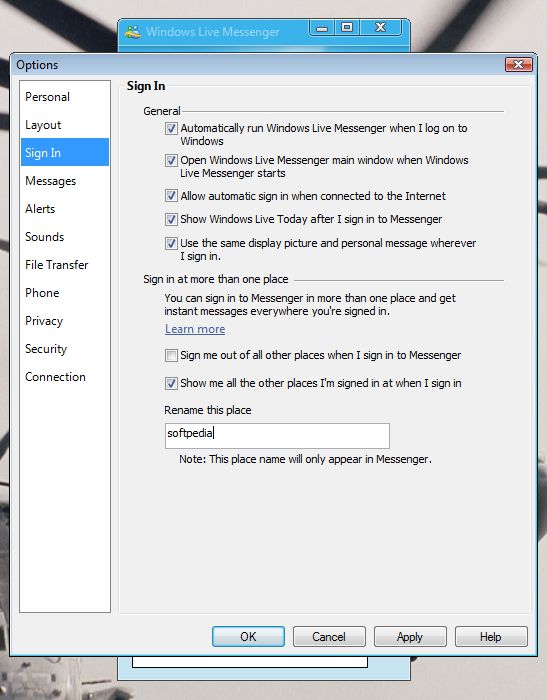
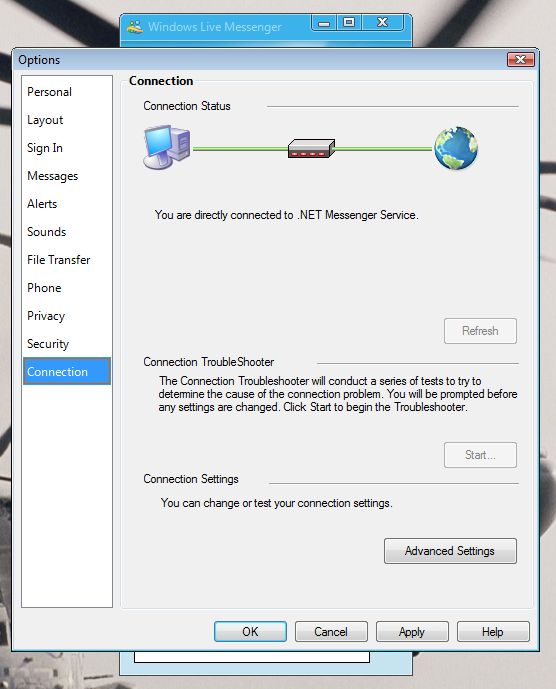
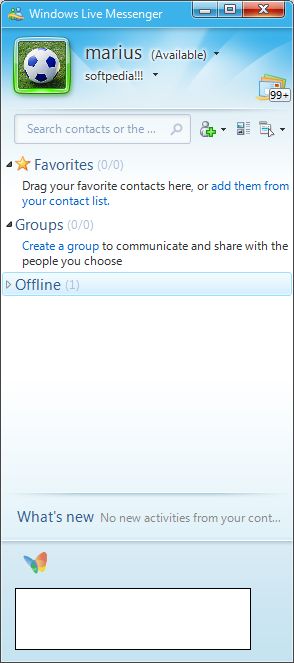
As you will be able to see from the screenshots integrated at the bottom of this article, Windows Live Messenger 9.0 (2009) is now up to Build 14.0.8050.1202. Users that have been playing around with the previous Beta releases of the instant messaging client will undoubtedly notice that Microsoft has indeed tweaked the application. First off, the Beta Refresh of Windows Live Messenger 9.0 (2009) features a redesigned sign-in screen.

At the same time, various aspects of the style and graphical users interface of Windows Live messenger 9.0 (2009) have been retouched. The changes implemented between the public Beta and the Beta Refresh development milestones appear to be purely cosmetic on the surface, while under-the-hood, without Microsoft detailing a change log, modifications are bound to be focused on increasing performance, reliability, and integration with the rest of the Windows Live Wave 3, including SkyDrive.

Windows Live Messenger 9.0 (2009) Wave 3 Beta Refresh is available for download here.


Windows Live Messenger 9.0 (2009)
Enlarge picture
 
Windows Live Messenger 9.0 (2009)
Enlarge picture
 
Windows Live Messenger 9.0 (2009)
Enlarge picture
 
Windows Live Messenger 9.0 (2009)
Enlarge picture
 
Windows Live Messenger 9.0 (2009)
Enlarge picture


Windows Live Messenger 9.0 (2009)
Enlarge picture
 
Windows Live Messenger 9.0 (2009)
Enlarge picture
 
Windows Live Messenger 9.0 (2009)
Enlarge picture
 
Windows Live Messenger 9.0 (2009)
Enlarge picture
 
Windows Live Messenger 9.0 (2009)
Enlarge picture


TAGS:

Windows Live Messenger 9.0 | Windows Live Messenger 2009 | Windows Live | Wave 3 | IM
Read by 49,369 user(s) | Add comment | Link to this article TWEET THIS


Article rating:
Very Good (4.6/5) 34 vote(s)    

Subscribe to news | Print article | Send to friend

© Copyright 2001-2010 Softpedia
Contact:


SEARCH THE NEWS ARCHIVE :


Today's News
| Yesterday's News | News Archive


MORE RELATED ARTICLES:


Download Windows Live Messenger 9.0 (2009) Beta Refresh

Microsoft Updates Windows Live Messenger for Facebook

Windows Live Wave 3 for Mobile Is Live

Microsoft to Discontinue Tool for Building Windows Live Messenger Bots

Microsoft Is Fixing Windows Live Hotmail Wave 3

Microsoft Translator Goes Live

Microsoft Pairs Windows Live Messenger 9.0 (2009) with LifeCams

Windows Live Wave 3 New Icons and Graphical User Interface

User opinions:


Comment #1 by: xTG on 20 Dec 2008, 16:41 GMT reply to this comment

i just installed the new version of Windows Live Messenger 9.0. But, when i logged in with my hotmail accout it dosen't shows any of my contacts. :S

Installed on my Windows XP (SP3) pc. But when I login on a different pc wiht the MSN Live Messenger 8.1 I can see all my contacts.

how can i use the new version of mesenger ???? :S :S

Comment #1.1 by: Leo on 27 May 2009, 20:28 GMT

What part of BETA didn't you understand before downloading it?


Comment #2 by: Armaan on 30 Dec 2008, 05:31 GMT reply to this comment

@ 1 >>> I didnt faced any such problems

@ Topic - I am now using the latest version and its awesome. They changed the shell style and few more changes.
only problem is face is when i installed custom emoticons and send them they dont get properly send. Thts it no more problems ..

Its nice to see it progressing


Comment #3 by: You need help???...i will help on 31 Dec 2008, 02:35 GMT reply to this comment

this is for both of yall....this should really help
well on this page at the end of all that info it says
Windows Live Messenger 9.0 (2009) Wave 3 Beta Refresh is available for download here.
press here
then it will get you on to this page
http://download.live.com/messenger
once you get on that page then scroll all the way down
all the way to the bottom right corner it will say
Help Central / Account /Feedback
click on help central
that should take you to this
https://account.live.com/HelpCentral.aspx?mkt=en-us&productkey=wlhomepage
that right there will help you out some...go figure
hope this helps...
your welcome


Comment #4 by: christpr on 23 Mar 2009, 21:40 GMT reply to this comment

i installed the messenger but everytime i install it i get the same error ...

error code: 8007007f can you help please? if you can let me know as soon as posible please!!!


Comment #5 by: shalinee on 20 Sep 2009, 15:29 GMT reply to this comment

me too,i'm gettin ze same problem.
i've installed the messenger 9.0 n each time i'm trying to sign in,i'm gettin ze error code-8007007f. please help me...as soon as possible.


Comment #6 by: samantha on 04 Feb 2010, 03:43 GMT reply to this comment

ii cant download it anywhare i go Can someone help me...?

Share your opinion:

Your Name:
Your Email Address:
(will not be used for commercial purposes)
Solve this to prove you're not a bot: =
Your review/opinion:


Windows tabGames tabDrivers tabMac tabLinux tabScripts tabMobile tabHandheld tabGadgets tabNews tab

SUBMIT PROGRAM   |   ADVERTISE   |   GET HELP   |   SEND US FEEDBACK   |   RSS FEEDS   |   ENTER NEWS SITE   |   ENGLISH BOARD   |   ROMANIAN FORUM