 14 DAY TRIAL //
 TeamViewer, the easy, fast and secure remote-desktop solution for iOS customers, has just gotten a leg up regarding input, Windows 8 compatibility, language support, and more.
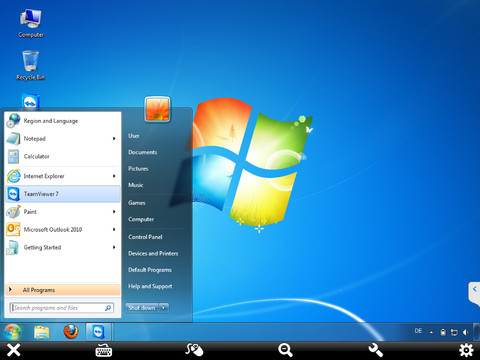
TeamViewer 8 for iPhone and iPad gains an all-new input method that lets users control the computer with direct touch instead of moving the cursor, and the ability to hide the toolbar to get even more screen space for the remote computer.
It’s fully-compatible with Windows 8, says TeamViewer. That includes shortcuts/buttons for edge gestures, as well as all native gestures and touch capabilities implemented by Microsoft.
Users also gain support for TeamViewer 8 group sharing, reorganized app settings, some minor improvements and bug fixes, as well as support for Simplified Chinese, Traditional Chinese, Vietnamese, Thai, Greek, Indonesian, Romanian, Hungarian, Ukrainian, Croatian, Slovakian.
TeamViewer is free for personal use, in that you can use the app to access your private computers or to help your friends troubleshoot problems.
If you’re thinking of starting a business using the remote-computing solution, contact the fine gents at TeamViewer Inc. to secure a license, or check with the App Store for a paid version.
“For commercial use in a professional environment, please look for TeamViewer Pro HD in the App Store,” says the company. A short guide is provided for newcomers (below).
“1. Install and start TeamViewer HD from the App Store;
2. Install and start TeamViewer on your computer (www.teamviewer.com);
3. Enter your computer’s TeamViewer ID and password directly in the TeamViewer interface on your iPad to connect.”
Compatible with iPhone, iPod touch, and iPad, TeamViewer 8.0 requires iOS 4.3 or later. The app hasn’t yet been blessed with support for the new iPhone 5’s display.
Download TeamViewer for Remote Control (iPhone and iPod touch)