 14 DAY TRIAL //
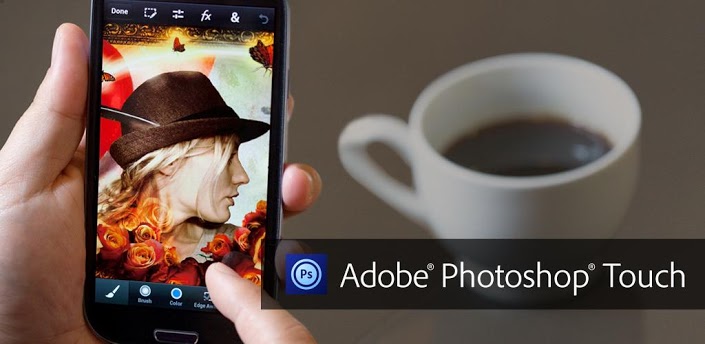
 Today, Adobe made available for download the Adobe Photoshop Touch application for Android phones, in an attempt to provide mobile users with new options when it comes to modifying photos while on the go.
Previously, owners of Android tablet PCs had the possibility to purchase and download Photoshop Touch on their devices, but it seems that Adobe was not happy with the user reach of its software, and that it has decided to make it available on smartphones as well.
The mobile app can be found on this page in the official Google Play Store with a price tag of $5 attached to it, and with support for all devices running under Android 4.0 or newer versions.
“Transform your images with core Photoshop features. Combine images, apply professional effects, and share results with friends and family through Facebook and Twitter — all from the convenience of your phone,” Adobe notes in the app’s description.
Some of the main features that the application arrives on handsets with include layers, selection tools, adjustments, and filters, so that users could modify images as they best consider it fit.
Furthermore, Android phone users will be able to improve their photos by applying tone and color adjustments to the entire photo or to specific layers.
Other functionality of app includes:
- Create something other-worldly using painting effects, filter brushes, and so much more. With Photoshop Touch, the creative possibilities are endless. - Make your images pop with graphical text. Apply strokes, add drop shadows and fades, and more. - Take advantage of your device’s camera to fill an area on a layer with the unique Camera Fill feature. - Quickly combine images together. Select part of an image to extract just by scribbling with the Scribble Selection tool. With the Refine Edge feature, use your fingertip to easily capture hard-to-select image elements, like hair.
The application also provides users with the possibility to easily transfer a project from their Android phone to a desktop PC, courtesy of the free membership to Adobe Creative Cloud, which provides users with 2GB of cloud storage.
