14 DAY TRIAL //
 “After copious amounts of work and many sleepless nights,” the Chronic Dev Team led by Pod2g is proud to announce that “Absinthe 2.0 is finally here to jailbreak your device.” The effort was a collaborative one, where the iPhone Dev Team had much input as well.
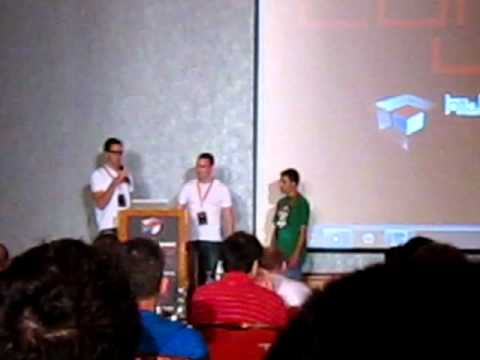
Launched officially at the Hack in the Box conference in Amsterdam (video available below courtesy of our security editor who is on location documenting everything coming out of the hackers' mouths), “this release has been a large collaborative effort between Chronic-Dev Team and iPhone Dev Teams (Jailbreak Dream Team),” according to the latest update on greenpois0n.com.
The tool only supports iOS 5.1.1 while iPad 2,4 models aren’t supported yet.
According to its makers, Absinthe 2.0 is “one of the most easiest jailbreaks to use (so easy your grandma could do it).” The tool supports the following configurations: iPad1,1 – 2,1 – 2,2 – 2,3 – 3,1 – 3,2 – 3,3; iPhone2,1 – 3,1 – 3,3 – 4,1; and iPod3,1 – 4,1.
Despite being an easy hack to perform, users are still required to follow these exact steps to ensure that nothing goes wrong:
1. Make a backup of your device in iTunes by right clicking on your device name under the ‘Devices’ menu and click ‘Back Up’.
2. Once your backup is complete return to your device and go to Settings – General – Reset – Erase all Content and Settings. This will make the jailbreak process much faster.
3. Open Absinthe and be sure you are still connected via USB cable to your computer.
4. Click ‘Jailbreak’ and wait…. just be patient and do not disconnect your device.
5. Once jailbroken return to iTunes and restore your backup from earlier. Right click on your device name under the ‘Devices’ menu in the left panel of iTunes and click ‘Restore from Back Up…’ then select the latest backup you created before. (restoring this backup will return all the content previously on your device ie, apps, photos, etc.)
Here is the greenpois0n site where the download links are located. The tool is good to go for both Mac and Windows, as well as for Linux computers.