 14 DAY TRIAL //
 Calibre is one of the best eBook management software available right now, but its strength lies in the abundance of plugins available for it.
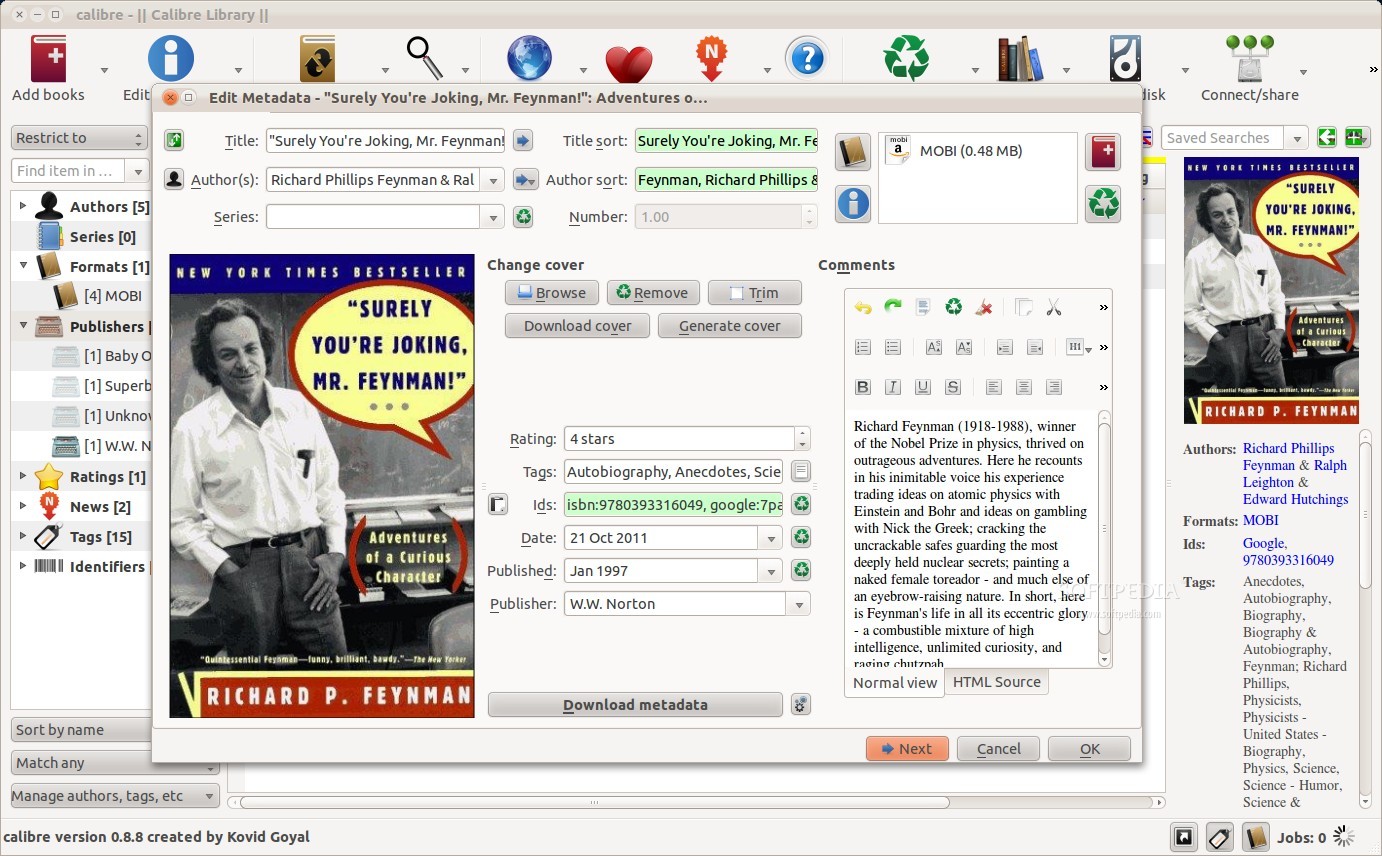
This week we’ll take a look at a very interesting plugin called “Generate Cover”. According to the developer, the plugin offers an enhanced alternative to the Calibre default functionality that allows users to select from cover images and a wide range of layout/appearance options.
Users can perform a large number of actions with this plugin, including adding and removing your own images, an option to use the existing book cover as an embedded image, an option to use an image as a background rather than a content item, and the option to auto-size text to fit on a single line for long text.
It can be easily installed from the preferences menu or from the official forum, and it needs version 0.8.18 or higher of Calibre. A comprehensive tutorial about its usage can be found on the official forum.
You can also check our review of Calibre.
Download Calibre 0.8.48 right now from Softpedia.