 14 DAY TRIAL //
 Blogging has been around for ages, by the web's standards, and there's not that much that the main blog hosting services or platforms can do to surprise or impress. Yet, for all their popularity and all their years of existence, the big platforms, Blogger, WordPress, still have their flaws. For Google's Blogger, one of these has been themes.
There are plenty of stock themes to choose from, but, with millions of users, you can be sure that plenty of other people were using any of them. Of course, if you were feeling a bit adventurous, you could manually add new themes or customize the existing ones, but it's not a choice for the faint of heart. The ability to customize the colors and fonts of your blog helped, but this is nothing compared with what Blogger is unleashing now, a full-blown and highly customizable template designer.
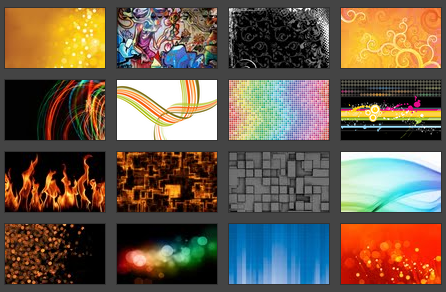
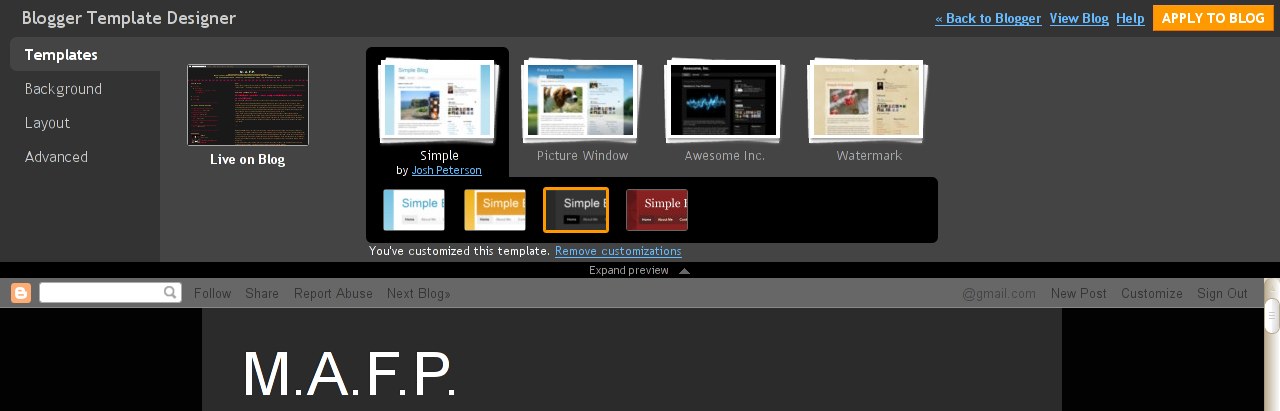
With the new Template Designer, still in Blogger in Draft, the equivalent of Google Labs, bloggers can choose from the 15 starter templates and then customize them to their heart's content. After choosing one of the templates, users can then opt for a background image, from the hundreds available, and change the color theme of the blog. This changes the colors of all the elements on the blog.
The next step is to choose a layout with all of the common options available, one, two or even three columns. Finally, if they're not satisfied with some of the automatic choices, users can dig deeper and customize the colors, backgrounds and fonts of almost any element of the design. To try out the new Template Designer, all one has to do is use Blogger in Draft and go to the Layout section of their blog admin panel.
"The Blogger Template Designer is our big first step in improving not just our template designs, but all the ways that you can customize the look and layout of your blog," Pete Hopkins, tech lead at Blogger, writes.
"If you try out the Blogger Template Designer, you’ll find: · Fifteen new professional templates to start from (and more on their way). · Custom blog layouts with one, two and three columns. · Hundreds of free professional background images from iStockphoto, the leading microstock image marketplace. · Customizable colors, fonts and more."