 14 DAY TRIAL //
 There are many mobile phone applications that have been especially developed to block unwanted calls, but this is only made based on a specific blacklist. The phone will ring on the caller’s end, but the receiver will not hear anything and will not be alerted in any way unless he specifically requests it. WebGate developed a different app called Easy Busy, which will reject these unwanted calls through a busy tone, thus the caller will not know that the receiver of the call actually avoids him or her. Basically, this is a 'soft' version of the usual blacklist applications that are found on the market these days.
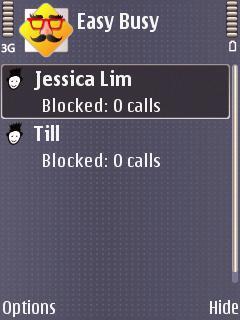
Easy Busy will block any call that you have previously put on your blacklist, by answering it with a busy tone, leaving the caller the impression that you are talking on the phone for the moment. The calls rejected won't alert you in any way, but you can check from time to time to see the number of calls rejected from a particular contact.
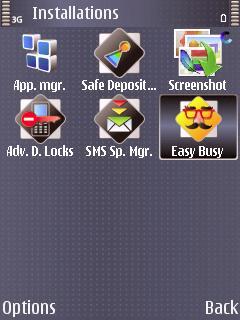
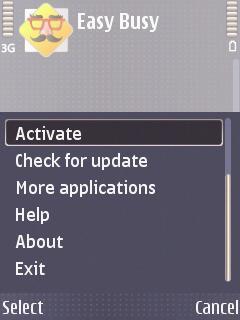
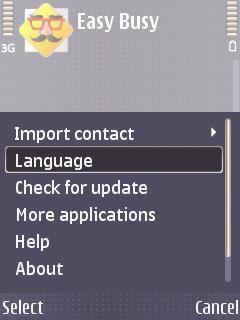
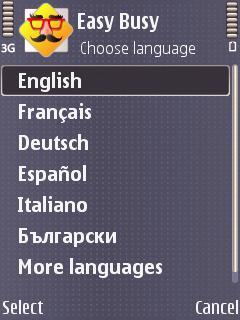
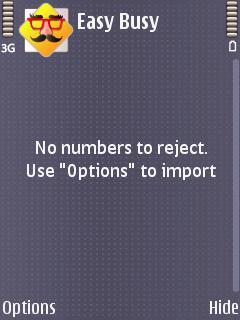
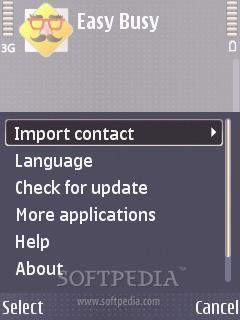
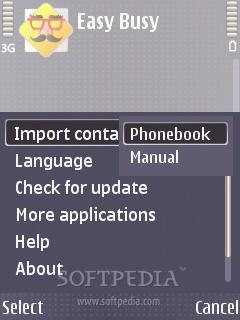
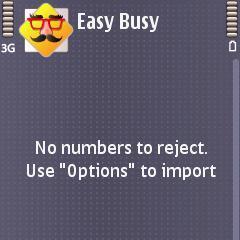
Setting up the application is easy, as the user interface is very friendly. You just need to click Options and Import contact from the Phonebook. You can add as many contacts as you want, but you can also remove them or check their details. The application supports only 6 languages for now: English, German, French, Spanish, Italian and Bulgarian, but the list will be longer in future updates. It is only compatible with S60 3rd Edition and S60 5th Edition platforms. Easy Busy doesn't cost too much, as it can be acquired with just 6.90 USD. There's also a trial version of the software available, but it is limited to only 20 incoming calls / messages. Note: You can easily follow my daily guides by subscribing to the RSS feed.