 14 DAY TRIAL //
 Nothing rational seems to drive RIM's judgement when it comes to developing new smartphones. In a time when manufacturers are trying to attract more buyers with new features, exquisitely designed devices and eye-candy interfaces, the Canadian company seems to be stuck in the past. Looking back two or three years, their devices haven't changed at all in terms of look. Although hardware and software have started to move a little bit, RIM is still far behind its competitors.
Once the “Holy Grail” of messaging devices, Blackberry has started to sing its “swan song”, since Bold 9700 came on the market last year. About the same time Blackberry 8520 was also announced, as a mid-budget class smartphone. Thanks to PureMobile, we had the chance to test the BlackBerry Curve 8520, and thankfully, we live to tell what we discovered.
Announced in July 2009, BlackBerry Curve 8520 was made available on the market in August 2010. RIM's vocabulary doesn't include the word “choice”, so the only color available for this product is … black. Curve 8520 can be bought for around 240USD unlocked and without subscription.
style="color: #aa3333">Design
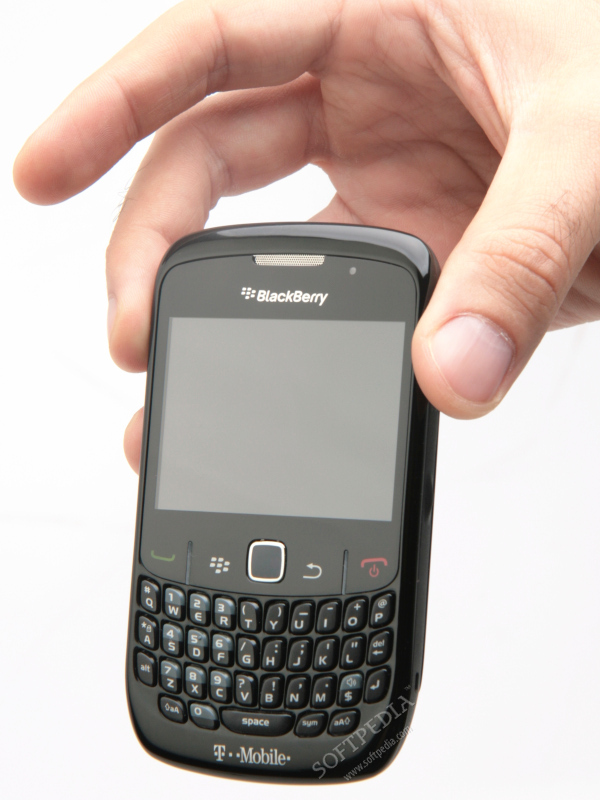
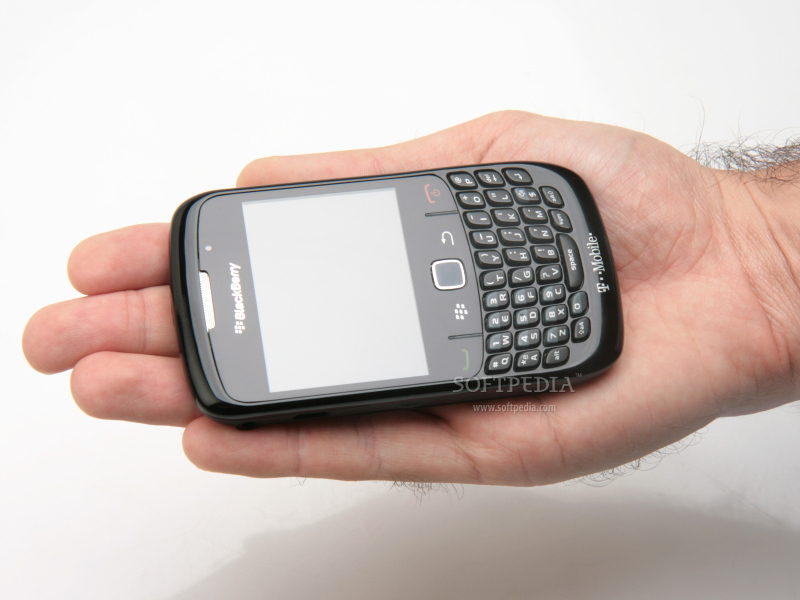
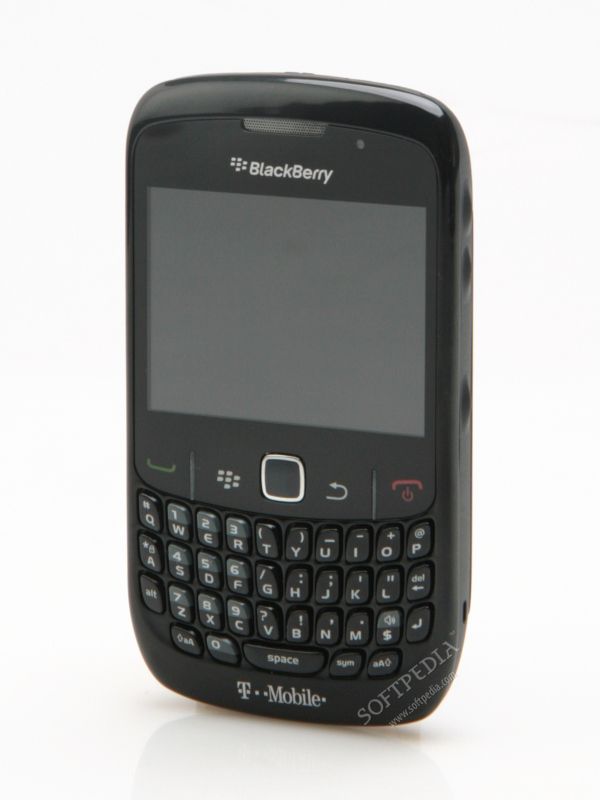
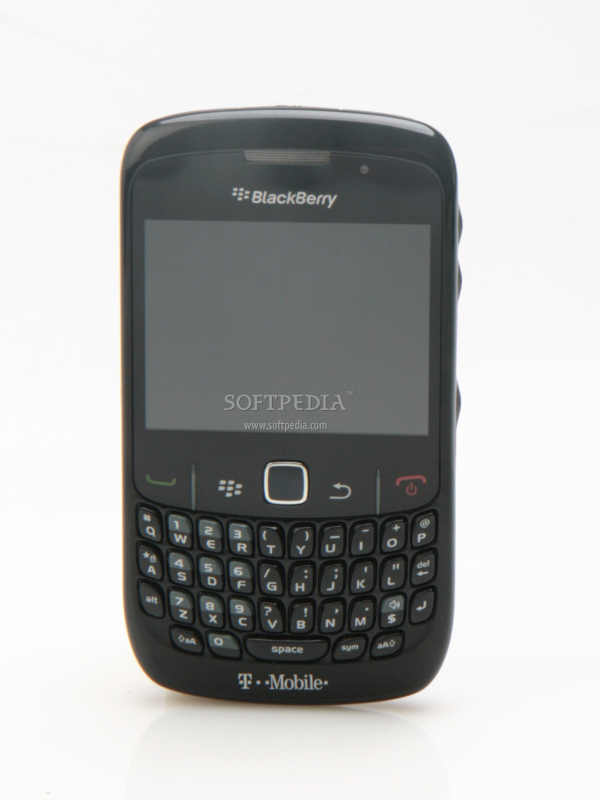
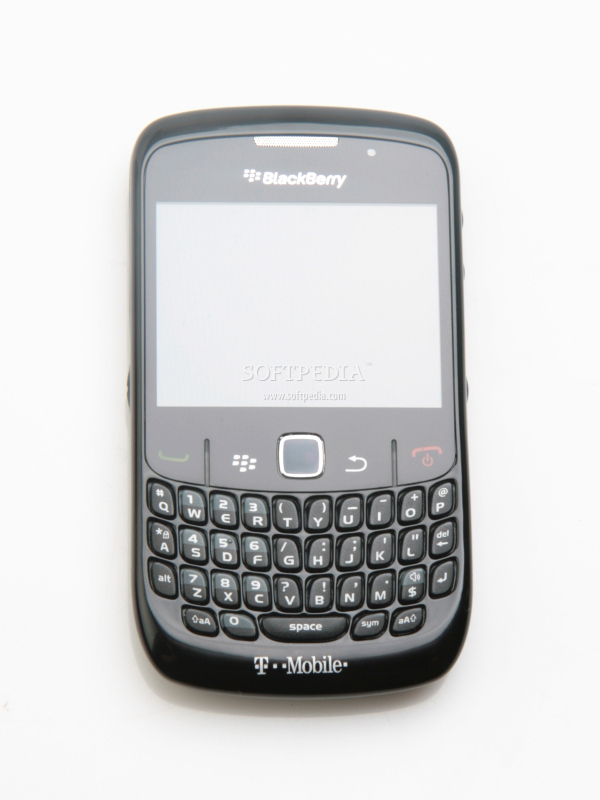
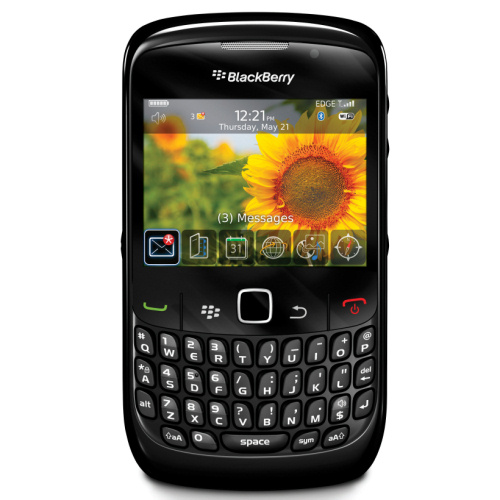
I might as well search for another Blackberry device' review that I made two years ago and simply write the same thing here. Over the past few years Blackberry became the epitome of conservatism when it comes to designing their products. Very little to almost no changes had been done to the way Blackberry smartphones look. It's like they decided to race Apple for the title of the most stubborn, narrow-minded and stiff company in the world. Oh well, given these facts, don't throw anything at me if you think I'm repeating myself. Blackberry Curve 8520 looks like … a Blackberry – it's big, flat and it has a QWERTY keyboard on it.
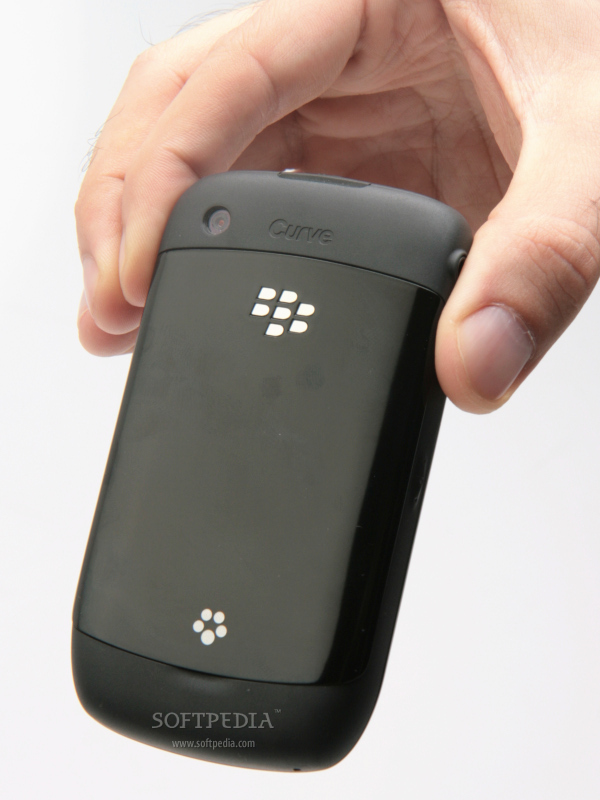
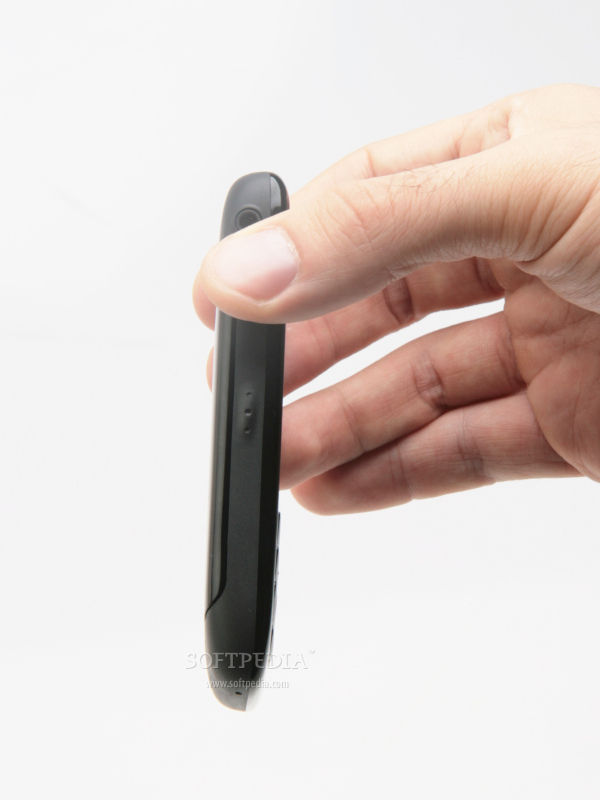
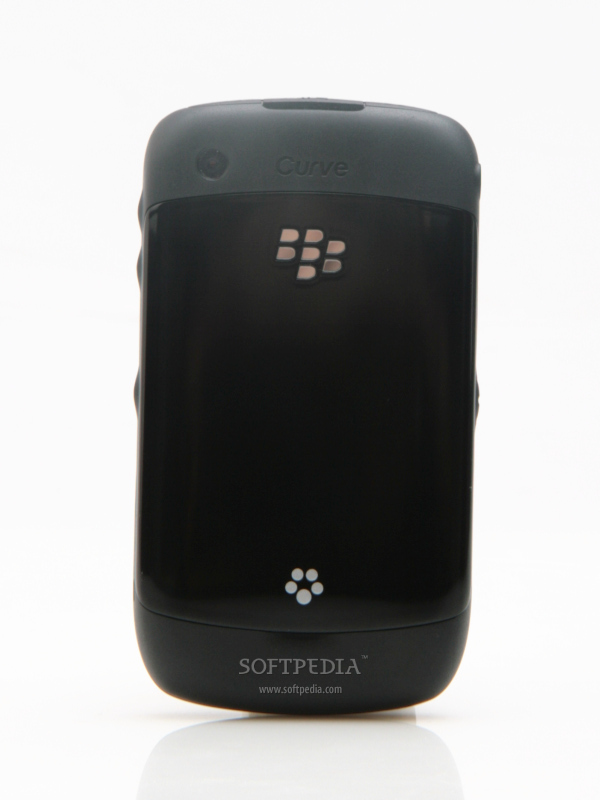
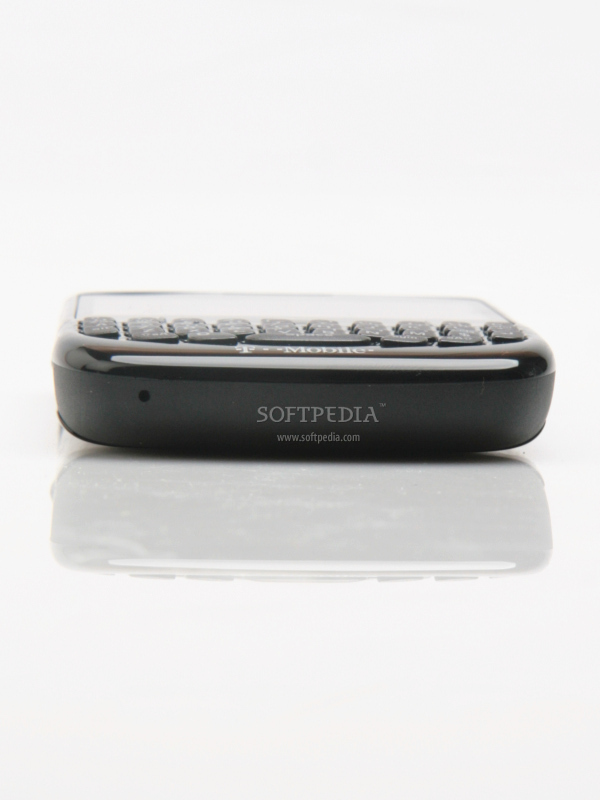
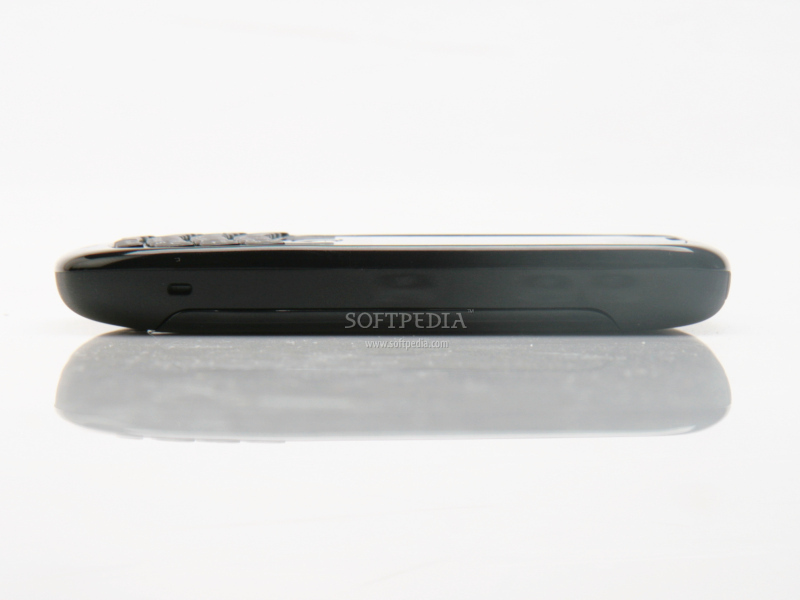
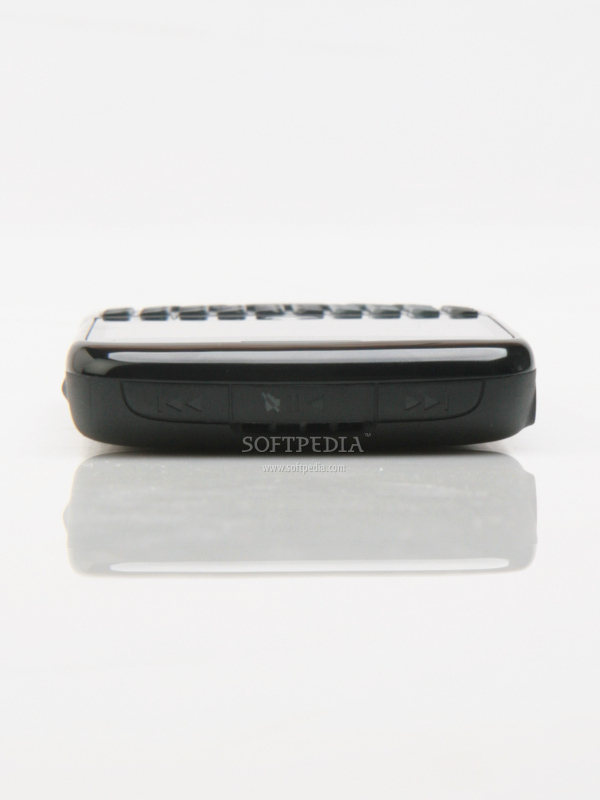
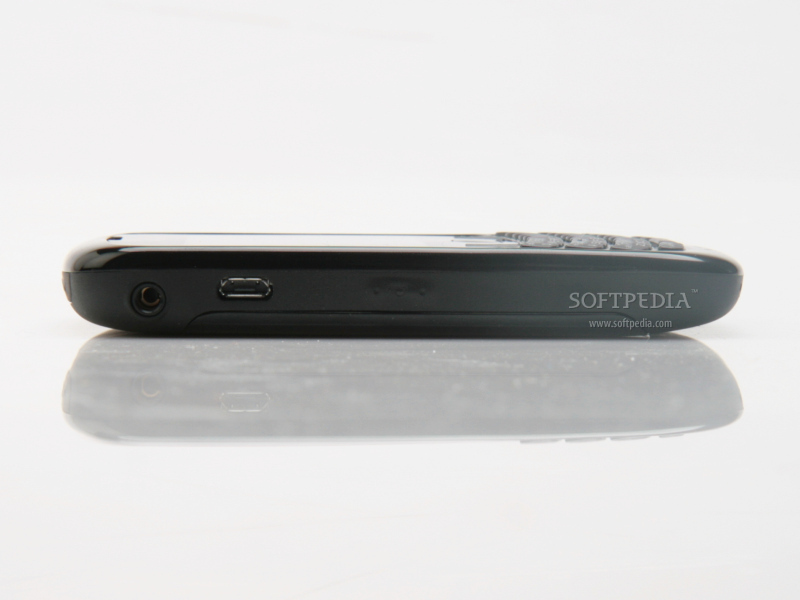
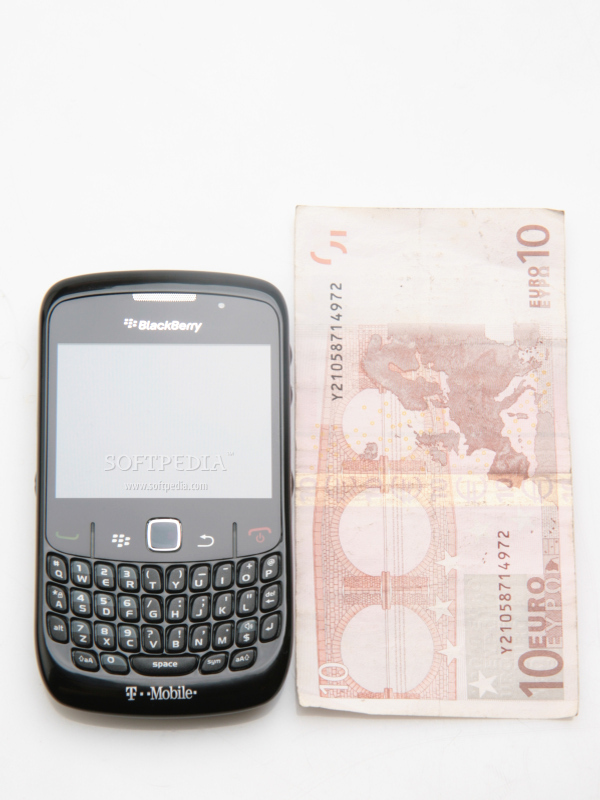
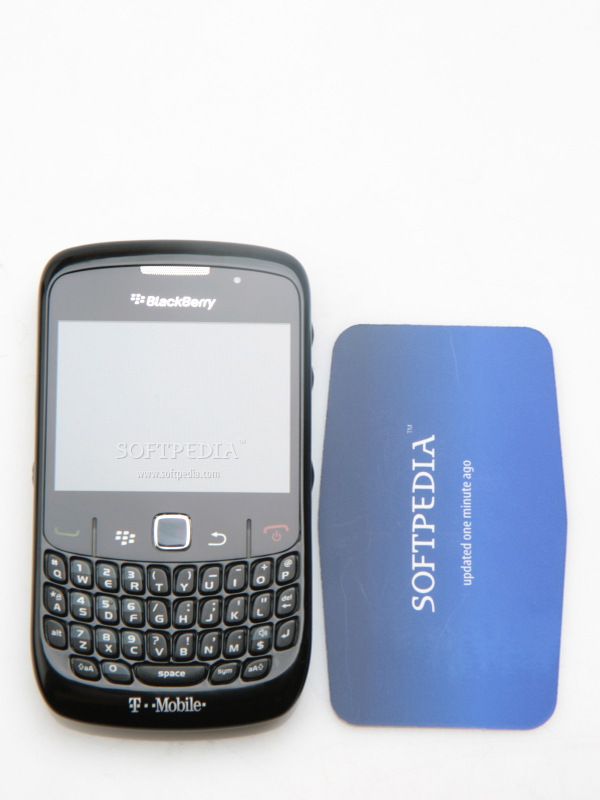
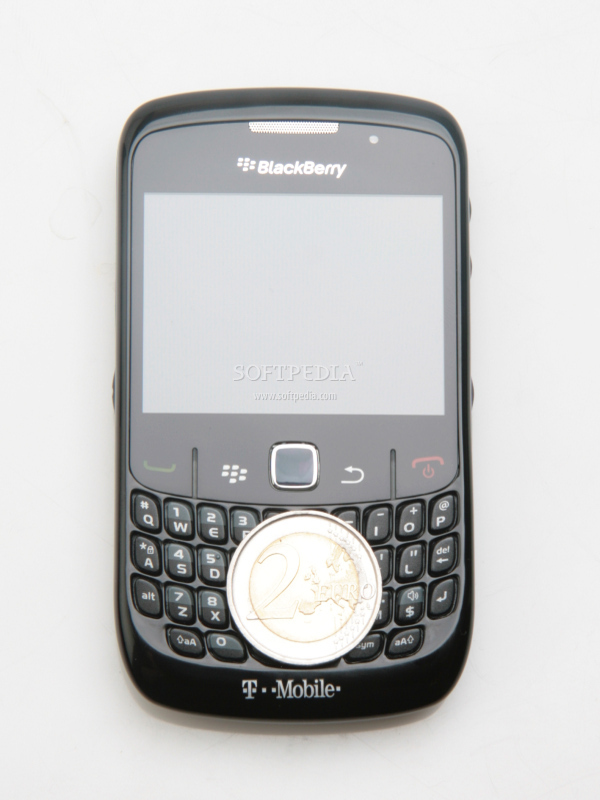
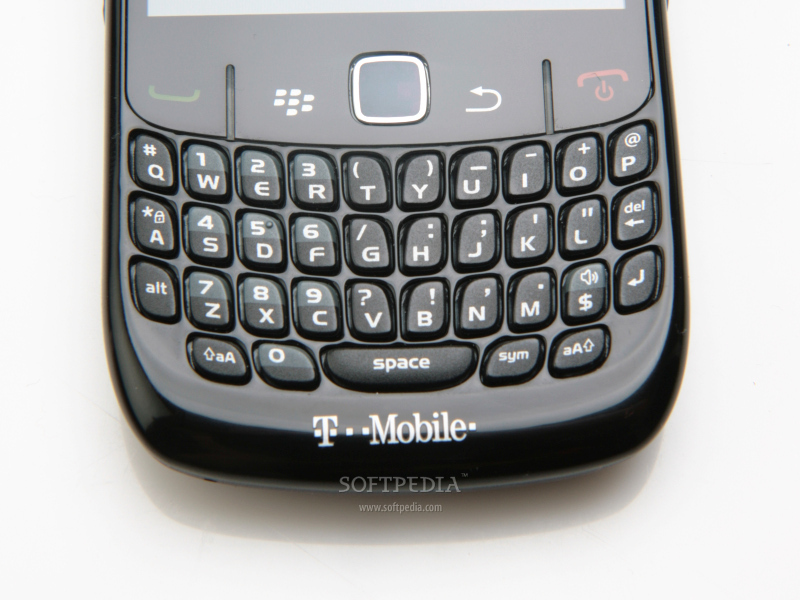
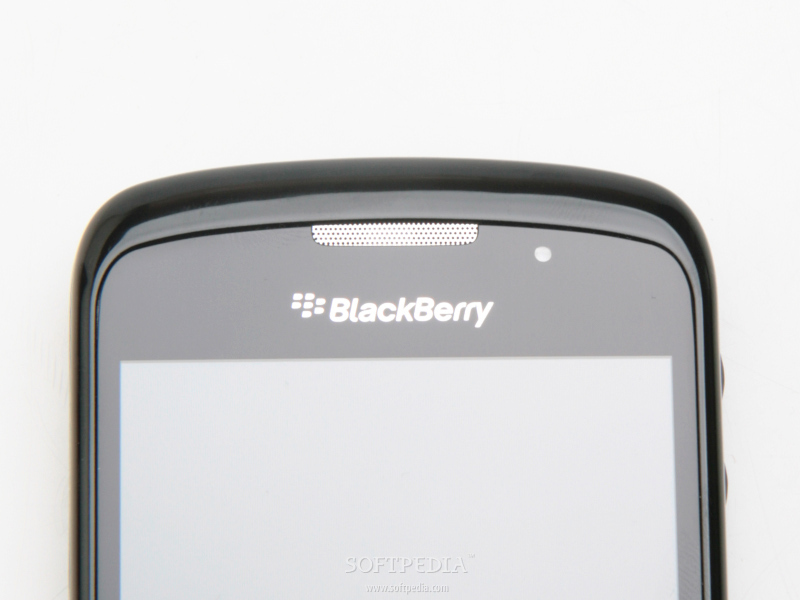
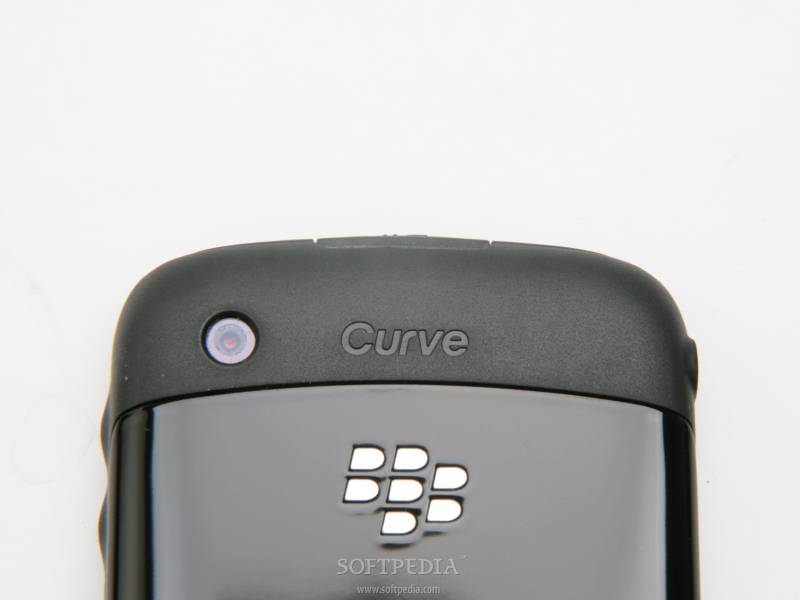
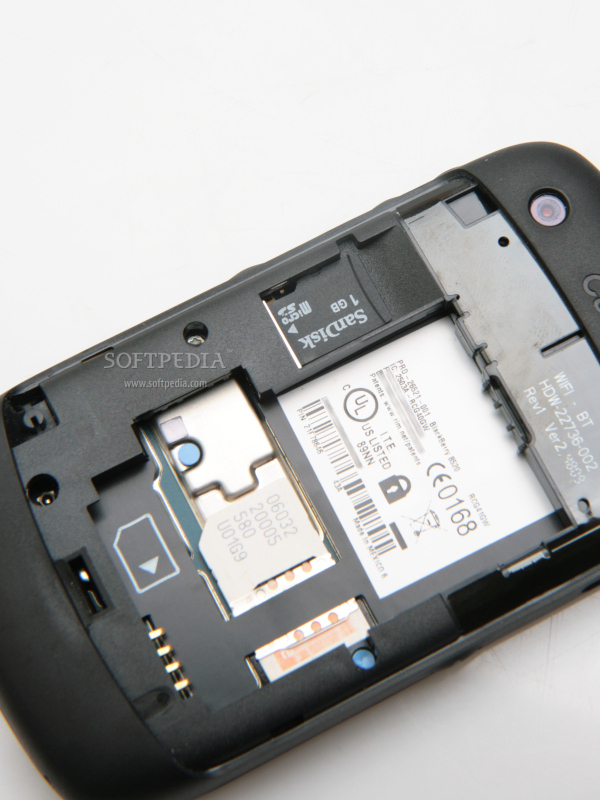
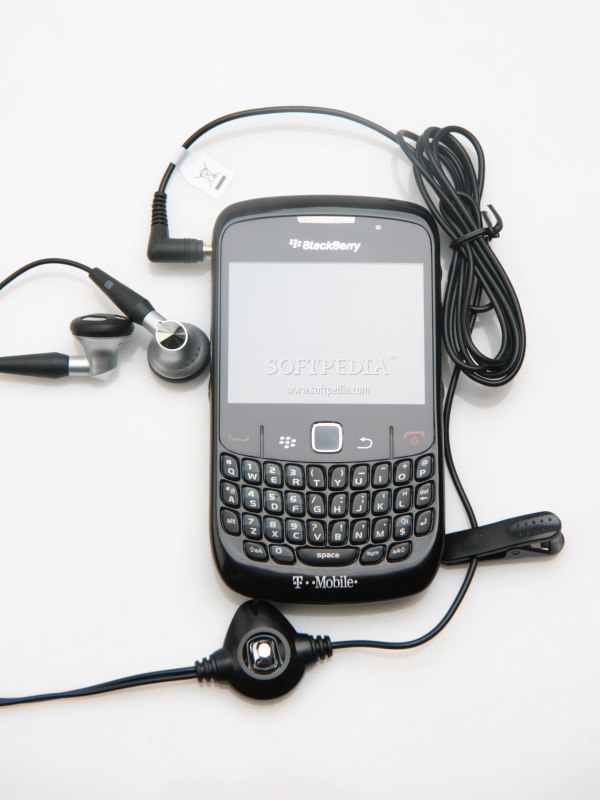
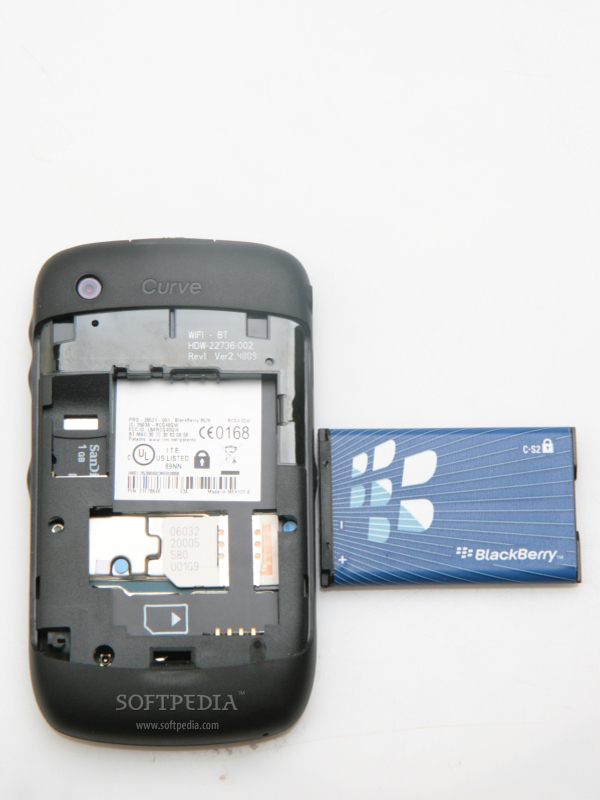
It features an “amazing” 2.46-inch display, an optical trackpad, which replaced the neat trackball and of course, a four row QWERTY keyboard. After a closer look, I started to wonder how cheap RIM can go. While the price of the device is low, the plastic used on the front and back of the phone makes it look even cheaper. On top of that the back cover is a fingerprint magnet. The rubberized plastic around the edges of the device is the only good thing, as it feels and looks pretty nice. To the left and right of the squared optical trackpad, there are four keys, which are responsive enough: Accept / End calls, as well as Blackberry menu key and Back key. Above the display there's the earpiece and a LED status light. Blackberry Curve 8520 measures 109 x 60 x 13.9 mm and weighs 106g (including battery). These seem to be “standard” measures for RIM, as most of its devices are only fraction away or closer to these numbers. Further, turning the smartphone will reveal a 2-megapixel camera that lacks flash capabilities, and any other advanced features as well. In an attempt to make it easier for the user to take pictures, RIM placed the camera closer to the upper left corner, instead of putting it in the middle. That had in mind the fact that we will be using the dedicated camera button and keep the phone in landscape mode when shooting. Alas, the camera key is mostly unusable, as it has been placed right in the middle of the right side of the smartphone. Using the optical trackpad as a shutter makes more sense, especially that the camera lacks autofocus function, so there's no need to double-click the button. What I did like about Curve 8520 is the way RIM hidden the extra keys on the edges of the device. They seem to be growing directly from the case, as they have been covered by the rubberized plastic surrounding the edged of the phone. The left side of the device features a voice command button that can be easily “re-programmed” to execute another function/application, a microUSB port and a 3.5mm jack port. The right side of the phone includes the volume keys and the dedicated camera key. The surprise comes when you look on top of the phone to discover three music dedicated keys, which seem to be the first to be embedded into a Blackberry smartphone. Unfortunately, they're pretty hard to press, especially the Play/Pause key, which you need to click right in the middle. The thing I hated most is the fact that the QWERTY keyboard wobbles like crazy. Add to that the fact you have to click on very small keys and you've got yourself a new Chinese method of torture: writing messages on a Curve 8520 phone. The only thing I found positive is the excellent responsiveness of the keyboard. In the end, if you're looking at the phone's datasheet and wondering why I haven't said anything about the microSD slot, that's because it has been placed under the back hood. Thankfully, the slot is right near the battery, which makes it hot-swappable.style="color: rgb(255,102,0)">Display and Camera
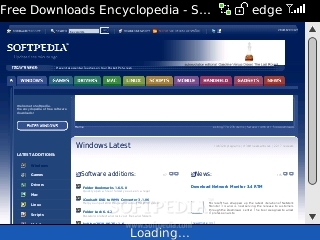
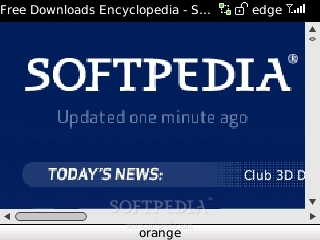
Curve 8520 has a TFT 2.46-inch display, supporting 65K colors and QVGA 320x240 pixel resolution. Pretty usual for a Blackberry smartphone, but not enough these days. The medium-sized screen cannot be compared with 9700's or even Curve 8900's, but what you pay for is what you get. Far from being the worst Blackberry display, it still cannot be other smartphones in its class such as Nokia E71 or E72. Even though it might seem small at only 2.46-inch, thanks to its wide form it provides a smooth Web browsing experience.
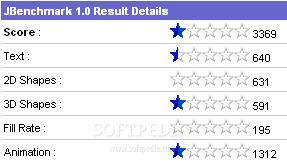
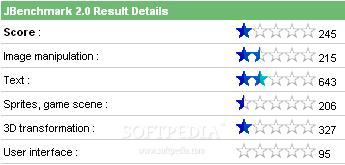
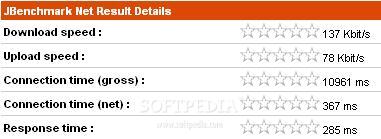
The quality of the images on the screen is standard, with good brightness, vivid colors and nice contrast. The quality of the screen fails when it comes to eligibility outdoors in sunlight, as you will have a hard time finding a good angle where you can actually see something on the display. Overall, the quality image is pretty standard, with nothing impressive to offer. In terms of performance, you can check out some of the test results below.
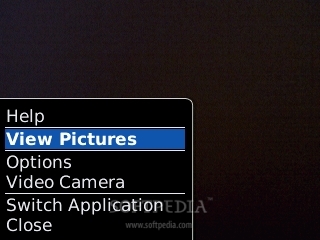
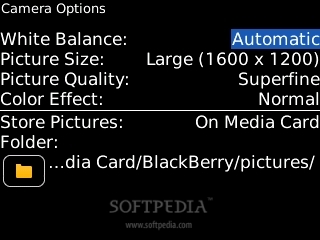
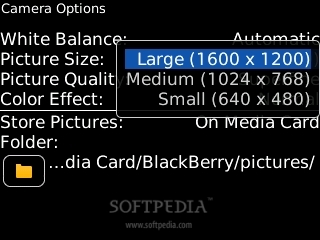
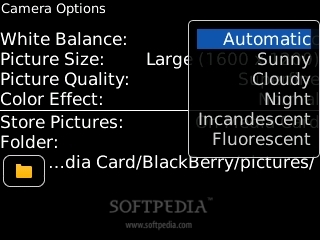
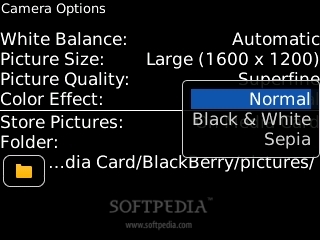
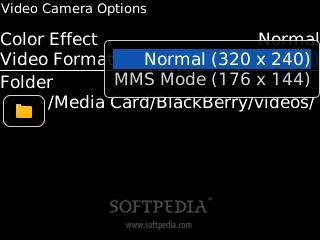
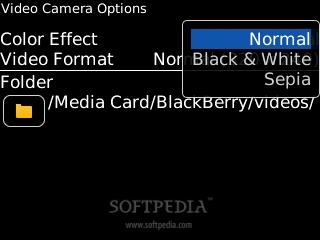
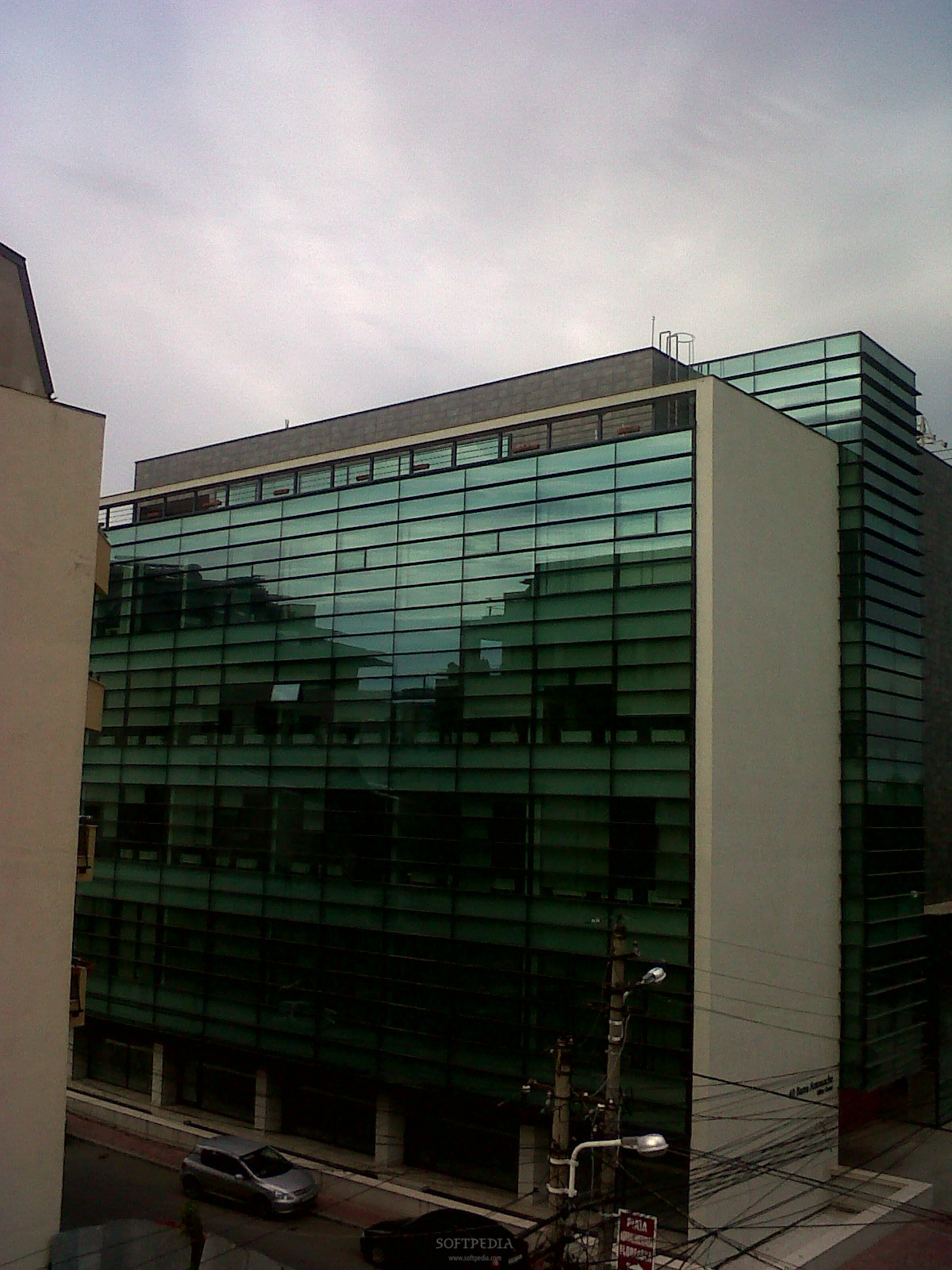
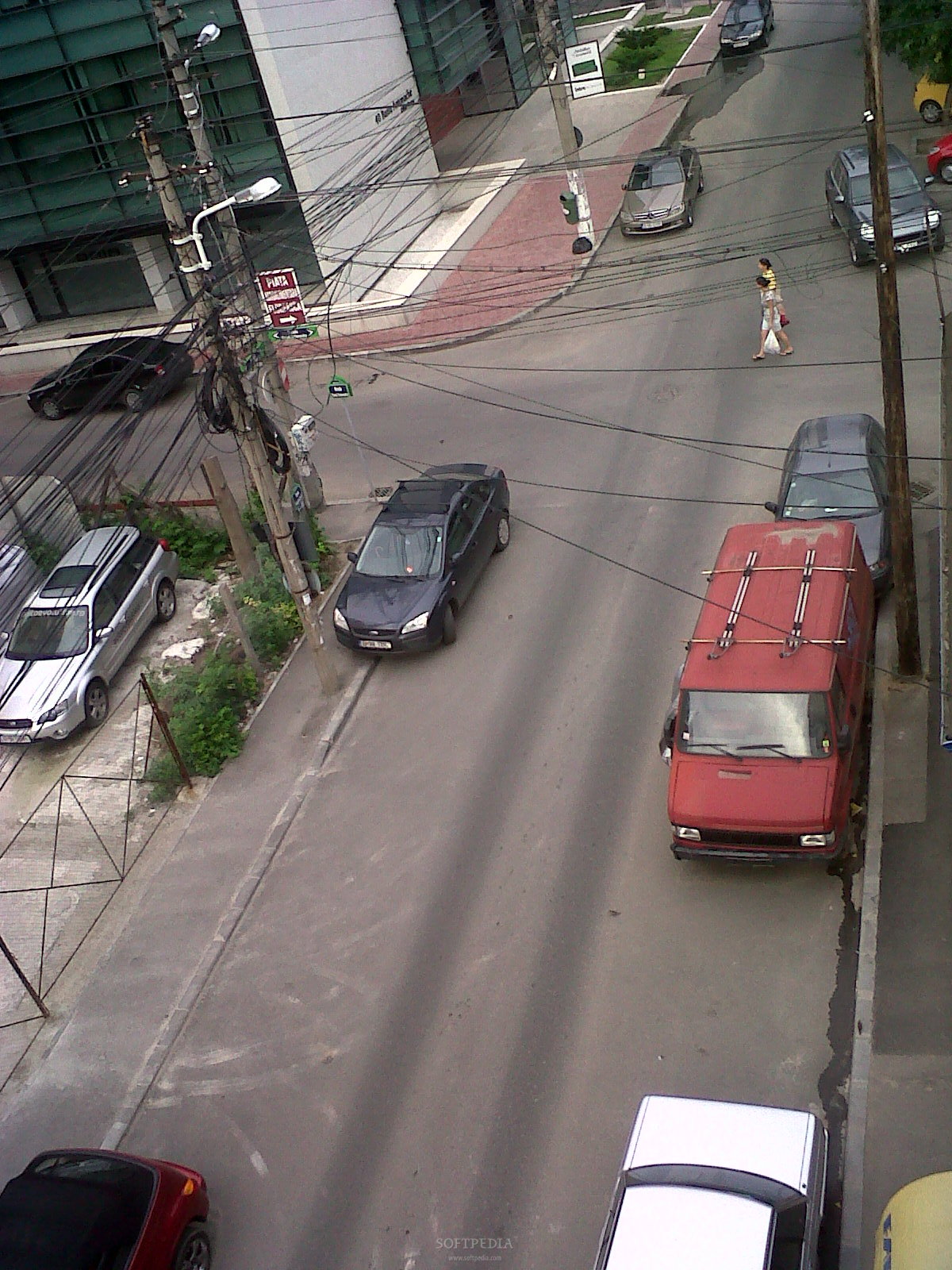
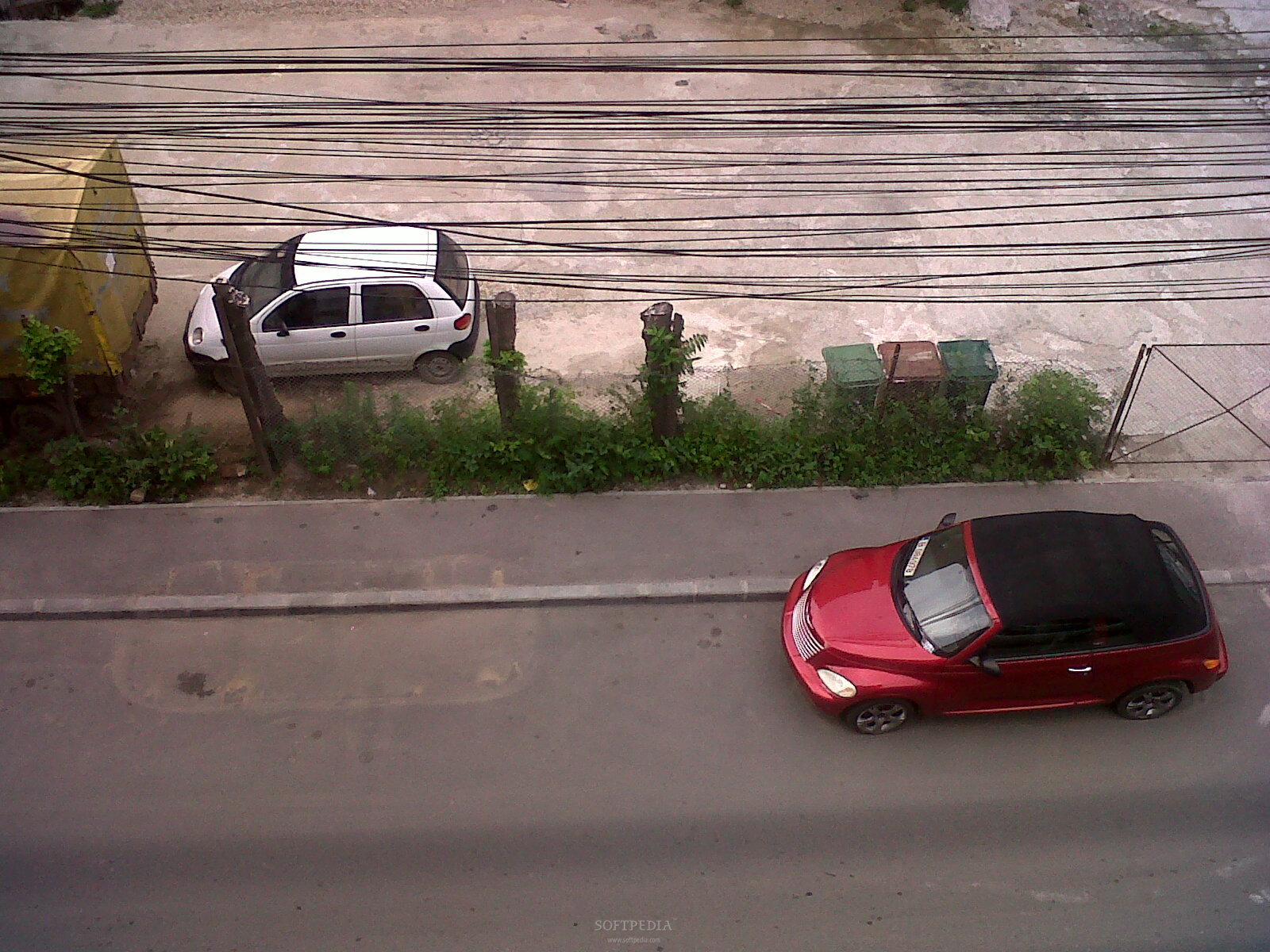
The 2-megapixel camera seems to be have been included by mistake. Starting with its wrong positioning and continuing with its lack of features and low performance, the camera is simply something that you should forget your device packs. There's no LED flash, no autofocus, nor any other advanced features. The dedicated camera button has been also wrong positioned in the middle of the left side, hard to reach, so I suggest using the middle optical trackpad as shutter. The maximum resolution for pictures is 1600x1200 pixels, while movies can be recorded using a resolution of 320x240 pixels. We cannot talk about quality here, as the camera simply does crappy pictures, no matter the light conditions or the environment. Same goes for the clip recording, which I think Blackberry only enabled it because it comes with the camera.style="color: rgb(153,204,0)">Menu and Software
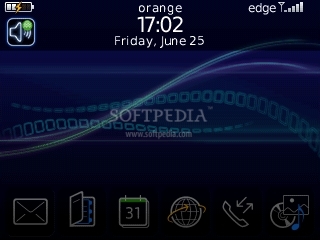
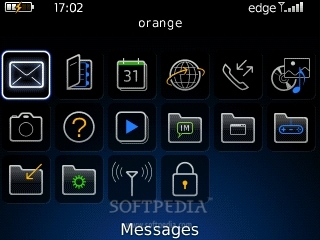
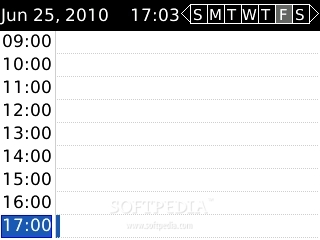
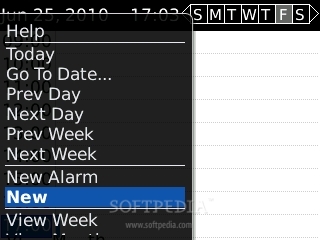
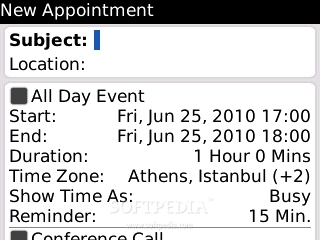
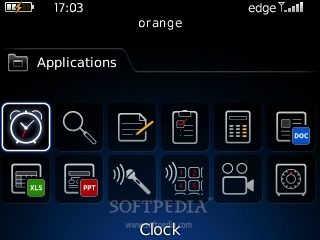
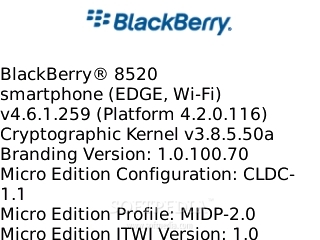
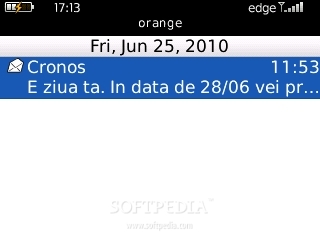
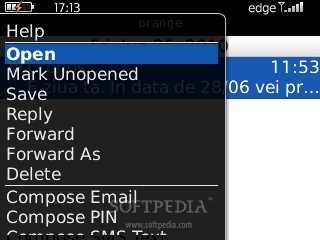
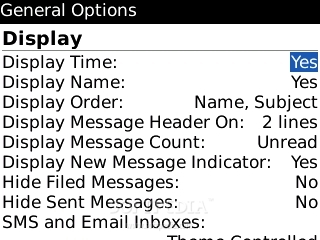
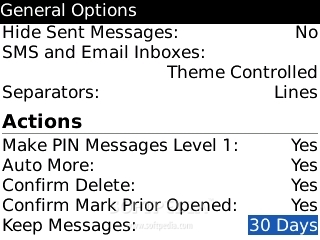
Blackberry Curve 8520 runs the Blackberry 4.6.1 operating system, platform 4.2.0, an updated version of Bold's OS, pretty much the same that comes with Curve 8900. If you are one of the people that likes graphic-wise interfaces, then stay away from any Blackberry device. They're stuck in 2005 when most operating systems featured text-only interfaces. In this case, the good things are only on the surface, as the more you dig into the menus, the more dull the interface will become.
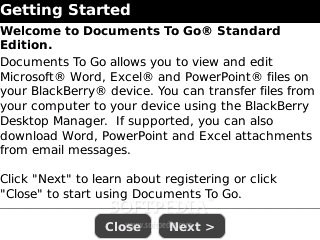
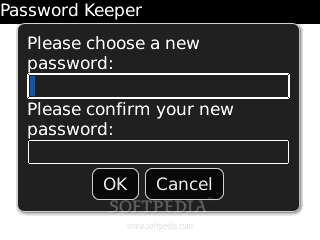
The usual Office package, called Documents To Go, developed by DataViz, is also included in Curve 8520's operating system. Unfortunately, as usual you will only be able to read or edit Word docs, Excel docs, and PowerPoint presentations, but have to pay if you want to make new documents. I also noticed the lack of a basic PDF reader. The phonebook can store an unlimited number of contacts, as long as your available memory allows it. Each contact can be filled with multiple numbers, e-mail addresses, birthday and anniversary information, a picture and a slot for both work and home addresses. There are also some games that you can play when you're bored: BrickBreaker, WordMole, Texas Hold'em King 2, Sudoku, Klondike. Other applications included are: MemoPad, Tasks, Calculator, Voice Notes Recorder, Voice Dialing, Password Keeper. Of course, there's always the possibility to add more pieces of software, Blackberry or Java compatible.style="color: rgb(153,51,102)">Communication
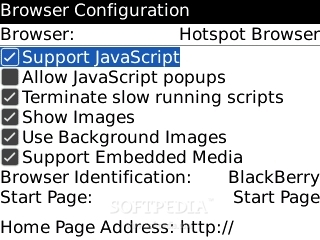
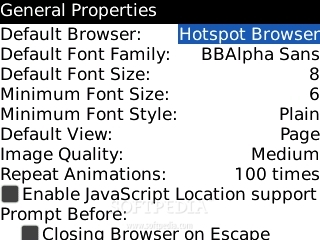
The mid-budget smartphone skips 3G or HSDPA, so you will have to use the EDGE technology embedded, which is seriously outdated by today's standards. On the positive side, RIM also included Wi-Fi 802.11b/g to reduce Internet browsing or data transfer costs. Although the integrated browser is decent enough, you can easily change it for the MiniOpera browser, which is perfectly compatible.
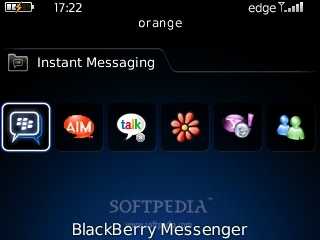
Lack of Flash is one of the downsides of the integrated browser. Unfortunately, you'll have a hard time when loading rich in graphics websites when using EDGE connectivity. I suggest getting near a Wi-Fi hotspot if you intend to browse these kinds of websites or have to transfer big chunks of data. Tested on EDGE networks, the device's results were medium: 137 Kbit/s download and 78 Kbit/s upload (EDGE). In terms of messaging, Curve 8520 features the standard Blackberry package. Should you either want multiple emails or instant messaging, this smartphone has it all. Still, all these come at the price of a paid Blackberry subscription service, otherwise you won't be able to set any kind of email accounts on your phone. Instead you are offered a wide plethora of instant messaging services: Windows Live Messenger, GoogleTalk, Yahoo! Messenger, ICQ, AIM. Blackberry Curve 8520 is a quad-band GSM (850 / 900 / 1800 / 1900), which features GPRS and EDGE. Other connectivity options include Bluetooth 2.0 with A2DP and the microUSB for PC synchronization (including charging). I recommend using the dedicated charger found in the sales package, as charging through the USB cable will take a very long time. The call quality is good, but lacks on the clarity side. The GSM signal very good even on low coverage areas.style="color: #aa3333">Processor and Memory
Curve 8520 is powered by a single Marvell 512MHz CPU, which makes it snappy and easy to work with. This doesn't comes as a surprise at all, if we have in mind that the device has been stripped by most of the advanced features. So, what we got here is a low- featured device with a powerful CPU.
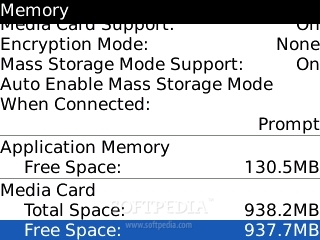
The smartphone embeds 130 MB user free internal storage memory and 256 MB Flash memory, which makes data processing much faster. Storage space can be expanded up to 32GB through the hot-swappable microSD slot card. There's also a 1GB microSD memory card included in the sales package.style="color: rgb(255,102,0)">Multimedia
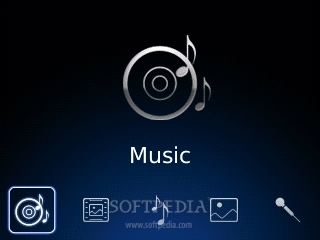
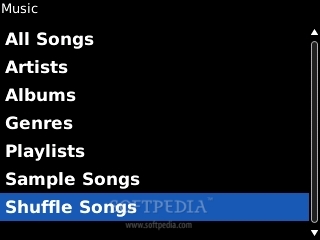
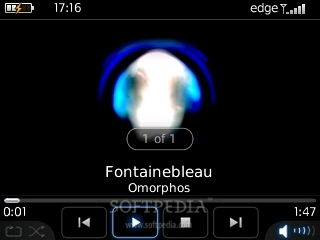
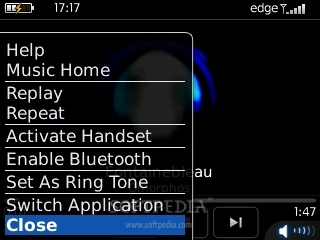
I wasn't expected too much from Curve 8520 in terms of multimedia features, and RIM didn't “disappointed” me. You get the same, now standard, music player, which looks decent but lacks any advanced settings. Even though it's decent, the music player hasn't been changed for a long time now, and with the added dedicated music keys, this device should have been a blast.
I do have it in mind that this is a business phone after all, but even businessmen aren't blind and need to relax sometimes, why not offering them a better look and extra features? Anyway, the integrated music player supports album art features and lacks Equalizers or any other extra-setting. It also supports MP3/WMA/AAC+ music files, which can be sorted by Artist, Albums and Genre. In terms of sound, the smartphone offers the same level of quality as its predecessors (Bold, Curve 8900). That means decent, but not very good. Even if you change the included headset with your dedicated music headphones, the result is far from any dedicated music phones. The music player can be minimized to the background and listening to music through the stereo Bluetooth feature is also possible. In the end, I should highlight the included video player, which supports DivX and XviD formats and plays movies really smooth and nice.style="color: rgb(153,204,0)">Battery
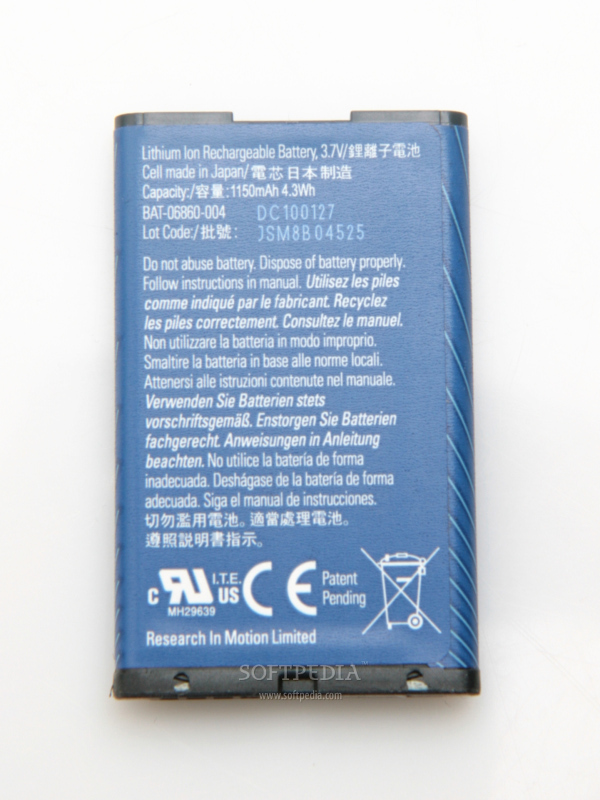
The 1150 mAh Li-Ion battery has an officially stated life expectancy of 408 hours in standby, and of about 4 hours and 30 minutes in talk-time mode. Our test unit made it for about 5 days at medium use. Heavy users will need daily charging or 3 charges per week. The autonomy is good for a Blackberry owner that only uses the specific Blackberry services, namely messaging capabilities, or even talk on the phone within some decent limits.
style="color: rgb(153,51,102)">Impressions
If I would be someone that uses RIM services and I would need to buy a Blackberry, I would surely avoid the Curve 8520. I mean, I'm a businessman that needs to buy a smartphone that can offer me the best features, then if I have the money for RIM's services, then I should also have the money to buy a much better device than 8520. Also, besides the fact that the Curve 8520 misses lots of features that you can get in more advanced Blackberries, you cannot even use its messaging capabilities unless you have a Blackberry subscription plan. Overall, I think there are much better choices on the market than 8520 and would not recommend it for Blackberry fans.
The Good
The Bad
style="color: #aa3333">Sales Package
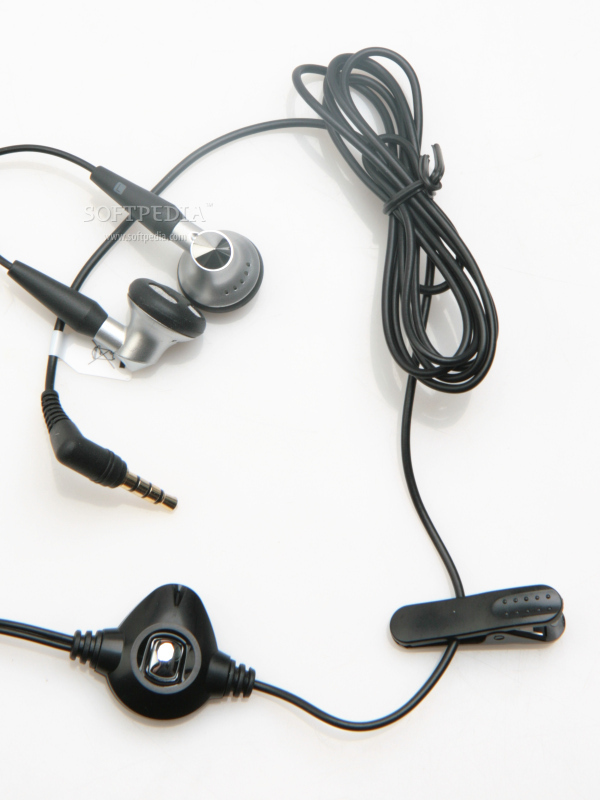
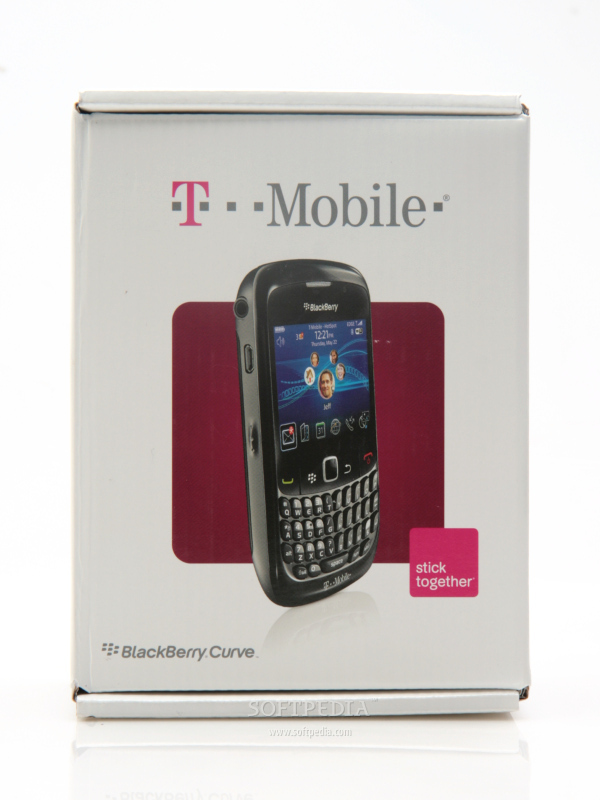
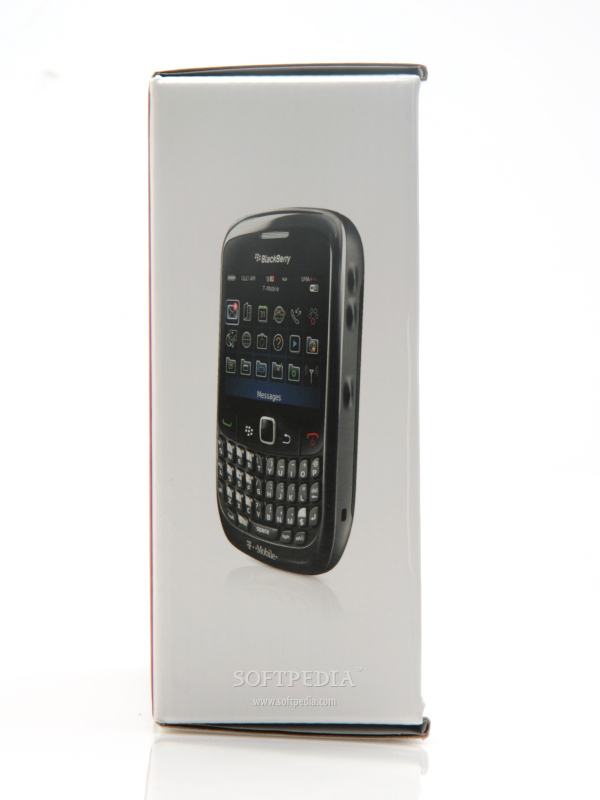
Blackberry Curve 8520 smartphone Standard battery 1150 mAh Li-Ion Blackberry 3.5mm Stereo Headset AC Travel charger microUSB data cable User manual Sync software CD-ROM.