 14 DAY TRIAL //
 The implementation of a search engine feature in a website is required to improve the navigation functionality and, respectively, the content accessibility. Webmasters have the alternative to create a custom search engine offline or to install a ready made script on the web server.
In both cases, a spider will index the website content or even follow existing external links. The indexing results are stored in flat text files or various databases, depending on the application used to generate the website search engine.
If you use a Windows operating system, Zoom Search Engine software helps you to create a full-text search engine by allowing you to index on-line or off-line websites directly from your computer desktop. This way, you can make a custom search engine for PHP, HTML, ASP or other types of websites.
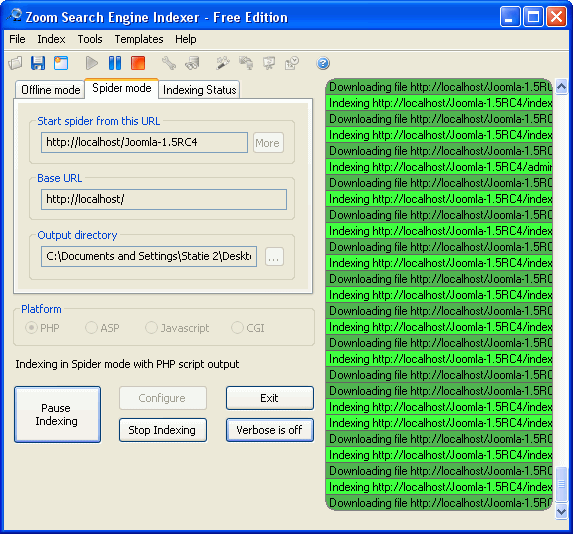
Zoom Search Engine Indexer offers you a simple to understand wizard that will guide you in the indexing process. You are also allowed to define supplementary files extension types, spider downloading options, indexing options, content filtering rules, sitemaps generation and more. It is recommended to know the operating system of your hosting web server in order to select the correct option for the search engine generator output. For example, if your website is hosted on a Linux web server, then the appropriate selection for the Platform option in Zoom application will be PHP.
When the indexing process is finished, the Zoom application provides the possibility to automatically upload the generated files on your web server. The search engine for your website will be ready to use. You will have to add a link to it in your website pages or menu.
The HTML template can be customized by editing the corresponding CSS code in order to modify fonts, colors or other attributes. In conclusion, by using this simple tool, you will be able to rapidly deploy a full featured search engine for any website, in the same time having multiple options to control the generated search engine's behavior.