
Softpedia
 

NEWS CATEGORIES:


NEWS ARCHIVE >>
SOFTPEDIA REVIEWS >>
MEET THE EDITORS >>
TRENDING TODAY
Home > News > Linux > Linux & Opensource Blog

March 2nd, 2013, 11:49 GMT · By

BLOG

Auto Flip Option Added to VueScan 9.2.07

SHARE:

Adjust text size:


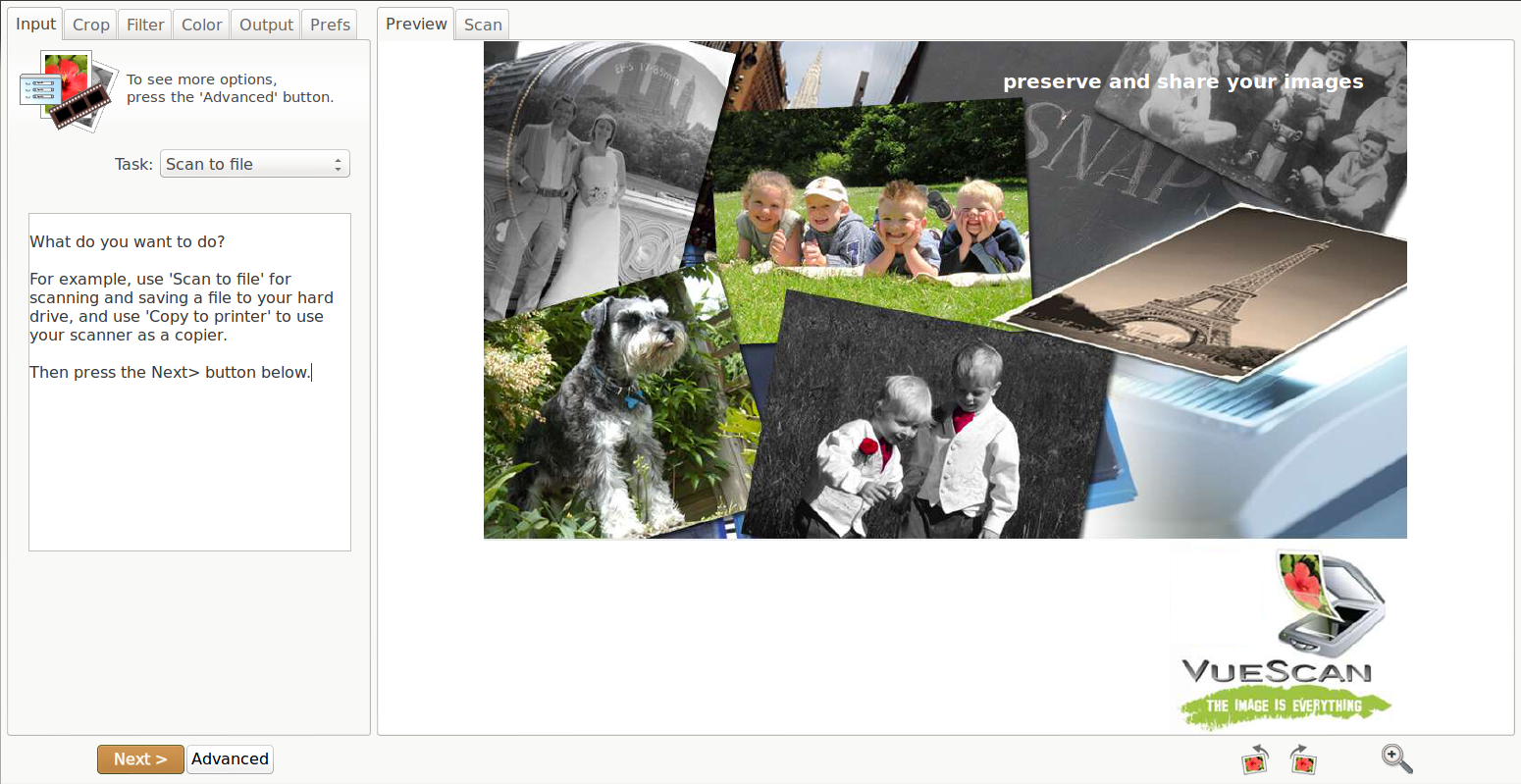
VueScan in action Enlarge picture - VueScan in action
VueScan, an easy-to-use replacement for the software that usually comes with scanners and that supports most flatbed scanners, printer/scanners and film scanners, has reached version 9.2.07.

VueScan 9.2.07 is a minor release in the series as it doesn’t bring any performance improvements for the Linux platform, just small fixes and changes.

Highlights of VueScan 9.2.07:

• 'Input | Auto flip' option has been added for scanning books;
• Changed '+' in the file name to only show when a digit appears before it;
• A bug that prevented the printer selection dialog to appear has been corrected;
• A problem with some Xerox DocuMate scanners has been fixed.

VueScan provides support for 1100 scanners on the Linux system. Not all the scanners work with all SCSI/USB/Firewire interfaces, but most combinations are known to work.

A complete backlog of modifications, implemented in all the past versions, can be found in the official changelog.

Download VueScan 9.2.07 right now from Softpedia.

TELL US WHAT YOU THINK:

925 hits · Link to this article · Print article · Send to friend · Subscribe to news

MUST-READ RELATED ARTICLES:


Epson Scanner Issue Fixed with VueScan 9.2.06

Better VueScan 9.2.04 Now Features Better Zoom Function

Canon MG-series Problem Fixed in VueScan 9.2.05

VueScan 9.2.01 Adds Support for Save and Load in Unregistered Version

VueScan 9.2.02 Adds Support for New Cannon Scanners

READER COMMENTS:


No user comments yet.
Be the first to express your opinion!
Copyright © 2001-2013 Softpedia. Contact/Tip us at

WindowsGamesDriversMacLinuxScriptsMobileHandheldNews

SUBMIT PROGRAM   |   ADVERTISE   |   GET HELP   |   SEND US FEEDBACK   |   RSS FEEDS   |   UPDATE YOUR SOFTWARE   |   ROMANIAN FORUM