 14 DAY TRIAL //
 Users of a MacBook running Windows through Boot Camp may experience right-click issues in Boot Camp Preferences, Apple says. The company has also discovered that individuals may have difficulty in using the trackpad to select or drag items on the screen. For these two issues, the Mac maker has released the Multi-Touch Trackpad Update for Windows XP and Vista 1.0.
On the Support section of its website, Apple reveals that the Multi-Touch Trackpad Update for Windows XP & Vista “improves the performance of the Apple Multi-Touch trackpad when running Microsoft Windows XP and Windows Vista on a Mac computer using Boot Camp.”
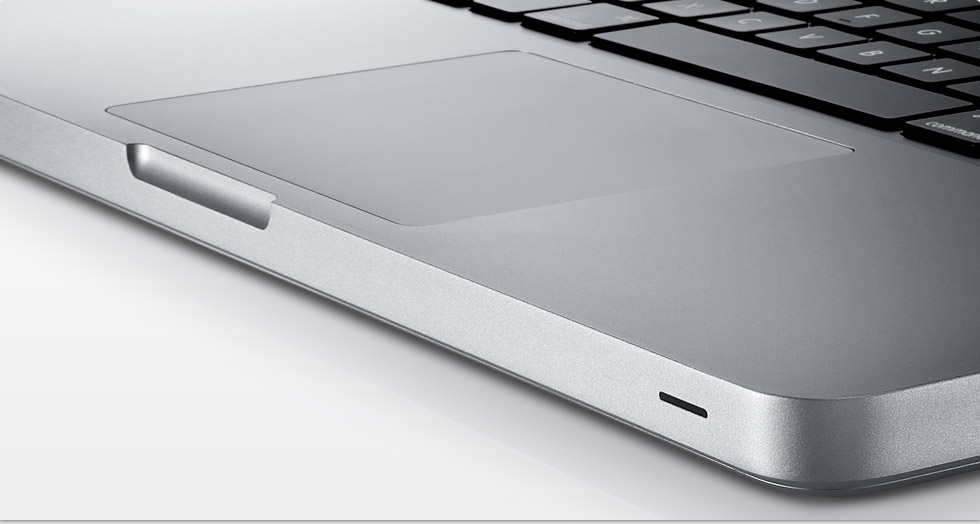
Speaking more extensively about the patch, Apple claims the update should better Multi-Touch trackpad responsiveness and performance when running Windows XP and Vista using Boot Camp on MacBook Air (Late 2008), MacBook (13-inch, Aluminum, Late 2008), and MacBook Pro (15-inch, Late 2008) computers.
“If you are using Microsoft Windows Vista or XP on your MacBook, MacBook Pro, or MacBook Air with a Multi-Touch trackpad, you may have difficulty using the trackpad to select or drag items on the screen,” Apple argues. According to the company, users may experience issues such as:
- When using your thumb to click an item, the cursor may move slightly and not select the intended item. - The cursor may shake when you press or remove your finger from the trackpad. - If you press down with your thumb, then use your finger to select or drag an item, the cursor may unexpectedly release.
The Cupertino-based Mac maker also notes that those using Microsoft's OS on their Multi-Touch notebooks “may be unable to use the right-click feature even when enabled in Boot Camp Preferences.” Apple's resolution is “Log into Windows on your Mac. Download the Multi-Touch Trackpad Update for Windows XP and Vista 1.0. Open the installer file and follow the onscreen instructions to install the update.” The company has posted the standalone installer for free download, and you can use the link below to get the update for your MacBook. Download Multi-Touch Trackpad Update for Windows XP & Vista (Free)