 14 DAY TRIAL //
 Apple is so proud of what it has achieved with its iWork suite of applications that it has released a 31-minute seminar, in which an Apple product manager demonstrates what you can do with the suite. A real-life customer who will show you how they use it to enhance their day-to-day business is also featured.
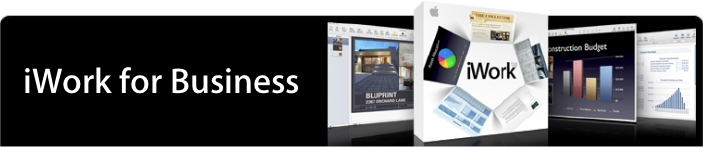
iWork is a suite of applications created by Apple Inc. It is comprised of Pages - a word processing and desktop publishing application; Keynote - a presentation package; and Numbers - a spreadsheet application.
"iWork is productivity the Mac way," says Apple. "Now, iWork '08 allows you to create stunning presentations, create compelling word-processing documents, and present spreadsheets that get people excited about your data. It helps you achieve results quickly - with more than 200 Apple designed templates, many with multiple page designs, you can drag and drop images into placeholders in a newsletter, import and export Microsoft files into charts, and even export a presentation to iWeb as a movie for clients across town - or across the world."
Apple claims its newly issued seminar will help you use the three applications found in iWork to the fullest:
Pages. Just launch Pages and start typing to create compelling letters, reports, and other word-processing documents. Or create beautifully designed brochures, flyers, and newsletters in page layout mode.
Numbers. Goodbye boring spreadsheets. Numbers provides a straightforward, intuitive approach to common functionality. Multiple tables on a flexible layout give you better ways to organize data, perform calculations, manage lists, and present your data with style.
Keynote. Create cinema-quality presentations that both entertain and convince. Start with an Apple-designed theme, add text effects and animations, and even record your voice for self-running presentations.
The video isn't one of those boring ones that enumerate endless features using epithets like "easily" and "effortless" about 10 thousand times. Instead, it is more of a complete example of how iWork is intended to be used.