 14 DAY TRIAL //
 A scanning application is reportedly being developed in-house at Apple Inc. with the purpose of allowing customers to turn snapshots into real documents that they can edit, complete with a function to separate text from imagery.
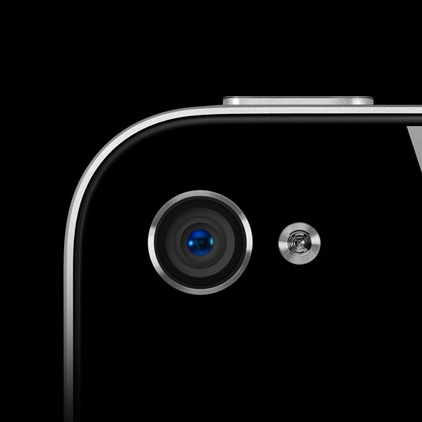
Should the latest iPhone 5 imaging sensor rumors hold any water, the next-generation iPhone cameras will have almost double the pixel resolution of current-generation hardware.
This would make the iPhone 5 an ideal tool for scanning objects in detail. Apple, however, is said to be taking this a step further.
In addition to achieving crystal clear images, the next iPhone would also be packing the necessary software to break down those images into what each element represents.
So, for instance, if you were to snap a photo of a business card, iOS would be able to translate that into a real card that goes into your address book.
Other "embodiments" would facilate capturing the page of a magazine, for example, at which point the user could ask the application to separate imagery from text, and to export everything in PDF format.
Cult of Mac's inside source explains:
1. “The user opens the app and holds the iPhone over the document or object they want scanned. They then snap a picture of it. Apple’s on-board software then resizes the image to ‘letter’ or business card, A4 or whatever depending on original document. Resizing includes aligning edges that get skewed by a sigle scan point rather than traditional scanning methods. The user can then manually change the size of the document or the use (biz card?)”
2. “On board software then separates images blocks from text.”
3. “This is where it gets murky. At last word, Apple was trying to do OCR both on-device and using alternative cloud methods for recognizing text. Third party Optical Character Recognition (OCR) vs. in house solutions were also being tested.”
4. “The resulting file can then be saved as a PDF, .Pages, exported to contacts (in the case of business cards for example).”
Apple is already working on a cloud-based iWork suite for iPhone users and the company has filed a number of patents related to scanning as well, which should corroborate this story.