 14 DAY TRIAL //
 If you remember my previous presentation of the Toggle Settings application for Android you'll probably know that the software simply grants access to the most important settings of the Android operating system. As it is no longer available (at least for the moment) on the Android Market, I have decided to offer you an alternative, which seems to be even better.
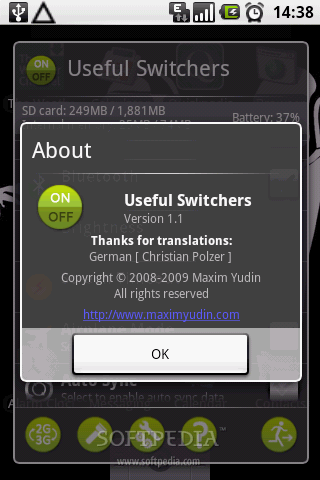
Developed by Maxim Yudin, the Useful Switchers application for Android enables you to quickly toggle frequently used system settings of this OS. Because the G1 smartphone doesn't come with this ability, some of these apps become vital for users who want increased productivity for their device. Useful Switchers already reached version 1.1, but it is due to continuous update as the developer promised more and more features to be added, based on user feedback. For the moment the application is free and will continue to be free until the next version, which will add some new features that will probably need around 1USD payment.
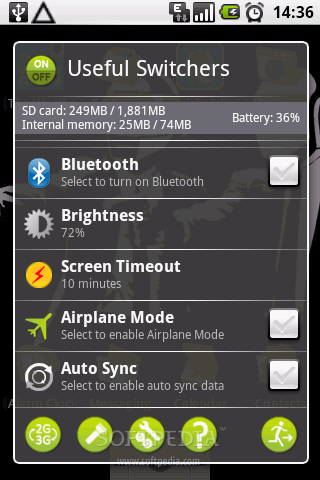
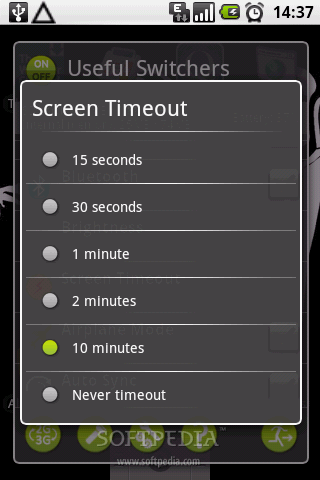
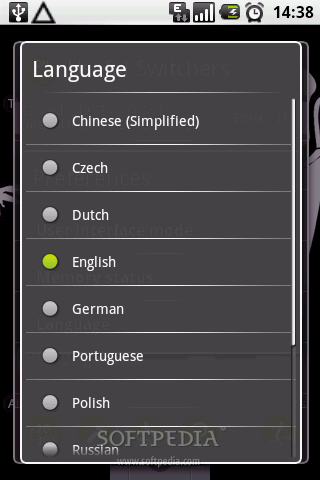
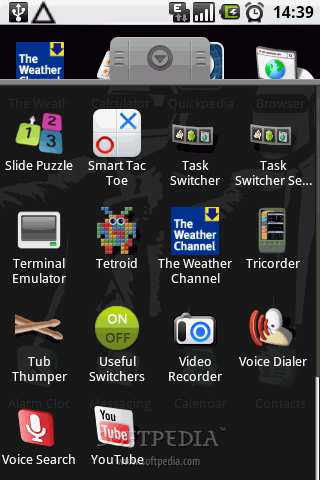
Basically, Useful Switchers offers quick access to functions such as: Ringer Mode, Silent Mode, Wi-Fi, GPS, Wireless Location, Bluetooth, Brightness, Screen Timeout, Airplane Mode and AutoSync. At the base of the first windows you'll notice a 4-icon bar that contains even more features such as: 2G/3G network, Flashlight, Help and Exit. The Ringer mode offers 4 available modes, as you can see from the images attached to the article: Normal (only music), Music & vibro call, Only vibro call, Silent (no music & no vibro call). Screen timeout is also customizable as shown in the screenshots. The only drawback of the application is the fact that it doesn't have a shortcut on the notification bar. You will need to create a shortcut on the screen if you want to quickly access the app. Future updates of the software promise an icon for switching between power profiles in power manager, a shortcut on the notification bar, and more available languages. Note: You can easily follow my daily guides by subscribing to the RSS feed.