 14 DAY TRIAL //
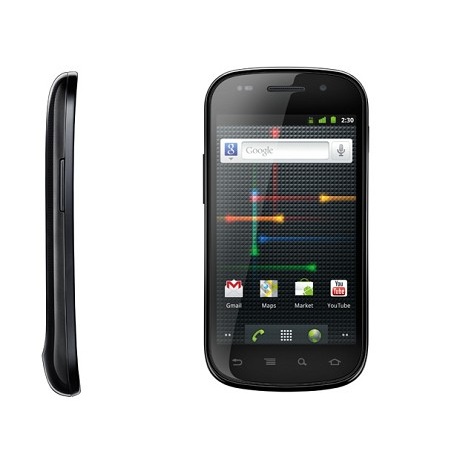
 Google and Samsung have just started to deliver the new Android 4.0 Ice Cream Sandwich operating system flavor to another smartphone out there, namely the Nexus S.
Starting today, the GSM/UMTS Nexus S devices around the world are getting a taste of the new Android 4.0 platform, which brings along a brand new interface and a variety of other enhancements.
The update roll-out will continue over the coming month, the announcement on Twitter and Google+ reads.
“We're rolling out Android 4.0, Ice Cream Sandwich, to GSM/UMTS Nexus S devices over the coming month, starting today,” Google announced.
At the same time, Google put up a series of tips for users who are moving to the new Android 4.0 OS, so as to provide them with a better understanding of what changes were made to the UI and menus.
Some of these include:
Change wallpaper: Touch & hold an empty location on a Home screen, or touch Menu > Wallpaper. Add a widget to the Home screen: On any Home screen, touch the All Apps icon . Then touch the Widgets tab and touch & hold a widget. View recent apps: Touch & hold the Home button. Icons and thumbnails for recent apps appear. Create folders: Drag and drop apps, contacts, and more on top of each other to create a new folder. Scroll through your apps or widgets: Swipe left or right. View or edit your contacts: Open the People app, which provides improved integration with Gmail, Email, Google+, and other apps. At the same time, Google warns users that they might have to update some applications to the latest version before they start working on Android 4.0.
For those interested in learning more details on the matter, the Android 4.0 Help Center is the place to go.
As soon as the update is available for their specific Nexus S devices, users will receive a notification on it. They can also manually check to see whether it is available or not by going to Menu > Settings > About phone > Software updates.