 14 DAY TRIAL //
 One of the funny features that many mobile phones are missing is the possibility to add videos as ringtones. ClipTone, developed by Melon Mobile (formerly WebGate JSC), offers Symbian-phone owners the chance to personalize their incoming calls with a video. ClipTone is a standard video-player that enables in Symbian smartphones the ability to play these videos as soon as they have an incoming call. Moreover, users can benefit from this application by attaching a video-ringtone to a profile or to a specific contact in their phonebook. ClipTone is fully compatible with all S60rd Edition smartphones and needs an Internet connection to register it.
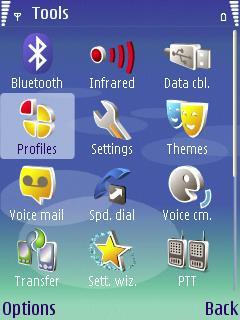
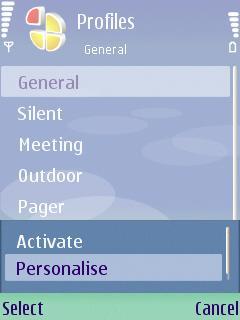
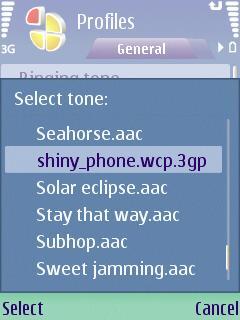
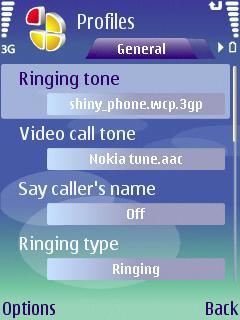
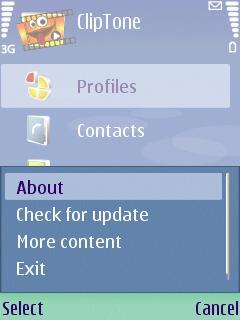
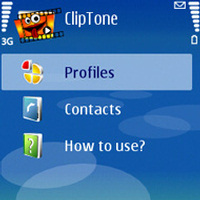
The application comes as a single player or in the form of video packages and includes one video for demonstration purposes. Furthermore, the software is fully compatible with all standard video formats that are supported by the media player of your phone. Also, you will be able to add videos that are recorded using the integrated camera of the mobile phone. As soon as ClipTone is installed on your smartphone, you can begin to personalize some of the phone's default profiles.
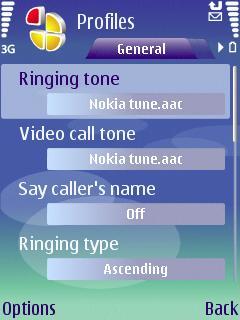
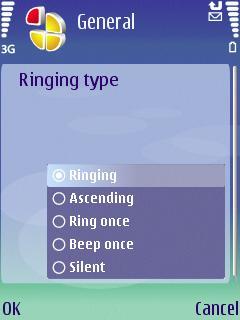
There's only one thing you should have in mind before setting up your video ringing tones. Check out the type of ringing that the profile has, as the application will not run any video if it is set on Silent or Beep Once. Also, the option "Say caller's name" should be set to off. Videos can also be assigned to video-calls in case your smartphone has a secondary camera and is compatible with this feature.
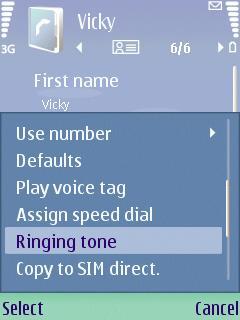
The same process described above can be followed in case you want to add a certain video to a specific contact in your Phonebook. If you have previously set your Profile to play a video and a contact to play another video, then the latter will be played no matter what file you set on the Profile settings. ClipTone does not have a trial version, but there are various bundled packages that can be bought: ClipTone and a single video for USD 2.50 or ClipTone Packs (contains three videos) for USD 5.50.Note: You can easily follow my guides by subscribing to the RSS feed.