 14 DAY TRIAL //
 If you are into traveling, then Spb's new weather forecast solution Spb Weather 2.0 is the perfect tool for you. No other Windows Mobile-compatible application has ever reached the level of complexity and eye-candy interface that this piece of software has. Furthermore, in case you're a fan of Spb's software, you'll be happy to find out that Spb Weather is also integrated in other applications such as Spb Mobile Shell, Spb Pocket Plus and Spb Diary.
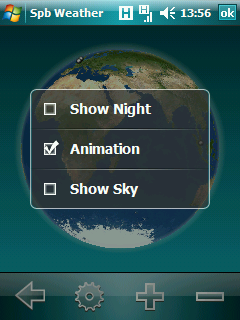
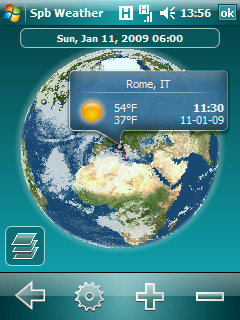
Featuring the same stylish 3D interface that has been integrated into Spb Mobile Shell, the Spb Weather 2.0 forecast solution is easy to handle with just a swipe of a finger. The animated transitions give users excellent visual cues and keep them oriented. This feature is fully implemented in the Spb Weather panels. The 3D globe allows users to see all their favorite cities by simply rotating the globe. They'll be able to see current time and weather forecasts along with real city locations.
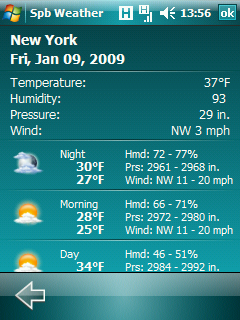
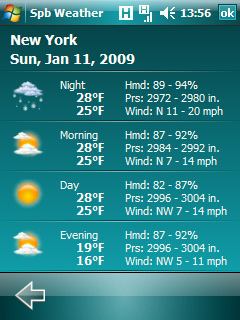
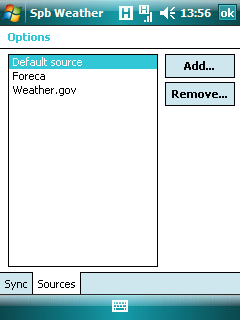
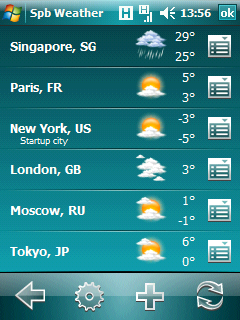
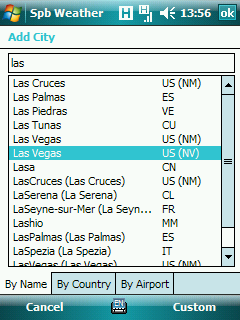
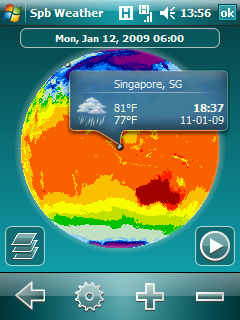
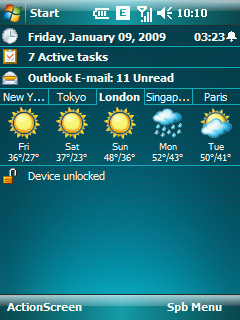
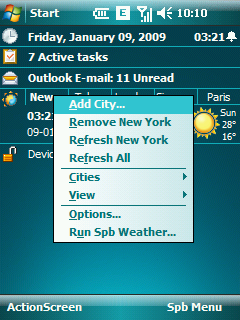
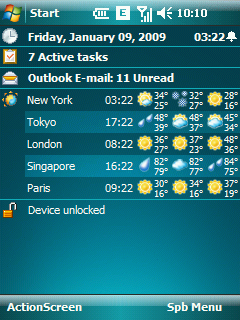
It also shows users the weather conditions for much larger areas (zones, continents). Temperature, precipitation, satellite, and rain radar view are also available in case users schedule their trips at a certain time. Moreover, much detailed views are available like, Cloudiness view, which can direct users where to go, against the wind or following the wind, the Sky view, which gives real-time information about weather conditions all over the globe. To be more reliable, the application supports weather forecasts from multiple sources. There are a total of three weather sources installed along with Spb Weather: Foreca, Weather.gov and Gismeteo. There are more than 40 extra weather source templates (made by users) that you'll be able to install for free. Basically, Spb Weather 2.0 allows users to constantly have access to the current weather and a five-day weather forecast for the selected city. Spb Weather provides reliable and detailed night, morning, day, and evening weather information for up to ten cities. Users will be able to add up to ten favorite cities. The favorite city list will show all these cities and will provide an easy way to add/remove them. The city database contains more than 10,000 cities world wide with more than 50,000 inhabitants in all major countries. Users can switch between their favorite cities in the list using sliding gestures, or see the more detailed day weather forecast by clicking on the corresponding day. Spb Weather 2.0 is compatible with any device running Microsoft's Windows Mobile 5.0 or above operating system. The application can be acquired for around 19.95 USD, but a trial version is also available for download.Note: You can easily follow my daily guides by subscribing to the RSS feed.