14 DAY TRIAL //
 As mentioned earlier today, Microsoft has made available for download the RTM flavor of Windows 8 for MSDN and TechNet subscribers, providing them with a taste of the final flavor of the platform before the public availability.
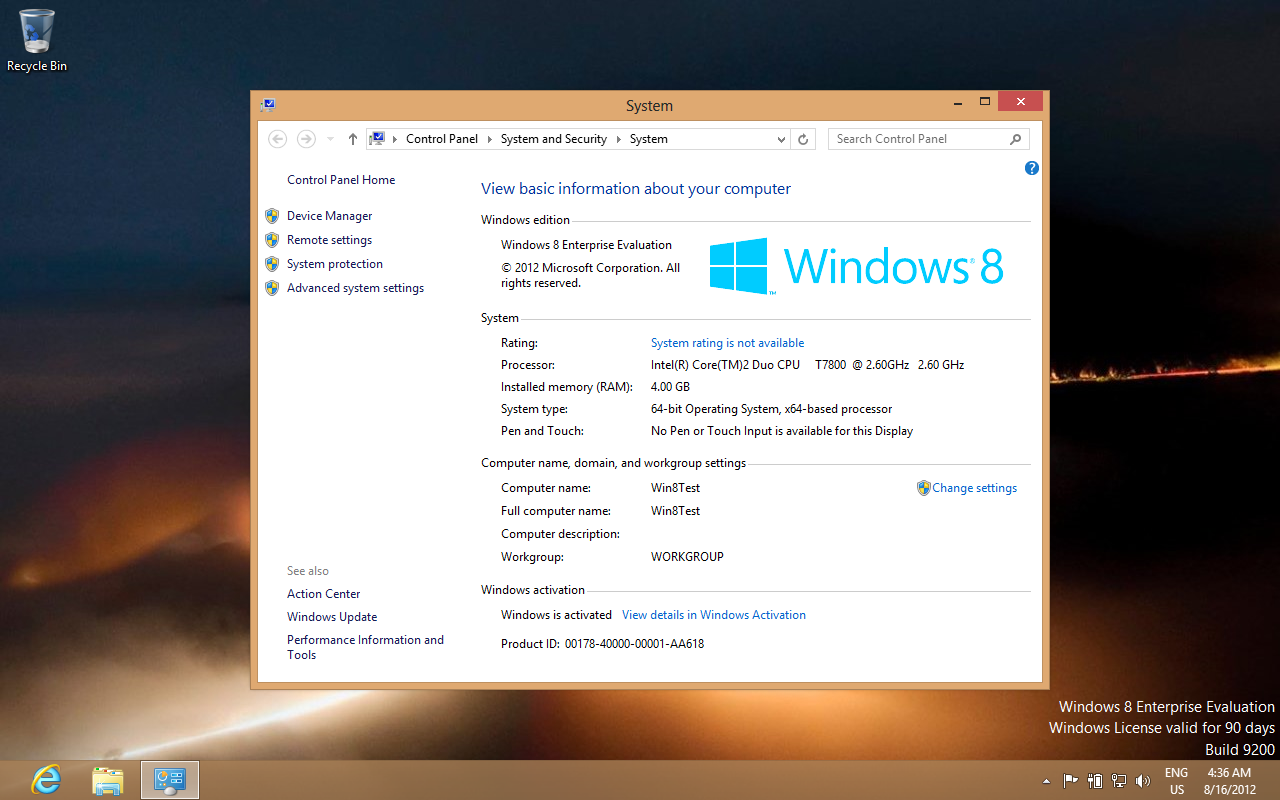
There are various changes packed inside the Windows 8 Enterprise evaluation version that we have had the chance to take a look at, most of which affect the looks of the OS.
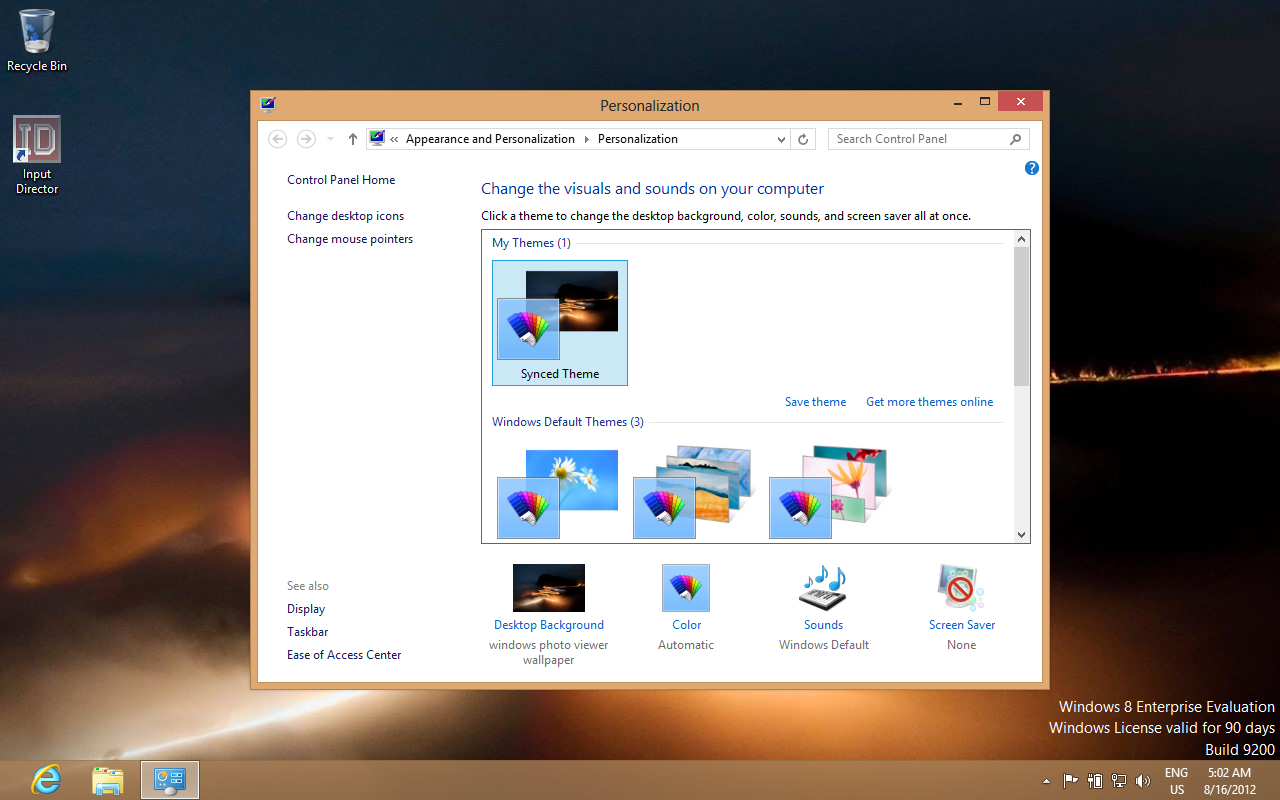
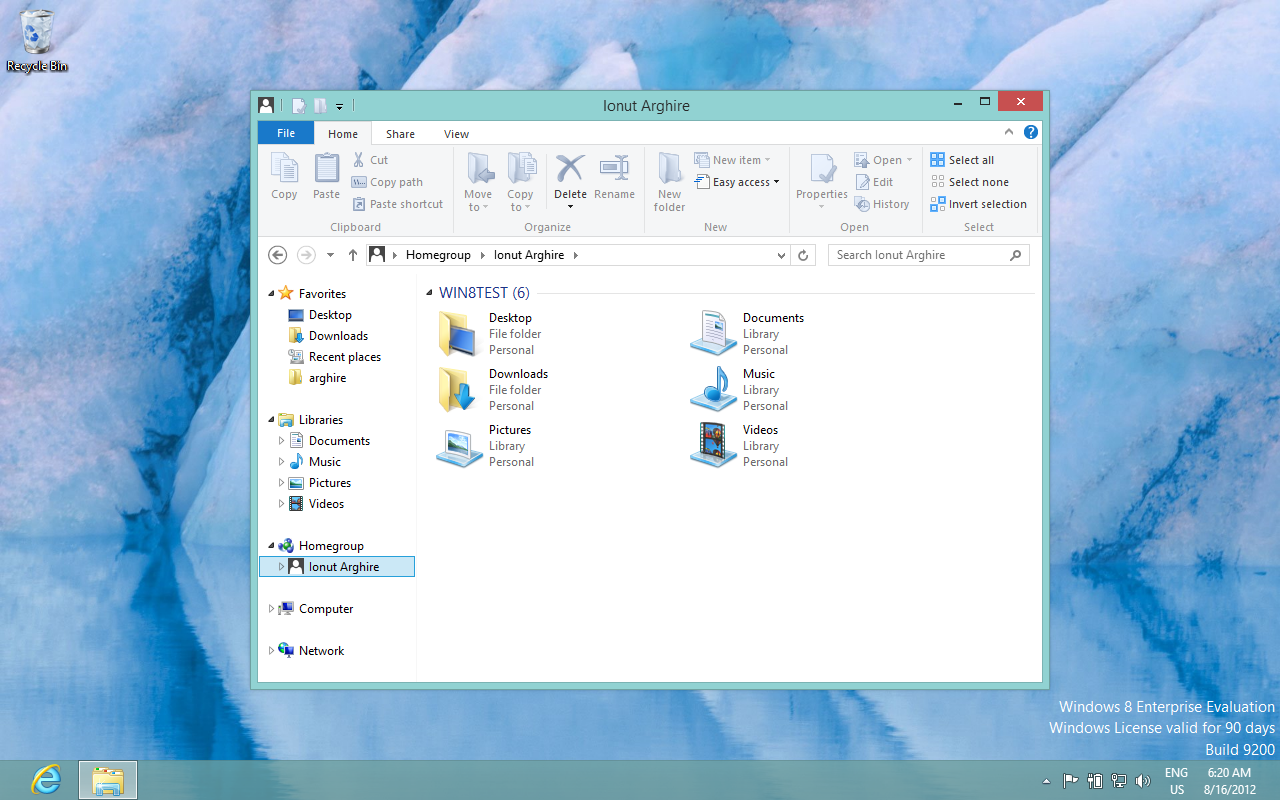
First and foremost, users will observe that there’s no more Aero available for them. Window and taskbar colors are solid, and there’s no transparency available.
Users are still able to enable transparency in Windows 8, but the experience is poor, and the color scheme is reverted to the original solid theme as soon as any change is made to the desktop background.
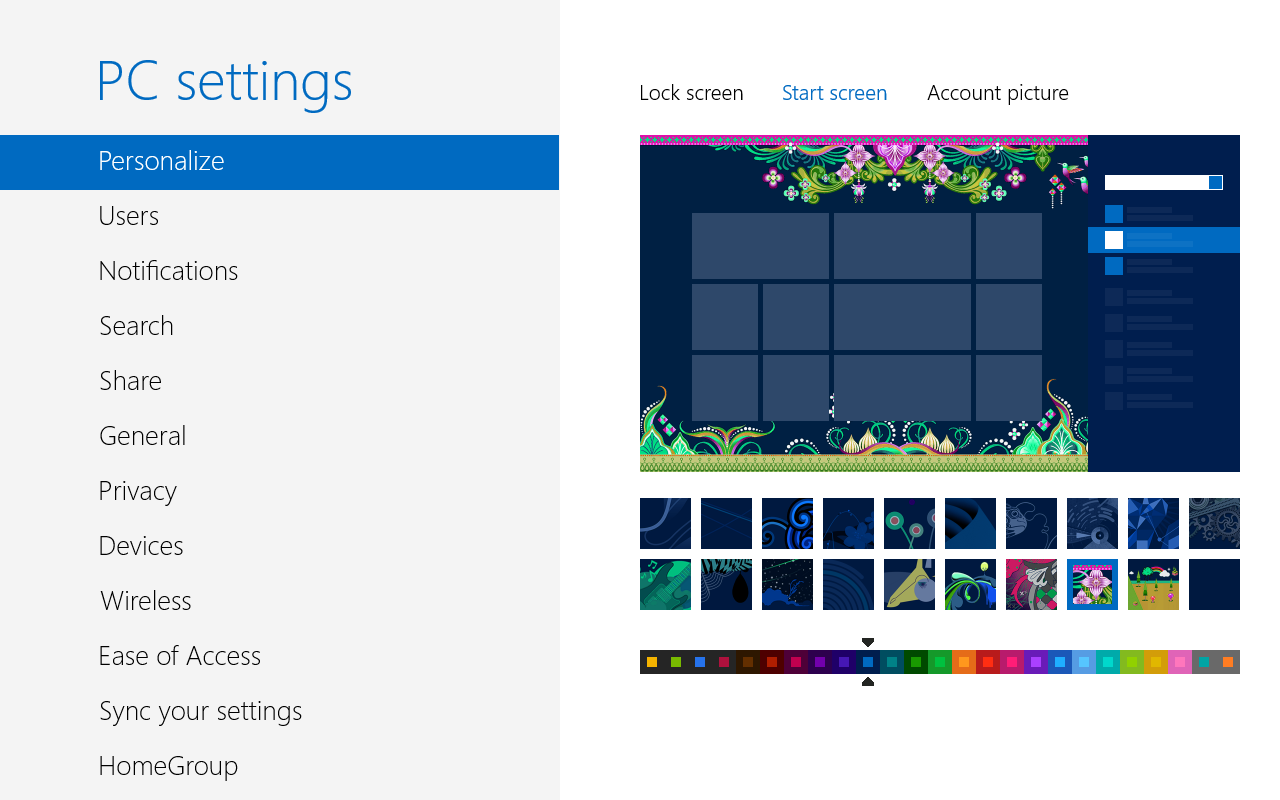
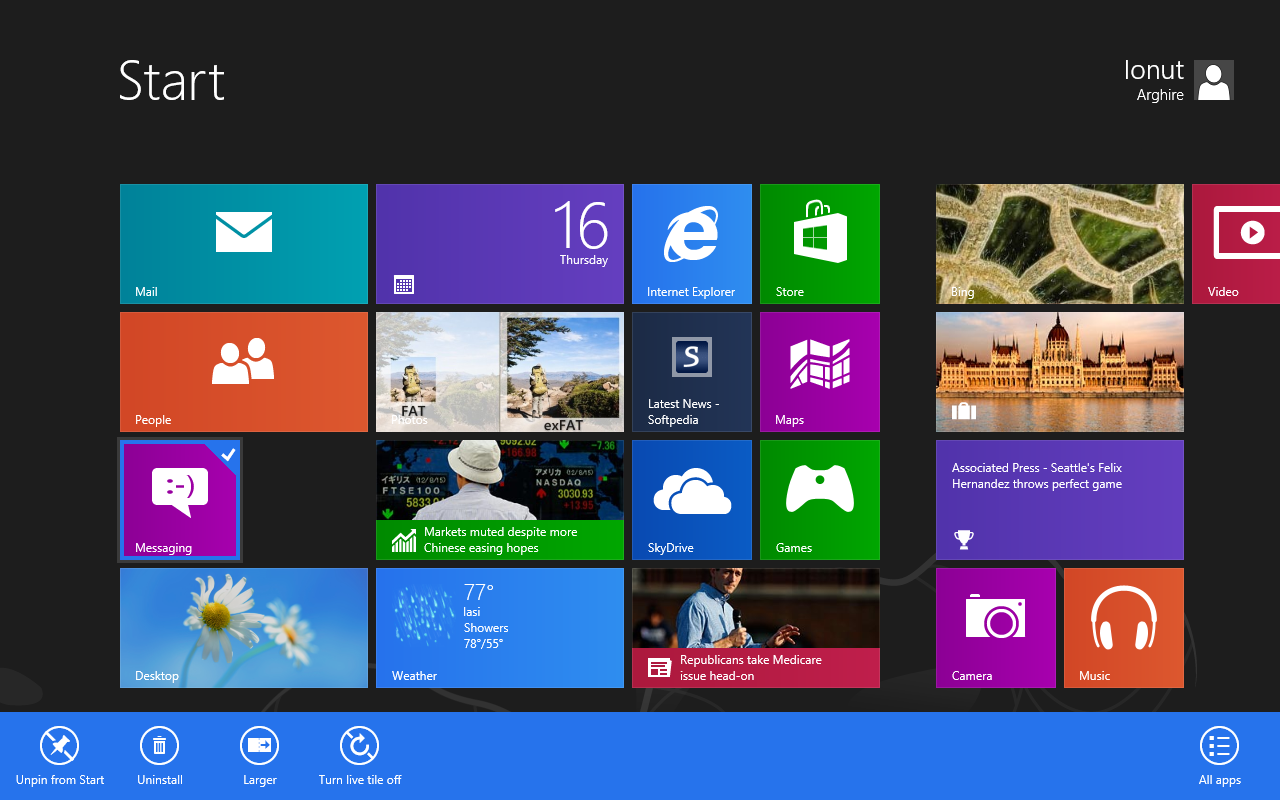
The Start Screen has been modified a bit as well, now providing users with a nice range of customization features, including 20 different patterns to choose from and a variety of color options.
Users can further personalize the Start Screen by turning on or off the live tiles of application, as well as through resizing the tiles apps benefit from (available only for some applications, and not for all of them).
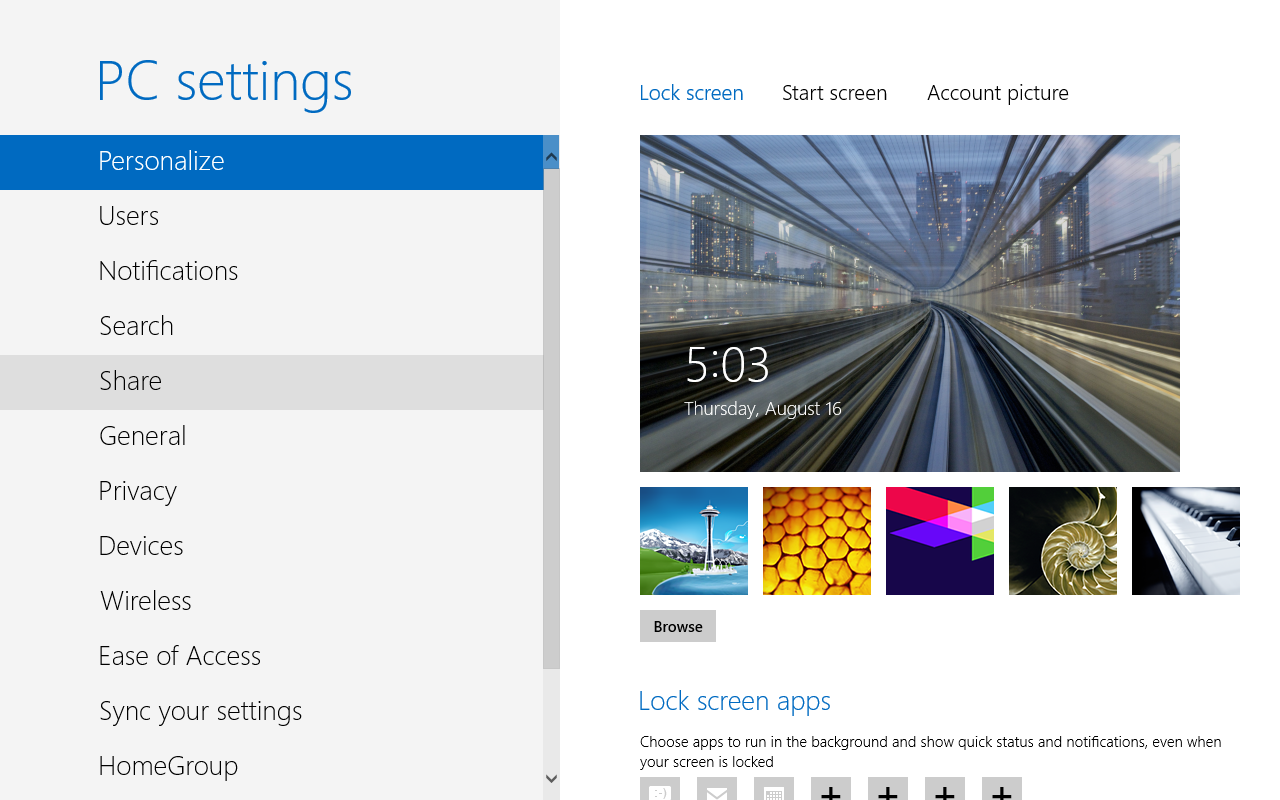
Similarly, there are new lock screen images for users to enjoy, along with the option to browse and select from personal images. Users will also be able to customize the lock screen with updates from applications, just as before.
Just as some of the latest rumors on Windows 8 have suggested, the final flavor of the operating system came along with a new default desktop background.
For end users, these are the most visible changes in the new platform release. Various under-the-hood modifications were made as well, yet not all people will be able to spot these.
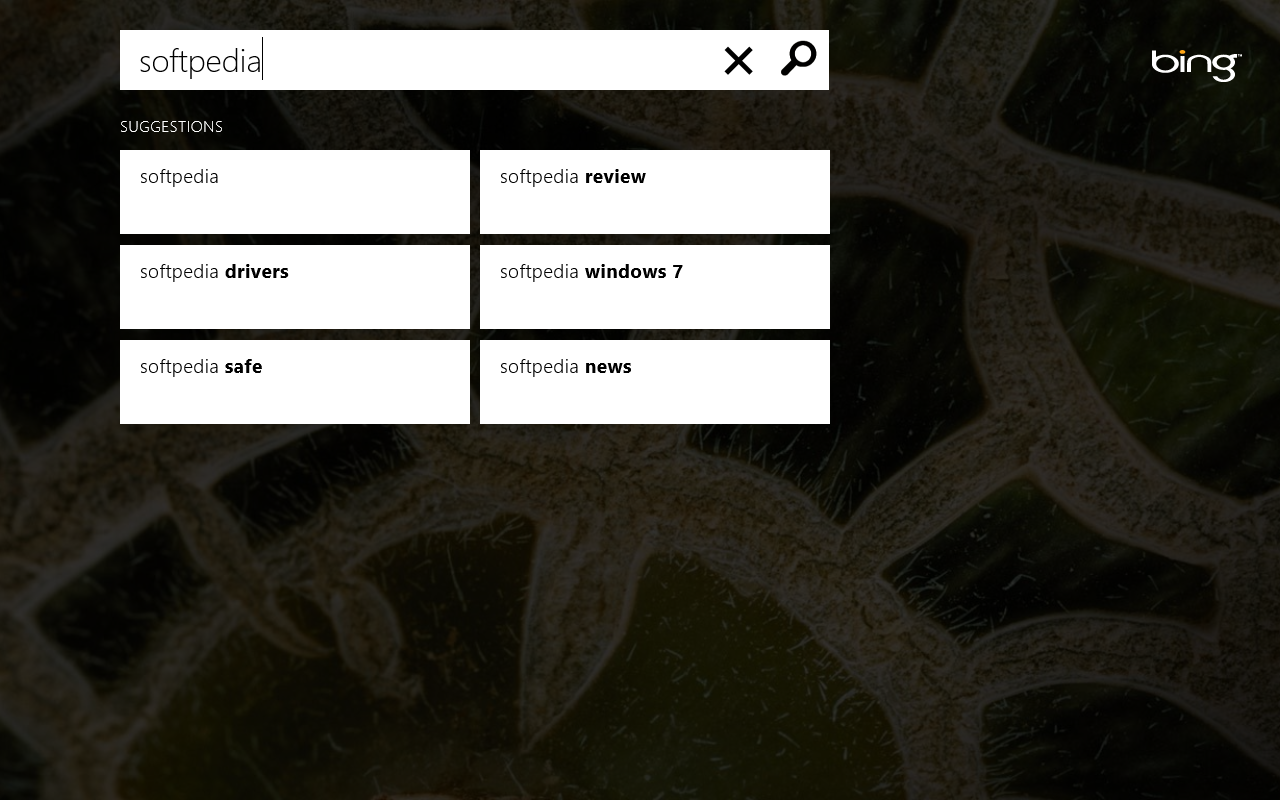
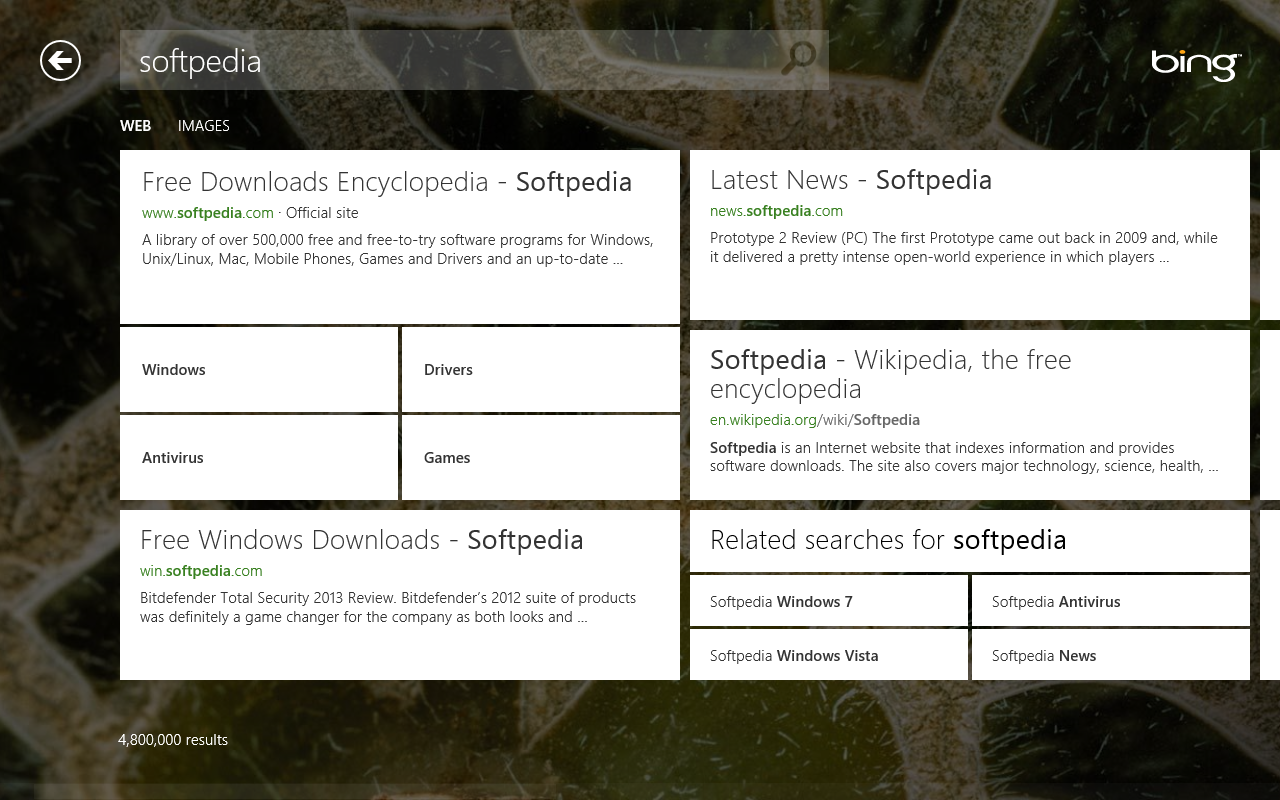
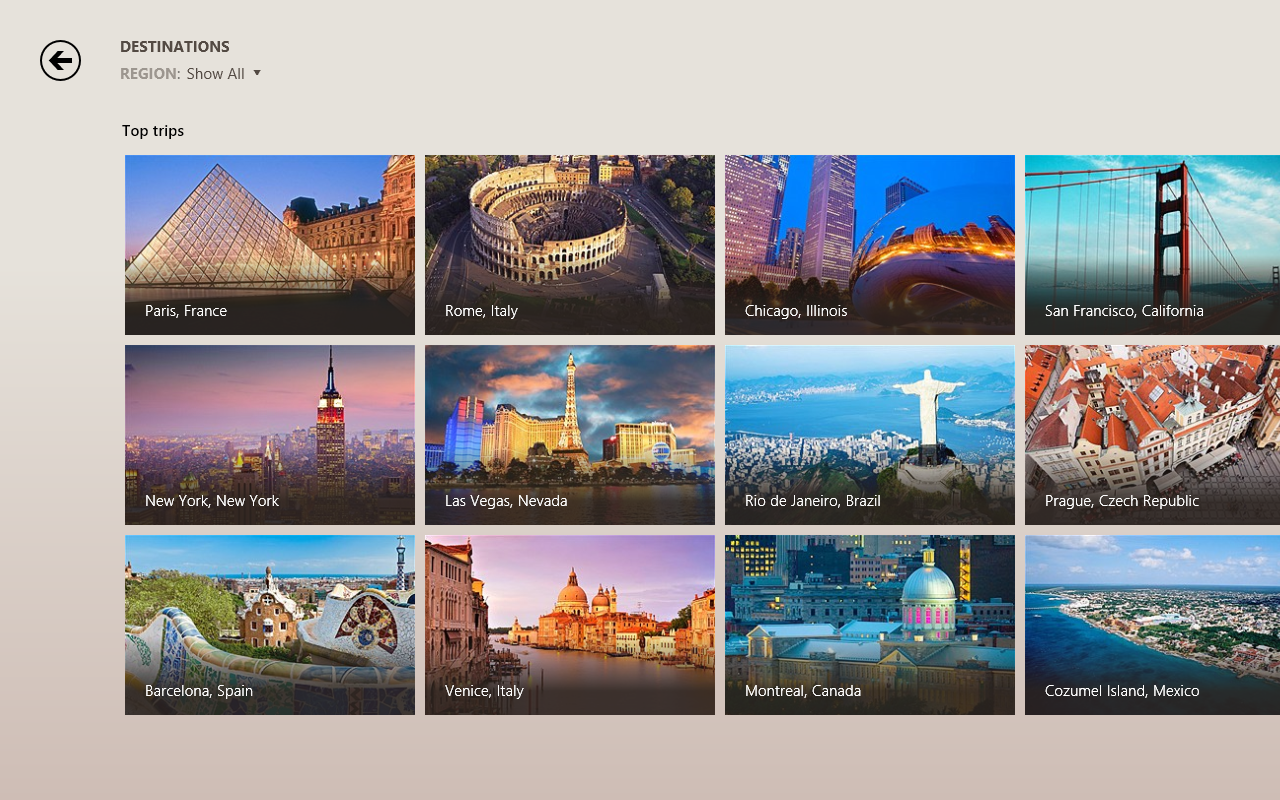
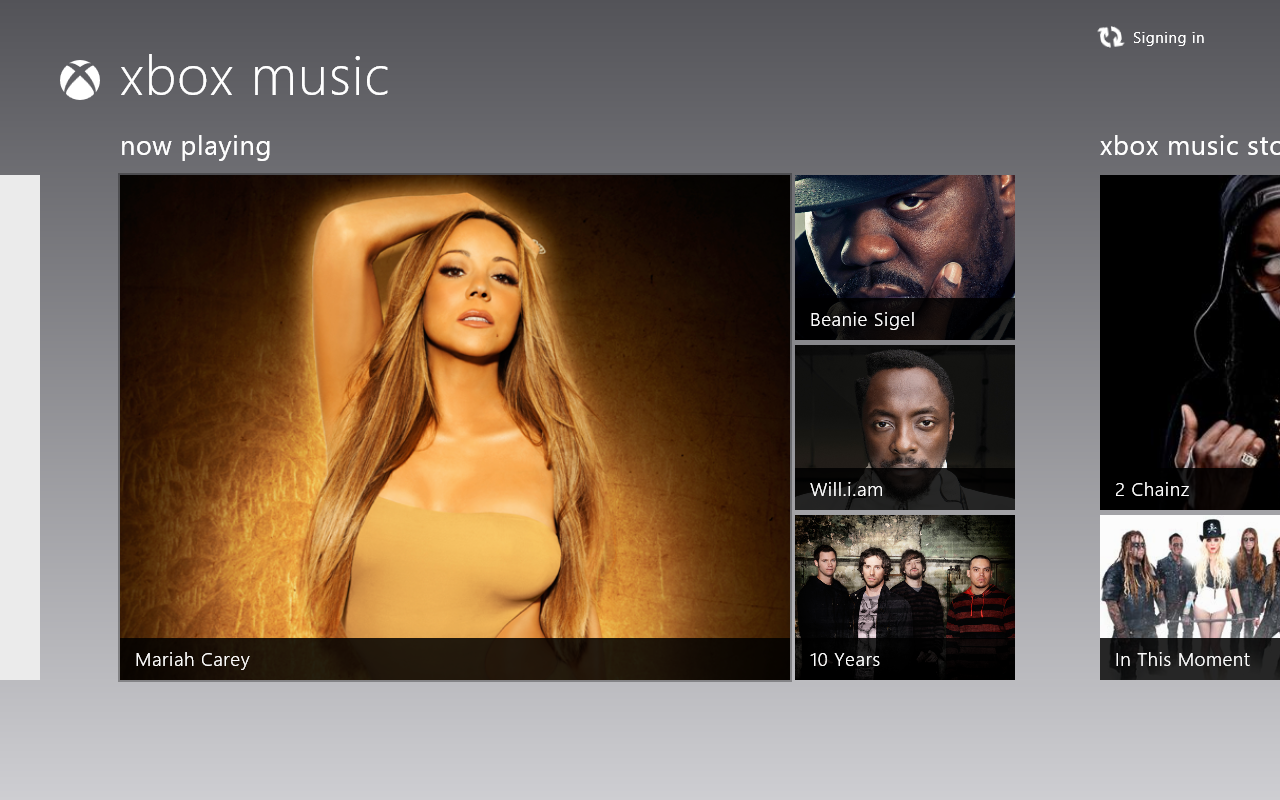
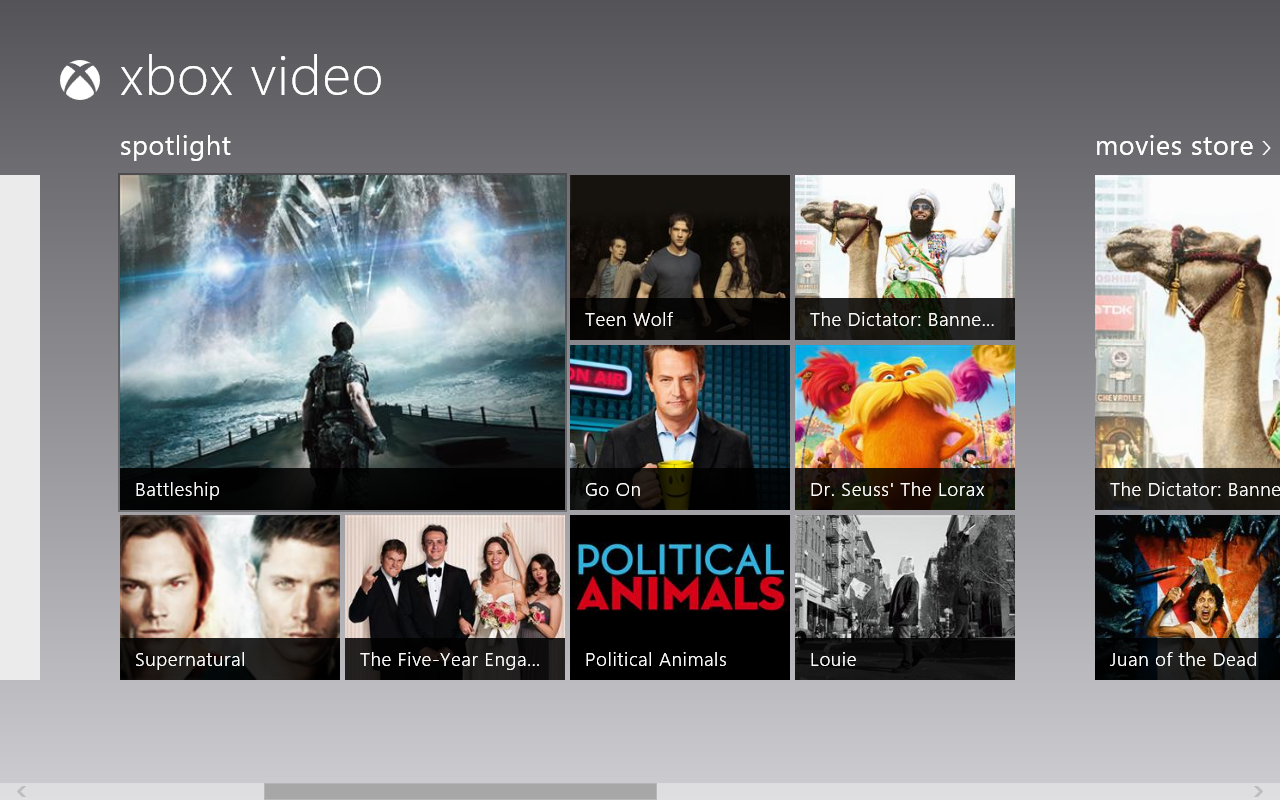
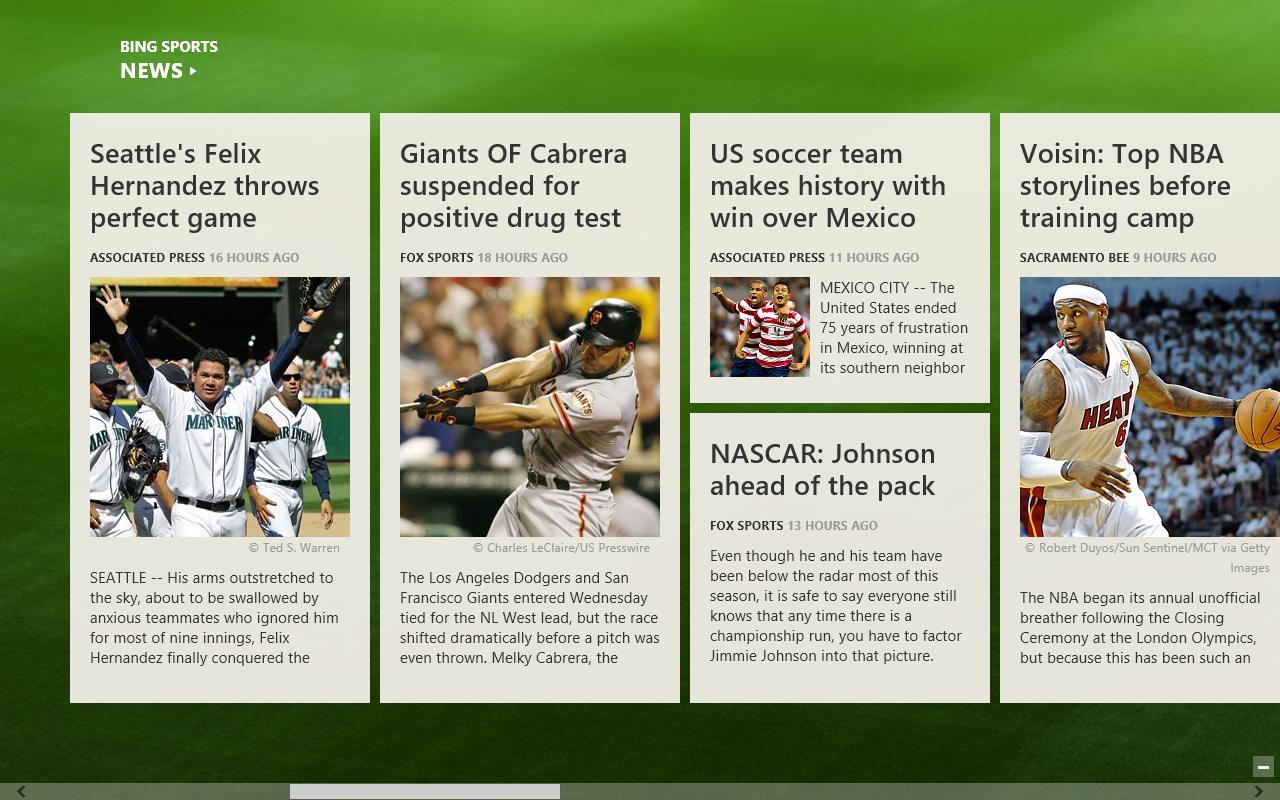
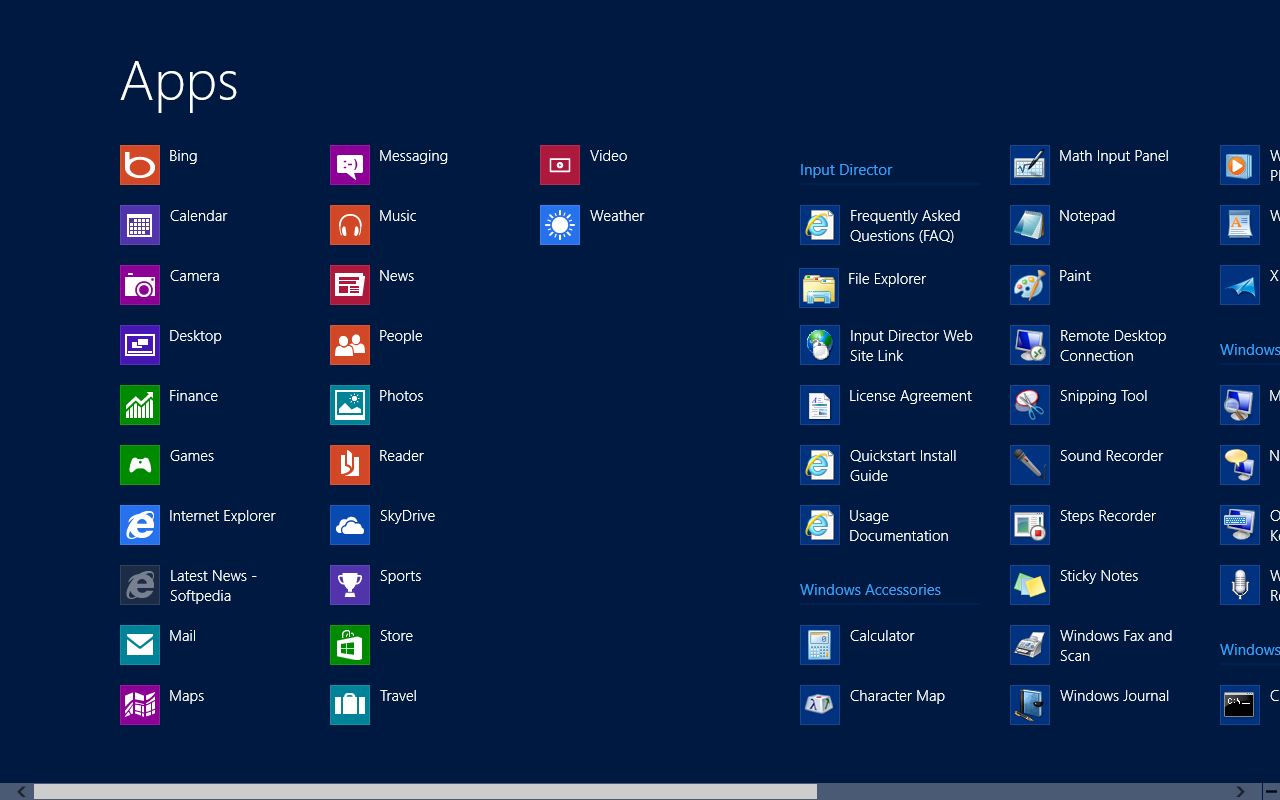
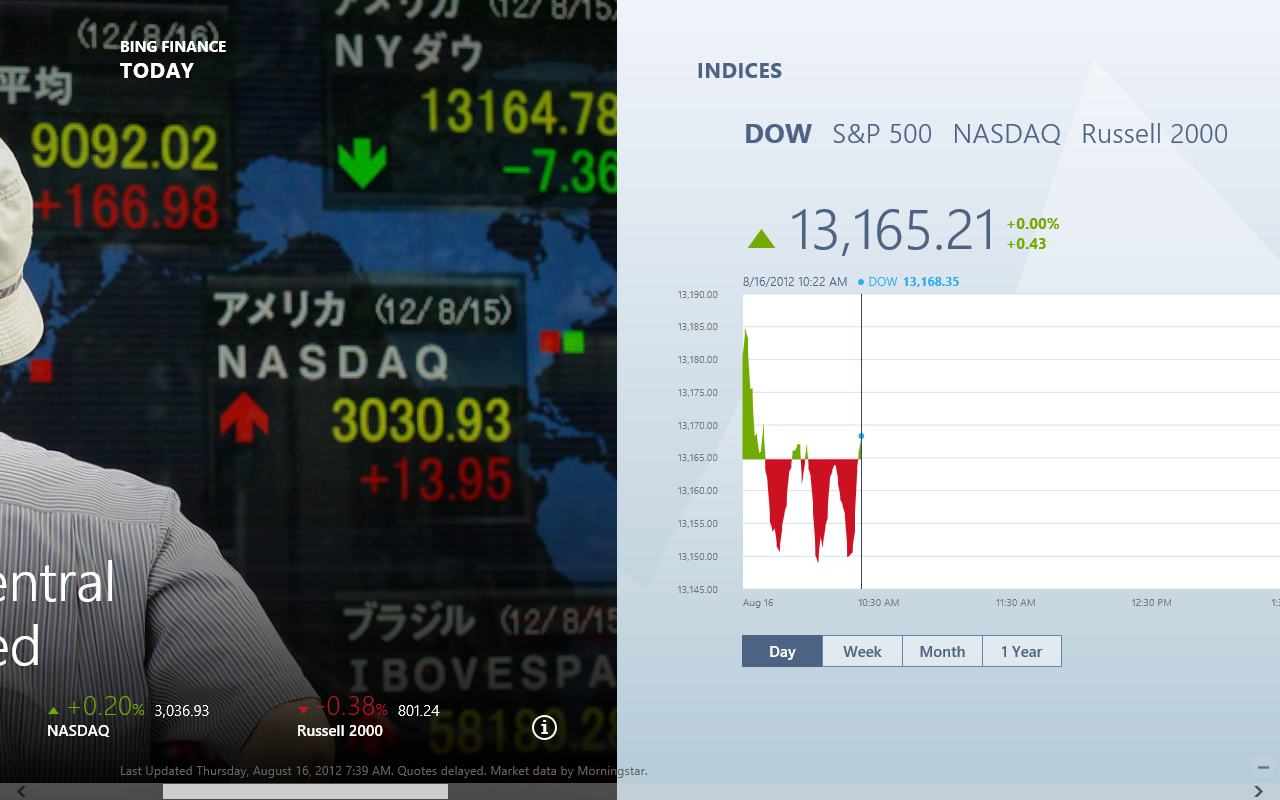
Windows 8 Enterprise evaluation version comes with all the usual pre-release Microsoft applications pre-installed, including People, Mail, Messaging, Calendar, Weather, Maps, Music, Video, Sports, Travel, SkyDrive, and Games, as well as with a brand new Bing app, which appears to be moving pretty fast.
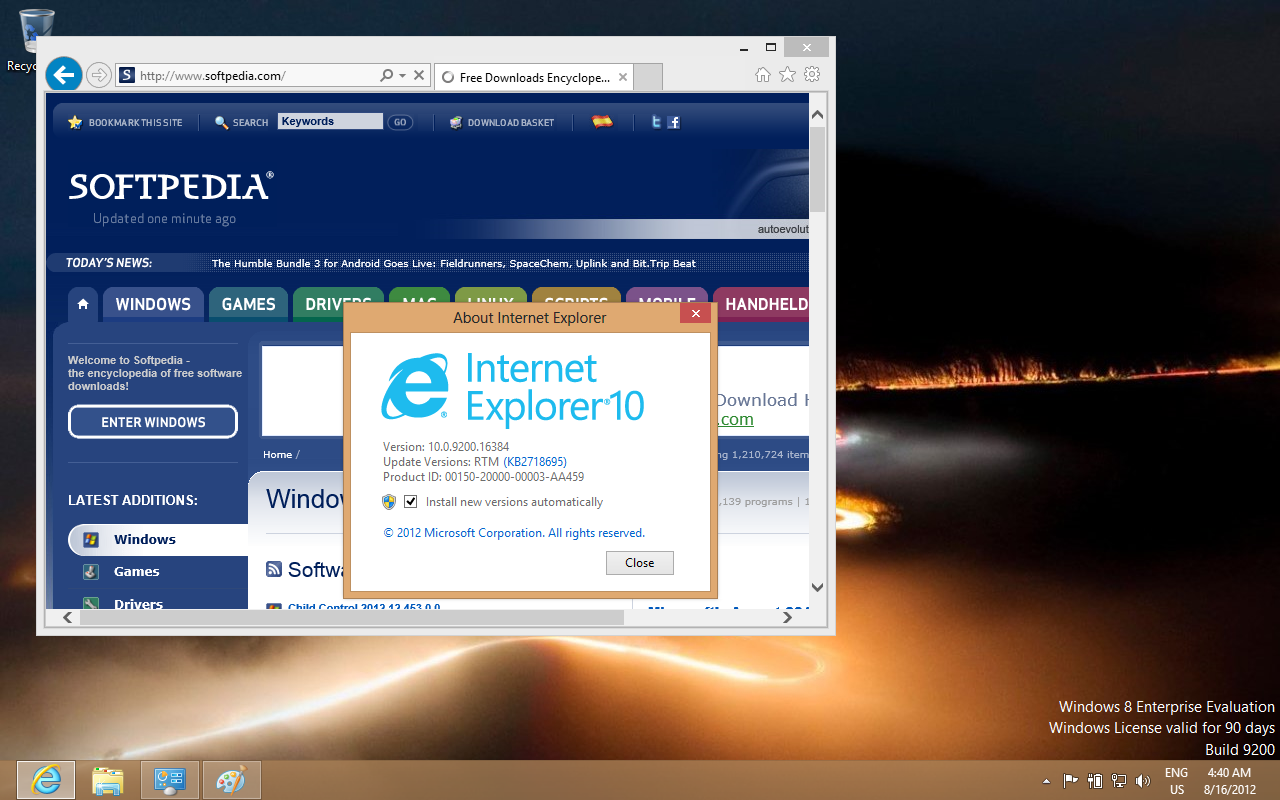
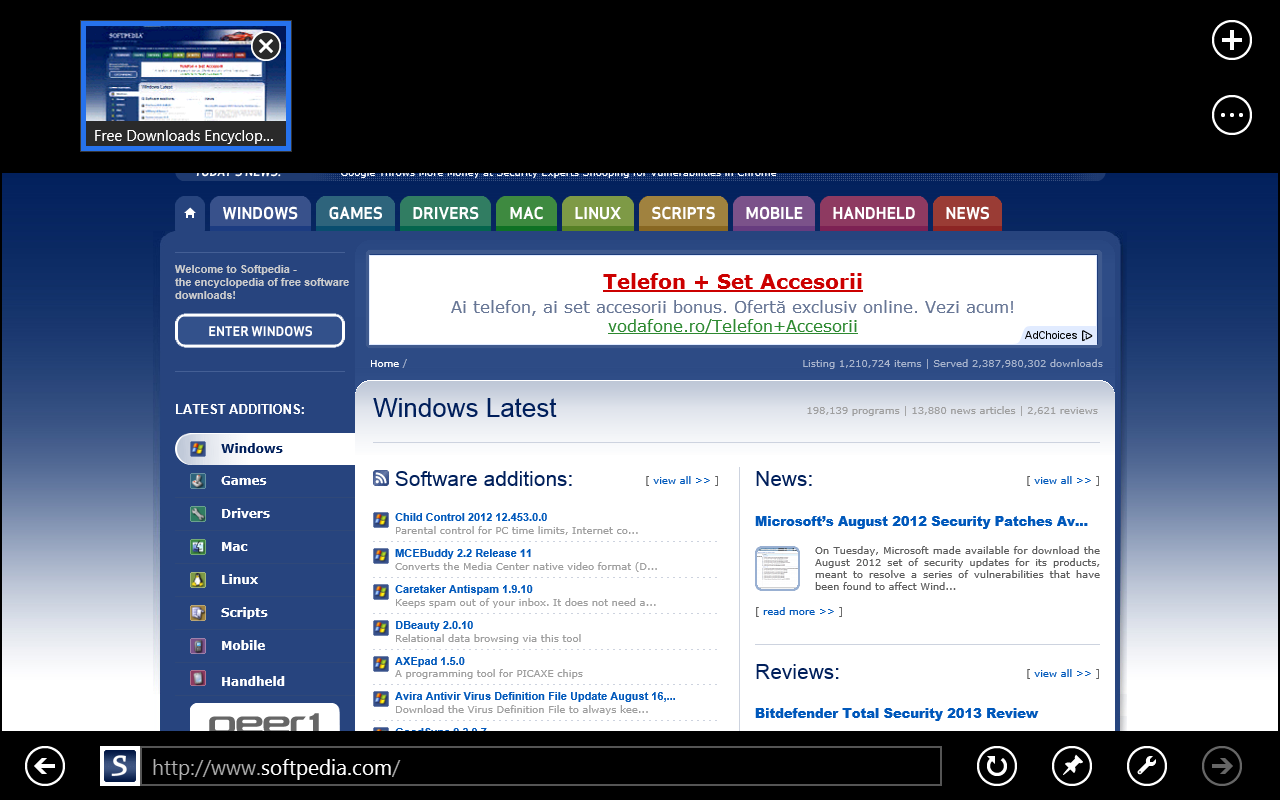
Of course, the RTM version of Internet Explorer 10 is available in the Windows 8 Enterprise evaluation build as well, delivering faster performance than before, at a first look.
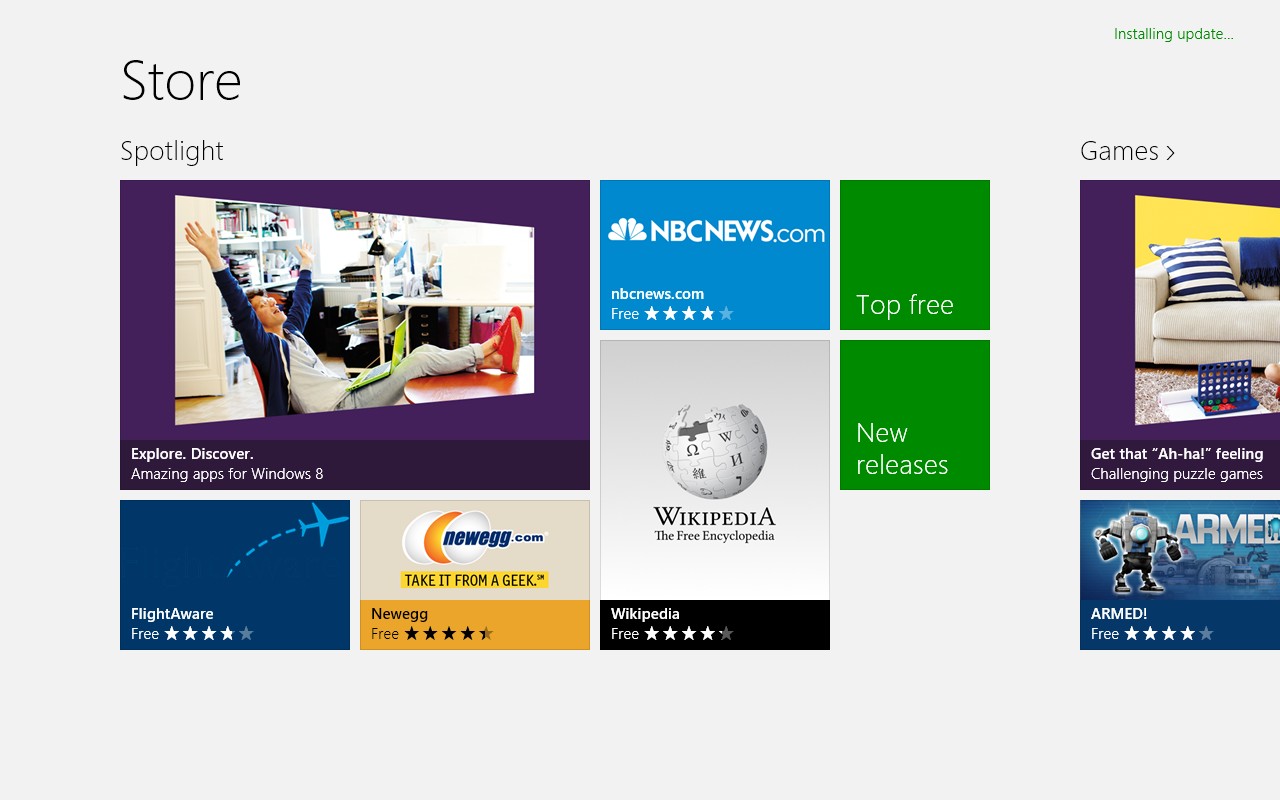
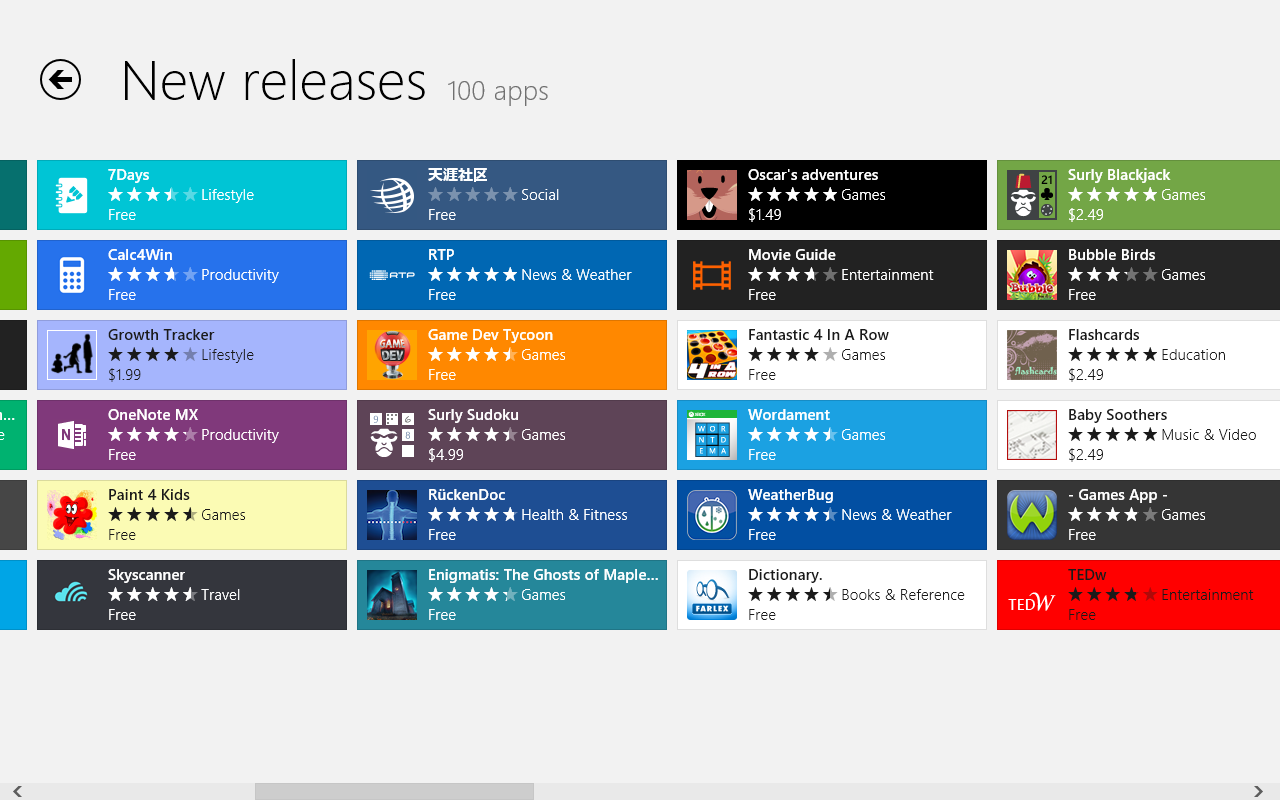
A link to the Windows Store is also available on the Start Screen, providing users with access not only to free applications, as in the Consumer Preview and Release Preview, but also listing paid apps.
Windows 8 users will be able to purchase applications built specifically for the platform as soon as the platform is made generally available, Microsoft announced. Desktop apps will also be listed here, offering links to developer websites, and not direct download links.
Overall, the platform appears to be moving faster than the pre-release flavors we had the chance to play with. In fact, the installation experience appeared to be faster as well, the same as the account setup process.
We’ll have a better look at the operating system in the coming days, and we’ll keep you posted on what the aforementioned customization capabilities are all about, as well as on the features and enhancements in said applications.
In the meantime, you can get a glimpse of the looks and apps included in the new Windows 8 platform release via the screenshot gallery attached to this post.
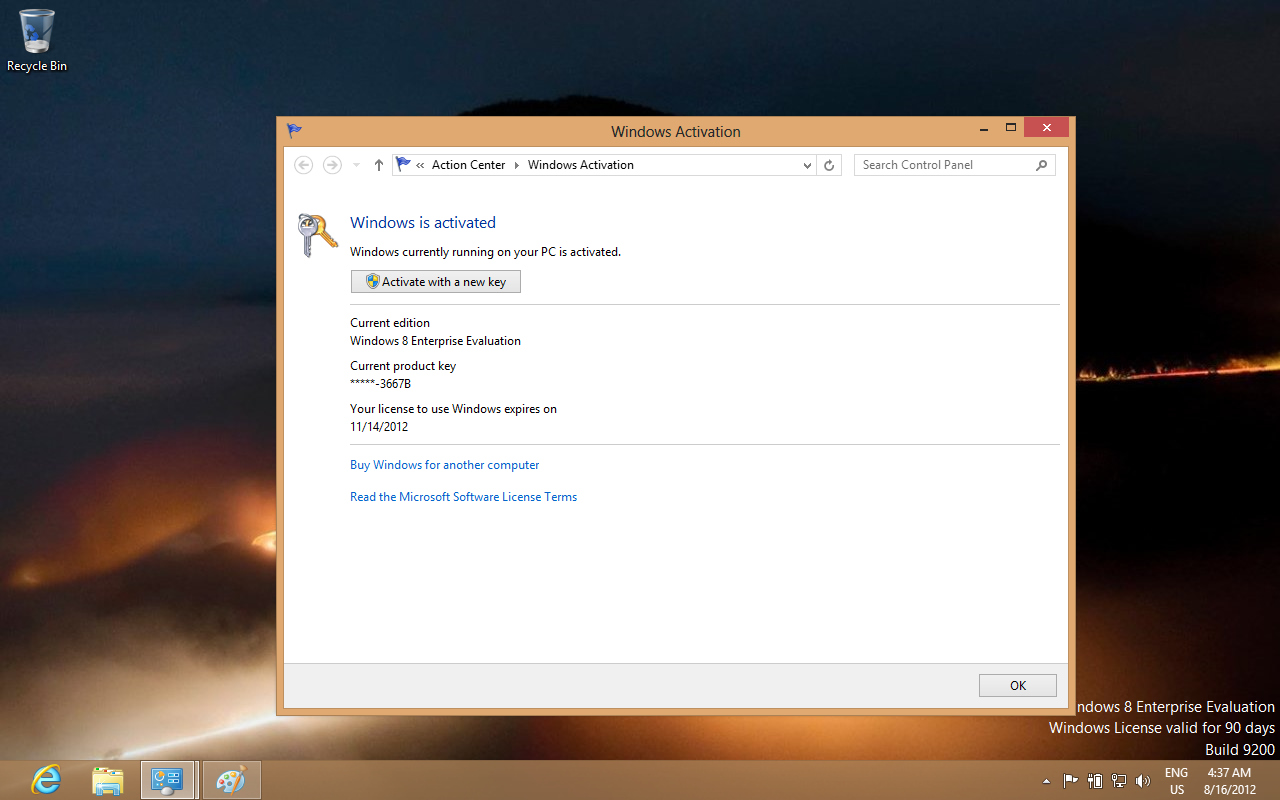
The Windows 8 Enterprise that has been made available for MSDN and TechNet subscribers comes as an evaluation version, and can be used for free for 90 days.
After installation, users will have to activate the platform, and they have 10 days at their disposal to do so. Both 32-bit and 64-bit versions of the OS have been released, available for download in the form of ISO images.
Those of you interested in trying the final flavor of the operating system out will find the download links for the x86 and x64 flavors of the Windows 8 Enterprise 90-day evaluation on Softpedia as well, on this page.