 14 DAY TRIAL //
 With the latest release of PerfectDisk Raxco raised the bar for all competitors leaving them behind when it comes to quality of the job and further maintenance of the data on the disk. With each new edition PerfectDisk is on a spree of raking up applause from both home users and corporate environment alike.
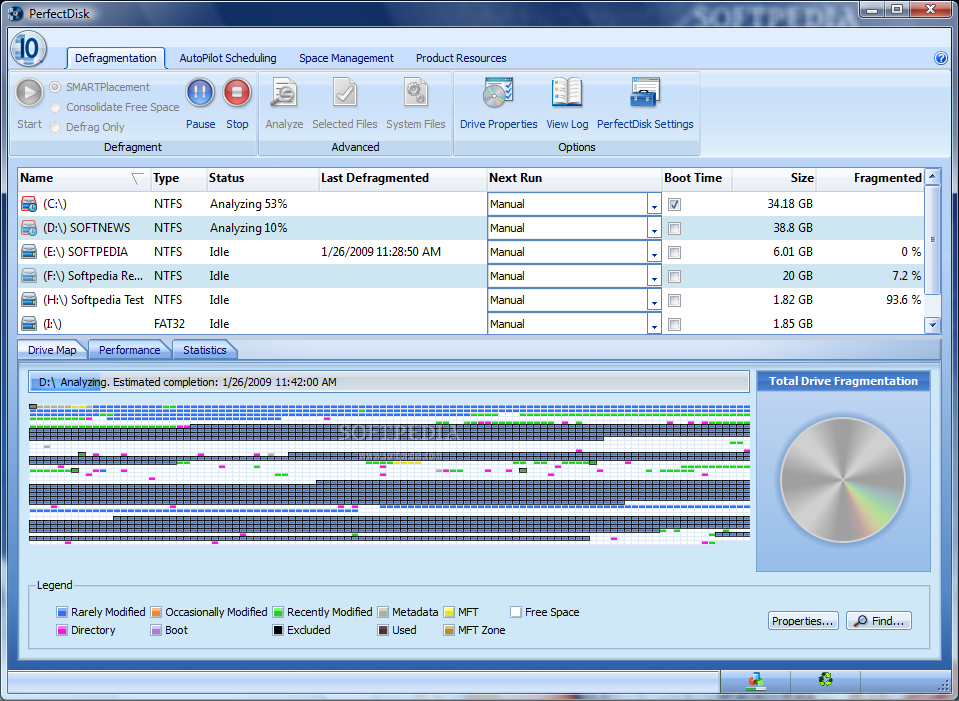
Available for $39.99 or 30 days of free evaluation, the professional version of the application offers the utmost flexibility in options, intuitive GUI and, of course, a set of defragmentation alternatives meant to organize all data on disk and optimize drive performance.
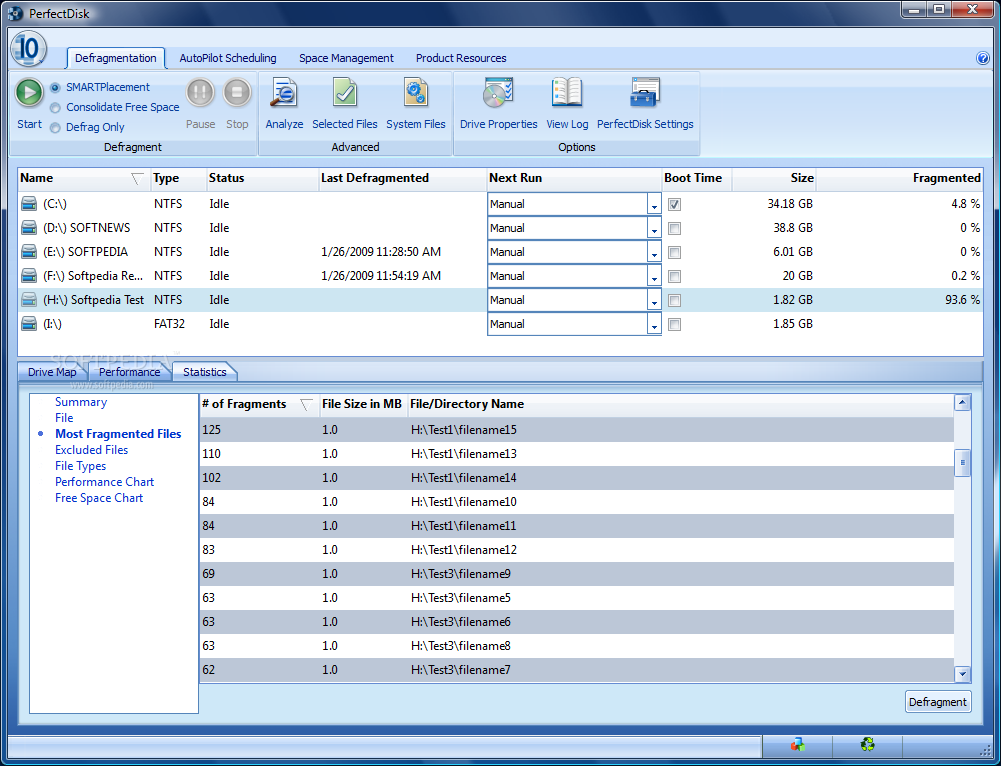
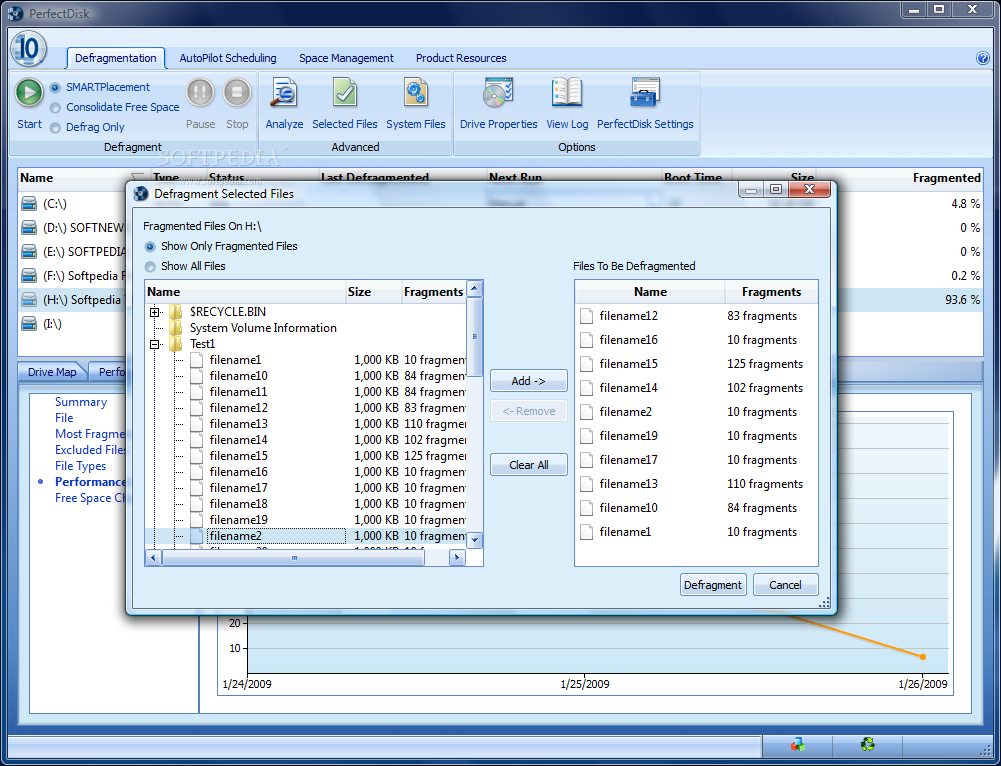
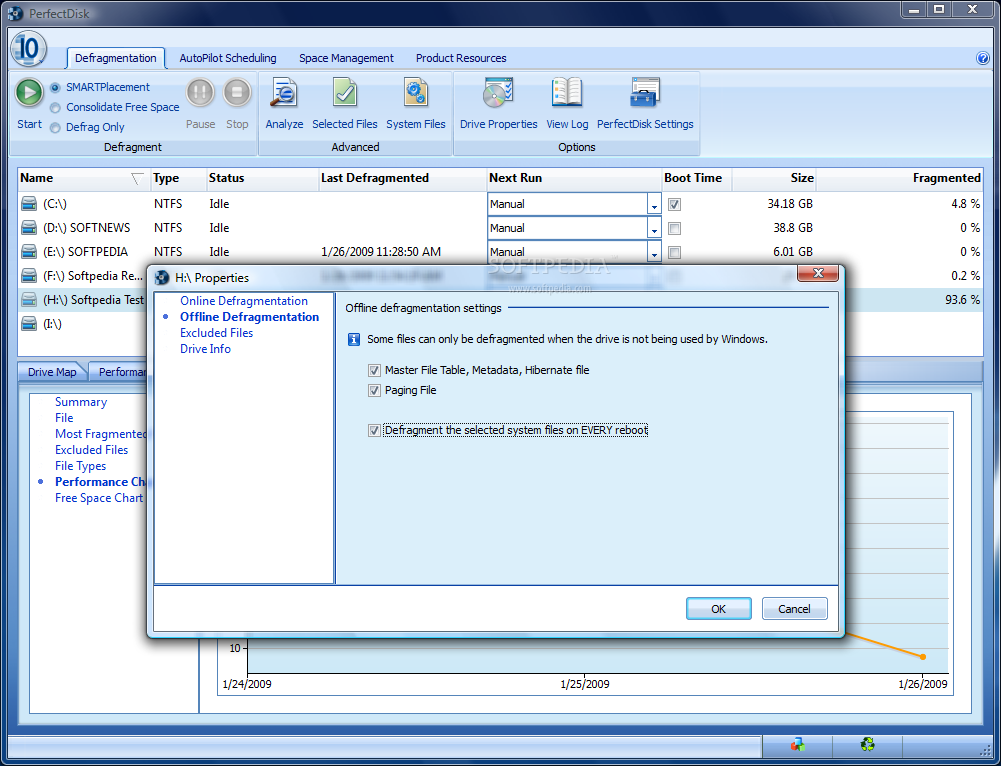
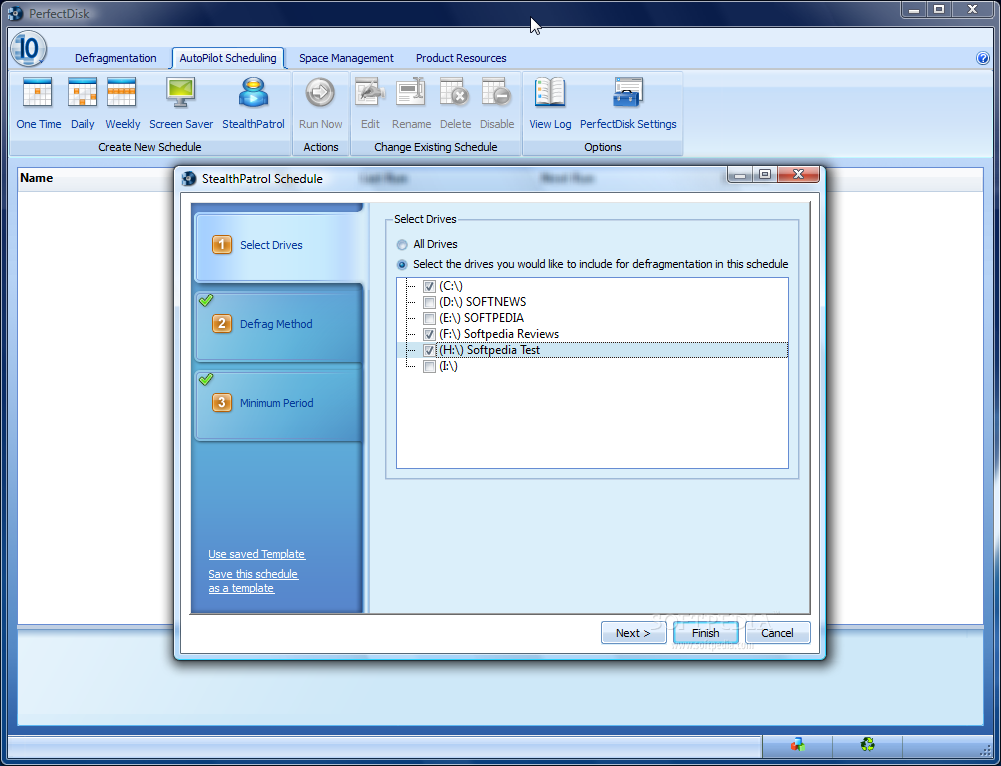
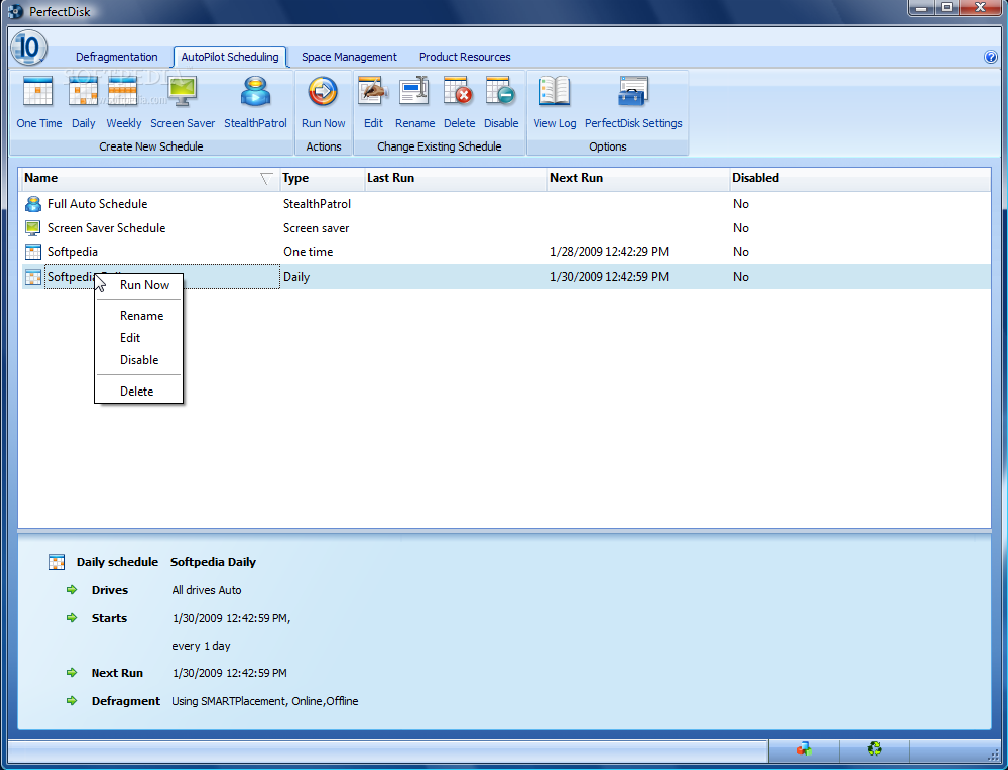
The user benefits from a complete set of statistics and performance status, fast defrag jobs, quick assessment of the drive, individual file defragmentation, scheduling options and operation logs. But the backbone of the entire application is located under the Defragmentation menu, which shelters simple defrag, free space consolidation and SMARTPlacement (optimizes file placement and performs one-pass free space consolidation). Needless to say that offline defragmentation is available for system files.
PerfectDisk's advantage is visible even if the drive processed is lean on free space and although the application will have a tough time dealing with this and may not complete the defrag process it will improve performance big time.
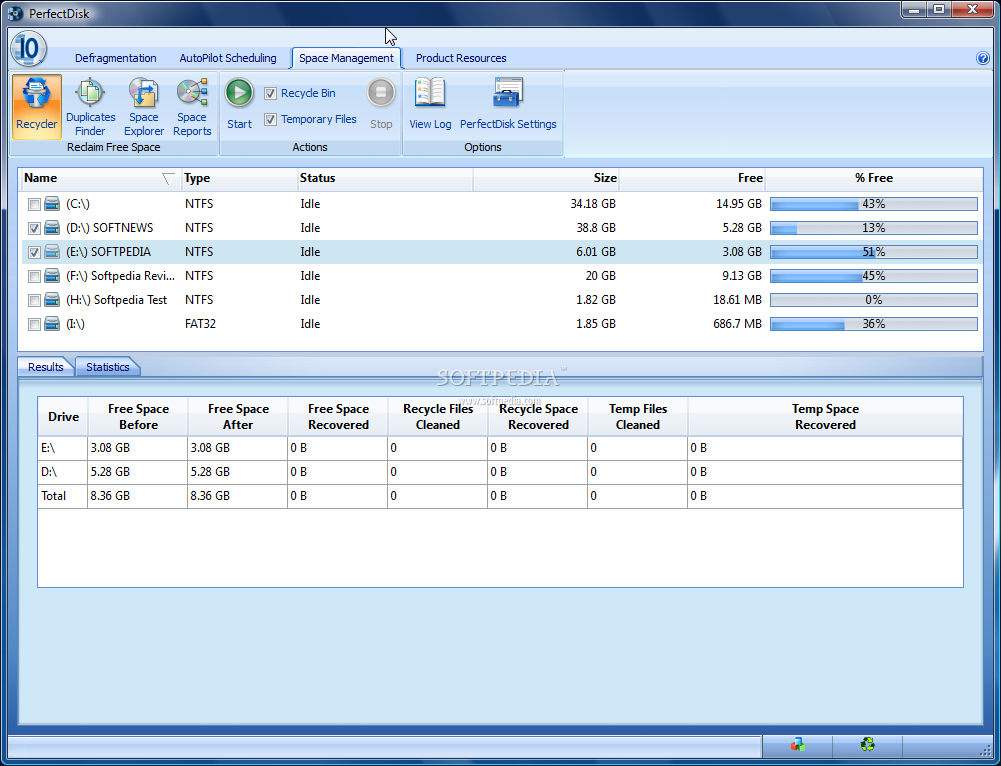
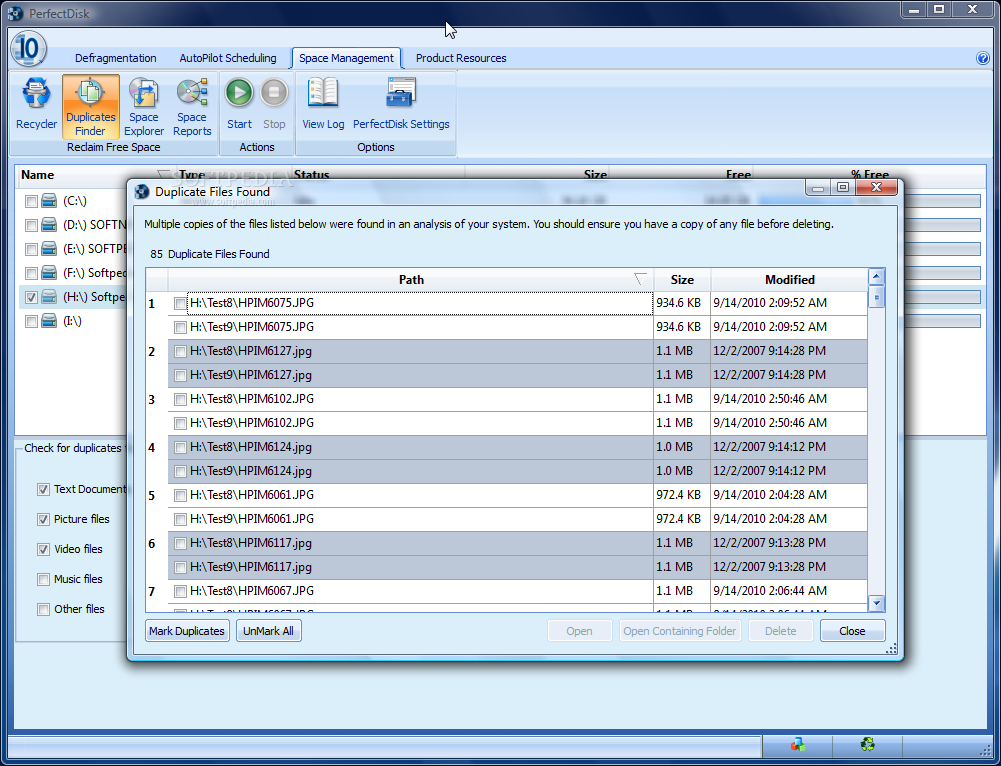
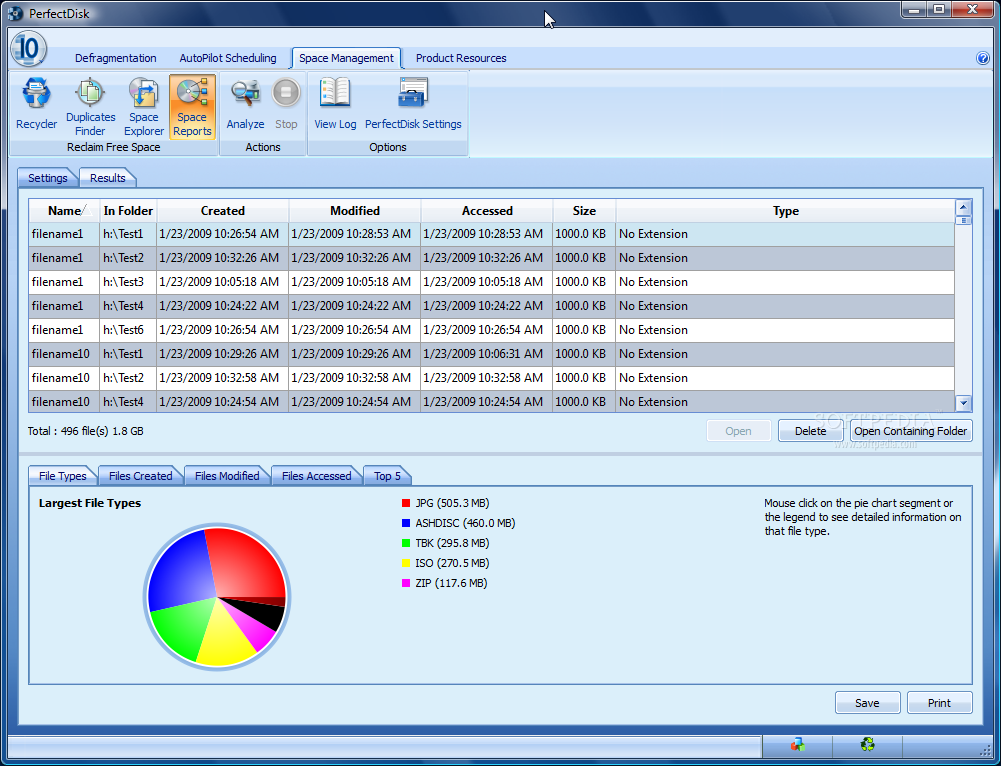
But defragging and scheduling these tasks is not all PerfectDisk can do and the duplicate finding, freeing up space and running defragmentation on a remote computer in network mode are solid proof features. And for continuous drive monitoring and optimization without impacting on your work, StealthPatrol can be used as it initiates defrag passes whenever the PC has been idle for a user-defined period of time.
Final words
All software presented has at least one freeware correspondent that fulfills the basic functions but the paid products perform better, do their job more responsibly and address more complex tasks some free equivalents cannot deal with.
Product prices range according to market fluctuation and are at the discretion of the developer but at this time, buying them, excluding those that activate in the same field, would require a budget between $258 and $283.
Previous |
Acronis True Image Home, Norton Ghost, Total Commander, EF Commander, WinRAR, The Bat!, Kaspersky Anti-Virus