 14 DAY TRIAL //
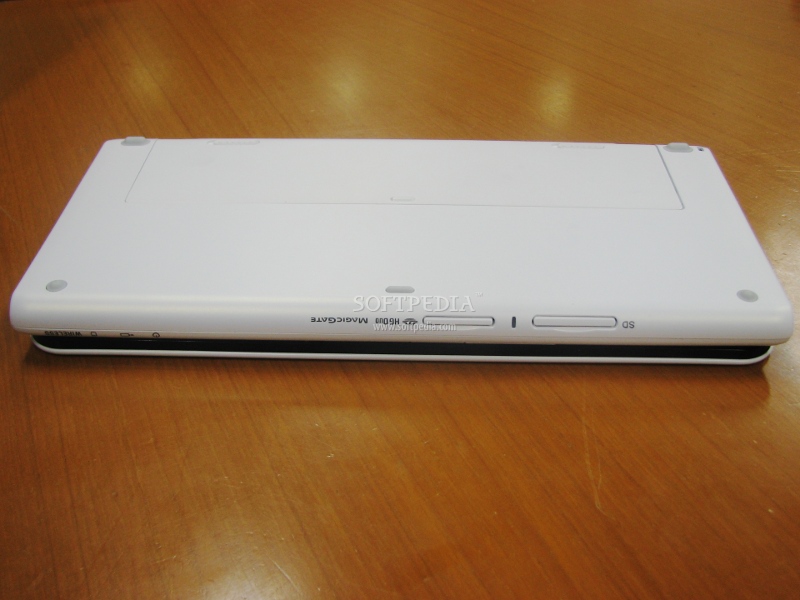
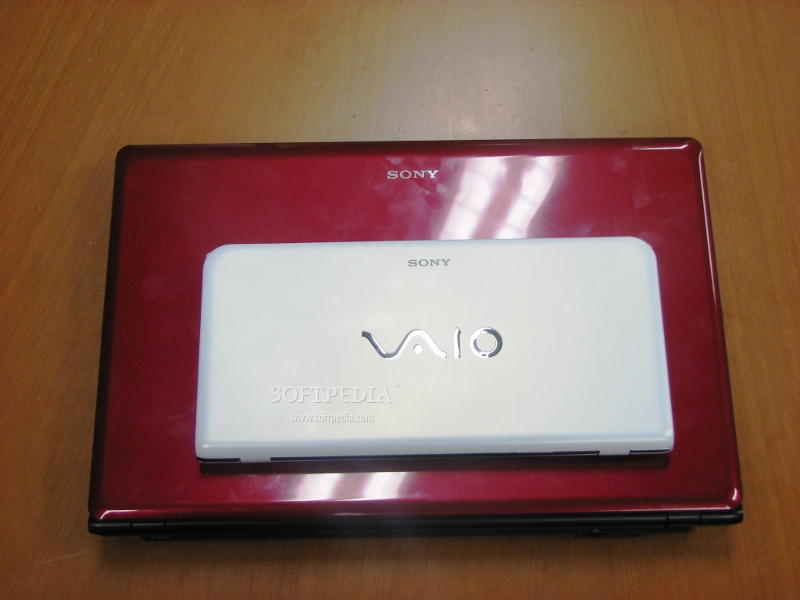
 One of the main reasons behind Sony's invitation to its facilities in Japan was for us to be among the first to set our eyes on the new VAIO P ultraportable computer system. With that, we had the opportunity to talk with the engineers behind the project and even experience the new features first-hand. After our experience with Sony's new VAIO P, we can now provide a few more details that are not available in the official press release.
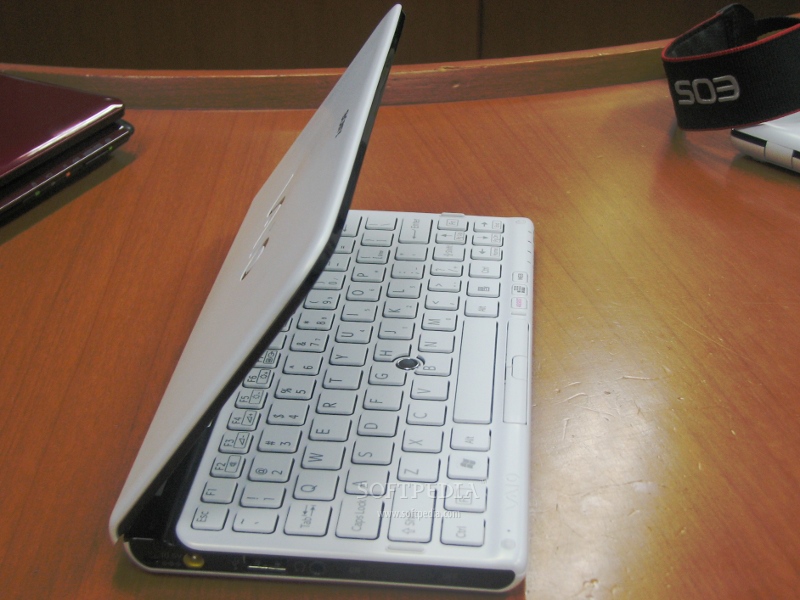
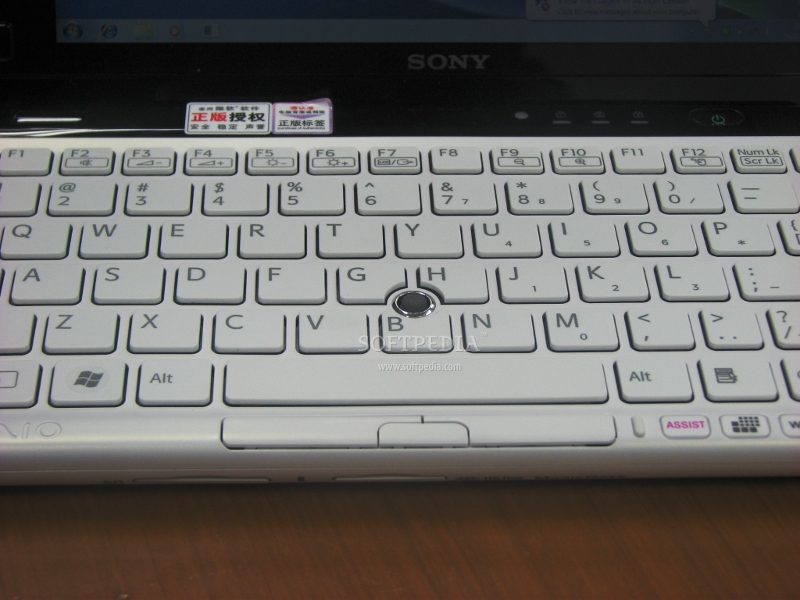
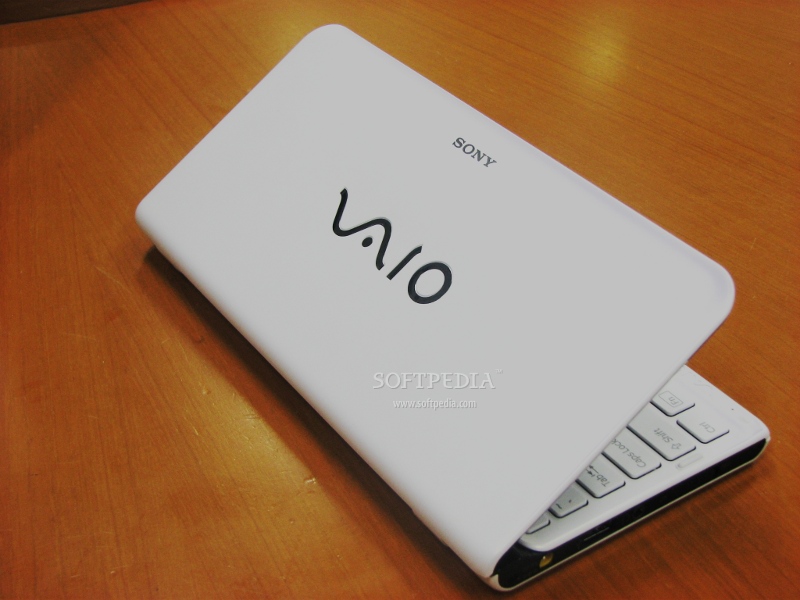
The new matte finish of the VAIO P makes the ultraportable feel a bit nicer, when compared to the previous version. From a design viewpoint, the all-around color design looks better, while the keyboard feels a bit more finger-friendly. All around, this fresh-new VAIO P looks like something that could easily be considered a competitor for smartbooks, but that's rather hard, considering that the smartbook market has not yet taken off.
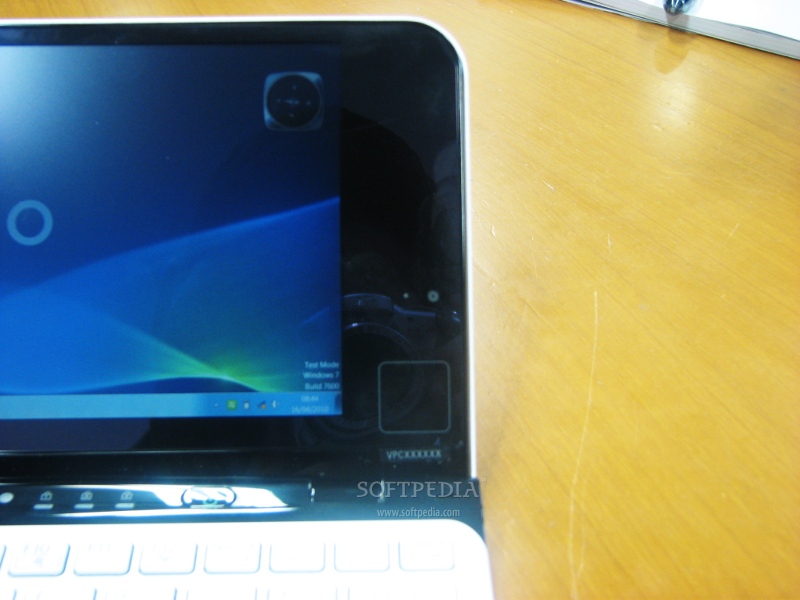
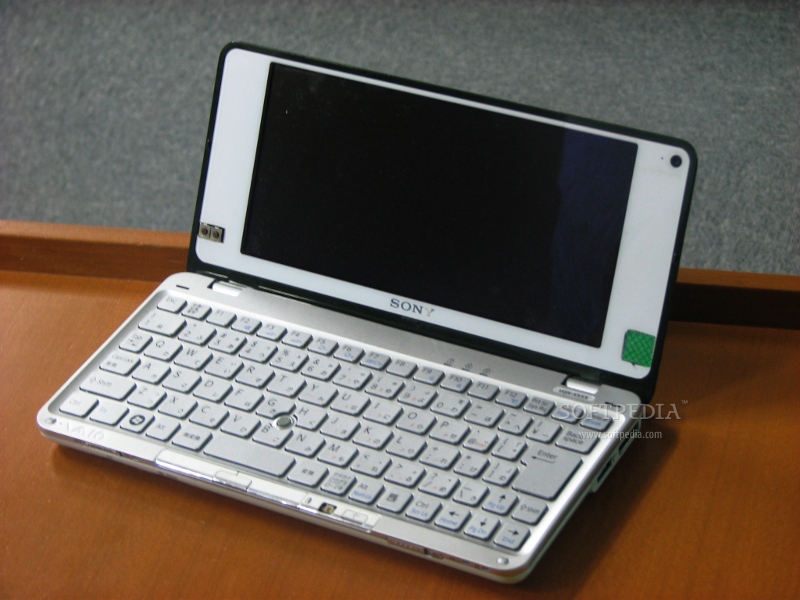
Talking about the key features of the new design, you will immediately notice the updated screen and lid of the VAIO P. As you might have already read, the new laptop offers a built-in optical trackpad and two (left and right) mouse buttons, strategically placed on the black bezel. This enables an interaction with the P-series that pretty-much similar to the Sony PSP gaming console. The touchpad feels really nice and responsive and goes hand-in-hand with the laptop's digital compass.
Although you could easily use the on-board touchpad and the two mouse buttons on the screen bezel, there's another new functionality that makes the VAIO P more web-browsing friendly. In case you've missed it, the P-series now features an on-board accelerometer, which allows the laptop's screen to be used in both portrait and landscape mode. By just flipping the laptop into the desired orientation, you'll be able to enjoy its 8-inch screen as a normal laptop, or a reading device, such as an e-book reader. In addition, the accelerometer in combination with the Windows Internet Explorer lets user flip backwards and forwards, trough browsed web pages. It is a bit unfortunate that this feature is only limited to Windows Explorer, but we hope an update will make it functional on all browsers. On a side note, the function also works with Adobe Reader, but there's still room for improvement with additional support.
Sticking to the features available with the new display, Sony learned its lesson from the development of the previous generation and has now enabled a new quick-access feature on the laptop. With a simple press of a button, available on the bottom side of the keyboard, users will be able to change the screen's resolution from 1600 x 768 to 1280 x 600, which yet again is more Web-friendly.
The display will still suffer from the glossy screen that Sony chose for its new VAIO P, but there's a new function that tries to minimize that effect. That's the built-in light sensor, which senses the light intensity and dims or brightens the display accordingly.
Of course, there's the VAIO Assist and Web buttons, which are designed to enable to deal with the troubleshooting and enable the end-user to browse the Web in a matter of seconds.
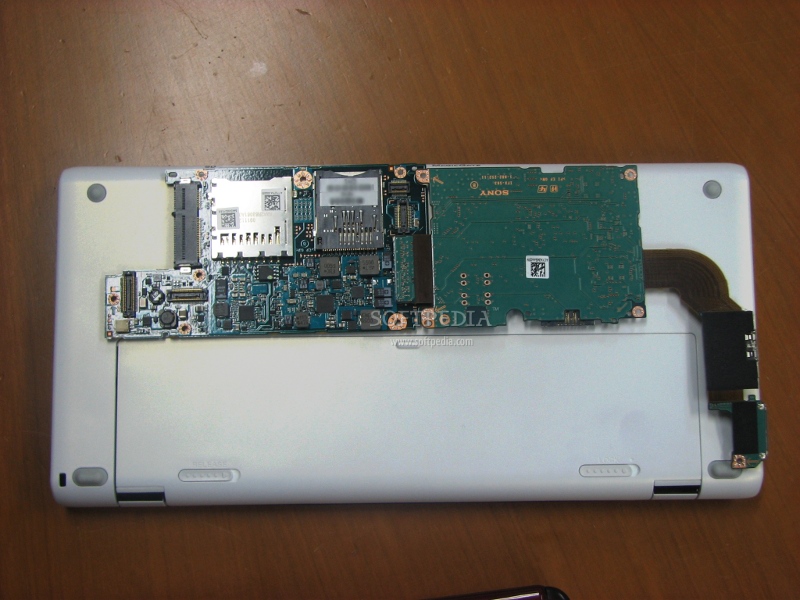
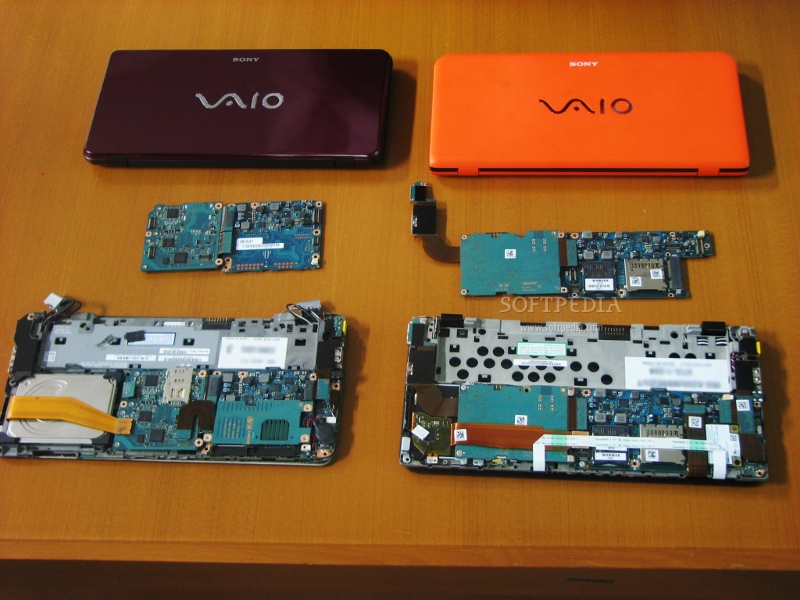
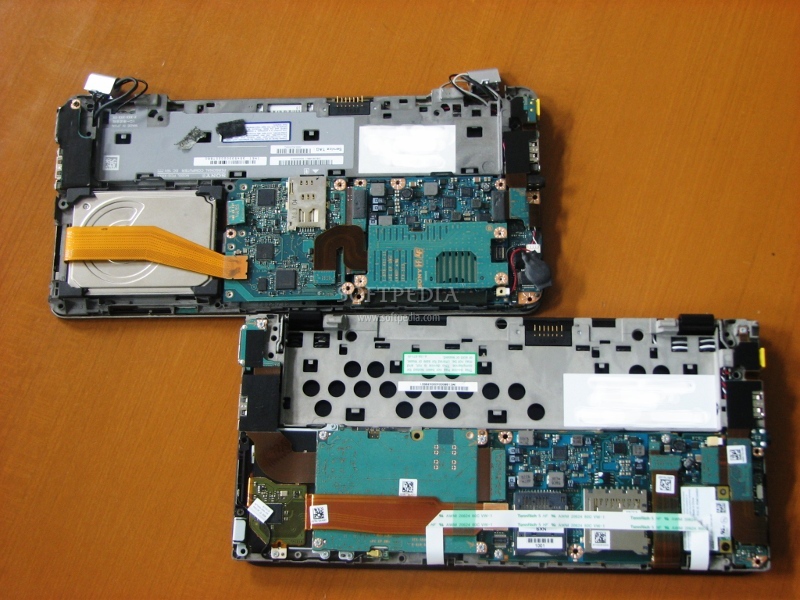
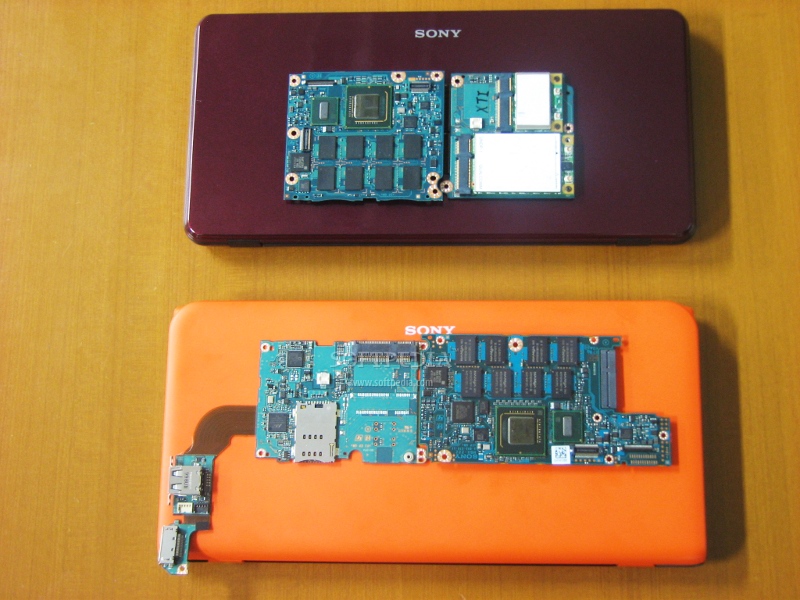
Inside the laptop, we see a more simplified design, which has been enabled by the adoption of SSD and the new Intel low-power chipset. That design feature has also led to an increased battery life, something that most users will undoubtedly appreciate.
Overall, this version of the VAIO P looks a bit more appealing than the first one. We can definitely say that, if this was the first to market, it would have certainly won our hearts and money. Whether this is a must-buy or not, is still a matter of opinion. We will try to update you with a review of the new laptop soon enough, until then, enjoy the picture gallery below.